
 简体中文
简体中文 English
Website review
This review may include AI-generated content and is not individually verified. Domain, certificate and other facts come from the observed data on this page.
What is Uncensored AI Studio?
Uncensored AI Studio is a free, open-source AI toolkit from Locally Uncensored that covers chat, image generation, video and a coding agent. Its distinguishing idea is deployment choice: you can run it on your own PC, or use the same catalog online if you don't have a GPU. Chats run locally stay on your machine.
What you actually get
- Chat across a large model catalog — the page cites 47 chat models, all included in every plan and pack, with no moderation layer added to text by the product itself.
- Image and video generation alongside chat, plus a coding agent — positioned as a studio rather than a single chat window.
- Two ways to run it: install locally (open source, GitHub) or use the hosted version in a browser without owning a GPU.
- Release notes that state what changed in each version, which matters if you depend on a specific model or workflow.
Who it suits
| Your situation | Reasonable fit |
|---|---|
| You want unrestricted text generation and control over the model | Strong — the local install and no added moderation layer are the point |
| You have no GPU but want the same models | The online option exists for exactly this |
| You need a single chat app | Probably overkill — this bundles image, video and coding tools too |
| You need guaranteed uptime or vendor support | Weigh carefully; self-hosted means you maintain it |
A practical next step
Decide first whether your priority is privacy or convenience. If chats must never leave your machine, plan for a local install and check your hardware against the models you want. If you'd rather not manage that, start with the browser version and confirm the model list matches what you need. Either way, look at the pricing page before committing, since the page references plans and credit packs for the online route.
For a broader set of open-weight models to compare against, Hugging Face hosts many of the same families.
How does the local version differ from the online version in terms of privacy and hardware requirements?
The core split is simple: the local version keeps your chats on your own machine and asks you to supply the hardware, while the online version runs the same catalog on someone else's servers so you don't need a GPU at all.
Privacy
On the local version, the site states that local chats stay on your PC. That is the meaningful difference: your prompts, uploaded images and generated output don't leave the machine, so there's no third-party server holding the conversation. The trade-off is that you're responsible for the disk, backups and any sharing you do yourself.
On the online version, prompts and files are processed on remote infrastructure. The site says it adds no moderation layer of its own to text, but "no moderation layer" is not the same as "no data leaves your device" — routing through a hosted service inherently means the request travels off your machine. If your concern is confidentiality of the content itself (client material, personal writing, unreleased work), that distinction matters more than the moderation question.
Hardware
| Local | Online | |
|---|---|---|
| GPU | You provide it; the site frames buying a GPU as a choice you can skip | Not required |
| Setup | Runs on your own PC; the site claims under five minutes | Browser only |
| Model access | Whatever your hardware can run | The full catalog, including all 47 chat models, included in every plan and pack |
| Ongoing cost | Your electricity and hardware | Paid plans or credit packs |
The practical consequence: local gives you the strongest privacy but caps you at what your GPU can handle, and large video or image models are the first thing to suffer on modest hardware. Online removes that ceiling and gives you access to every model in the catalog, at the cost of sending your data off-device and paying for usage.
How to choose
Ask one question first: does the content need to stay on your machine? If yes, go local and check your GPU against the models you actually want to run — especially for video. If no, and your hardware is weak or you want the full catalog, the online route is the lower-friction option. A middle path many people take is local for sensitive text work and online for heavy image or video generation.
For specifics on what each route includes, see Uncensored AI Studio and its pricing page.
What can I generate with the studio beyond text chat, such as images, video, or code?
The studio is positioned as a full creative suite rather than a chat window. Beyond text chat, the page names three additional output types: images, video, and a coding agent. So the practical answer is that you can hold text conversations, generate images, generate video, and delegate coding tasks to an agent — all within the same environment.
What that looks like in practice
- Chat — text conversation across a large catalog of models, with the page stating that every chat model is included in every plan and pack and that no moderation layer is added to text on their side.
- Images — still-image generation, useful for concept art, mockups, illustrations, or assets you would otherwise commission.
- Video — moving-image generation, suited to short clips, animatics, or motion tests rather than long-form editing.
- Coding agent — an agent that works on code, which fits tasks like scaffolding a small app, refactoring a script, or generating boilerplate you would rather not write by hand.
The bigger decision: local or online
The page frames the same catalog as running either on your own PC or online. That choice matters more than the feature list:
| On your own PC | Online | |
|---|---|---|
| Hardware | Needs a capable GPU | No GPU required |
| Privacy | Local chats stay on your PC | Runs on someone else's infrastructure |
| Setup | Install and configure locally | Browser-based |
| Cost pattern | Your hardware and power | Plans and packs |
If your work involves sensitive material, the local option is the reason to pick this over a hosted service. If you lack a GPU or want to start immediately, the online route removes that barrier.
A concrete scenario
Say you are prototyping a short animated explainer. You could draft the script in chat, generate a few style frames as images, turn the best ones into short video clips, and then hand the coding agent the job of building a simple page to host them. One tool, four output types, no switching between subscriptions.
Next step
Decide which constraint binds you first — privacy or hardware. If it is privacy, plan for the local install and check the minimum GPU requirement before committing. If it is hardware, start online and treat local as a later upgrade. Then check the pricing page for what plans and packs actually include, since the page claims all chat models are bundled regardless of tier. For a broader comparison of open-weight options, Ollama and Hugging Face are useful reference points.
How much do the plans and credit packs cost, and what is included in each?
The page itself does not publish plan or credit-pack prices. Its pricing links point to a separate plans-and-packs page on LU Labs, so exact figures have to be checked there rather than on the studio page. What the page does state about inclusions is unusually simple: 47 chat models are available online and "every one of them" is included in every plan and every pack, with no moderation layer of the studio's own added to text.
What is included, based on the page
- All 47 chat models, in every tier — no model is locked behind a higher plan.
- Chat, image, video and a coding agent as one studio rather than a chat-only app.
- Two delivery routes: run it on your own PC, or use the online version if you would rather not buy a GPU.
- Local chats stay on your PC, and the project is free and open source on GitHub.
- Release notes accompany each version, so you can see what changed before updating.
How to choose between a plan and a pack
The page does not explain the difference in billing terms, so treat this as a decision criterion rather than a product claim: a subscription suits steady, regular use where you want the whole catalog always available; a credit pack suits occasional or bursty use where you would rather pay once for a block of usage. Because model access is identical across tiers, the real question is how much usage you need, not which models you get.
A practical next step
If you already have a capable GPU, install the open-source version first — it costs nothing and keeps chats on your machine. If you do not, or you want to test the catalog before committing hardware, use the online studio, then compare the plans-and-packs page on LU Labs against your expected monthly usage.
Can I run the studio on my own PC without a GPU, and what are the minimum system requirements?
You can run Uncensored AI Studio on a PC without a discrete GPU, but the experience changes depending on how you do it. The site's own framing is "on your PC or online," and it explicitly offers an online path for people who "prefer not to buy a GPU." That online route runs the same model catalog in the browser, so your hardware matters far less.
Two ways to run it without a GPU
- Online, in the browser. No GPU purchase, no local model downloads, no VRAM ceiling. The page states the same catalog of models runs online, including 47 chat models that are included in every plan and pack. This is the practical choice for laptops, office desktops, or any machine with modest integrated graphics.
- Locally on CPU only. Open-source local inference can run on CPU, but it is slow and memory-hungry compared with GPU acceleration. The site does not publish a CPU-only minimum spec, so treat any local CPU setup as experimental rather than the intended experience.
What the site does and does not specify
The page evidence gives a clear split:
| Requirement area | What is stated |
|---|---|
| GPU | Not required if you use the online option |
| Chat models | 47 chat models, all included in every plan and pack |
| Moderation | No moderation layer added to text by the studio |
| Local privacy | Local chats stay on your PC |
| Setup time | "Running in under five minutes" |
| Exact minimum RAM, VRAM, CPU, disk | Not published in the available page information |
Because no numeric minimums are given, avoid planning around a specific RAM or VRAM figure you saw elsewhere. The honest answer is: the online mode has no meaningful local hardware floor beyond a working modern browser and a stable connection, while local mode's requirements depend on which model you load.
A concrete decision path
If your goal is to try the studio this week on a laptop with integrated graphics, start online. You get the full chat catalog, no download wait, and no GPU spend. Move to a local install only if keeping chats on your own machine is a hard requirement, and then check the project's GitHub release notes, since the site says every release documents what changed.
For a local install, plan around these practical factors rather than a published spec sheet:
- System RAM is the main constraint for CPU inference; larger models need substantially more than smaller ones.
- Disk space scales with how many models you keep downloaded.
- A discrete GPU with adequate VRAM is what turns local mode from usable into fast.
If you want to compare the online option against other browser-based AI studios, LU Labs is the related service referenced for plans and credit packs.
How do I install and set up the open-source studio, and how long does it take?
Installation depends on which path you take: running the studio on your own PC, or using the hosted online version. The page frames the local route as the main event — "Generate Anything. Locally. Uncensored." — and claims you can be "Running in under five minutes," which is a reasonable estimate for the online path and for a local install on a machine that already has a compatible GPU and drivers. A first-time local setup on a fresh machine usually takes longer, mostly spent downloading model files rather than running the installer.
Local install on your own PC
The project is distributed as free, open-source software, so the setup flow is the familiar one:
- Get the release from the project's GitHub repository (linked from the site).
- Install the runtime and dependencies for your operating system.
- Launch the studio and let it pull the models you want to use.
- Point it at a model catalog and start a chat, image, or video job.
The time cost is dominated by step 3. Model downloads are large, and the first launch of a given model often includes an initialization step. On a machine with a modern GPU and a fast connection, a single small chat model can be ready in a few minutes; a full image or video model set can take considerably longer. If you have no GPU, the local path either won't be practical or will fall back to slow CPU inference — which is exactly the case the site addresses with its online option.
Online, without a GPU
The page notes: "Prefer not to buy a GPU? The same catalog runs online." This is the fastest route — no install, no downloads, no hardware requirement. You open the browser, pick a model, and start. The page states that 47 chat models are available online and that all of them are included in every plan and every pack, with no added moderation layer on text. That makes the online path the better choice for trying the catalog before committing to a local setup, or for machines that can't run the larger models.
What you get once it's running
The site is explicit that this is "Not a chat app. The whole studio." In practice that means chat, image generation, video, and a coding agent under one interface, rather than four separate tools. The page also emphasizes that "Every release says what changed," which matters if you plan to keep a local install updated over time — you can read release notes before pulling a new version instead of discovering behavior changes mid-project.
Choosing between the two
| Local install | Online | |
|---|---|---|
| Setup time | Installer is quick; model downloads add minutes to hours | Effectively immediate |
| Hardware | Needs a capable GPU for good speed | None beyond a browser |
| Privacy | "Local chats stay on your PC" | Runs on remote infrastructure |
| Best for | Ongoing private work, large models, offline use | First look, weak hardware, occasional use |
If privacy of your conversations is the priority, the local path is the one that matches that goal, since the page states local chats stay on your machine. If speed of getting started is the priority, start online and install locally later once you know which models you actually use. Pricing and plan details are listed on the site's own pricing page, so check there for current terms rather than assuming a free tier covers heavy use.
 Fastly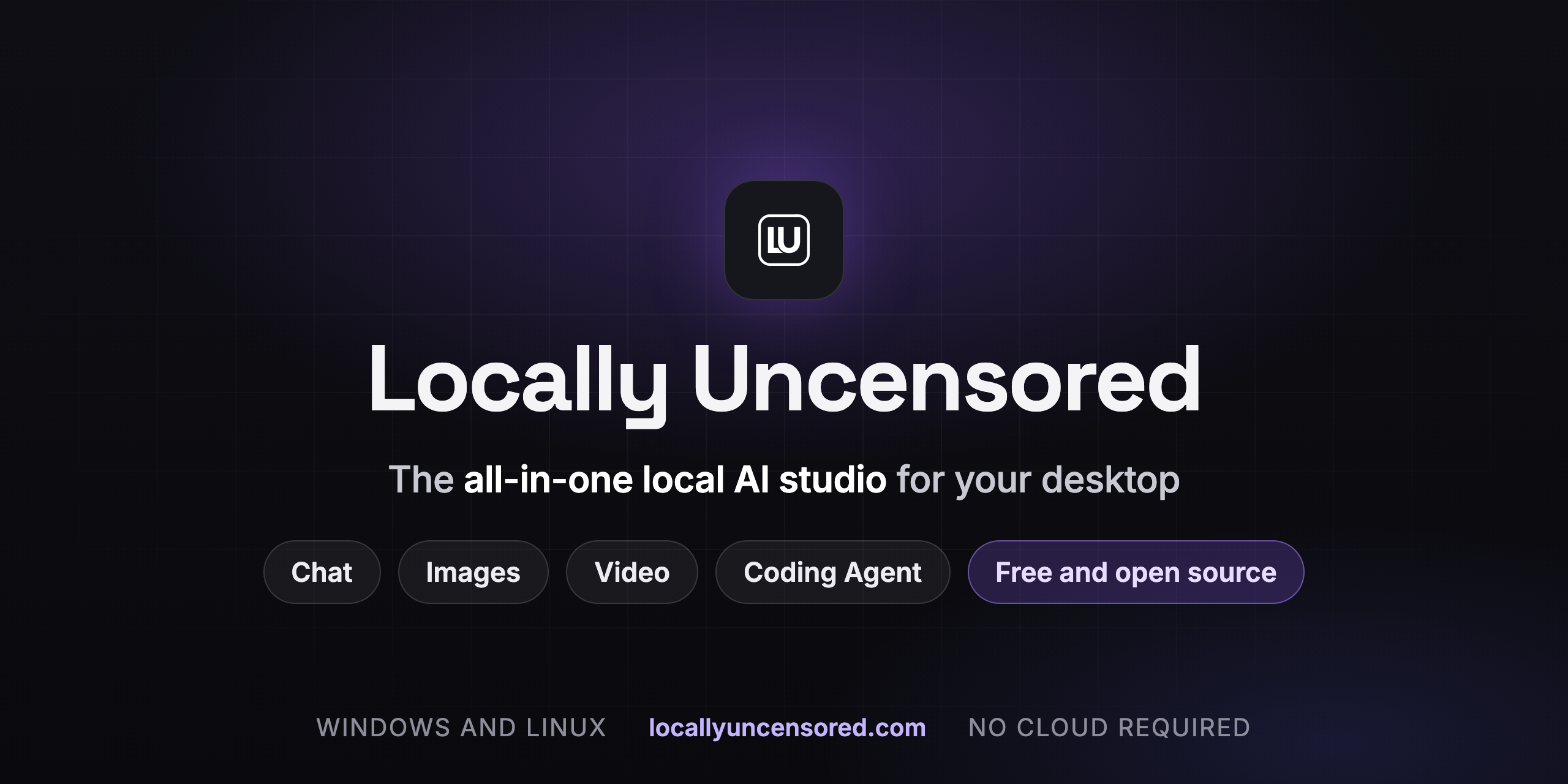

User reviews (0)