
 简体中文
 English

Website review
This review may include AI-generated content and is not individually verified. Domain, certificate and other facts come from the observed data on this page.
What is Open Source Alternatives To Proprietary Software?
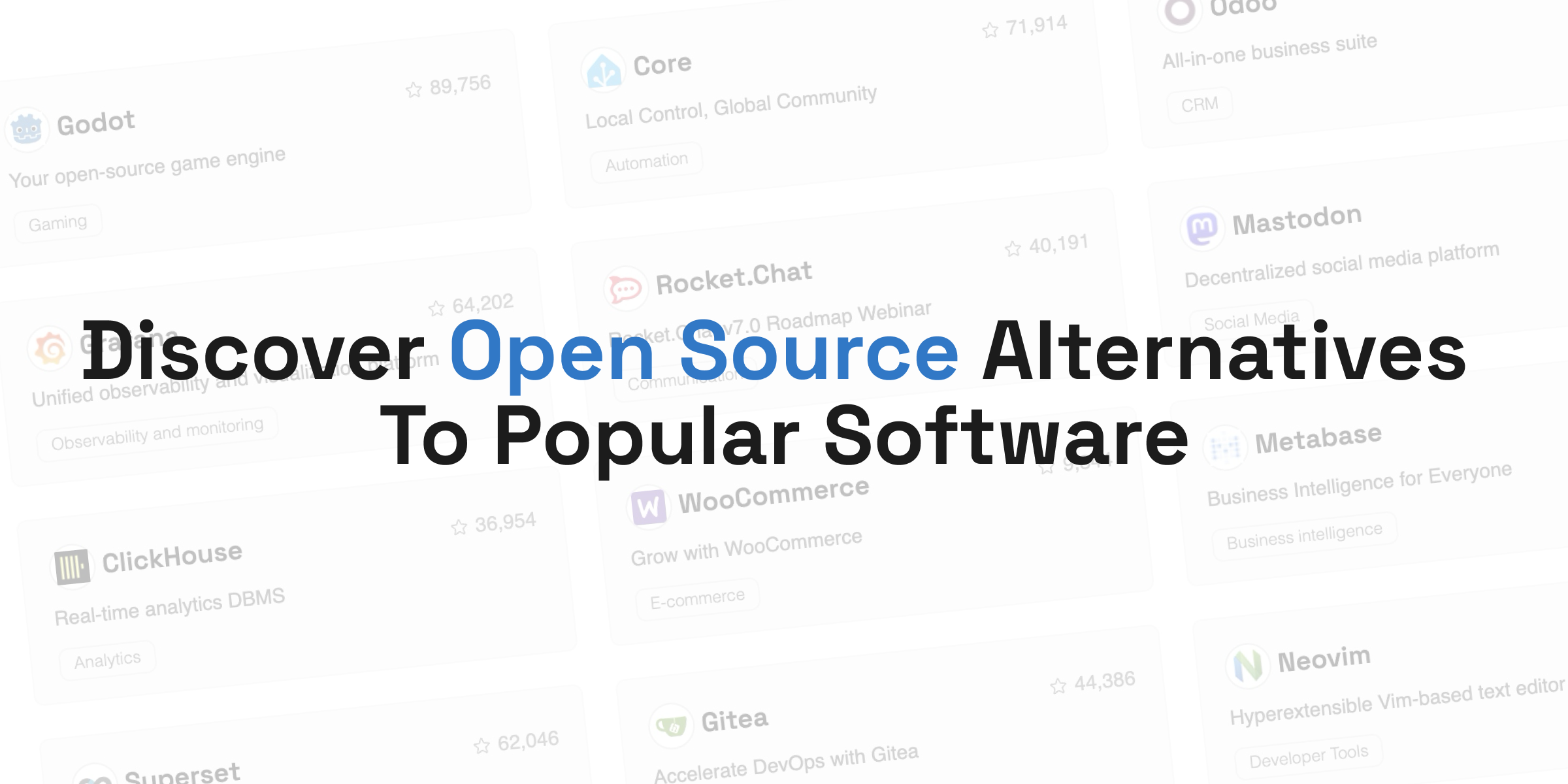
Open Source Alternatives To Proprietary Software is an online directory at opensourcealternative.to that catalogs free, open source software as replacements for paid, closed-source products. It is a discovery and comparison tool rather than a software vendor: you browse or search by the proprietary product you already use, and the site lists open source projects that fill a similar role.
The page describes itself as "the world's largest directory for open source software," claiming over 500 alternatives and noting that over 2 million users have used it to replace proprietary software.
How it is organized
Listings are grouped by the proprietary product they replace and by category. Examples visible on the page include:
- Developer tools: Neovim, Gitea, Sentry
- Business and CRM: Odoo, ERPNext
- Data and analytics: Grafana, Metabase, Superset, ClickHouse, TiDB
- Communication and social: Rocket.Chat, Zulip, Mastodon
- E-commerce: WooCommerce, Magento
- Security and identity: Ghidra, Keycloak
- Low-code and internal tools: Appsmith
Each entry shows the project name, a short description, and a category tag. The directory also has a "Discover Open Source Alternatives to" section that groups alternatives by well-known proprietary names — for example Typeform, Airtable, Notion, 1Password, Contentful and Tableau — so you can start from the tool you want to leave rather than from a category.
Who it is for
It suits three main readers: a developer or IT lead evaluating a self-hosted replacement for a subscription product; a small business owner looking for a free alternative to a CRM, help desk or e-commerce platform; and anyone curious about open source options in a given category. Because listings are one-line summaries, the directory is best used for shortlisting, not for a final decision.
Trade-offs to keep in mind
A directory entry tells you a project exists and roughly what it does. It does not tell you how mature it is, how hard it is to migrate your data, what hosting costs, or whether the community is active. Open source alternatives often trade license fees for operational work — you or your team may need to run, patch and back up the software yourself. Some projects also have paid hosted versions, so "free" refers to the software, not necessarily to running it.
A practical next step
Pick the proprietary tool you most want to replace, open its page in the directory, and shortlist two or three alternatives. Then check each project's own site for documentation, release history and community activity before committing. If you want a second opinion on a specific category, sites such as AlternativeTo and GitHub (for issue trackers and release cadence) can help you judge whether a project is actively maintained.
How can I find a free open source alternative to a specific proprietary tool like Tableau or Notion?
Open OpenSourceAlternative.to is built for exactly this task: you name the proprietary product, and it shows the open-source projects people use instead. The directory's own examples include Tableau (4 alternatives listed) and Notion (13 alternatives listed), so the fastest path is to search the proprietary tool's name rather than browsing categories.
A workable routine
- Search the proprietary product by name on the directory. If it has a dedicated entry, you get a shortlist instead of a blank page.
- Read the one-line description under each result (for example, Metabase is described as "Business Intelligence for Everyone" and Superset as "Data Visualization and Exploration"). That tells you whether the project targets the same job as the tool you are leaving.
- Check the category tag next to each result — Analytics, Business intelligence, Communication, CRM — to confirm the match is about function, not just popularity.
- If the product has no entry, search by the job instead: "business intelligence," "team chat," "database." The directory groups projects under these labels, so you can still get a shortlist.
What the numbers do and do not tell you
The counts shown beside each project (Grafana 73,299; Neovim 98,864; Godot 109,681) signal visibility within the directory, not fitness for your use case. A project with a smaller number can be the better fit if it matches your data volume, team size or hosting constraints. Treat the numbers as a rough popularity signal only.
Two concrete scenarios
- Replacing Tableau: a small analytics team that mainly needs dashboards and shared queries can start with Metabase or Superset from the listed options, then check whether each supports the data sources they actually use.
- Replacing Notion: someone who needs docs plus lightweight databases should compare the listed alternatives on whether they offer a hosted version, since self-hosting a workspace tool changes who maintains it.
Decision criteria before you commit
- Migration cost: can you export your existing Tableau workbooks or Notion pages into the candidate?
- Hosting: managed cloud versus self-hosted — the directory lists both kinds, and this choice usually matters more than feature checklists.
- Ecosystem: plugins, APIs and community size, which determine how painful the next two years will be.
- Licence: check the licence tag on the project page, since "open source" covers very different terms.
For a second opinion on a specific project, look it up on GitHub to see release activity and open issues, and check the project's own documentation site for setup requirements before you move real work onto it.
Can I filter the directory by license type or programming language to match my project's requirements?
Yes. The directory is organized so you can narrow results by both license and programming language, and the page itself lists “Categories,” “Languages” and “Licenses” as separate navigation areas. That means you can start from a proprietary product you already use, then check whether a matching open source project fits your technical and legal constraints.
How to use those filters in practice
- License first, if your project has compliance rules. If you are building closed-source software for a company, a copyleft license such as GPL may be a blocker, while a permissive license such as MIT or Apache-2.0 is usually easier to adopt. If you are unsure, filter by license before spending time comparing features.
- Language second, if you need to maintain or extend the tool. A tool written in a language your team already knows is cheaper to patch, debug and integrate. A tool in an unfamiliar stack may still work, but you will depend more on upstream maintainers or outside contributors.
- Combine both filters with the product category. For example, if you need a self-hosted analytics database, filter for database alternatives, then check which ones match your preferred license and language.
A concrete scenario
Suppose your team currently pays for a proprietary business intelligence tool. You find a popular alternative in the directory, but it is written in a language nobody on your team uses, and its license requires you to publish modifications. In that case, the license and language filters would have saved you an evaluation cycle: the tool may be excellent, but it does not match your project’s requirements.
Where to go next
Use the directory’s “Licenses” and “Languages” sections to build a shortlist, then verify the exact license terms on the project’s own repository before adopting it. The directory helps you discover candidates; the project’s official documentation is the final authority on licensing and technical fit. You can also browse related directories such as AlternativeTo and Awesome Open Source for additional filtering options, but always confirm details at the source.
How do I submit my own open source project to be listed in this directory?
Use the Submit project link in the site’s top navigation. It sits alongside Discover, Sponsor and Submit, and the same option appears again in the footer under “Submit”. That is the directory’s intended route for adding a project.
Before you start, prepare the basics so the submission is easy to review:
- The project’s official name and one-line description.
- The canonical website or repository URL.
- The proprietary product it replaces, since the directory is organised around alternatives.
- Its category (for example Developer Tools, Communication, Analytics).
- Its licence and primary language.
- A short, factual summary of what it does and who it suits.
A practical example: if you maintain a self-hosted chat tool, you would submit it as an alternative in the Communication category, link the official project site and repository, state the licence, and describe the team size or use case it fits. That gives visitors enough to compare it with the listings already shown, such as Rocket.Chat or Zulip.
The main trade-off is positioning. Listing under a well-known proprietary product can bring relevant traffic, but it also puts you beside established alternatives, so a clear differentiator matters more than a long feature list. If your project does not map neatly to one proprietary counterpart, choose the closest category and explain the overlap in your description.
If the Submit project link does not work for you, the footer’s Contact Us option is the sensible next step. You can also look at how comparable entries are presented on Open Source Alternatives To Proprietary Software before submitting, so your description matches the directory’s format.
What are the most popular open source alternatives for developer tools like code editors or version control?
For developer tools, the strongest open source alternatives are mature, widely deployed, and backed by active communities. Popular choices include Neovim for code editing, Gitea for version control and DevOps, and Sentry or Ghidra for debugging and security work.
Popular picks by category
| Need | Open source option | Why people choose it |
|---|---|---|
| Code editor | Neovim | Hyperextensible, Vim-based, terminal-friendly, highly configurable |
| Version control / DevOps | Gitea | Lightweight self-hosted Git service with issue tracking, CI, and package registry |
| Error monitoring | Sentry | Fast debugging with stack traces, releases, and performance insights |
| Security / reverse engineering | Ghidra | Powerful SRE and software reverse engineering suite |
| Identity for developer platforms | Keycloak | Open source identity management, SSO, and access control |
| Internal tools | Appsmith | Low-code builder for custom admin panels and dashboards |
How to choose
- For a solo developer or terminal user: Neovim is a strong fit if you like keyboard-driven editing and want to avoid vendor lock-in.
- For a small team: Gitea is often the easiest self-hosted Git option to run and maintain, especially when you want GitHub-like features without the overhead.
- For production debugging: Sentry is a practical default when you need real-time error tracking across services.
- For security research: Ghidra is a common choice when you need disassembly and decompilation without commercial licensing.
The directory itself lists 505 alternatives across many categories, with counts like Neovim at 98,864 and Gitea at 54,991, which suggests these are among the most viewed or compared tools. For a broader scan, start at Open Source Alternatives To Proprietary Software and filter by developer tools, then compare licenses and hosting needs before committing.
Is it safe to replace paid business software such as CRM or ERP with the open source options listed here?
It can be safe, but the directory itself is a discovery tool, not a safety guarantee. OpenSourceAlternative.to lists projects by category and popularity signals (for example, Odoo and ERPNext under CRM/ERP, Grafana under observability, Keycloak under auth), but listing does not equal security review, compliance certification or vendor support. Treat the site as a starting point for a shortlist, then vet each candidate against your own risk requirements.
What actually determines safety
For business-critical CRM or ERP, the risk usually sits less in "open source vs proprietary" and more in these factors:
- Maintenance and release cadence. An actively maintained project with frequent releases and a public issue tracker is safer than a popular but stale one. Popularity counts in the directory are a weak proxy for this.
- Security process. Look for a published vulnerability disclosure policy, CVE history, security advisories and a track record of patching. Absence of reported CVEs can mean "not audited" rather than "secure."
- Who operates it. Self-hosting shifts patching, backups, uptime and access control to your team. A managed or cloud offering shifts some of that to a vendor, usually for a fee.
- Compliance fit. If you handle payment data, health data or EU personal data, check data residency, audit logging, retention controls and whether the project's licence and community model support your obligations.
- Migration and exit. CRM/ERP replacements touch customer records, invoices and integrations. Reversibility matters as much as features.
A practical comparison
| Concern | Open source option | Proprietary SaaS |
|---|---|---|
| Upfront cost | Often lower licence cost | Subscription per seat/user |
| Ongoing cost | Hosting, staff time, integrations | Subscription plus add-ons |
| Security responsibility | Shared or yours, depending on hosting | Mostly vendor's |
| Customisation | High, if you have developers | Limited to vendor's extensibility |
| Support | Community, or paid vendor/partner | Included or tiered support |
| Compliance evidence | You assemble it | Vendor provides certifications |
A concrete reader scenario
A 30-person services firm wants to move off a paid CRM. It shortlists an open source option, self-hosts it, and keeps the old system read-only for two months. Before cutover it checks: who patches the server, how backups are tested, whether the licence permits its intended use, and how it would export contacts if the project stalls. That checklist, not the directory listing, is what makes the switch safe.
Next step
Pick two or three candidates from the directory, then run the same due-diligence questions you would ask a paid vendor: security policy, release history, support options, hosting model and exit plan. If you lack in-house ops capacity, favour a project with a commercial backing company or a managed hosting partner. For broader context on a specific proprietary tool you are replacing, you can also compare notes on AlternativeTo or check project health on GitHub.
 Namecheap
User reviews (0)