
 简体中文
简体中文 English
Website review
This review may include AI-generated content and is not individually verified. Domain, certificate and other facts come from the observed data on this page.
What is Convertify?
Convertify is a service that turns an existing website into a native mobile app for iOS and Android. You submit your website URL, and Convertify's team builds the app and delivers it to you, typically within 24 hours, ready to upload to the Apple App Store or Google Play Store.
What you get
- An iOS app (IPA file) for the App Store, or an Android app (APK file) for the Play Store — or both.
- Push notifications via OneSignal, including deep-linking and targeted notifications to specific users.
- Pull-to-refresh page loading, file downloads and uploads, media playback (video and audio), and app linking/sharing to other apps or a browser.
- Support for reading from common databases such as MySQL, PostgreSQL, MongoDB, and others.
Who it suits
It's aimed at small businesses, publishers, or site owners who already have a working mobile-friendly website and want an app-store presence without commissioning custom native development. The pitch is speed and low effort: one URL in, a launch-ready app out.
Trade-offs to weigh
Because the app wraps your existing site, its quality depends heavily on how well your site performs on a phone — layout, load speed, and touch interactions. A wrapper app won't feel identical to a purpose-built native app, and you remain responsible for store submission, review compliance, and ongoing updates when your site changes.
Practical next step
Before committing, open your site on a phone and test the flows your users rely on most (checkout, login, forms). If those feel smooth, a wrapper approach is reasonable. Convertify publishes its own pricing and a feature list at Convertify; check current details there, and compare against alternatives like GoNative if you need more native capability.
How long does it take to convert my website into an app with Convertify?
Convertify states that your app is delivered in less than 24 hours after you submit your website URL. The process is: submit the URL, the team builds the app and emails it to you, then you upload it to the App Store or Play Store yourself.
That 24-hour figure is the stated turnaround for the conversion and delivery step, not the total time until your app is live. Store review is the part Convertify does not control: Apple's App Store review commonly takes a day or more, and Google Play's can vary from a few hours to several days, especially for a first submission or an account that still needs verification. If you are planning a launch date, count on the conversion day plus store review, and build in buffer for a rejection and resubmission.
A practical example: if you submit on a Monday morning, you might have the file by Tuesday morning, submit it that day, and realistically see it live later that week rather than the same day.
A useful decision criterion: if your timeline is measured in days, the 24-hour build is not your bottleneck — store review is. Prepare your store listing assets (screenshots, description, privacy details) while you wait for delivery so you can submit the moment the file arrives.
For current turnaround and plan details, see Convertify.
How much does it cost to convert my website to an Android app versus both Android and iOS?
Converting to Android only costs $99 one time; building both Android and iOS costs $149 one time. That $50 difference buys a second native package for the other platform, so the real question is whether you need iOS reach now or can add it later.
What each option gets you
| Option | Price | What you receive |
|---|---|---|
| Android only | $99 one time | An .apk file ready to upload to the Play Store |
| iOS only | $99 one time | An .ipa file ready to submit to the App Store |
| Android + iOS | $149 one time | Both app packages |
Per Convertify, you submit your website URL and the team delivers the app to your inbox in under 24 hours; you then upload it to the App Store or Play Store yourself. The build includes push notifications (via OneSignal), pull-to-refresh, file downloads and uploads, media playback, and app linking/sharing.
How to decide
- Choose Android only ($99) if your audience is mostly Android, or if you want to test the concept cheaply before committing to Apple's review process.
- Choose both ($149) if you already know you need iOS users. Paying $50 now is cheaper than commissioning a separate iOS build later.
- Choose iOS only ($99) if your users skew toward iPhone, though you would then forgo the larger global Android install base.
One practical note
The $99/$149 figures are one-time build fees. Publishing to the App Store still requires an Apple Developer Program membership, and the Play Store requires a Google Play developer account — both are separate annual costs paid to Apple and Google, not to Convertify. Budget for those before choosing the both-platform option, since they apply per store.
What features like push notifications or file uploads will my converted app have?
Your converted app is built around a WebView-style wrapper, so the feature list is a set of native bridges and conveniences rather than a fully custom app. Based on Convertify's own page, you can expect:
- Push notifications — unlimited sends through OneSignal, including deep-link notifications that open a specific page, and targeted notifications to segments of users.
- Pull to refresh — swipe down to reload the current page, with the loading indicator built in.
- Downloads and uploads — file download and file upload actions are enabled inside the app.
- Database support — the app reads from common back ends such as MySQL, Oracle, SQL Server, PostgreSQL, MongoDB, MariaDB, DB2 and SAP HANA.
- App linking and sharing — links can open other installed apps or hand off to the browser.
- Media playback — video and audio playback plus recording.
What this means in practice
If you run a content site, a storefront or a customer portal, these cover the essentials: users get an icon on their home screen, can pull to refresh a feed, receive a notification when you publish, and can upload a receipt or download a PDF. A support or field-team app benefits most from uploads, media recording and push.
The trade-off is depth. Anything that depends on device hardware beyond media and files — offline storage, background location, Bluetooth, camera-specific workflows, native checkout — is not mentioned on the page, so treat those as questions to raise before you buy. Push also depends on you setting up and managing the OneSignal account; Convertify supplies the integration, not the messaging strategy.
Next step
Before submitting your URL, make a one-page list of the three actions your users must be able to complete. Then check each against the list above. If all three are covered, the 24-hour delivery model fits well. If one is missing, ask the Convertify team directly whether it can be added, because retrofitting a native feature after launch is usually more expensive than choosing a custom build from the start.
For comparison, see how a dedicated no-code app builder positions similar features at Glide, or how a mobile app development platform handles native capability at Flutter — useful if your required feature list grows beyond what a wrapper can do.
Can I publish the app Convertify creates to the Apple App Store and Google Play Store myself?
Yes. Convertify delivers a finished app package rather than publishing it for you, so you handle the store submission yourself.
What you receive, based on the plans shown
| Plan | Output | Store you submit to |
|---|---|---|
| iOS | IPA file | Apple App Store |
| Android | APK file | Google Play Store |
| Android & iOS | Both files | Both stores |
The stated workflow ends with "upload your app to the App Store or Play Store," which confirms self-publishing is the intended path.
What "yourself" actually involves
- Apple: an Apple Developer Program membership, App Store Connect setup, screenshots, privacy details, and App Review. Apple is stricter — a site wrapped as an app can be rejected under the guideline about apps that are primarily repackaged web content, so expect to justify native value.
- Google Play: a Google Play Console account, a signed release build (Play prefers AAB over APK for new listings), a store listing, a data safety form, and the closed-testing requirement many new personal accounts now face before production release.
- Ongoing: you own renewals, OS-update compatibility, and any rebuilds when your site changes.
A practical next step
Before paying, open your own site on a phone and list what genuinely benefits from being an app: push notifications, offline pages, camera or file upload, home-screen presence. If that list is thin, a PWA may cover you with no store review at all. If it's strong, budget a few hours for each store's first submission, and check the current review guidelines on Apple Developer and Google Play before you upload.
Does Convertify work with websites built on any platform or database?
Yes, according to Convertify's own page, the service is platform-agnostic on both sides: it converts a website into iOS and Android apps from just a URL, and it states the resulting app "will read and understand all kinds of databases," naming MySQL, Oracle 12c, Microsoft SQL Server, PostgreSQL, MongoDB, MariaDB, DB2 and SAP HANA.
What that means in practice
- Website platform: Because the input is a URL rather than a plugin, CMS or framework, Convertify does not require WordPress, Shopify, Webflow or a custom stack specifically. If your site is publicly reachable, it can be submitted.
- Database: The database claim is about what the app can read from, not about a database connector you configure. In most cases the app is displaying your site's existing pages, so the database work stays behind your web layer.
- Database nuance: "Supports all databases" is a broad statement. It matters most if your app needs to write data or hit a database directly, so confirm that with Convertify before assuming a direct integration.
Where platform choice still matters
A URL-based conversion suits content, catalog and marketing sites where the mobile app mainly mirrors existing pages. It is a weaker fit if you need deep native behavior — offline-first data, background sync, device sensors, or complex account flows — because those depend on your site's own front end, not on which database or CMS you use.
Quick comparison
| Your situation | Likely fit |
|---|---|
| Any CMS or custom site with public pages | Good — URL is the only input |
| Site behind a login or paywall | Check with Convertify first |
| Standard database (MySQL, PostgreSQL, MongoDB, etc.) | Covered per their claim |
| App needing direct database writes or native modules | Verify before committing |
Next step
Open your site on a phone and check that navigation, forms and media work well in a mobile browser. That mobile experience is essentially what gets wrapped, so fixing it first gives you a better app. Then review the pricing tiers to decide between Android-only, iOS-only or both, and confirm any direct-database or login requirements with Convertify directly.
For background on the store-submission side, see Apple Developer and Google Play.
 Cloudflare
 Google Workspace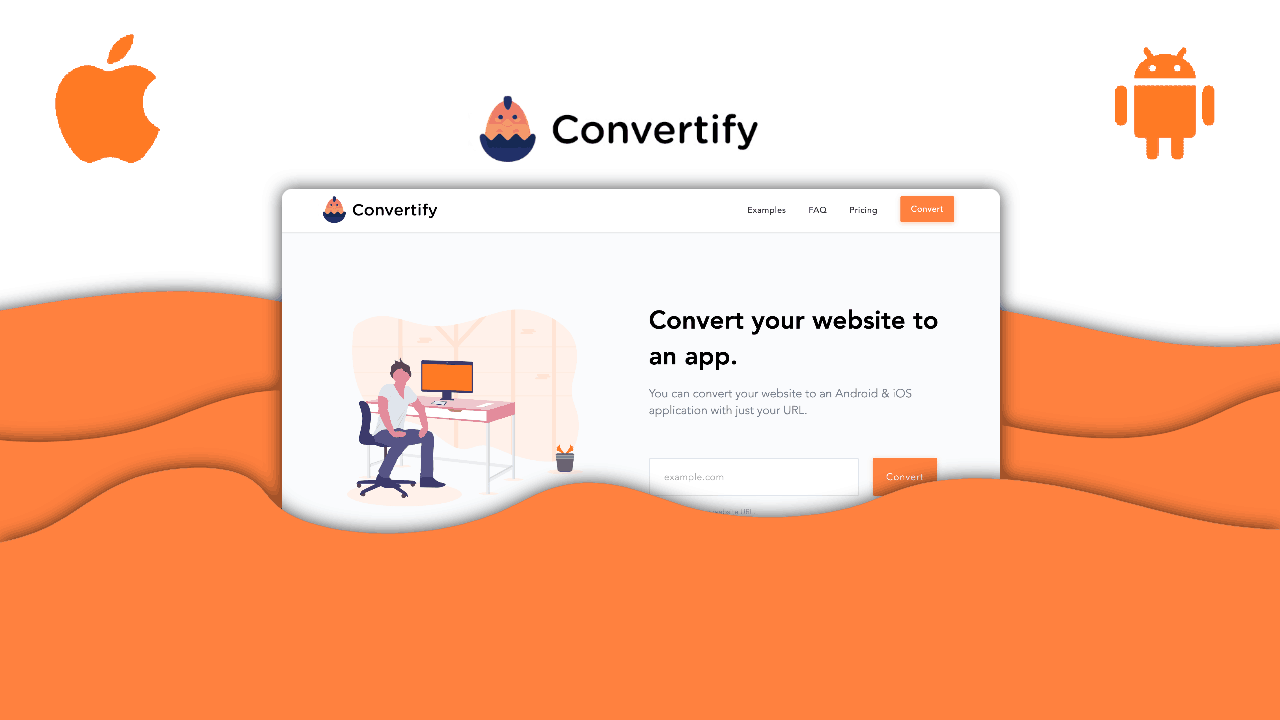

User reviews (0)