
 orbispatches.com
No paid content found
orbispatches.com
No paid content found
Categories: Games & Board Games
ORBISPatches.com is an actively maintained archive of PlayStation 4 game updates. With over 60.000 patches in the database ORBISPatches.com is the biggest patch database to date.
 Visit website
 Updated: 2026-09-28 19:54
 Language: English (default)
 Access: Normal
 Profile views 4
 Outbound visits 0
Related questions
More questions →PS5 Game Patches and Title Updates: How to Track Them
A PS5 patch (also called a title update) is a downloadable change to a game you already own — it fixes bugs, adjusts balance, or adds content, and it installs on top of the base game rather than replacing it. You can confirm what's installed from the console's game tile or the console's update history, and you can cross-check release records on a maintained patch database such as PROSPEROPatches.com, which describes itself as an actively maintained archive of PlayStation 5 game updates and "the biggest PS5 patch database to date." Use the console when you need to know what's on your system; use a database when you need to know what has been released at all.
Patch vs. full game download
| Patch / title update | Full game download | |
|---|---|---|
| What it changes | Files inside an existing install | The entire game |
| Requires base game | Yes | No |
| Typical size | Small relative to the game | Full install size |
| Purpose | Bug fixes, balance, added content | First-time install or reinstall |
The practical consequence: if a game isn't installed, there's nothing for a patch to apply to. A patch also can't be installed on a different region's copy of a game in the usual case, because versions are tied to the release they were built for.
Checking a game's version and update history on the console
The exact menu labels shift between system software versions, so treat the steps below as the shape of the task rather than a fixed map:
- Find the game tile on the home screen.
- Open its options (the button that opens the context menu for the highlighted tile).
- Look for an information or update entry. This is where the installed version number and, where the publisher supplied one, an update history are shown.
- Compare the version string against the version listed for that game in a patch database or the publisher's own notes.
Expected result: you see a version identifier for the installed build. If the entry is missing entirely, the game may not have received any update, or the console hasn't recorded one.
Telling whether a patch is already installed
- The version number shown on the console is the fastest check. If it matches the latest version in a database, the patch is installed.
- If a download is pending or paused, the console surfaces that state on the tile itself rather than in the version number.
- A game can be at the latest version and still be missing content that arrives in a later patch — version numbers track builds, not feature lists.
Looking up update records in a patch database
PROSPEROPatches.com is built for exactly this lookup: you search a title and read its update records. The value of a maintained archive is that it keeps entries for games whose own patch notes were never published or were published inconsistently.
When you look a game up, check:
- The most recent entry date — tells you how current the record is.
- Version numbers — match these against your console's reported version.
- Whether entries are complete or partial — an archive can only record what was observable.
Why patch notes and version numbers go missing or disagree
- No public patch notes. Many PS5 updates ship with no published changelog at all, so the only evidence is the version bump itself.
- Version strings differ by region or edition. The same content update can carry different numbers across releases.
- Silent updates. Small fixes are sometimes pushed without any announcement, which is why a database that tracks versions rather than announcements is useful.
- Database lag. Any archive, including a large one, reflects when someone recorded the update — not necessarily the moment it went live.
When an expected update doesn't appear
- Confirm the game is installed and that you're looking at the right edition or region.
- Check for a pending download on the game tile before assuming nothing arrived.
- Trigger a manual check through the console's update option for that game, if one is offered.
- Compare versions, not dates. If your version matches the newest recorded version, you have the current build even if the date feels wrong.
- Re-check the database later. If the record itself is behind, the gap closes when the archive is updated.
If your version is older than the newest recorded one and no download appears, the update may not be available for your region or edition yet — that's a distribution question, not a fault on your console.
Website Overview
An established domain and managed infrastructure suggest continuity of operations and may support dependable delivery, although neither guarantees service quality. Several search or sharing settings need attention. Together they may make snippets, preview images or preferred URLs less consistent across platforms.
Domain and Registration
Registered in 2020, this domain has about 6 years of history. That suggests continuity, although ownership and purpose may have changed. Transfer-protection status is present, helping reduce the risk of unauthorized domain transfers. The registrar is NameCheap, Inc., a widely used domain service provider. The domain uses the common .com extension, which is not an independent safety signal.
DNS and Email
Nameservers are provided by Cloudflare, indicating managed DNS hosting. No CNAME was found; the observed records resolve directly to addresses. No MX record was found. A conventional explicit inbound-mail route is not configured. TXT records include verification markers for Google. Such markers may also remain after a service stops being used. DNSSEC signatures were not detected, so this additional DNS authenticity protection is not confirmed.
TLS and Certificates
The public key uses EC with 256 bits. The server supplied a complete certificate chain. No organization name is present in the certificate; the available fields are consistent with domain validation. The certificate was issued within the Google Trust Services cloud or CDN ecosystem. The certificate's total validity is about 90 days, consistent with a short renewal cycle.
HTTP and Browser Security
The checked browser-security headers were not detected, leaving fewer explicit browser-side safeguards. No X-Powered-By header was found, reducing one common source of backend fingerprinting information. The cf-ray response header indicates a CDN or caching proxy in the delivery path. No obvious internal addresses or debug information were found in the headers. The Server header identifies cloudflare without an exact version.
Technology Stack Analysis
The public page identifies Bootstrap, Cloudflare without precise versions, leaving fewer clues for version-specific scanning.
Search and Social Sharing
The meta description has 178 characters and may be shortened in search results. Open Graph is partially configured; og:image is missing. Twitter Card metadata is configured. The title has 39 characters, within a common display range. The observed directives allow indexing and link following.
 Hosting and Email
 Cloudflare
 Hosting
 Location
 unknown
104.21.64.104
Location
Location unknown
104.21.64.104
 Pages, Search and Sharing
| Meta description | ORBISPatches.com is an actively maintained archive of PlayStation 4 game updates. With over 60.000 patches in the database ORBISPatches.com is the biggest patch database to date. |
|---|---|
| Canonical URL | https://orbispatches.com |
| Language | English (default) |
| Twitter Card | summary_large_image |
Social Sharing Preview
10 fields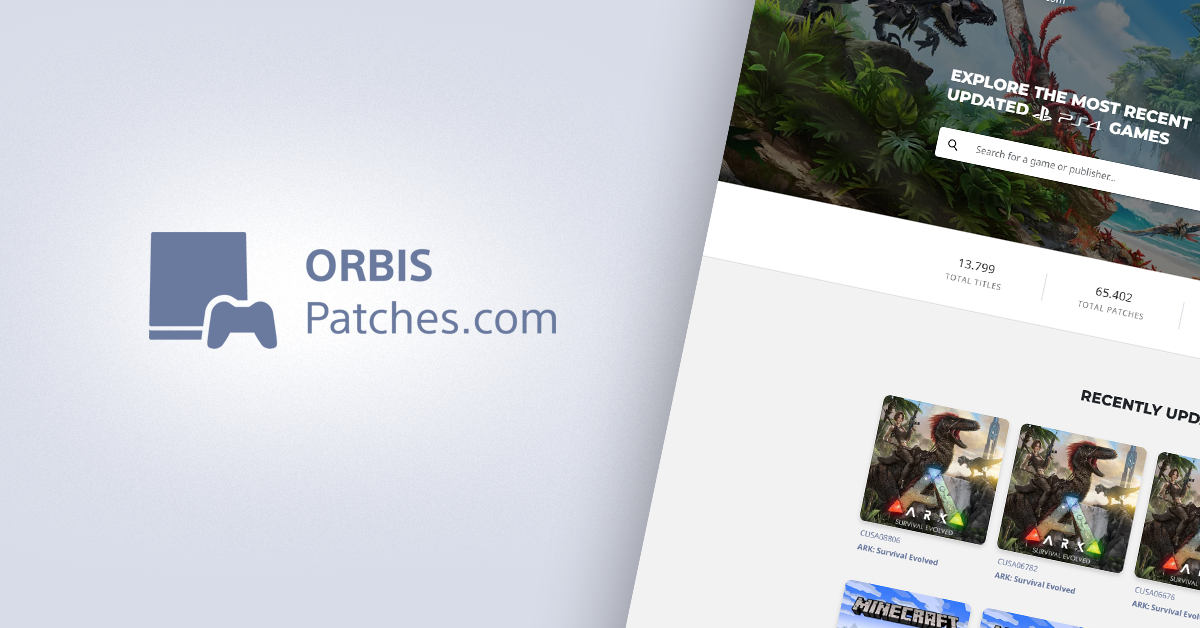
Sharing metadata
| og:url | https://orbispatches.com |
|---|---|
| og:type | website |
| og:title | ORBISPatches.com |
| og:site_name | ORBISPatches.com |
| og:description | ORBISPatches.com is an actively maintained archive of PlayStation 4 game updates. With over 60.000 patches in the database ORBISPatches.com is the biggest patch database to date. |
| twitter:card | summary_large_image |
| twitter:image | https://orbispatches.com/assets/images/site-banner.png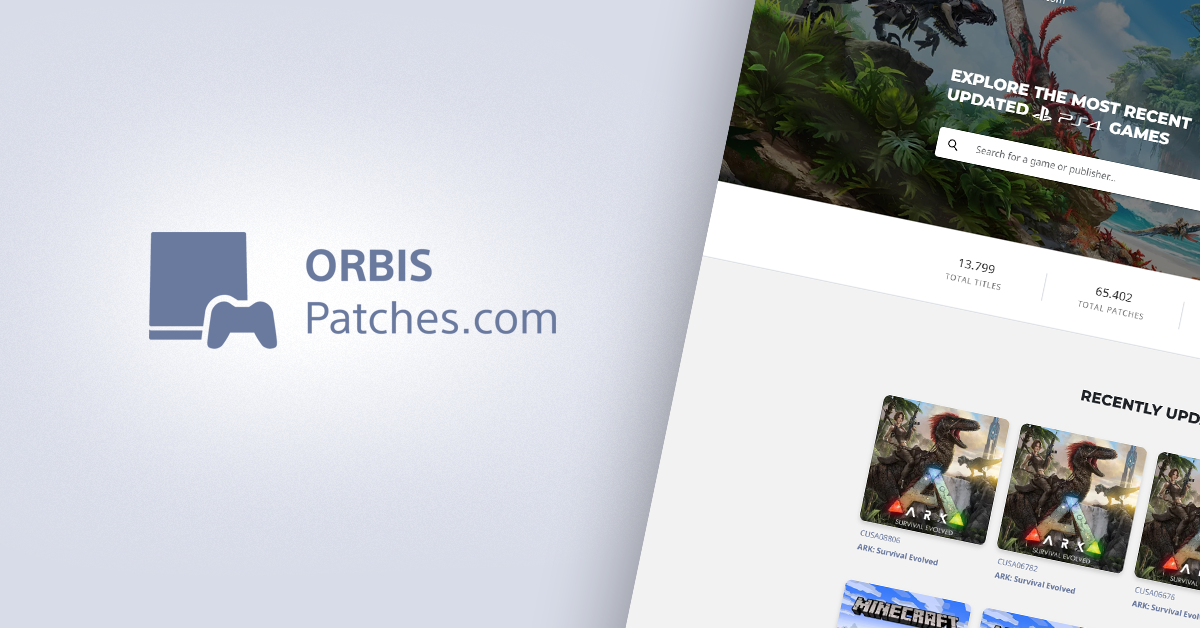 |
| twitter:title | ORBISPatches.com |
| twitter:creator | @0x199 |
| twitter:description | ORBISPatches.com is an actively maintained archive of PlayStation 4 game updates. With over 60.000 patches in the database ORBISPatches.com is the biggest patch database to date. |
robots.txt (opens in a new tab)
0 rulesAll bots 0 allowed · 0 disallowed

 All bots
bingbot 0 allowed · 0 disallowed
- Interval
Crawl delay 3 seconds
No matching rules.
Sitemaps
1 Registration details RDAP / WHOIS
| Registrar | NameCheap, Inc. |
|---|---|
| Registered | 2020-09-19 |
| Expires | 2027-09-19 |
| Domain status | client transfer prohibited |
| Nameservers | graham.ns.cloudflare.com、val.ns.cloudflare.com |
| DNSSEC | unsigned |
 DNS records
| Type | Name | Value | TTL | Priority |
|---|---|---|---|---|
| A | orbispatches.com | 104.21.64.104 | 300 | — |
| A | orbispatches.com | 172.67.181.25 | 300 | — |
| AAAA | orbispatches.com | 2606:4700:3031::ac43:b519 | 300 | — |
| AAAA | orbispatches.com | 2606:4700:3036::6815:4068 | 300 | — |
| NS | orbispatches.com | graham.ns.cloudflare.com | 86400 | — |
| NS | orbispatches.com | val.ns.cloudflare.com | 86400 | — |
| TXT | orbispatches.com | google-site-verification=asnt7uDHX09eQbj-5CZYcZ1LHjHSD-Jd0_2wUEj_ZzM | 300 | — |
 TLS and certificates
| Assessment | Normal configuration |
|---|---|
| Supported protocols | TLSv1.2、TLSv1.3 |
| Negotiated protocol | TLSv1.3 |
| Certificate subject | orbispatches.com |
| Issuer | Google Trust Services |
| Valid until | 2026-12-18T16:48 · Remaining when checked: 80 days |
| Verification details | Certificate trust: Passed · Hostname match: Passed |
 HTTP response headers
| Header | Value |
|---|---|
| content-type | text/html; charset=UTF-8 |
| cache-control | no-store, no-cache, must-revalidate |
| server | cloudflare |
| set-cookie | Redacted |
 Identified technologies
User reviews (0)