

 Paid content
 Multilingual
 Visit website
 Updated: 2026-09-27 19:00
 Access: Normal
 Profile views 5
  Outbound visits 1
 Website Review
What is Sylius?
Sylius is an open-source, headless eCommerce framework built on Symfony, aimed at mid-market and enterprise brands that need custom storefronts and business logic rather than a fixed template. The official site describes it as a developer-friendly environment for B2C and B2B commerce, with APIs for headless setups and an ecosystem of partners, addons and services.
What that means in practice
- Headless architecture: the commerce engine (catalog, cart, checkout, orders, pricing rules) is separated from the front end, so you can serve a custom website, mobile app or B2B portal from the same backend.
- Symfony foundation: teams already using Symfony can reuse their skills, libraries and hosting patterns. This is a real advantage if you have PHP/Symfony developers; it is a steeper start if your team works mainly in JavaScript or another stack.
- Customisation over configuration: Sylius is designed to be extended and overridden in code. That suits unusual pricing, approval workflows or multi-vendor models, but it means more engineering effort than a plug-and-play hosted store.
Who it fits
A manufacturer selling to wholesalers with account-specific price lists, or a marketplace needing multi-vendor logic, is the kind of scenario the platform targets. A small shop that wants to launch in a weekend with minimal technical input is usually better served by a hosted SaaS platform.
Editions and ecosystem
The site distinguishes a free Community Edition, a paid Sylius Plus tier, and addons such as Elesto (preconfigured B2B for manufacturers and wholesalers) and Dafre (multi-vendor marketplace logic). It also lists partner services for audits, upgrades and support, plus payment partners that are officially integrated.
Next step
Before committing, map your three hardest requirements — for example, contract pricing, multi-store inventory or marketplace payouts — and ask a Sylius partner whether each is core, an addon, or custom development. That answer, more than any feature list, tells you whether the total cost and timeline fit. You can also compare approaches with Adobe Commerce or Shopware if you are weighing open-source options.
How does Sylius compare to Magento for a mid-market B2B store?
For a mid-market B2B store, the core difference is architectural: Sylius is a Symfony-based headless framework you build on, while Magento (Adobe Commerce) is a large, feature-complete platform you configure and extend. Sylius suits teams with in-house Symfony developers who want a tailored B2B model — customer-specific pricing, quotes, approval workflows, account hierarchies — without fighting a heavy admin layer. Magento suits teams that prefer buying into a broad existing feature set and a larger agency/marketplace ecosystem, accepting more complexity and heavier hosting for that breadth.
H3 Where each tends to fit
| Consideration | Sylius | Magento / Adobe Commerce |
|---|---|---|
| Starting point | Framework and components you assemble | Full platform with extensive built-in features |
| Developer profile | Strong Symfony/PHP engineering culture | PHP developers plus a large partner market |
| Custom B2B logic | Written directly into your domain model | Extensions, modules, or custom development |
| Front end | Headless by default; you choose the stack | Headless possible, but traditionally coupled themes |
| Trade-off | More build effort, fewer inherited opinions | Faster baseline, more configuration and upgrade weight |
H3 A concrete scenario
A wholesaler with 3,000 trade accounts needs contract pricing per customer, tiered quantity breaks, and a quote-to-order flow. With Sylius, a Symfony team models those rules as first-class domain concepts and exposes them through APIs to a custom portal — clean, but the team owns the build. With Magento, much of the catalog and pricing machinery already exists, so the work shifts to configuring and extending it; the cost is navigating a bigger surface area and planning upgrades carefully.
H3 Next step
Before choosing, write down your non-negotiable B2B flows (quoting, approvals, account hierarchy, ERP integration) and ask each candidate's partner network how they have delivered those exact flows. Sylius publishes case studies and a partner directory, and its comparison material is worth reading alongside independent sources such as Adobe Commerce and Symfony. If your team is Symfony-strong and your requirements are unusual, Sylius is the sharper fit; if you need breadth quickly and prefer configuration over construction, Magento is the safer default.
Can Sylius handle a multi-vendor marketplace with separate seller onboarding and payouts?
Yes. Sylius supports multi-vendor marketplace models, and the site explicitly lists “Built in multi-vendor logic for marketplace models” as a preconfigured setup. The important distinction is that Sylius is a framework, not a finished marketplace product: seller onboarding and payouts are implemented on top of its building blocks rather than switched on as a single standard feature.
What the platform provides
- Multi-vendor logic as a starting point — the Dafre preconfigured setup is described as built for marketplace models, which shortens the distance between a plain store and a vendor-based one.
- Headless architecture and APIs — useful when sellers need their own dashboard or when onboarding flows must live in a separate application.
- Symfony foundation — vendor entities, approval workflows, commission rules and payout scheduling can be modelled as custom domain logic using established Symfony practices.
- Partner and payment ecosystems — the site points to partners for implementation work and to officially integrated payment providers, both relevant when money has to move to many sellers.
Onboarding and payouts in practice
Onboarding is typically a custom flow: seller application, document and tax verification, admin approval, then account activation with product and order permissions. Payouts are the harder half. You need commission calculation per order or per line item, refund and chargeback handling, a payout ledger, and a payment route that can pay many recipients — often a marketplace payout provider or split-payment service rather than a single standard gateway.
A realistic reader scenario: a wholesaler running 200 sellers wants monthly payouts with commission retained per category. Sylius gives you the catalogue, order and pricing core plus an API layer; the commission engine, seller ledger and payout run are project work, usually delivered with a Sylius partner.
Decision criteria
Choose Sylius for a marketplace when you have in-house Symfony developers or a partner, when onboarding rules are specific to your sector, and when you expect to change commission and payout logic over time. Look elsewhere if you need a hosted marketplace with seller payouts configured out of the box and no development capacity.
A useful next step is to compare the Community Edition with Sylius Plus to see which marketplace-relevant capabilities sit in the paid edition, then review Sylius partner listings to find teams with marketplace payout experience.
What are the total costs and upgrade path if I start with the Sylius Community Edition and later need Sylius Plus?
The short answer: the page does not publish a total cost for Community Edition plus a later Sylius Plus upgrade. It describes Sylius as an "Open Source Headless eCommerce Platform" and lists "Upgrade" among its service keywords, but gives no figures. Treat any total you see elsewhere as an estimate until you get a written quote.
What the page does tell you
- Community Edition is the open-source version; the page points to a demo "available after installation."
- Sylius Plus is a separate offering with its own demo path ("Get a live demo of Sylius Plus").
- Services listed include "Technical audits, upgrades, and expert support for implementations."
- Partners are the route to implementation help: "Find a Partner" and the Sylius Partner Program.
- Addons and Payment Partners are separate directories, so payment integrations may involve third parties.
Where the real cost sits
For a mid-market or enterprise build, the licence or subscription is usually the smaller line item. The larger ones are:
- Implementation — custom B2B, multi-vendor marketplace or other non-standard flows, done by you or a partner.
- Upgrade work — moving from Community Edition to Plus, plus ongoing version upgrades as the platform evolves.
- Integrations — payments, ERP, PIM, tax and shipping, often via addons or payment partners.
- Hosting and operations — infrastructure, monitoring and support for a headless stack.
A practical next step
Ask two or three Sylius partners for a fixed-scope quote that covers both phases: Community Edition build now, and the migration to Plus later. Require the upgrade path to be priced as a separate line so you can see what the jump actually costs.
If you want to sanity-check the architecture before committing, compare against another headless option such as Adobe Commerce or Shopware, and use the Sylius community channels — the page mentions a Slack community with 7400+ developers — to ask what upgrades have cost in practice.
How much development effort is required to build a headless storefront using Sylius APIs?
Building a headless storefront on Sylius APIs is a software project, not a configuration task: expect a custom front end plus integration work on top of the platform's commerce logic. Sylius provides the headless foundation — product, cart, checkout, order and customer flows exposed through APIs — but the visual storefront, search, content, SEO and analytics layers are yours to build or assemble.
What the effort actually consists of
- API integration layer: authentication, cart and checkout state, pricing, promotions and order lifecycle calls from your front end.
- Front-end application: a separate app (React, Vue, Next.js or similar) with routing, state management, and server-side rendering if SEO matters.
- Feature parity work: search, filtering, wishlists, multi-language and multi-currency presentation, transactional emails and error handling.
- Business customisation: B2B price lists, multi-vendor logic or manufacturer-specific catalogues, if your model needs them.
- Operations: hosting, CI/CD, observability and upgrade paths for the Sylius core.
Rough shape of the trade-off
| Approach | Development effort | Best for |
|---|---|---|
| Use Sylius's built-in storefront | Lowest | Teams wanting standard B2C flows fast |
| Headless with an existing front-end stack | Medium–high | Brands with an in-house front-end team |
| Fully custom headless build | Highest | Complex B2B, marketplace or multi-brand models |
The decisive factor is rarely the API itself; it is how much of the shopping experience you intend to design yourself. If you only need a conventional store, the headless route adds cost without much return.
A useful next step
Sketch your must-have journeys — product discovery, cart, checkout, returns, account — and mark which ones differ from standard commerce. Anything that does not differ can lean on Sylius defaults; anything that does drives the estimate. Teams without an existing front-end capability often bring in an agency, and Sylius lists partners and case studies that show comparable builds, which is a reasonable way to sanity-check scope before budgeting.
Which payment providers are officially integrated with Sylius and how do I connect them?
Sylius lists an official Payment Partners page as the entry point for finding payment providers that are "officially integrated and ready to use" with the platform. That page is the authoritative starting list: rather than naming a fixed set here, check it for the current partners, since the roster changes as integrations are added.
Sylius
How connecting a provider typically works
Sylius is a headless, Symfony-based eCommerce framework, so payment integration follows its extension/plugin model rather than a single built-in checkout setting:
- Pick a provider from the official payment partners list, or an addon from the Sylius addons ecosystem.
- Install its plugin into your Sylius application (usually via Composer, then registering the bundle).
- Configure credentials — API keys, merchant IDs, sandbox vs. production endpoints — in your environment or admin configuration.
- Define payment methods in the Sylius admin so customers see the right options at checkout.
- Test the full flow in the provider's sandbox: authorization, capture, refunds, and webhook/callback handling.
Because Sylius is headless, the payment step is usually driven through its APIs, so your storefront or front-end app needs to handle redirects, tokens, or embedded payment forms returned by the provider.
A practical decision path
| Situation | Better fit |
|---|---|
| Provider is an official Sylius payment partner | Install the maintained plugin; least custom work |
| Provider has a community addon | Workable, but check maintenance activity and Sylius version support |
| No plugin exists | Build a custom gateway against Sylius's payment method and gateway interfaces — more effort, full control |
| Multi-market or multi-currency store | Confirm the provider and plugin support your currencies, regions and required payment types |
Next step
Open the official Payment Partners page, shortlist providers that cover your markets and payment methods, then confirm each plugin's compatibility with your Sylius version before committing. If you need help with a non-standard gateway, the partner directory is the place to find an implementation team.
 Hosting and Email
 Cloudflare
 Hosting
 Google Workspace
 Location
 Pages, Search and Sharing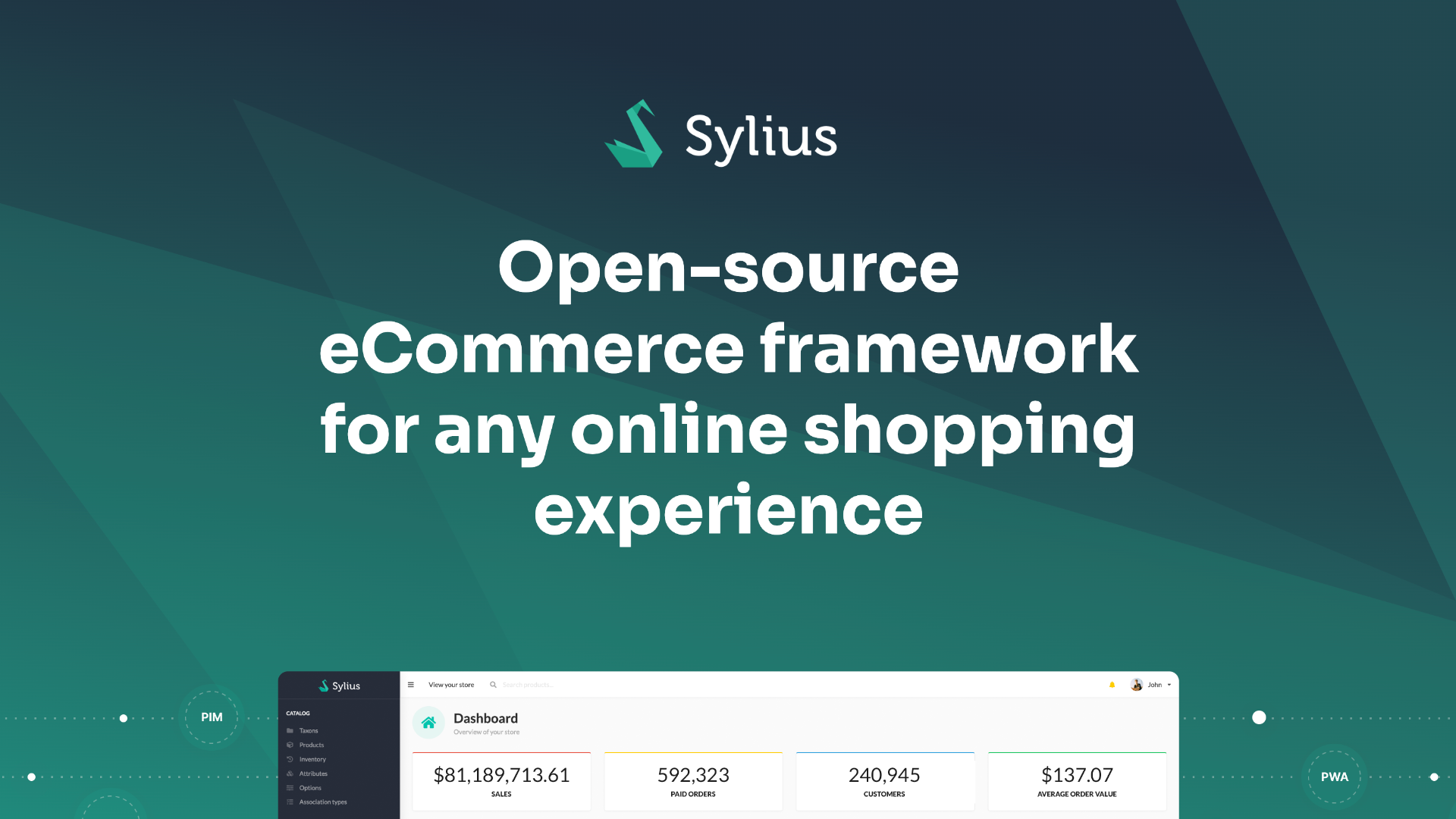



 Registration details

 Identified technologies
User reviews (0)