
 简体中文
简体中文 English
Website review
This review may include AI-generated content and is not individually verified. Domain, certificate and other facts come from the observed data on this page.
What is unpkg.ai?
unpkg.ai is a service that generates JavaScript ES modules on demand from a prompt embedded in the URL. You describe the module you want as a function signature, import it directly over HTTP, and the service uses an LLM to produce the code that backs that import. There is no signup, API key or authentication step described on the page. Its stated purpose is "top-down vibe coding": you write the import for the module you wish existed, and the module is created when you request it.
How it works in practice
The URL path is the specification. The page's example is a currency formatter:
import { formatCurrency } from 'https://unpkg.ai/esm/formatCurrency(amount:number,currency%3F:string):string.js';
The function name, parameter types and return type are URL-encoded into the path, and the .js file that comes back is a real ES module you can import in a browser or a bundler. Optional query-style parameters on the generated module include model (to pick the LLM) and seed (for deterministic output).
What it is good for
- Dynamic plugins: the page explicitly frames this as a fit for systems that load plugins at runtime, where the module's shape can be declared and fetched rather than shipped ahead of time.
- Prototyping: examples on the page include a tip calculator with bill splitting, a password generator returning a strength score and feedback, a color palette generator, and a complete Minesweeper game initialized into a container element. These show the range: small pure functions through to stateful UI widgets.
- Sketching an API before implementing it: writing the signature first forces you to decide inputs and outputs, which is useful even if you later replace the generated module with hand-written code.
Trade-offs to weigh
- Generated code is not reviewed code. You are importing machine-written JavaScript from a third party at runtime. For anything touching credentials, payments or user data, fetch the module, read it, and vendor it into your project instead of importing it live.
- Determinism needs the
seedparameter. Without a seed, the same URL may not return the same code, which matters if you depend on stable behavior across deploys. - Runtime dependency: a live import ties your app to an external service being reachable and to the generated output staying compatible with your call sites. Pinning a seed and caching the result mitigates this.
A concrete next step
Start with one small, low-risk function you would otherwise write yourself—a slugifier or a date formatter—and import it in a scratch page. If the result is sound, copy the generated file into your repository and commit it, using unpkg.ai as a code generator rather than a permanent dependency. For comparing conventional module hosting, see unpkg and esm.sh, which serve existing packages rather than generating new code.
How do I import and use a generated module in my JavaScript project?
Import the module by URL with a standard ESM import statement, using the prompt as the path. The page's own pattern is to encode a function signature in the URL and destructure the export:
import { formatCurrency } from 'https://unpkg.ai/esm/formatCurrency(amount:number,currency%3F:string):string.js';

console.log(formatCurrency(1234.56, 'EUR')); // "€1,234.56"
The %3F in the path is an encoded ?, marking an optional parameter — keep that encoding when you copy or edit a URL, since a raw ? would start a query string instead of staying in the module path. The page describes optional model and seed parameters for controlling which AI model generates the module and producing deterministic output; those are described on the page, so check the parameter details there rather than assuming a format.
Practical uses and trade-offs
- Dynamic plugins: the page presents this as the main fit — a system that needs a module at runtime can construct the prompt URL and import it, rather than shipping a hand-written implementation.
- Top-down prototyping: write the call site first with the signature you want, then let the module be generated. Good for scaffolding; risky for anything where correctness matters without review.
- Browser and Node: both support URL-based ESM imports, but the module is fetched over the network at import time, so it adds latency and a runtime dependency on a third-party host. Cache or vendor the response for production.
- Review generated code: a generated implementation of something like
generatePasswordor a currency formatter should be read before trusting it, especially for edge cases and locale handling.
A concrete next step: copy one of the page's interactive examples into a scratch file, confirm the import resolves in your environment, then inspect the generated module source before wiring it into a real project.
Can I rely on unpkg.ai modules in production, or are they only for prototypes?
They are better suited to prototypes, internal tools and dynamic-plugin experiments than to production dependencies you cannot vet. The service generates each ESM module on demand from the prompt embedded in the URL, with no signup or API key, which makes it a fast way to try an idea. It also means the module you import is model-generated code whose behaviour and quality you have not reviewed in advance.
Where it fits well
- Top-down prototyping: Write the import for
formatCurrencyorcalculateTipfirst, then inspect what comes back. Useful when you want to test an interface before building the implementation. - Dynamic plugins: For systems where modules are loaded at runtime, generating a small helper on demand can be genuinely convenient.
- Throwaway utilities: One-off scripts, demos and teaching examples where a broken result costs little.
Where it does not fit
- Money, auth or user data: A generated password helper or currency formatter is fine as a sketch, but shipping unreviewed generated logic into anything security- or billing-sensitive is a risk you cannot price.
- Determinism and reproducibility: The page offers an optional
seedparameter for deterministic output, which suggests results can otherwise vary. A build that depends on a remote generation call is harder to reproduce than a pinned package. - Availability and change: An import URL is a live request to a third party. If the service is slow, rate-limited or changes behaviour, your app inherits that.
A practical rule
Treat the generated module as a first draft. Fetch it, read it, run your own tests, then vendor it into your repository or replace it with a maintained package. Keep the import URL out of production bundles.
The quickest next step is to generate the module you need, paste it into your project, and check whether the code is something you would have written yourself. If it is, you have a head start; if not, you have learned the shape of the API cheaply. For stable, widely used utilities, established packages on npm remain the safer default.
How does unpkg.ai generate modules without API keys or signup, and what are the limits?
unpkg.ai generates a module by treating the URL path itself as the prompt: a request to /esm/{url-encoded-prompt}.js asks the service to have an LLM write an ES module matching that signature, and the response is a JavaScript file you import directly. Because the prompt travels in the URL, there is no account or key to attach — the page states "no signup, no API keys, no authentication required." The signature in the path also defines the shape of the output, so formatCurrency(amount:number,currency?:string):string returns a module exporting a function with that name and parameters.
In practice, a small internal tool that needs a currency formatter can skip a dependency:
import { formatCurrency } from 'https://unpkg.ai/esm/formatCurrency(amount:number,currency%3F:string):string.js';
The page lists two optional query-style parameters, model (e.g. gpt-4, claude-3) and seed for deterministic output. The seed is worth using when you want the same generated code on repeated loads rather than a fresh variant each time.
Limits to plan around
- Generated code is unverified. The examples show expected outputs, but nothing on the page guarantees the module behaves as described for edge cases. Treat first imports as drafts to read and test, not as audited libraries.
- No stated rate limits or uptime guarantees. The page describes zero friction but does not publish quotas, caching behavior or availability terms, so a production dependency on live generation is a risk.
- Runtime dependency on a third party. Every import resolves through unpkg.ai; if the service is unreachable, the module fails to load. For anything user-facing, generate once, review the code and vendor it into your repository.
- Signature-driven, not specification-driven. A prompt like
calculateTip(amount,percentage,people?)cannot express rounding rules or currency conventions, so behavior in ambiguous cases is the model's choice.
A practical next step
Use unpkg.ai for top-down prototyping — import a stub with the interface you want, see how it behaves, then replace it with your own implementation or a vetted package before shipping. Decide by consequence: fine for a throwaway script or an experiment, not for payment calculations or security-sensitive code such as password generation without independent review.
What kinds of modules can unpkg.ai create, such as utilities, games, or UI components?
unpkg.ai generates JavaScript ES modules from a prompt embedded in the URL, so the range of modules is broad: small utilities, data-shaping helpers, and even self-contained games. The clearest way to think about it is that anything expressible as a single exported function with a typed signature is a candidate.
What the examples show
The page's own demos span several categories:
- Formatting and money utilities:
formatCurrency(amount, currency?)returns a formatted string, andcalculateTip(amount, percentage, people?)returns an object withtip,totalandperPerson. These are typical "I need one small function" cases. - Generators:
generatePassword(options?)returns a password plus a strength score and feedback;generatePalette(baseColor, count?, type?)returns a list of colors in hex, RGB and HSL with names. - Interactive applications:
initMinesweeper(container, options?)returnsstart,resetandgetStats, meaning the generated module can mount a playable game into a DOM element.
So utilities, generators and small games are all demonstrated. UI components are plausible in the same pattern — a function that takes a container selector and returns mount/unmount handles — but the page does not show a UI-component example, so treat that as an extension of the pattern rather than a documented feature.
How to decide what fits
| Module type | Good fit? | Why |
|---|---|---|
| Pure helper (format, parse, calculate) | Strong | Single function, clear input/output types |
| Data or content generator | Strong | Deterministic output, easy to test |
| Self-contained widget or game | Workable | Needs a container and lifecycle methods, as Minesweeper shows |
| Anything touching your app's state or APIs | Weak | The module is generated from the prompt alone, with no knowledge of your codebase |
The signature in the URL is the contract: types, optional parameters and return shape all come from the prompt. That makes precise prompts more valuable than long ones.
A practical next step
Before importing a generated module into production code, write the signature you actually want, call the URL once, and inspect the returned source. If it behaves, pin the seed parameter so the same prompt yields the same module on later requests — useful when you want reproducible builds rather than a module that changes between deploys. For dynamic plugin systems, where modules are loaded at runtime, this on-demand approach is the main appeal; for core application logic, a hand-written function is easier to review and maintain.
How do I control the output of a generated module using the model, seed, and prompt syntax?
Control a generated module on unpkg.ai through three levers: the prompt text defines what the module does, the model parameter selects which LLM writes it, and the seed parameter makes the result reproducible. All three live in the URL itself, because the module is generated on demand from the request path.
The prompt is the module's contract
The service reads the function signature you encode in the path and turns it into a working ESM module. From the page's examples, the pattern is GET /esm/{url-encoded-prompt}.js, where the prompt looks like a typed signature:
https://unpkg.ai/esm/formatCurrency(amount:number,currency?:string):string.js
Everything you want fixed—name, parameter types, optional flags, and return type—belongs in that signature. A prompt that returns {tip:number,total:number,perPerson:number} constrains the output far more tightly than "a tip calculator," and the page's own examples lean on this: object return types, union types like "complementary"|"analogous"|"triadic", and optional parameters with defaults. If you want a specific shape, write it into the signature rather than describing it in prose.
Model and seed as query parameters
The parameters table lists model (examples: gpt-4, claude-3) and seed (a number for deterministic output), both optional. Practical implications:
- Model changes the style and reliability of generated code. Different models may interpret a loose signature differently, so when a module misbehaves, retrying with another model is a cheap experiment before you rewrite the prompt.
- Seed is the reproducibility tool. The same prompt plus the same seed should yield the same module, which matters if you import a generated URL in production and want the behavior to stay stable across deploys. Without a seed, treat the module as a snapshot that may change.
A decision sequence
- Write the exact signature you need, including return type.
- Pin a
seedonce the output is correct, and record the full URL alongside your code. - If output is wrong, tighten the signature first; switch
modelsecond.
Trade-offs to weigh
Generated modules are convenient for dynamic plugins and top-down prototyping, where you sketch the interface and let the module fill in. They are a weaker fit for anything security-sensitive or performance-critical: a generated password generator or currency formatter is fine as a demo, but you should read the code before trusting it with real inputs, and you cannot assume the implementation is audited. Because there is no signup or API key, there is also no per-project versioning beyond the seed—so keep the resolved URL in source control rather than regenerating on every build.
For a concrete case: a small team building a plugin host can define plugin interfaces as typed signatures, generate each module with a fixed seed, and vendor the resulting files. If you need a conventional package registry for hand-written dependencies instead, npm covers that role, and MDN is the reference for the ESM syntax these modules use.
 Cloudflare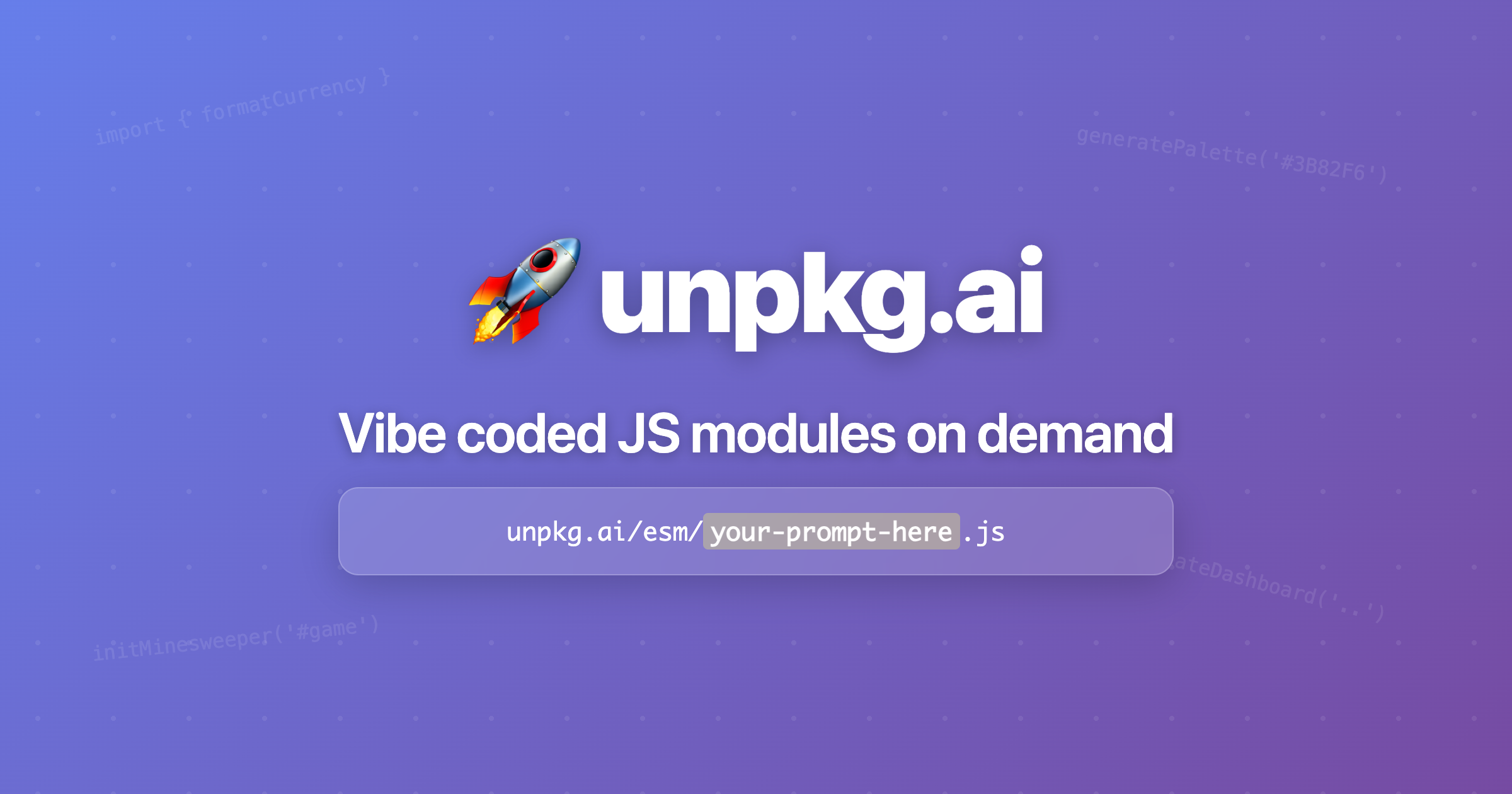

User reviews (0)