

 Paid content
 Visit website
 Updated: 2026-10-01 16:17
 Language: English (default)
 Access: Normal
 Profile views 3
  Outbound visits 0
 Website Review
What is Upmetrics?
Upmetrics is AI-assisted business plan software with financial forecasting built in. You answer a few questions about your business, and it drafts the written plan, a multi-year financial forecast, and an investor pitch deck in one workspace. Its positioning is aimed at founders, small-business owners, and teams who need a plan in the format investors, lenders, or visa officers expect, without building the numbers from scratch in a spreadsheet.
What it actually does
- AI plan drafting: It generates each plan section from your inputs, with suggested answers you review and edit rather than accept wholesale.
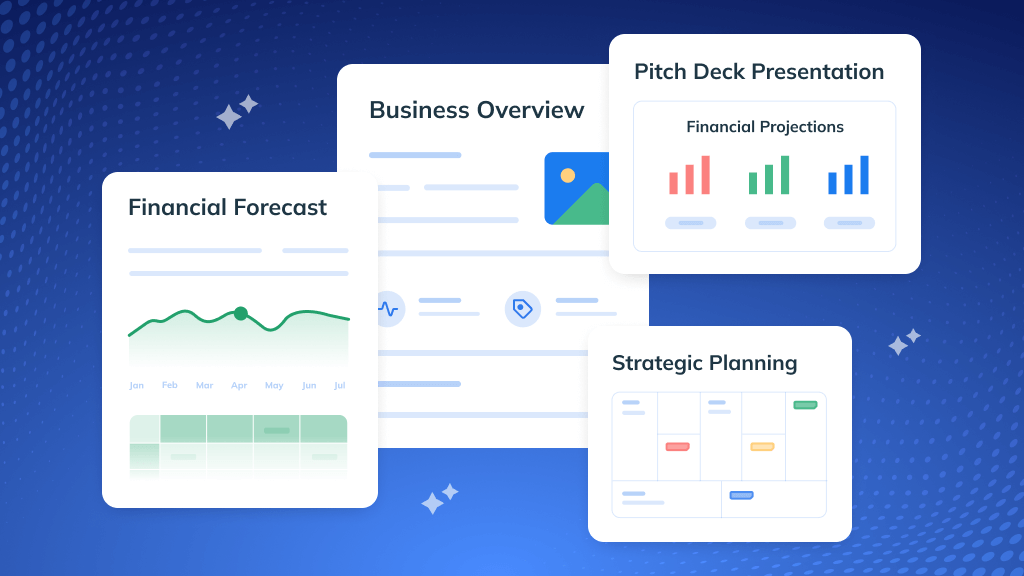
- Financial forecasting: Your figures become a forecast, and interactive dashboards show revenue, expenses, cash flow, and net profit at a glance.
- Pitch deck generation: It produces a deck alongside the plan, so you are not rebuilding the same story in a second tool.
- Strategy templates: Business Model Canvas, Lean Canvas, and SWOT structures are available if you want to validate the model before writing prose.
- Collaboration: Shared workspaces let partners and advisors comment and iterate in one place.
- Accounting sync: Connecting QuickBooks or Xero pulls live actuals into the forecast so plan-versus-actuals updates without manual exports.
Who gets the most from it
A first-time founder preparing a bank loan package benefits most: the plan and forecast arrive in a lender-friendly structure, and the accounting sync keeps the numbers current after funding. A consultant or accelerator advisor managing several clients also fits, because shared workspaces and templates reduce repetitive setup. Someone who already maintains a detailed, custom financial model in Excel may find the built-in forecasting less flexible than what they have.
How it compares to alternatives
| Need | Upmetrics approach | Typical alternative |
|---|---|---|
| Writing the plan | AI drafts sections from your answers | Blank document or template pack |
| Financials | Built-in forecast tied to your plan | Separate spreadsheet model |
| Post-funding tracking | QuickBooks/Xero sync, plan vs. actuals | Manual re-entry or no tracking |
| Pitch materials | Deck generated from the same data | Separate design tool |
A practical next step
If you are weighing it up, open Upmetrics and run one real plan through the AI generator rather than a test case. Judge it on two things: how much editing the drafted sections need before they sound like your business, and whether the forecast handles your actual revenue model (subscriptions, project fees, inventory, or mixed). If either requires heavy rework, compare against a dedicated financial-modeling tool before committing. Note that pricing is listed on its own page rather than in the overview, so check current tiers against how many collaborators and forecasts you need.
How does Upmetrics use AI to create a business plan and financial forecast?
Upmetrics uses AI as a drafting engine rather than a decision-maker. You answer a short set of questions about what the business does, who it serves and its stage, and the AI generates written sections plus a three-year financial forecast in a single workspace. The pitch deck is generated from the same inputs, so the narrative and numbers stay aligned instead of being rebuilt in separate tools.
What the AI actually produces
- Plan sections: the AI drafts each written section, with a "Suggest Answers" feature that fills sections you would otherwise face as a blank page. You review, edit and accept only what fits your business.
- Financial forecast: your inputs are turned into a multi-year forecast without spreadsheet formulas. The page positions this as removing the need for an accountant to build the model, though you remain responsible for whether the assumptions are realistic.
- Pitch deck: a deck generator draws on the same plan content, useful when an investor or lender wants the short version.
- Supporting structure: templates for Business Model Canvas, Lean Canvas and SWOT, plus designed cover pages, sit around the generated content.
Where the live numbers come in
Upmetrics connects to QuickBooks or Xero so actual results flow into the forecast, and a plan-vs-actuals view updates without exporting files. That matters more than the initial draft: a forecast is only useful if you can see how far reality has drifted from it.
Practical trade-off
AI drafting is strongest for the parts founders stall on — market analysis, executive summary, competitor framing — and weakest where your specific knowledge is the whole value. Treat the generated forecast as a first model to challenge, not a finished one. A founder preparing a bank loan, for example, should expect the lender to probe the revenue assumptions the AI proposed, so budget time for editing those rather than the prose.
Next step: run the two-minute intake, then immediately open the financial forecast and test one pessimistic scenario — lower revenue or slower collection — before you touch the written sections. If the model breaks under that, the assumptions need work regardless of how polished the plan reads.
For comparison, LivePlan LivePlan and Bizplan Bizplan occupy similar ground, and your accountant may prefer a plain spreadsheet they can audit.
Can Upmetrics generate a pitch deck for investors or lenders?
Yes. Upmetrics is designed to turn your plan and financials into an investor- or lender-ready pitch deck, not just a written document.
What it does
- An AI Pitch Deck Generator drafts slides from the business plan and forecast you've already built, so you're not writing the deck from scratch.
- The pitch deck sits in the same workspace as the plan and financials, so updates to your numbers can flow into the deck rather than being retyped.
- Financials are built in: the plan feeds a multi-year forecast, which is the part investors and lenders scrutinize most.
- You can connect QuickBooks or Xero so plan-vs-actuals updates live after funding — useful for ongoing reporting, not just the initial pitch.
Who this fits
| Situation | Why it works |
|---|---|
| First-time founder, no deck | AI drafts a starting structure you edit |
| Applying for a loan | Lender-format plan plus financials in one place |
| Visa or grant application | Plan and forecast produced in an expected format |
| Already trading | QuickBooks/Xero sync keeps actuals current |
Trade-off to weigh AI-generated slides give you speed and a solid skeleton, but they won't know your market nuance, traction story or why you are the right team. Treat the output as a first draft: rewrite the narrative slides, replace generic claims with specific evidence, and check every number against your own model.
Next step Build the plan and forecast first, then generate the deck from them — that order keeps the slides consistent with the financials an investor will question. If you want to compare options, look at Upmetrics alongside LivePlan and Enloop, which take different approaches to plan-and-pitch output.
How does Upmetrics integrate with QuickBooks or Xero for tracking plan vs actuals?
Upmetrics connects to QuickBooks or Xero so that your accounting actuals flow into the forecast you built in the plan. Instead of exporting reports and rebuilding a spreadsheet each month, the integration pulls live actuals into the same workspace, where they are compared against your forecast figures (the page shows a live-actuals-versus-forecast comparison, e.g. actuals and forecast side by side). The stated purpose is that plan-vs-actuals updates without a manual export.
In practice, that changes the planning rhythm: your business plan stops being a one-time document and becomes a lightweight tracking tool. The page presents this as step three of its workflow — "Submit, track, and grow" — alongside submitting the plan to a lender or investor, so the intended audience is founders who need both a fundable plan and ongoing financial monitoring.
What the integration does and does not cover
- Covered: syncing accounting data from QuickBooks or Xero into your forecast, and keeping a plan-versus-actuals view current.
- Not specified on the page: sync frequency, which QuickBooks or Xero editions and regions are supported, how accounts are mapped to forecast line items, or how historical data is handled. Confirm these directly, since mapping is usually where setup effort lands.
A practical next step
Before connecting, decide which forecast lines you actually want to track monthly — typically revenue, major expense categories, and cash — and check that your accounting chart of accounts maps cleanly onto them. If your books are messy or your categories don't match your plan, the synced comparison will be misleading regardless of the software.
If you want to compare approaches, Upmetrics' own pages cover the feature set Upmetrics, and the accounting side is documented by QuickBooks and Xero.
Is Upmetrics suitable for visa or immigration business plan requirements?
Yes—Upmetrics is explicitly positioned for visa and immigration business plan requirements. Its own materials state that the AI drafts your plan, forecast and pitch deck "in the format investors, lenders and visa officers expect," which signals that immigration-oriented plans are an intended use case rather than an afterthought. The three-step flow (answer questions → AI drafts plan, forecast and deck → submit, track and grow) is designed to produce a complete, structured document quickly, which suits visa applicants who need a formal plan on a deadline.
Where it fits well
- Applicants who need a full written plan plus a multi-year financial forecast, since the site says the AI "turns your numbers into a three-year forecast" without spreadsheets or formulas.
- People who are not confident writers or modelers—the drafting and financial build are handled for you.
- Founders who also want a pitch deck, if the same content will be shown to lenders or investors alongside the visa submission.
Where to be careful Immigration authorities and visa categories differ in what they demand—some want detailed market research, job-creation projections, personal investment evidence or specific narrative sections. A generic AI draft is a starting point, not a finished legal document. Budget time to review and rewrite sections yourself, and verify the output against the exact checklist for your visa type.
A practical next step Before subscribing, download or preview a sample plan from Upmetrics and compare its section headings against your visa requirement list. If key sections are missing, check whether you can add custom sections or edit the templates. If your case is complex—multiple entities, unusual revenue models or heavy regulatory detail—consider having an immigration attorney or a specialist business plan writer review the final draft, using Upmetrics mainly to produce the first version cheaply and quickly.
Decision criterion Choose it if you mainly need speed, a complete-looking document and built-in financials. Look elsewhere (or pair it with professional review) if your visa category hinges on highly specific evidence, expert market data or a format prescribed by a particular authority.
How much does Upmetrics cost and what is included in the pricing plans?
Upmetrics does not publish a single flat rate on the page provided; the site points to a dedicated Pricing page and advertises a 15-day money-back guarantee. Treat the exact tiers and dollar amounts as something you need to confirm on that page, since they change and vary by billing period.
What the product itself includes, based on the site's feature list, is a single workspace covering:
- AI plan drafting — you answer questions about your business and the AI writes each section, with a "Suggest Answers" option so you are not starting from a blank page.
- Financial forecasting — your inputs become a three-year forecast without spreadsheet formulas.
- Investor pitch deck generation — a deck built from the same plan content.
- Interactive financial dashboards — revenue, expenses, cash flow, net profit and other metrics in one view.
- Collaborative workspaces — real-time editing and feedback with partners or advisors.
- Templates and frameworks — business model canvas, Lean Canvas and SWOT, plus designed cover pages.
- Accounting integrations — QuickBooks and Xero connections so actuals sync into your forecast and plan-vs-actuals updates without exports.
- Support — a dedicated support team, with walkthroughs for things like linking a forecast.
How to decide
The practical question is not the sticker price but which tier unlocks the features you actually need. If you only want a written plan, a lower tier may suffice; if you need the forecast, dashboards and QuickBooks/Xero sync for ongoing plan-vs-actuals tracking, expect that to sit in a higher tier.
A useful next step: open the pricing page, note which tier includes financial forecasting and accounting integrations, then start the trial and test one real scenario — connect your accounting data or enter a month of actuals and see whether the dashboard reflects it correctly. If it does, the higher tier is likely worth it for a business that needs lender- or investor-ready numbers; if you just need a one-off document, the cheaper option is the better trade-off.
 Hosting and Email
 Cloudflare
 Hosting
 Google Workspace
 Location
 Pages, Search and Sharing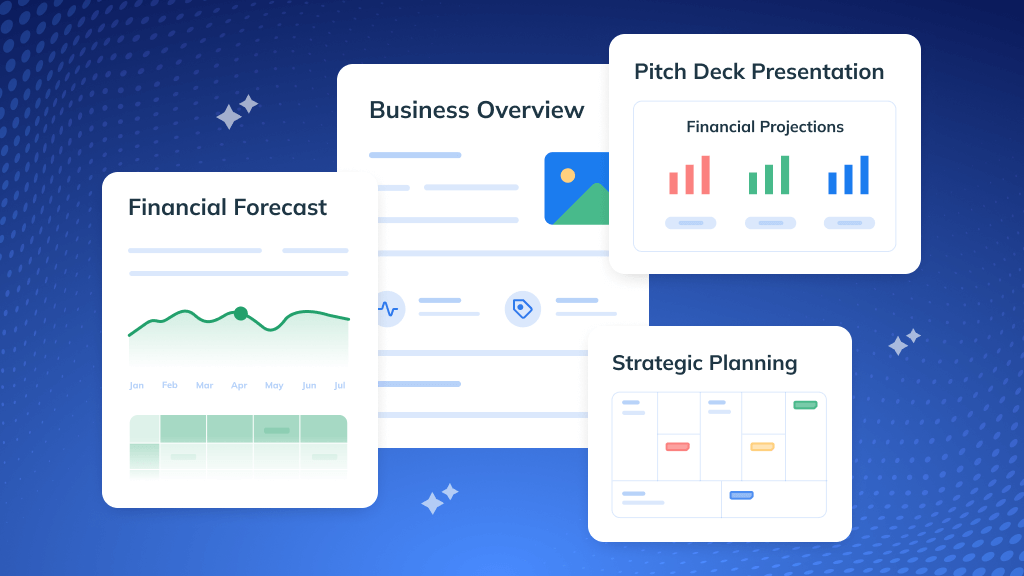



 semrushbot

 Registration details

 Identified technologies
User reviews (0)