 Paid content
 Multilingual
 Visit website
 Updated: 2026-09-03 15:04
 Access: Normal
 Profile views 14
  Outbound visits 11
 Website Review
What is Bitly?
Bitly is a link management platform best known for shortening long URLs into compact, shareable links. It also generates QR codes and provides analytics that show how audiences interact with those links, helping users understand what content gains traction and where clicks originate.
Core uses
- Shortening links: Turning long, unwieldy URLs into clean links suited to social posts, SMS, print or email.
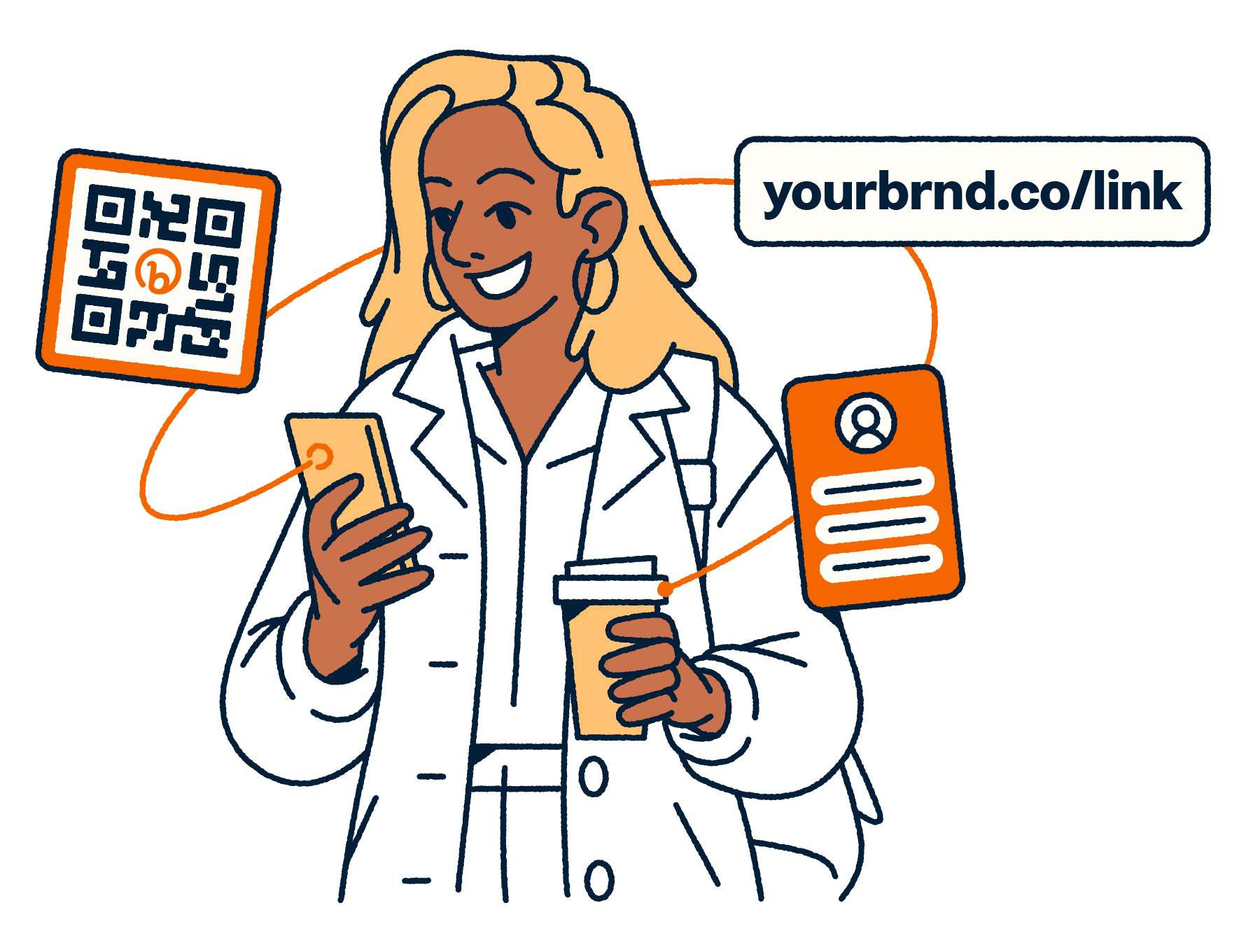
- QR codes: Creating scannable codes that direct people to a webpage, menu, form or campaign landing page.
- Tracking and analytics: Monitoring clicks, locations, referrers and timing to see which channels perform best.
- Branded links: Using a custom domain so shared links reflect a brand rather than a generic shortener.
Who it suits
Marketers, small businesses, social media managers, publishers and event organizers typically use it when they need measurable, tidy links across multiple channels. Teams focused on campaign reporting may value the dashboard view; individuals may simply want a quick way to share something short.
Trade-offs
Shortened links can look unfamiliar or less trustworthy to some recipients, and branded domains require setup. Analytics are only as useful as the questions you ask of them, and link performance depends heavily on the destination content and audience. Bitly offers a free tier alongside paid plans, so features such as custom domains, link limits and advanced reporting may vary by plan.
How do I create a short URL with Bitly?
To create a short URL with Bitly, you typically paste a long link into the dashboard, confirm the destination, and let the service generate a compact link you can copy and share. Many accounts also let you customize the back-half of the link so it reads as something recognizable rather than a random string.
Typical workflow
- Sign in to your Bitly account.
- Paste the destination URL into the create field.
- Optionally edit the slug, choose a domain, or add tags.
- Generate the link, then copy it for email, social posts, or print.
What you get beyond shortening
- Tracking: Click counts and referral data help show which channels drive traffic.
- QR codes: The same destination can be turned into a scannable code for offline use.
- Link management: Saved links can be organized and updated, which suits marketers running campaigns.
Trade-offs to keep in mind
Free or entry tiers often limit customization, volume, or analytics depth, while paid plans unlock more. Shortened links can also look less trustworthy to cautious recipients, so branded domains may help. Availability of specific features can vary by plan and region.
What are the pricing plans available for Bitly?
Bitly is a link management platform for creating short URLs, generating QR Codes, and tracking how those links perform. It is commonly used by marketers, small businesses, social media teams, and individuals who want cleaner links and basic click analytics.
Typical plan structure
Bitly generally offers a free tier alongside paid plans, with pricing details listed on its official pricing page at Bitly. Because exact prices and feature limits can change, the specific figures are best confirmed there.
- Free plan – suited to occasional use, such as shortening links and creating a limited number of QR Codes.
- Paid individual plans – typically add more links, QR Codes, custom domains, and deeper analytics.
- Team or business plans – designed for multiple users, shared link management, and collaboration features.
What to consider
The main trade-offs are volume and tracking depth. Free plans usually cap monthly links or QR Codes and offer basic analytics, while paid tiers increase limits and may include branded domains, UTM building, and team seats. For a single user sharing a few links, the free option may be enough. For campaigns that need consistent branding and measurable results, a paid plan is often more suitable.
Check Bitly's pricing page for current tiers, since plan names, limits, and costs are subject to change.
How does Bitly track link clicks and analytics?
Bitly tracks clicks by redirecting every short link through its own servers. When someone taps or clicks a Bitly link, the request first reaches Bitly, which records the event and then forwards the visitor to the original destination. That redirect layer is what makes measurement possible.
What typically gets recorded
- Total clicks and unique clicks
- Time and date of each click
- Referrer (where the click came from)
- Device type, operating system and browser
- Approximate geographic location, usually at country or city level
- Language settings reported by the browser
How people use it
Marketers compare channels, test headlines or calls to action, and see which campaigns actually drive traffic. QR Codes created in Bitly feed the same analytics, so scans and link clicks can be reviewed together. Teams often add tags or custom back-halves to keep many links organized.
Trade-offs
The redirect step adds a small dependency: if Bitly is unreachable, the link may not resolve. Privacy-focused audiences may also object to click tracking, and some email clients or browsers pre-fetch links, which can inflate counts. Analytics depth varies by plan, so check Bitly pricing for current limits.
Can I generate QR codes using Bitly?
Yes. Bitly supports QR code creation alongside its core short-link service, so you can produce a scannable code that points to a destination URL without needing a separate generator.
How it is typically used
- Marketing teams place codes on print materials, packaging or signage, then track scans the same way they track link clicks.
- Small businesses may use one code per campaign, channel or location to compare what performs.
- Because codes are tied to a short link, the destination can often be updated later without reprinting the code.
Audiences and trade-offs
It suits people who already want link shortening, click analytics and campaign tracking in one place, since QR codes become part of that same workflow. If you only need a one-off static code and no reporting, a simpler free tool may be enough. For teams that need branded links, scan data and the ability to manage many codes, the combined approach is usually more practical.
Things to check
Code customisation options, scan limits and analytics depth can vary by plan, so it is worth reviewing the current plan details before committing. Dynamic codes also depend on the provider remaining active, which is a consideration for long-lived print assets.
What are the differences between Bitly's free and paid plans?
Bitly offers a free tier alongside paid subscriptions, and the main differences come down to link volume, tracking depth, and branding control.
Free plan
- Short links and basic QR Codes
- Limited number of links and scans per month
- Basic click tracking
- Bitly-branded short domain
Paid plans
- Higher or unlimited link and scan allowances
- More detailed analytics, including click-through and audience data over longer periods
- Custom back-halves and branded domains, so links carry your own name rather than Bitly's
- QR Code customisation and editing after creation
- Team features such as multiple seats and permissions on higher tiers
In practice, the free plan suits individuals testing short links or running a small campaign, while paid plans are aimed at marketers, small businesses and agencies that need consistent branding, deeper reporting, or several people managing links together. The trade-off is straightforward: paid tiers cost money but remove volume caps and unlock analytics and customisation that the free tier limits.
Exact prices and per-tier limits change, so check the official pricing page before choosing: Bitly.
 Hosting and Email
 Amazon Route 53
 Hosting
 Google LLC
 Location
 United States
 Pages, Search and Sharing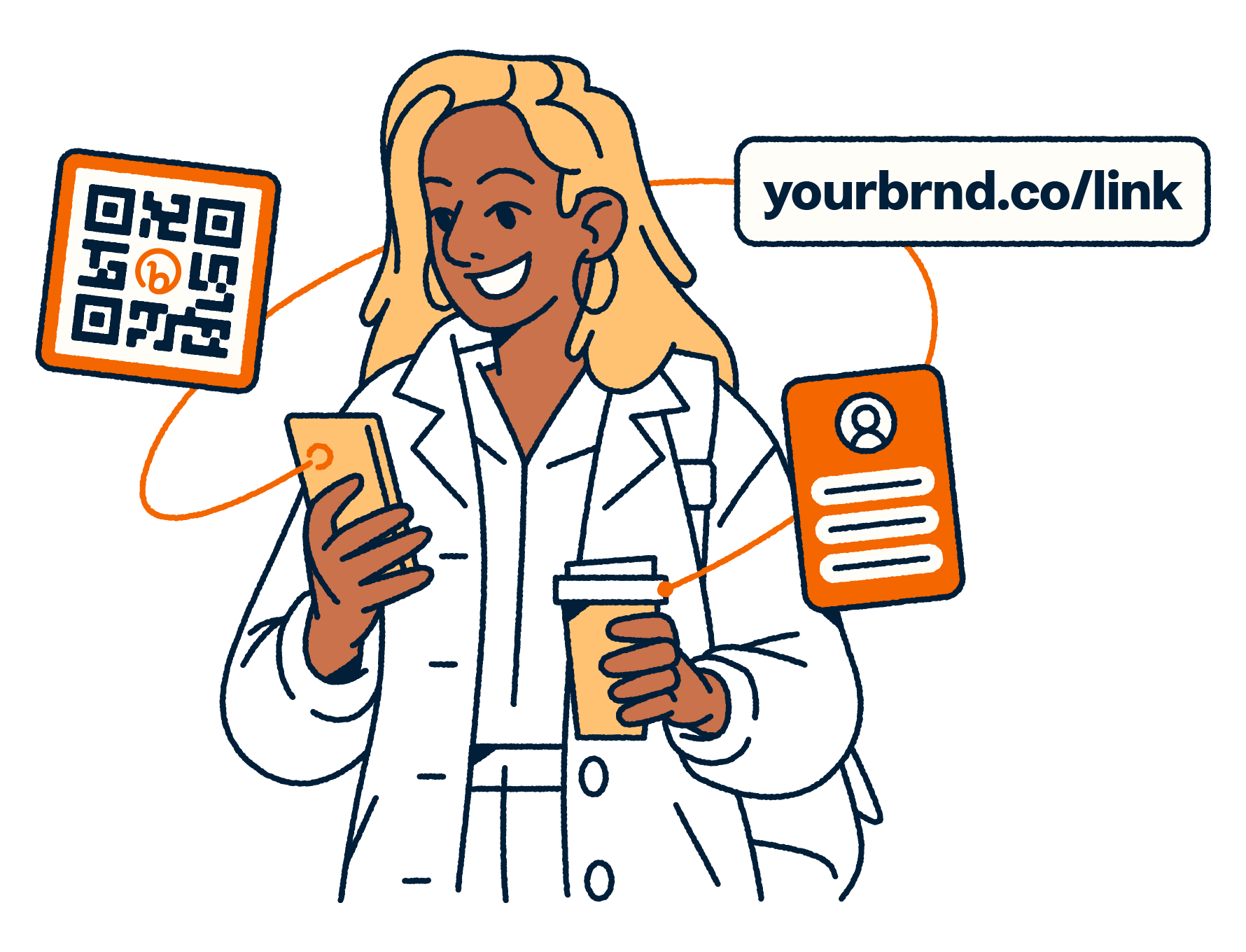


 All bots

 Registration details RDAP / WHOIS
 TLS and certificates
 HTTP response headers
 Identified technologies
User reviews (0)