
 duckie.ai
No paid content found
duckie.ai
No paid content found
Categories: Artificial Intelligence
AI support agents that resolve tickets end to end. Duckie handles your customer support autonomously, learning from your knowledge base to deliver instant, accurate responses 24/7.
 Visit website
 Updated: 2026-09-28 20:16
 Language: English (default)
 Access: Normal
 Profile views 8
 Outbound visits 1
Related questions
More questions →What Are AI Agents and How Do You Connect Them to Real-World Tools?
An AI agent is a system that uses a language model to decide what to do next — calling tools, fetching data, and chaining steps — rather than just answering a single prompt. To act on the real world, an agent needs external tools, because its training data is frozen and it can't browse, scrape, or write to your apps on its own. The practical way to give it those capabilities is to connect it to ready-to-run tools through APIs or marketplace integrations. Apify, for example, describes itself as "a marketplace of ready-to-run tools for AI" with "73,229 tools for your AI," which is the kind of catalog you'd plug an agent into.
Agent vs. chatbot vs. single prompt
| Single prompt | Chatbot | AI agent | |
|---|---|---|---|
| Input | One question | Ongoing conversation | A goal |
| Decides next step? | No | No | Yes |
| Uses external tools? | No | Sometimes | Yes, by design |
| Example | "Summarize this text" | "Answer my follow-ups" | "Find competitor prices and update my sheet" |
The distinguishing feature is autonomy over steps. A chatbot waits for you to drive; an agent plans and executes, then reports back.
Why agents need external tools
A model's knowledge stops at its training cutoff and contains no live data about your niche, your competitors, or your own systems. Tools close that gap:
- Fresh data — current prices, posts, reviews, listings
- Actions — writing to a database, sending a message, triggering a workflow
- Structure — turning messy web pages into clean fields an agent can reason over
Without tools, an agent can only talk. With them, it can do.
How agents connect to tools
Three common patterns, from simplest to most integrated:
- Direct API calls — the agent (or your code around it) hits an endpoint and gets JSON back. You handle auth and parsing.
- Marketplace integrations — you pick a ready-made tool from a catalog and connect it to your agent. Apify's page lists this as "Easily connect with your AI agents," alongside "Ready-to-run or build your own."
- MCP / framework adapters — the tool exposes itself in a format your agent framework understands. Apify's Website Content Crawler, for instance, "integrates well with 🦜🔗 LangChain, LlamaIndex, and the wider LLM ecosystem."
The right choice depends on how much glue code you want to own. Marketplaces and adapters trade flexibility for speed.
Concrete example: crawling a site to feed an agent or RAG pipeline
Say you want an agent that answers questions about a documentation site.
- Input: the site's URL(s).
- Action: run a crawler. Apify's Website Content Crawler will "crawl websites and extract text content to feed AI models, LLM applications, vector databases, or RAG pipelines." It "supports rich formatting using Markdown, cleans the HTML, downloads files."
- Expected result: clean Markdown chunks you embed into a vector store.
- Then: your agent retrieves relevant chunks at query time and answers with citations.
The crawler does the messy part (HTML cleanup, formatting); the agent does the reasoning. This split is the whole point of connecting tools.
Criteria for choosing agent tools
Judge each candidate on the same dimensions:
- Data source — does it cover the site/platform you actually need? (TikTok, Google Maps, Instagram, e-commerce, Facebook are all separate tools in Apify's catalog.)
- Output format — JSON for structured logic, Markdown for LLM/RAG input.
- Scheduling & monitoring — can it run on a schedule, or only on demand?
- Integration — native support for your framework (LangChain, LlamaIndex) vs. raw API.
- Cost — check the provider's pricing page; don't assume free.
- Reliability signals — usage counts and ratings. Apify shows these per tool (e.g., Google Maps Scraper: 616K runs, 4.7 from 1,817 reviews; TikTok Scraper: 291K runs, 4.8 from 371).
Common failure points
- Auth — API keys and tokens expire or lack scope; the agent fails silently.
- Rate limits — high-volume agent loops hit caps fast; add backoff.
- Stale data — a cached result looks valid but isn't; timestamp everything.
- Unstructured output — raw HTML breaks parsing; prefer tools that clean and format.
- Silent errors — an agent may treat a failed call as an empty result. Validate responses explicitly.
Bottom line
An AI agent is a goal-driven system that plans and calls tools; a chatbot just responds. To make an agent useful, connect it to tools that supply live data and actions — via direct APIs, a marketplace like Apify, or framework adapters. Pick tools by data source, output format, scheduling, integration, and cost, and guard against auth, rate-limit, and staleness failures before you ship.
How Do Enterprise Teams Adopt Specialist AI Agents Without Disrupting Existing Workflows?
Enterprise teams can adopt specialist AI agents without disruption by starting with one narrow, high-volume workflow, running it as a bounded pilot with human review, measuring against a baseline, and only then expanding. The key is to treat agents as new team members with defined scopes rather than as a replacement for existing tools or a sweeping platform migration. This article explains what specialist agents are, where they fit across common team functions, and a phased approach you can follow.
What Makes an Agent "Specialist" Rather Than General-Purpose
A general-purpose assistant responds to open-ended prompts across many topics. A specialist agent is scoped to one job: it has a defined goal, a limited set of tools and data sources, and a clear definition of "done."
That scoping matters for enterprise teams for three practical reasons:
- Predictability. A narrow agent produces more consistent outputs, which makes it easier to review and trust.
- Permission control. You can grant access only to the systems that specific task needs, rather than broad data access.
- Measurable value. When an agent owns one workflow, you can compare its output against a manual baseline.
A useful rule of thumb: if you cannot describe the agent's job in one sentence with a clear input and output, it is still too broad to deploy safely.
Mapping Team Functions to Agent Use Cases
Most enterprise teams have a handful of repetitive, rules-plus-judgment tasks that are good first candidates. The table below shows typical starting points.
| Team | Candidate agent task | Why it fits |
|---|---|---|
| Sales | Research and enrich inbound leads before handoff | High volume, structured output, easy to verify |
| Customer success | Draft responses to common account questions | Repetitive, benefits from consistency |
| Marketing | Repurpose long-form content into channel variants | Clear brief, reviewable drafts |
| HR | Screen and summarize applications against criteria | High volume, needs audit trail |
| Operations | Triage and route incoming requests | Rule-based with clear routing logic |
Notice that none of these replace a person's judgment. They compress the repetitive portion so the human spends time on exceptions and decisions.
A Phased Adoption Approach: Pilot, Measure, Expand
Phase 1: Pick one workflow and define success
Choose a task that is high-volume, low-risk, and currently a bottleneck. Write down:
- The current process, step by step
- The baseline metric (time per task, volume per week, error rate)
- What "good output" looks like, with two or three examples
- Who reviews the agent's work
Phase 2: Run a bounded pilot
Keep the agent inside the existing workflow rather than beside it. For example, the agent drafts; the human sends. Set a review gate so nothing leaves the team unreviewed. Run for a fixed period, such as four to six weeks, with a small group.
Phase 3: Measure against the baseline
Compare the same metrics you recorded in Phase 1. Look for time saved, consistency gained, and — importantly — where the agent failed. Failures tell you whether the scope was right.
Phase 4: Expand deliberately
Only widen scope after the pilot shows a clear, repeatable gain. Expand in one of two directions: more volume of the same task, or an adjacent task with the same data and review pattern. Avoid expanding into a new function and a new data source at the same time.
Handling Workflow Integration Concerns
Data access
Give each agent the minimum access its task requires. Prefer read access plus a single write action over broad permissions. Document which systems it touches so security and IT can review.
Handoffs
Define exactly where the agent stops and a human begins. A simple handoff rule works well: the agent completes the task and flags anything outside its defined scope for a person. Ambiguous handoffs are the most common source of friction.
Human oversight
Decide the review level up front:
- Full review for anything customer-facing or high-stakes
- Spot check for internal, low-risk outputs
- Exception-only review once the agent has a track record
Start stricter than you think you need, then relax as evidence accumulates.
How Roles and Responsibilities Shift
Adopting agents rarely removes roles; it redistributes effort. Expect these shifts:
- Reviewers become editors. People spend less time producing first drafts and more time improving and approving them.
- Process owners become agent owners. Someone needs to maintain the agent's instructions, examples, and scope as the business changes.
- New quality checks appear. Teams need a lightweight way to catch drift — for example, a weekly sample review.
Be explicit about who owns the agent after launch. An unowned agent degrades quietly.
Practical Criteria for Choosing Where to Start
Score candidate workflows against these questions:
- Volume: Does it happen often enough to matter?
- Risk: What is the cost of a wrong output, and can a human catch it?
- Structure: Is the input and output reasonably consistent?
- Baseline: Can you measure the current state today?
- Ownership: Is there a person who will own the agent after launch?
A workflow that scores well on all five is a strong first pilot. A high-volume task with no clear owner is a poor start, no matter how repetitive it is.
A Simple Pilot Template
You can copy this structure to scope your first agent:
- Task: [one sentence]
- Current baseline: [time/volume/error rate]
- Agent scope: [what it does, what it does not do]
- Data access: [systems, read/write]
- Handoff rule: [when it escalates to a human]
- Review level: [full / spot / exception]
- Owner: [name]
- Pilot length: [weeks]
- Success metric: [target]
Bottom Line
Disruption comes from adopting too much at once, not from agents themselves. Start with one scoped task, keep humans in the loop, measure against a real baseline, and expand only when the evidence supports it. Platforms built around specialist agents — such as Relevance AI, which offers agents for sales, customer success, marketing, and HR — are designed for exactly this kind of task-by-task rollout, so you can add capability without rebuilding your team's existing processes.
Website Overview
The available information shows a mix of normal operation and configuration gaps. Depending on how the website is used, these gaps may affect secure access or the consistency of its public presentation.
Domain and Registration
Transfer-protection status is present, helping reduce the risk of unauthorized domain transfers. The domain has about 3 years of registration history; its current configuration provides more context than age alone. The registrar is GoDaddy.com, LLC, a widely used domain service provider. Registration contact information is publicly available through RDAP. The domain uses the common .ai extension, which is not an independent safety signal.
DNS and Email
Nameservers are provided by GoDaddy, indicating managed DNS hosting. MX records point to the Google Workspace email service. No CNAME was found; the observed records resolve directly to addresses. SPF and DMARC are configured. DKIM status is unknown. TXT records include verification markers for Google. Such markers may also remain after a service stops being used.
TLS and Certificates
The certificate uses an RSA 2048-bit public key, offering broad client compatibility. The server supplied a complete certificate chain. No organization name is present in the certificate; the available fields are consistent with domain validation. The certificate was issued by Let's Encrypt, commonly associated with automated certificate services. The certificate's total validity is about 89 days, consistent with a short renewal cycle.
HTTP and Browser Security
The response lacks these common security headers: CSP, X-Content-Type-Options, Referrer-Policy, Permissions-Policy, clickjacking protection. CORS permits any origin to read this response. This is common for public resources; sensitive responses need narrower handling. No X-Powered-By header was found, reducing one common source of backend fingerprinting information. No obvious internal addresses or debug information were found in the headers. The Server header contains the custom value Vercel.
Technology Stack Analysis
The public page identifies Next.js, Google Analytics, Vercel without precise versions, leaving fewer clues for version-specific scanning.
Search and Social Sharing
The meta description has 180 characters and may be shortened in search results. Twitter Card metadata is configured. JSON-LD includes Organization data, helping describe the organization as an entity. The title has 26 characters, within a common display range. The observed directives allow indexing and link following.
 Hosting and Email
 GoDaddy
 Hosting
 Vercel
 Google Workspace
 Location
 United States
 Pages, Search and Sharing
| Meta description | AI support agents that resolve tickets end to end. Duckie handles your customer support autonomously, learning from your knowledge base to deliver instant, accurate responses 24/7. |
|---|---|
| Canonical URL | https://duckie.ai |
| Language | English (default) |
| Twitter Card | summary_large_image |
Social Sharing Preview
15 fields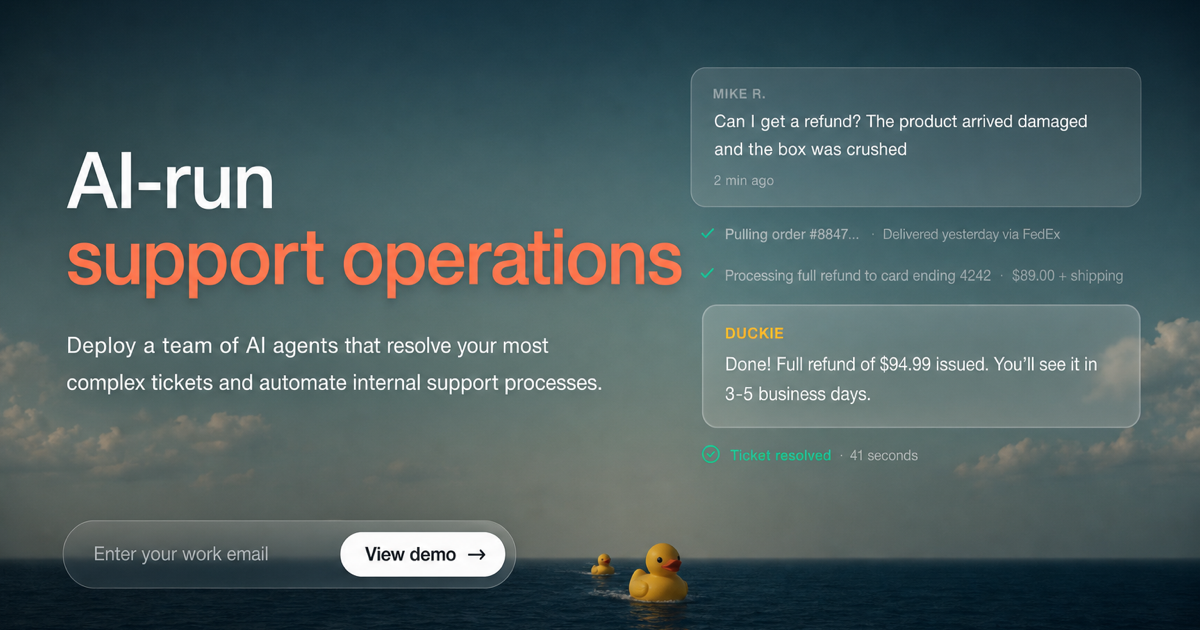

Sharing metadata
| og:url | https://duckie.ai |
|---|---|
| og:type | website |
| og:image | https://duckie.ai/og-image.png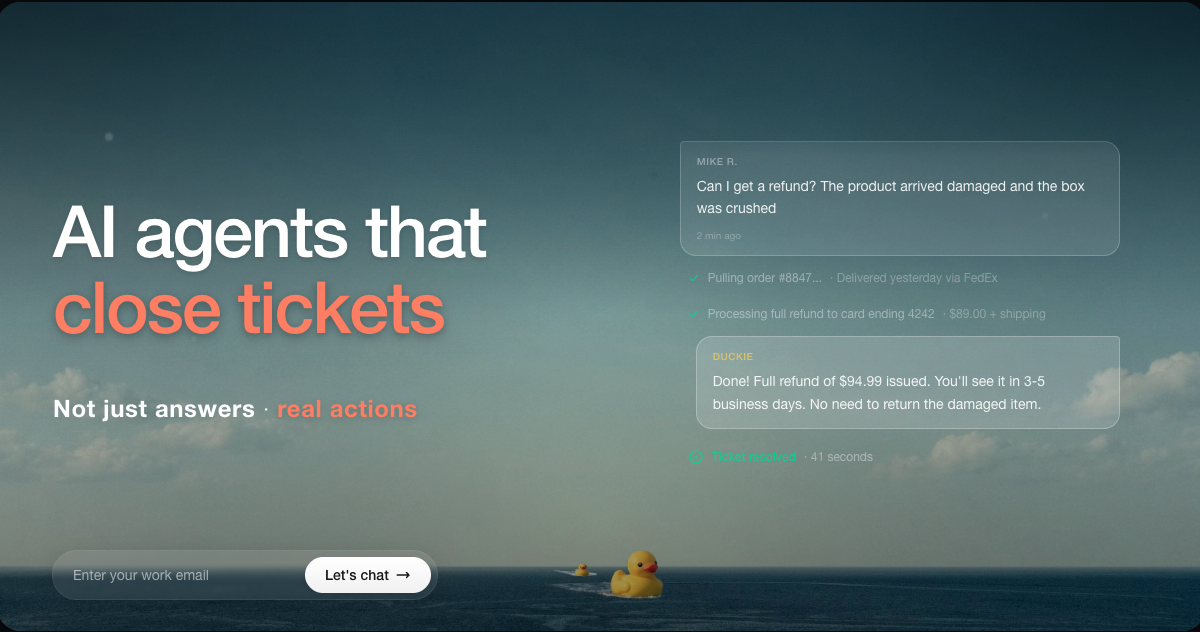 |
| og:title | Duckie - AI Support Agents |
| og:locale | en_US |
| og:image:alt | Duckie - AI Support Agents |
| og:site_name | Duckie |
| og:description | AI support agents that resolve tickets end to end. Autonomous customer support that learns from your knowledge base. |
| og:image:width | 1200 |
| og:image:height | 630 |
| twitter:card | summary_large_image |
| twitter:image | https://duckie.ai/og-image.png |
| twitter:title | Duckie - AI Support Agents |
| twitter:creator | @duckieai |
| twitter:description | AI support agents that resolve tickets end to end. Autonomous customer support that learns from your knowledge base. |
robots.txt (opens in a new tab)
38 rulesAll bots 1 allowed · 1 disallowed

 All bots

/
/api/
googlebot 1 allowed · 1 disallowed
//api/
bingbot 1 allowed · 1 disallowed
//api/
duckduckbot 1 allowed · 1 disallowed
//api/
gptbot 1 allowed · 1 disallowed
//api/
oai-searchbot 1 allowed · 1 disallowed
//api/
chatgpt-user 1 allowed · 1 disallowed
//api/
claudebot 1 allowed · 1 disallowed
//api/
claude-web 1 allowed · 1 disallowed
//api/
anthropic-ai 1 allowed · 1 disallowed
//api/
perplexitybot 1 allowed · 1 disallowed
//api/
perplexity-user 1 allowed · 1 disallowed
//api/
google-extended 1 allowed · 1 disallowed
//api/
applebot 1 allowed · 1 disallowed
//api/
applebot-extended 1 allowed · 1 disallowed
//api/
ccbot 1 allowed · 1 disallowed
//api/
meta-externalagent 1 allowed · 1 disallowed
//api/
bytespider 1 allowed · 1 disallowed
//api/
cohere-ai 1 allowed · 1 disallowed
//api/
No matching rules.
Sitemaps
1 Registration details RDAP / WHOIS
| Registrar | GoDaddy.com, LLC |
|---|---|
| Registered | 2023-08-20 |
| Expires | 2027-08-20 |
| Domain status | client delete prohibited、client renew prohibited、client transfer prohibited、client update prohibited |
| Nameservers | ns09.domaincontrol.com、ns10.domaincontrol.com |
| DNSSEC | unsigned |
 DNS records
| Type | Name | Value | TTL | Priority |
|---|---|---|---|---|
| A | duckie.ai | 216.150.1.1 | 600 | — |
| MX | duckie.ai | aspmx.l.google.com | 3600 | 1 |
| MX | duckie.ai | alt1.aspmx.l.google.com | 3600 | 5 |
| MX | duckie.ai | alt2.aspmx.l.google.com | 3600 | 5 |
| MX | duckie.ai | alt3.aspmx.l.google.com | 3600 | 10 |
| MX | duckie.ai | alt4.aspmx.l.google.com | 3600 | 10 |
| NS | duckie.ai | ns09.domaincontrol.com | 3600 | — |
| NS | duckie.ai | ns10.domaincontrol.com | 3600 | — |
| TXT | duckie.ai | firebase=support-bot-406816 | 3600 | — |
| TXT | duckie.ai | google-site-verification=FEAgqW0_raEer_7z7Rl7U1Y9hCO-5-DEWuQlp1Me564 | 3600 | — |
| TXT | duckie.ai | google-site-verification=WL7jlQdxBosbXsPUusbruK3rPDR5E4iSNL5TxDu6FX0 | 3600 | — |
| TXT | duckie.ai | google-site-verification=eTdVVONej5UBwkAWaoUCM372J0abqZ4dzTAxK3aLTFw | 3600 | — |
| TXT | duckie.ai | google-site-verification=maeG8sC54FreROFORi_ioKRMudIjOkSxcyA0rJBd9u4 | 3600 | — |
| TXT | duckie.ai | hubspot-developer-verification=NmI2ZDI2ZmItZThlYi00YmRmLWI3ODktYzFlOTlhOTU0MmRj | 3600 | — |
| TXT | duckie.ai | v=spf1 include:_spf.firebasemail.com include:amazonses.com ~all | 3600 | — |
| DMARC | _dmarc.duckie.ai | v=DMARC1; p=none; rua=mailto:[email protected] | 3600 | — |
 TLS and certificates
| Assessment | Normal configuration |
|---|---|
| Supported protocols | TLSv1.2、TLSv1.3 |
| Negotiated protocol | TLSv1.3 |
| Certificate subject | duckie.ai |
| Issuer | Let's Encrypt |
| Valid until | 2026-12-25T06:50 · Remaining when checked: 87 days |
| Verification details | Certificate trust: Passed · Hostname match: Passed |
 HTTP response headers
| Header | Value |
|---|---|
| content-type | text/html; charset=utf-8 |
| cache-control | public, max-age=0, must-revalidate |
| server | Vercel |
| strict-transport-security | max-age=63072000 |
| access-control-allow-origin | * |
 Identified technologies
User reviews (0)