
 简体中文
简体中文 English
Website review
This review may include AI-generated content and is not individually verified. Domain, certificate and other facts come from the observed data on this page.
What is Easytools?
Easytools is a no-code platform for selling digital products — online courses, downloads, and similar goods — built on top of your own Stripe account. Rather than stitching together a checkout tool, a page builder, an email service, and a course host, it bundles those essentials into a single subscription aimed at creators, entrepreneurs, and small business owners who want to sell without hiring a developer.
What it actually covers
According to the site, the platform centers on a one-page checkout (Easycart) designed for conversion, plus an AI-assisted page builder with a drag-and-drop editor, email campaigns tied to sales data, testimonial collection, and course/content publishing with buyer-only access. The pitch is speed: idea to selling in minutes, no coding, no credit card to start.
Who it fits, and who it doesn't
It suits a solo creator or small team that wants one bill and one dashboard, and that is comfortable running payments through Stripe. It fits less well if you already have a stack you're happy with and only need one piece — the value here is consolidation, so paying for the bundle to use a single feature rarely makes sense. The site does note integrations with tools like Sendgrid and ConvertKit, so it isn't strictly a closed system.
Evidence of scale
The page cites 9,000+ creators and over $300 million earned, alongside a case study of a design course that brought in $240,000+ across two sales windows in just over two weeks. Treat those as vendor-reported figures — useful as a signal of traction, not as a benchmark for your own results.
A useful next step
If you sell courses or digital downloads and your current setup involves three or more disconnected tools, list what each one costs you monthly and what breaks when they don't talk to each other. Then compare that against a single subscription. Start with the free tier to test the checkout and page builder on one real product before migrating anything; the checkout is the piece that most directly affects revenue, so judge it first.
How does Easytools integrate with Stripe for selling digital products?
Easytools is built on top of your existing Stripe account, so Stripe handles the payment processing while Easytools provides the storefront, checkout and delivery layer around it. You connect Stripe once, and your digital products, one-page checkout (Easycart), course access and email campaigns all run through that connection.
What that means in practice
- Payments stay in your Stripe account. You keep your own Stripe dashboard, payouts and reporting; Easytools doesn't become a separate payment intermediary.
- Easytools adds the selling layer. Per the site, it covers a conversion-focused one-page checkout, a drag-and-drop site builder, email campaigns tied to sales data, testimonial collection, and course/content publishing with buyer-only access.
- No coding required. The site presents setup as going from idea to selling in minutes, with no credit card needed to start.
Why creators choose this over Stripe alone
Stripe by itself processes payments but leaves you to assemble checkout pages, course hosting, email and testimonials from other tools. Easytools bundles those into one subscription. The trade-off is that you're buying into one vendor's ecosystem rather than best-of-breed tools — fine if you want speed and simplicity, less ideal if you already have a stack you love (the site notes integrations with tools like SendGrid and ConvertKit for that reason).
A concrete example
The site cites "Design Practice," which used Easytools to market an online course for designers and reports $240,000+ in sales over two weeks across two sales windows, with close to 1,000 participants. That's the vendor's own case study, so treat the figure as marketing rather than independent verification — but it illustrates the intended workflow: Stripe for payment, Easytools for the page, checkout, delivery and follow-up email.
Next step
If you already sell through Stripe, connect it and run one small product through Easycart to test conversion and delivery before migrating a full course catalog. If you don't use Stripe yet, check the Easytools pricing and setup pages first, since the whole model assumes a Stripe account.
Can I use Easytools to create and sell online courses without coding?
Yes. Easytools is built for exactly that: creators who want to publish and sell online courses without writing code. The page describes it as a no-code suite where you can go from idea to selling in minutes, with course hosting, checkout, email and testimonials all in one subscription rather than stitched-together plugins.
What that looks like in practice
- Course publishing and access control — you can publish courses and digital products and limit access to buyers only, so students see the material after purchase.
- Checkout — a one-page checkout (Easycart) is designed for conversion, and it runs on top of your existing Stripe account, so payments land in a system you already control.
- Product page building — you describe your product or course, an AI drafts the page, and you edit it in a drag-and-drop editor. No templates to code against.
- Email campaigns — you can send emails based on sales data without connecting a separate email tool, and see the revenue they generate.
- Testimonials — collect reviews and display them on your page and in checkout for social proof.
A realistic scenario
Say you're a designer with a course outline and a Stripe account but no developer. You draft the sales page with the AI builder, set the price, connect Stripe, publish the course behind buyer-only access, then run an email sequence to your list. That's the whole loop, and it's the loop Easytools is selling.
The trade-off to weigh
The pitch is consolidation: one subscription instead of a website builder, a course platform, an email tool and a checkout widget. That reduces integration work and cost, but it also means your course lives inside Easytools' ecosystem rather than a standalone platform you can export wholesale. The page does state that your data and content belong to you, which matters if you ever want to migrate. If you need deep customization, unusual quiz or cohort features, or a marketplace that brings its own student traffic, a dedicated course platform may fit better. If you mainly need to sell and deliver a self-paced course fast, this is the simpler path.
Next step: open the pricing page to check which tier includes course hosting and email, then start a free account and build one product page end to end before committing — that's the fastest way to judge whether the no-code editor matches how you actually work. You can compare the approach with more specialized course platforms such as Teachable or all-in-one creator tools like Kajabi.
What pricing plans does Easytools offer for creators and businesses?
Easytools presents itself as an all-in-one, no-code suite for selling digital products, and its pricing is structured around a single subscription rather than a menu of separate plans. The site's own materials describe "access to all Easytools with one, affordable subscription," and it invites visitors to "start for free" with no coding and no credit card required. In other words, the model is one subscription that unlocks the full toolset, with a free entry point to try it.
That single subscription covers the main jobs a creator or small business needs: a one-page checkout (Easycart), an AI-assisted website builder with a drag-and-drop editor, email campaigns tied to sales data, testimonial collection, and course/content publishing with buyer-only access. Because these are bundled, the practical appeal is avoiding a stack of separate subscriptions for checkout, email, and hosting.
What to check on the pricing page
- The current price and billing cycle for the subscription.
- What the free tier includes versus the paid tier.
- Whether there are transaction fees on top of your Stripe processing costs.
- Any limits on products, customers, or emails.
A useful next step is to compare the all-in-one subscription against your current stack. If you already pay for a checkout tool, an email platform, and a course host separately, add those monthly costs together and compare. If you only need one of those functions, a single-purpose tool may be cheaper. The trade-off is clear: Easytools reduces tool-juggling and integration work, but you are committing to one vendor's ecosystem rather than picking best-in-class tools for each job.
For a concrete scenario, a designer selling a course could use the built-in checkout, email, and course hosting to launch quickly and keep everything in one dashboard, which is exactly the kind of use case the site highlights. A larger business with an existing marketing stack might prefer to keep its current tools and only adopt the checkout or course component if Easytools supports that level of modular use.
For official details, see Easytools and its pricing page.
How does Easytools help recover abandoned checkouts and increase sales?
Easytools addresses abandoned checkouts through a built-in feature called Checkout recovery, which is listed among its core tools. Rather than relying on a separate app or integration, recovery is part of the same subscription as checkout, email campaigns and analytics — so the sales data that triggers a recovery message is already in the platform.
How the pieces fit together
- One-page checkout (Easycart): a single checkout page designed to reduce friction and improve conversion, so fewer buyers drop off in the first place.
- Checkout recovery: follows up with people who started but did not finish a purchase.
- Email campaigns tied to sales data: you can send messages based on what customers bought, and see the revenue those emails generate — useful for measuring whether recovery efforts actually pay off.
- Analytics: sales data you can review and act on to adjust pricing, promotions or messaging.
A practical example: a designer sells a course. A visitor enters their email at checkout but leaves before paying. The recovery flow reaches them, and because the campaign is connected to sales data, the designer can see whether that follow-up produced a sale rather than guessing.
What to weigh
| Strength | Trade-off to consider |
|---|---|
| Recovery, checkout and email in one subscription | Less control than assembling dedicated best-of-breed tools |
| Built on your existing Stripe account | You need a Stripe account to use it |
| No-code setup, quick to launch | Advanced customisation may be limited |
The platform reports that it has helped over 9,000 creators, and cites a design course that generated $240,000+ across two sales windows — a case study from Easytools itself, not an independent measurement, so treat it as illustrative rather than typical.
Next step: if recovery is your priority, map your current drop-off points first. If most abandonment happens at payment, a simpler one-page checkout may matter more than follow-up emails; if it happens after email capture, recovery messaging is the bigger lever. Compare Easytools against Stripe's own recovery options before committing, since your Stripe account sits underneath either way.
What are the key features of Easytools for marketing digital products?
Easytools bundles the marketing and selling steps into one subscription built on top of your existing Stripe account, so you don't stitch together a checkout tool, an email platform and a testimonial widget yourself. The page positions it for digital creators — course sellers, designers, small product businesses — who want to go from idea to a live product page quickly.
Marketing-relevant features from the product page
- One-page checkout (Easycart): a single checkout page designed around conversion, so buyers aren't pushed through a multi-step flow.
- AI-assisted product pages: describe your product and an AI drafts the page content, which you then edit in a drag-and-drop editor.
- Email campaigns tied to sales data: send emails based on who bought what, without connecting a separate email tool, and see the revenue those emails generate.
- Testimonial collection and display: gather reviews and show them on your product page and inside checkout.
- Course and content hosting with buyer-only access: publish courses and digital products and restrict access to purchasers.
- Promotions and pricing experiments: run promotions and test prices, then read the resulting sales data.
- Analytics: review sales data to adjust strategy and improve conversion.
- Integrations: the page mentions keeping tools you already use, naming Sendgrid and ConvertKit among others.
What this means in practice
The marketing value here is mostly about removing handoffs. If your email tool doesn't know who purchased, you can't send a follow-up to buyers only, or a nudge to people who started checkout and stopped. Easytools claims that link is native, which shortens the loop between a campaign and revenue you can attribute to it.
A concrete scenario: a designer sells a $200 course. They draft the page with AI, edit it, put testimonials above the buy button, run a two-week promo at a lower price, then email past buyers about a related product — all without exporting CSVs between platforms. That is the workflow the page is selling, and it's a reasonable fit for a solo creator or a two-person team.
Where it may not fit
If you already run a mature stack — a full email service provider with complex automation, an existing course platform, or a storefront with physical inventory — the all-in-one approach can mean giving up depth in one area to gain convenience in another. The trade-off is real: fewer integrations to maintain, but less room to swap out a single piece you dislike.
Next step
Before committing, list the three marketing actions you actually run today — for example, abandoned-checkout emails, launch sequences, testimonial requests — and check each one against the feature list above. If all three are covered, the single-subscription model is likely worth it; if one is central to your revenue and missing or shallow, keep that tool separate. You can see the feature breakdown at Easytools and compare pricing models before deciding.
 Cloudflare
 Google Workspace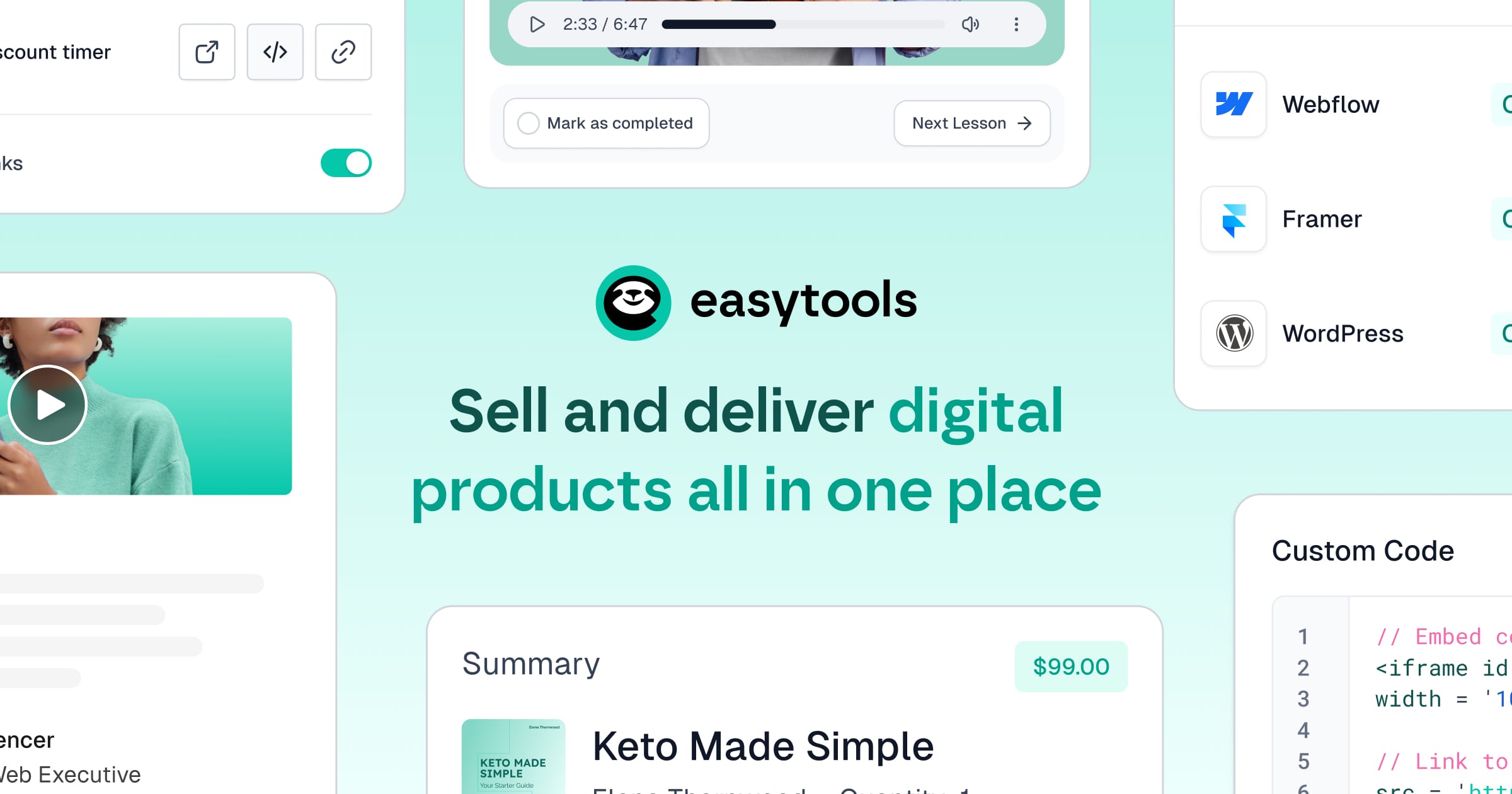

User reviews (0)