
 Paid content
 Visit website
 Updated: 2026-10-04 15:57
 Language: English (default)
 Access: Normal
 Profile views 7
  Outbound visits 0
 Website Review
What is Interview Solver?
Interview Solver is an AI interview copilot built for live coding interviews. According to its own site, it listens in during the session and surfaces real-time solutions to problems like LeetCode-style questions, while staying invisible to screen sharing so the interviewer watching your screen does not see it.
Who it is for
- Candidates preparing for or sitting FAANG-style technical screens with algorithmic coding problems.
- People who want assistance during the live interview itself, not just during practice.
What it claims to do
- Provide real-time LeetCode solutions as you work.
- Remain hidden from screen sharing, based on the site's description.
- Position itself as an edge for passing demanding coding interviews.
The trade-off to weigh
The value here depends on the format of your interview. In a live coding round where you are expected to reason out loud, an invisible copilot may help you produce a correct answer faster, but it does not build the underlying skill, and relying on it carries risk if the interviewer asks you to explain your reasoning or deviate from the problem as written. For take-home or open-book assessments, the same capability is less useful because you already have time and resources. If your goal is genuine fluency, a structured practice routine with mock interviews tends to serve you better long term.
A practical next step: check whether your target companies allow any assistance during interviews and how their platforms monitor sessions, then decide if a tool like this fits your situation. For general preparation, official problem archives such as LeetCode are the standard starting point.
How does Interview Solver remain invisible during screen sharing?
Interview Solver describes itself as an AI interview copilot that stays hidden while you share your screen, so the interviewer sees only your editor, browser, or IDE rather than the tool generating answers.
How the invisibility is meant to work
Based on the page's own framing—"You, screensharing" versus "Interviewer, watching your screen"—the product is positioned around a separate display layer that isn't part of the window you choose to share. In practice, that usually means one of two setups:
- A second device or display. The copilot runs on a phone, tablet, or second monitor that the shared screen never captures.
- An overlay excluded from capture. Some tools render on top of your desktop in a way that screen-sharing APIs don't pick up.
The page's headline claim ("Invisible to screen sharing") tells you what the product promises, not the exact mechanism, so treat the specific method as something to verify yourself before relying on it.
Why this matters more than it sounds
Screen-sharing invisibility is a technical claim with real failure modes. Common ways it breaks:
- The interviewer asks you to share a specific window instead of the whole screen, changing what gets captured.
- You switch to a full-screen app that pulls the overlay into the shared surface.
- A proctoring or recording tool captures at the OS level rather than the app level.
A practical test before you depend on it
Rehearse the exact setup you'll use: start a call, share your screen the same way you would in the interview, and open the copilot. Have a friend on the other end confirm what they can and can't see. If your interview uses a dedicated coding platform, test inside that platform too, since some environments behave differently from a plain video call.
If you want to compare approaches, general AI assistants like OpenAI or Anthropic run in a normal browser tab and are visible unless you move them off-screen—so the trade-off is convenience versus concealment. Interview Solver's whole pitch is the concealment side.
One caveat worth stating plainly: using an undisclosed AI copilot in a live interview may violate the employer's or platform's rules, and getting caught can end the process regardless of how well the tool hides.
Can Interview Solver solve LeetCode problems in real-time?
Yes. Interview Solver is built around exactly that use case: it presents itself as a real-time AI copilot for live coding interviews, with the page's own framing being solving LeetCode-style problems while an interview is happening and staying invisible to screen sharing.
H3 What that means in practice
- The intended workflow is live, not practice-only: you have a coding problem in front of you, and the tool generates solutions as you go.
- Its two headline claims are "invisible to screen sharing" and "real-time LeetCode solutions," so the design assumes the interviewer is watching your screen while you use it.
- The site positions the outcome as getting through FAANG-style interviews, which tells you the target user is a candidate in a timed, high-stakes technical screen.
H3 Where the real risk sits The honesty trade-off matters more than the feature list. Using a hidden solver during a live interview generally violates the rules of the company running it, and detection (or a follow-up question about your own code) can end the process outright. If your goal is to actually pass, a tool that hands you answers you can't explain is fragile: interviewers routinely ask you to walk through complexity, edge cases, or a modification.
H3 A more durable use of the same idea
- Use it as a study aid between interviews: generate a solution, then re-implement it from scratch and explain it aloud without the tool.
- Practice the follow-up: after each problem, state the time and space complexity and one edge case you'd test.
- If you want interview prep with structured problem sets and discussion, LeetCode and NeetCode cover the same ground without the live-interview risk.
H3 Decision criterion Choose it for live assistance only if you accept the rule and detection risk and can still explain every line you submit. If you can't yet do that, the same tool is more valuable as a practice generator than as an interview crutch.
Is using Interview Solver during a live coding interview considered cheating?
Yes, in most live coding interviews, using Interview Solver as described would be considered cheating. The product's own page frames it as an "unfair advantage" and says it is "invisible to screen sharing" while giving "real-time LeetCode solutions." That combination — a tool that feeds you answers during an assessment while being hidden from the interviewer — is exactly what interview integrity rules are designed to prevent. The intent matters: if you are being evaluated on your own problem-solving, getting live AI assistance without disclosure misrepresents your ability.
There is a narrow exception: some companies now explicitly allow AI assistants, or run "open AI" interviews where you must disclose and explain your prompts. In those cases, using an AI copilot is fine because the rules permit it. The test is not "is the tool hidden?" but "does the interviewer know and allow it?"
How the trade-offs look
| Situation | Using an undisclosed copilot | Using AI with disclosure |
|---|---|---|
| Standard FAANG-style interview | Risk of rejection and blacklisting if detected | Usually not allowed; ask first |
| Explicitly "AI-allowed" interview | Unnecessary and dishonest | Expected and acceptable |
| Practice / mock interviews | Fine as a learning aid | Fine, and more useful |
| Take-home or timed assessment | Often violates the rules | Depends on the stated policy |
A practical next step
Before any interview, read the company's assessment policy and ask your recruiter directly: "Are AI coding assistants permitted during this interview?" If the answer is no, use the tool only for practice. If you want legitimate AI-assisted prep, tools like LeetCode and interviewing.io offer mock interviews and practice problems where the goal is building real skill rather than hiding a crutch.
For a concrete reader scenario: a candidate who uses a hidden copilot may pass one screen but struggle in the follow-up "explain your reasoning" round, because they cannot reproduce the logic. A candidate who practices until they can solve similar problems unaided passes both. The durable strategy is to treat Interview Solver-style tools as a study aid, not a live substitute.
What programming languages and platforms does Interview Solver support?
Interview Solver presents itself as an AI interview copilot for live coding interviews, but the supplied page information does not list specific programming languages or supported platforms. The visible page content is limited to a heading, several section labels such as "Features" and "Testimonials," and a pricing link, so any claim about exact language or platform support would be guesswork.
What the page does indicate is the intended context: screensharing during a coding interview, with the tool described as invisible to screen sharing. That framing suggests the product is meant for web-based or desktop-assisted interview settings rather than a specific language runtime, but the page text does not confirm which languages, code editors, browsers or meeting tools are covered.
If language coverage matters to you, treat it as the first thing to verify before relying on the tool. A practical next step is to open the official site and look for a features or FAQ section that names supported languages and environments, then test the exact setup you expect to use — the same browser, screen-sharing app and language — in a mock interview. As general advice, a copilot that handles Python but not the language in your interview loop, or that works in one meeting platform but not another, will not help when it counts.
How much does Interview Solver cost and what are the pricing plans?
Interview Solver's pricing is not published in the information available here. The site links to a pricing page, but no plan names, tiers, or prices are provided, so any specific figure would be a guess.
If cost is your deciding factor, check the official pricing page directly: Interview Solver. Look for whether billing is monthly or annual, whether there is a free trial or usage cap, and whether a plan limits how many interviews or questions you can run.
As a practical comparison point, AI interview-assistant tools commonly price in one of three ways: a free tier with strict limits, a monthly subscription for unlimited or high-volume use, or pay-per-session credits. Which model suits you depends on how many interviews you expect in the next month—if it is one or two, a credit or trial option is usually cheaper; if you are in an active job search with several onsites, a flat monthly plan tends to be better value.
A concrete scenario: if you have three coding interviews in the next two weeks, estimate your cost per interview under each model before committing, and confirm the refund or cancellation terms on the pricing page first.
 Hosting and Email
 vercel-dns.com
 Hosting
 Google Workspace
 Location
 United States
 Pages, Search and Sharing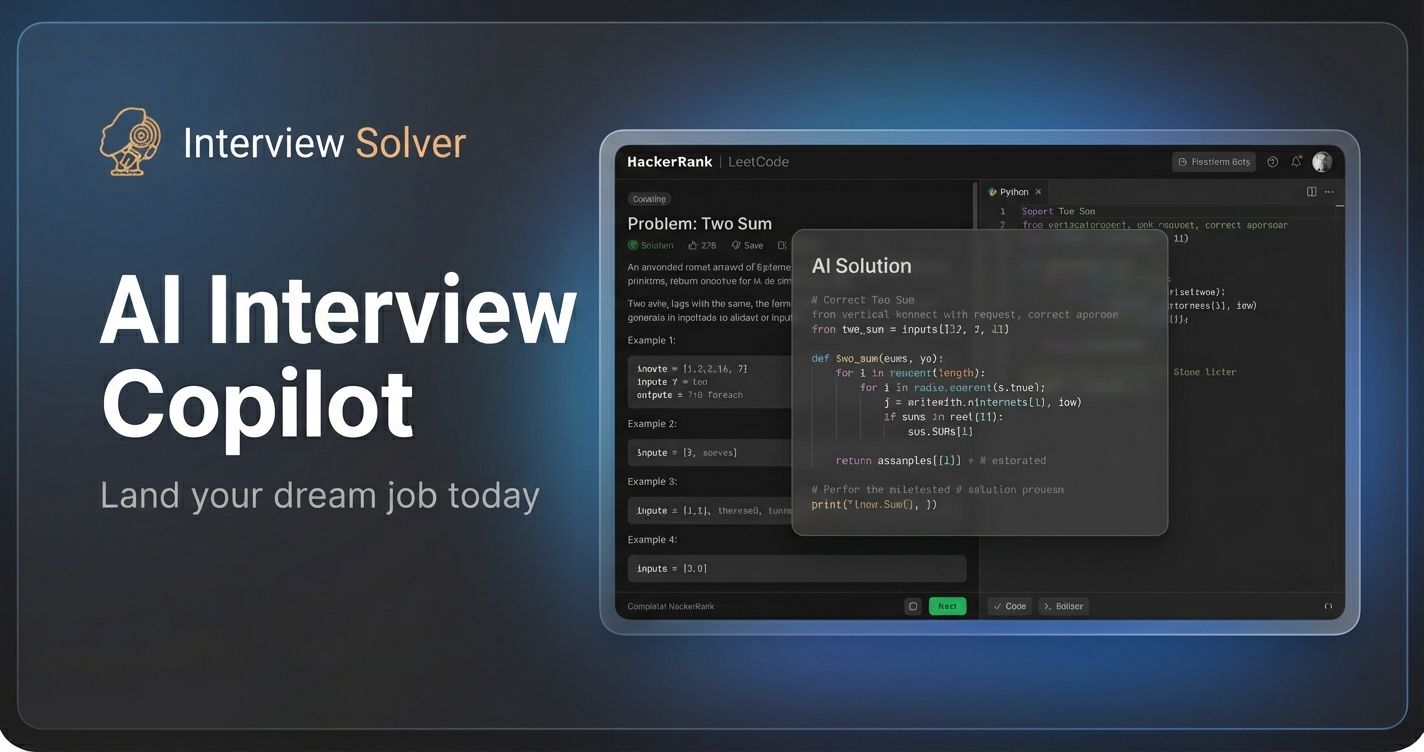



 All bots

 Registration details

 Identified technologies
User reviews (0)