
 简体中文
简体中文 English
Website review
This review may include AI-generated content and is not individually verified. Domain, certificate and other facts come from the observed data on this page.
What is Notionlytics?
Notionlytics is an analytics toolkit for Notion. It measures how people use Notion pages, resources and documents, and adds feedback widgets so readers can signal what helped and what did not. The product is aimed at shared content rather than personal note-taking: company wikis, community resource hubs, job boards, event agendas, portfolios, pitch decks, data rooms and product roadmaps. It works with any Notion plan and with both public and private pages.
Its two main pillars are usage analytics and direct feedback.
- Key usage metrics: a dashboard showing what is being viewed, what is ignored and how usage changes over time, with real-time updates rather than delayed reporting.
- Interactive widgets: reaction-style feedback that readers can leave anonymously, collected live and installed into Notion content in seconds.
- Content scope: the page evidence describes it as suitable for both massive knowledge bases and brief documents, which matters because a wiki and a one-page pitch deck have very different traffic patterns.
A practical way to decide whether you need it: if you maintain a Notion page that other people depend on, and you currently have no idea which sections they actually read, this fills that gap. A team running a company wiki could use it to find out which onboarding pages get opened and which are quietly skipped, then rewrite or retire the dead weight. Someone sharing a portfolio or pitch deck could use the feedback widget to learn which parts land with viewers.
The trade-off is that analytics only pay off if you act on them. If nobody owns the content or has time to revise it, the dashboard becomes another thing to ignore. Also consider privacy expectations: the widgets are described as anonymous, but you should still tell readers that usage is being tracked, especially on internal pages.
The page lists Pro, Team and Business tiers, with Pro covering up to 100 pages and Team offering unlimited pages and up to five team members; pricing is shown monthly or annually, with a stated saving for annual billing. Check the current pricing page for exact figures before committing, since plans and limits change.
A reasonable next step: pick one high-traffic Notion page, install a reaction widget, and review the data after two weeks. If the insight changes what you publish, the tool is earning its place; if not, a simpler manual check-in may be enough.
How do I set up Notionlytics with my Notion workspace?
Notionlytics is designed to sit alongside your existing Notion pages rather than replace them: you keep working in Notion, and it collects usage metrics and reader feedback from the pages you choose to track. Setup therefore has two parts — connecting the tool to the pages you care about, and deciding what you want to measure.
What the setup process involves
Based on the product's own description, the intended flow is:
- Create a Notionlytics account from its site.
- Add its tracking to the Notion content you want measured — the page states that widgets install into Notion content "in seconds."
- Choose the pages or resources to monitor. The Pro tier is described as covering up to 100 pages; the Team tier is described as unlimited pages, so page volume is the main planning constraint.
- Read results in the dashboard, which is presented as a single bird's-eye view with real-time updates.
Two points worth noting from the page evidence: it says the tool works with any Notion plan and is compatible with both public and private Notion pages. That matters because private pages are where most analytics tools struggle.
A practical first-run approach
Don't connect everything at once. Pick one high-traffic document — a company wiki home page, a community resource hub, or an onboarding guide — and enable tracking there for a week. Then check whether the numbers match your intuition about what people actually use. If they don't, that's the signal you were looking for.
Use the interactive widgets deliberately. The page describes them as anonymous reaction widgets that collect reader feedback in real time. Anonymity is the selling point: on internal wikis, people often won't tell a colleague that a page is useless, but they will click a reaction button.
Where to verify specifics
The page evidence here does not include step-by-step installation instructions, exact permission scopes, or integration mechanics, so confirm those directly with the vendor before rolling out across a large workspace — especially if your Notion setup has restricted sharing or an enterprise plan. For general Notion administration, see Notion. If you want to compare how other teams approach content analytics, Amplitude is a broader product-analytics reference, though it is not built for Notion pages specifically.
A reasonable decision criterion: if your goal is simply to know which pages get read, start on the entry tier and a small page set. If you need feedback loops across a large knowledge base with multiple editors, the unlimited-pages tier and priority support become the deciding factors.
What metrics does Notionlytics provide for Notion pages?
Notionlytics provides usage analytics for Notion content, aimed at helping you see which pages, resources and documents are actually being read or used. Its core metrics are framed around page views and content usage, with the emphasis on a "bird's eye view" from one dashboard, real-time updates, and tracking that works across public and private Notion pages and any Notion plan.
Its metrics fall into two practical groups:
- Usage metrics: page views and content usage across your Notion pages, resources and documents, shown in a single dashboard with real-time updates. The purpose is to spot trends, find what is helpful versus not, and adjust content.
- Direct feedback metrics: interactive widgets let readers anonymously react to or rate content, and those responses appear in real time alongside the usage data.
That combination matters because usage numbers alone can mislead. A page with high views may still be unhelpful if readers leave confused; a low-traffic page may be essential to a small group. Notionlytics pairs the quantitative side (views, usage trends) with the qualitative side (reader reactions), so you can judge both reach and usefulness.
Where it fits
The product is pitched at company wikis, community knowledge bases, shared documents, resource hubs, job boards, event agendas, CVs and portfolios, pitch decks, data rooms and product roadmaps. In each case the reader is someone whose behaviour you cannot otherwise observe inside Notion, and the goal is to keep the content current rather than let it drift.
A concrete scenario
Suppose you run a company wiki. You publish an onboarding guide and a benefits page. Notionlytics shows the onboarding guide getting steady views while the benefits page gets almost none, and a feedback widget on the benefits page collects a few "not useful" reactions. You now have a decision to make: promote the page where people expect to find it, or rewrite it. Without the feedback layer, you would only know it was unpopular, not why.
How to decide if it is worth it
- You need reader-level insight: if you cannot tell which Notion pages people actually use, usage metrics address that directly.
- You want feedback without friction: the widget approach suits audiences who will not fill in a survey but will click a reaction.
- You manage a large or shared knowledge base: the value grows with the number of pages and the number of readers, since the whole point is prioritising maintenance.
- You have a small, static set of pages: the return is thinner, because there is less content to compare and adjust.
A useful next step is to pick one Notion page you already suspect is underperforming, install a tracking widget on it, and watch views and reactions for a couple of weeks. That gives you a real baseline before committing to a wider rollout.
How do Notionlytics widgets collect feedback from readers?
Notionlytics widgets are small interactive elements you place inside a Notion page; readers click them to react to the content directly, and the responses are shown to you in real time on the analytics dashboard. According to the product's own description, the feedback is collected anonymously, so readers are not identified when they respond. The site also states that installing the widgets into Notion content takes seconds and is meant to be unobtrusive for the audience.
What the widgets are for
- Letting readers flag content as helpful or not helpful, so you can revise weak pages instead of guessing.
- Gathering feedback continuously rather than through one-off surveys.
- Working alongside usage metrics (page views, trends) so a drop in views can be compared with direct reader reactions.
Practical scenario
Suppose you run a company wiki with dozens of onboarding pages. You add a reaction widget to each page. After a month, the dashboard shows that one page gets steady views but mostly negative reactions, while another gets few views but positive ones. The first page is being read but not working — rewrite it. The second may simply be hard to find — improve its links or placement. That pairing of usage data and direct feedback is the main value here, and it is the trade-off too: anonymous clicks tell you that something is unhelpful, not why, so you may still need a comment box or a short follow-up question for detail.
Next step: pick your three most-visited Notion pages, add a reaction widget to each, and check the dashboard after two weeks before rolling widgets out across the whole workspace.
Notionlytics is compatible with public and private Notion pages and states it works with any Notion plan. For general context on Notion itself, see Notion.
Can Notionlytics track private Notion pages?
Yes. Notionlytics states it is compatible with both public and private Notion pages, and that it works with any Notion plan. So if your wiki, resource hub or shared document lives behind Notion's permissions rather than on the open web, it is still within the product's stated scope.
H3 What "private" actually changes for you
- Tracking still happens on the page. Analytics and the reaction/tracking widgets are installed into the Notion content itself, so the page being private does not by itself remove the measurement.
- Your readers still need access. A private page only produces meaningful usage data for people who can open it — teammates, invited guests or logged-in members. Someone who cannot view the page cannot generate a view or leave feedback.
- Public pages suit a different audience. For community hubs, job boards or event agendas aimed at outsiders, public sharing is what lets anonymous visitors contribute data.
H3 A practical test before you commit
- Pick one private page your team already uses weekly.
- Install the widget and confirm views appear in the dashboard.
- Ask two colleagues to open it and leave anonymous feedback.
- Check whether the numbers match what you expected from that page.
If they do, the same setup should scale to the rest of your private workspace.
H3 Where this fits in a wider stack
Notionlytics is the focused option if your content lives in Notion and you mainly want page-level usage plus reader feedback. If you also publish to the web and want traffic, search and campaign data alongside it, a general analytics tool such as Plausible Analytics or Matomo covers that ground, though neither reads Notion permissions or embeds feedback widgets inside a Notion page. Teams already standardising on Notion for internal documentation may find the narrower scope an advantage rather than a limitation.
How does Notionlytics pricing compare for teams versus individuals?
Notionlytics splits its paid tiers by who is doing the tracking, not by how much content exists: individuals are capped by page count, teams are capped by seat count.
The practical difference
- Pro is aimed at one person or a small operation. The page evidence shows it covers up to 100 pages and includes reaction widgets, tracking widget customization and watermark removal.
- Team removes the page limit entirely and instead includes 5 team members, with the same widget features plus priority customer support.
- Business appears in the pricing section but the page evidence cuts off before its details, so its limits and inclusions aren't confirmed here.
Which one fits
If you run a personal portfolio, CV, job board or a single shared document set, Pro's 100-page ceiling is usually the binding constraint, and paying for seats you don't need makes little sense. If you run a company wiki or community hub where many people both publish and read, the page limit is the wrong meter — Team's seat-based model and unlimited pages match that shape better.
A useful test: count contributors and editors, not readers. Readers are free in either plan; what you're buying is the right to track more pages or to add more people with access to the analytics.
What isn't answered by the pricing page
The page shows a monthly figure for Pro and Team and mentions an annual option that saves 17%, but it doesn't state whether widget features differ between tiers beyond what's listed, or how page counting treats subpages, databases and linked views. Those details matter before committing a large wiki, so confirm them directly.
For context on how Notion itself structures plans and sharing, Notion is the authoritative source; Notionlytics sits on top of it rather than replacing it.
 Cloudflare
 Google Workspace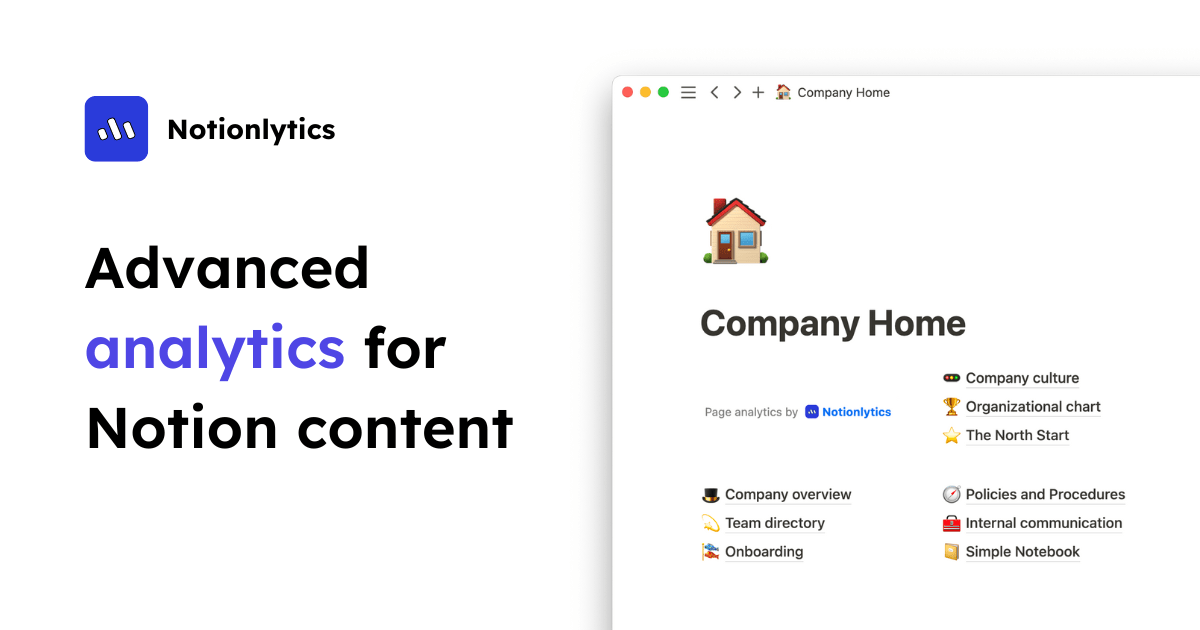

User reviews (0)