
 简体中文
简体中文 English
Website review
This review may include AI-generated content and is not individually verified. Domain, certificate and other facts come from the observed data on this page.
What is PlantPhotoAI?
PlantPhotoAI is a website offering free AI-generated plant photos. Its stated focus is botanical accuracy, achieved through domain-specific training rather than a general-purpose image model. The site presents a browsable collection organized by plants and formats, with an emphasis on a community of plant lovers.
Who it suits
- Plant enthusiasts and hobbyist gardeners who want reference-style images of specific plants without hunting through stock libraries.
- Writers, educators and bloggers needing quick botanical visuals for articles, slides or plant-care guides.
- Small business owners in gardening, landscaping or plant retail looking for low-cost imagery for social posts and simple web pages.
Practical trade-offs
AI-generated photos can look convincing, but they may still misrepresent fine botanical details such as leaf arrangement, flower structure or growth habit. For identification or scientific use, treat them as illustrations rather than evidence and verify against a trusted botanical source. For decorative or illustrative purposes, the free access and plant-specific focus are the main advantages.
A useful next step
Before relying on an image, pick one plant you know well, generate or browse its photo on the site, and check it against a real specimen or a reliable reference. If the details hold up, you can use the collection with more confidence for your project.
How can I use PlantPhotoAI to get a free plant photo for a project?
Open PlantPhotoAI, browse the plant categories or photo formats shown on the homepage, and download the free plant photo you want for your project. The site presents itself as a source of free, AI-generated plant photos built with domain-specific training for botanical accuracy, so it suits projects where you need a plant image quickly without arranging a photo shoot.
A practical route
- Start from the plant categories to narrow the search to the species or plant type you need.
- Check the available formats and pick the one that matches your layout (for example, a wide image for a banner or a square one for a card).
- Download the image and place it in your draft, then check that the plant's shape, leaves and colour look right at the size you'll use it.
Where it fits
- Classroom or student projects: quick illustrations for slides, posters or plant-identification worksheets.
- Small websites and newsletters: filler imagery for blog posts about gardening, houseplants or botany.
- Design mockups: placeholder plant visuals before final photography is available.
What to weigh
AI-generated images can be convenient, but for scientific or commercial use, verify botanical details against a trusted reference and confirm the site's usage terms before publishing. If exact species accuracy matters, a real photograph from a source such as Unsplash or a botanical garden's image library may be a better fit.
Next step: decide your image's format and subject first, then browse only the matching category so you spend less time sorting through unrelated plants.
How accurate are PlantPhotoAI's AI-generated plant photos for identifying specific species?
PlantPhotoAI is built for producing plant imagery, not for species identification, so its photos should not be treated as a reliable identification tool. The page presents it as a generator of "AI-crafted plant photos" with "specialized domain training for botanical accuracy," and its visible content is organized around browsing photos by plants, categories and formats. Nothing on the page claims that a generated image can confirm which species you are looking at.
What "botanical accuracy" likely means here
Domain training can make generated plants look more plausible: leaves with sensible venation, flowers with the right petal counts, growth habits that match a plant type. That is visual realism, which is useful for design mockups, blog illustrations or decorative content. It is not the same as diagnostic accuracy. Real identification depends on details a generator may smooth over or invent, such as leaf arrangement along the stem, stipules, hairiness, flower structure, fruit type and where the plant naturally grows.
Where generated photos help and where they mislead
- Useful: mood boards, article headers, social posts, pattern and packaging concepts, or visual placeholders when you cannot source a licensed photograph.
- Risky: learning to recognize a species, checking whether a plant is edible or toxic, or confirming a sighting for a record. A convincing image can blend features from several species, and a beginner may read that blend as a real trait.
- Also consider: if you need a picture of one exact species, a real photograph with a named photographer and location is easier to verify than a generated one.
A practical next step
If you want to test how trustworthy the images are, pick three species you know well, generate each, and check specific diagnostic features against a flora or botanical garden description. For actual identification, use a keys-based guide or a community where people review real photos, such as iNaturalist or RHS. Treat PlantPhotoAI as a source of attractive plant visuals, and verify species claims with real specimens or expert-reviewed references.
Can I use PlantPhotoAI images for commercial purposes like product packaging or ads?
Commercial use is not confirmed by the information available for PlantPhotoAI. The site presents itself as offering "free AI-crafted plant photos," but "free" describes access, not a license. Nothing on the page states that images may be used in product packaging, advertising or other revenue-generating work.
What to check before using an image commercially
- License terms: Look for a terms of use, license or FAQ page that explicitly permits commercial use, including in packaging and ads.
- Attribution requirements: Some free image sources require credit; confirm whether PlantPhotoAI does.
- Restrictions: Check for limits on resale, redistribution, or use in merchandise and print runs.
- AI-generated content rules: For packaging and ads, you may also need to disclose AI-generated imagery depending on your market and platform.
- Brand and trademark risk: An AI image of a plant is generally low-risk, but avoid implying endorsement or using images that resemble a competitor's product.
A practical next step
If you need images for packaging or paid campaigns, treat PlantPhotoAI as a browsing tool until you have written permission. For a packaging mockup, generate a few candidates, then confirm the license in writing before final artwork. If no commercial license exists, consider sources with clear commercial terms, such as Unsplash or Pexels, and verify each image's license on its page.
For a quick decision rule: use PlantPhotoAI images commercially only when you can point to a specific statement allowing it; otherwise, use them for internal drafts and mood boards.
How does PlantPhotoAI compare with real plant photography for a nature blog or field guide?
For a nature blog or field guide, PlantPhotoAI is best treated as a source of illustrative plant imagery, not as a replacement for real photography. The page presents it as free AI-crafted plant photos generated with specialized botanical training, but the visible content is limited to a headline, a "Free Plant Photos" section and an invitation to join a community of plant lovers. There is no evidence on the page of species-level identification metadata, photographer credits, location data or licensing terms, which are the details a field guide usually depends on.
Where each fits
| Need | Real photography | PlantPhotoAI |
|---|---|---|
| Verifying a species' appearance | Strong, especially with multiple angles and habitat shots | Unclear; botanical training may help plausibility but does not guarantee accuracy |
| Showing a specific plant in a specific place | Possible with credited field shots | Not supported by the page evidence |
| Filling gaps for decorative headers or category art | Costs time and licensing effort | Free and quick, per the page |
| Field guide credibility | Expected by readers and reviewers | Risky as a primary visual |
Practical uses
For a nature blog, PlantPhotoAI suits decorative or thematic images: a header for a post about houseplants, a category thumbnail, or a placeholder while you source real photos. For a field guide, keep real photography as the identification standard. A concrete scenario: you are writing about a native wildflower and have one good photo of the flower but none of the leaf arrangement. Use the real photo as the reference image and, if you use a generated image at all, label it clearly as an illustration rather than a record of the plant.
Decision criterion
Ask whether the image is making a factual claim about a plant. If yes, use real photography with credit and location. If the image is setting mood or filling layout, PlantPhotoAI's free generated photos are a reasonable, low-cost option, provided you check each result against a reliable botanical reference before publishing.
What plant categories and image formats does PlantPhotoAI offer?
PlantPhotoAI is organized around plant categories and image formats: the site presents a browsable set of plant categories alongside a formats section, and it describes its images as free and generated with specialized domain training for botanical accuracy. The available page evidence shows those two organizing areas ("categories" and "formats") but does not enumerate the individual categories or file types, so the exact lists need to be confirmed on the site itself.
What the structure implies for use
- Categories suit people browsing by plant type rather than searching a specific species: for example, choosing a group such as foliage or flowering plants and picking from what appears.
- Formats matter for downstream use. If you need images for a slide deck, a print layout or a web page, check which formats are offered before building a workflow around the site.
- Botanical accuracy is the stated differentiator, which is most relevant when a plant must be recognizable rather than merely decorative.
A practical check before relying on it
Open the categories section and count how many groups exist and how deep each goes; then open the formats section and note which file types are listed. If your project needs a specific species or a print-ready file, confirm both before downloading. For broader botanical reference alongside generated imagery, compare with established resources such as Kew Gardens or Missouri Botanical Garden.
 Cloudflare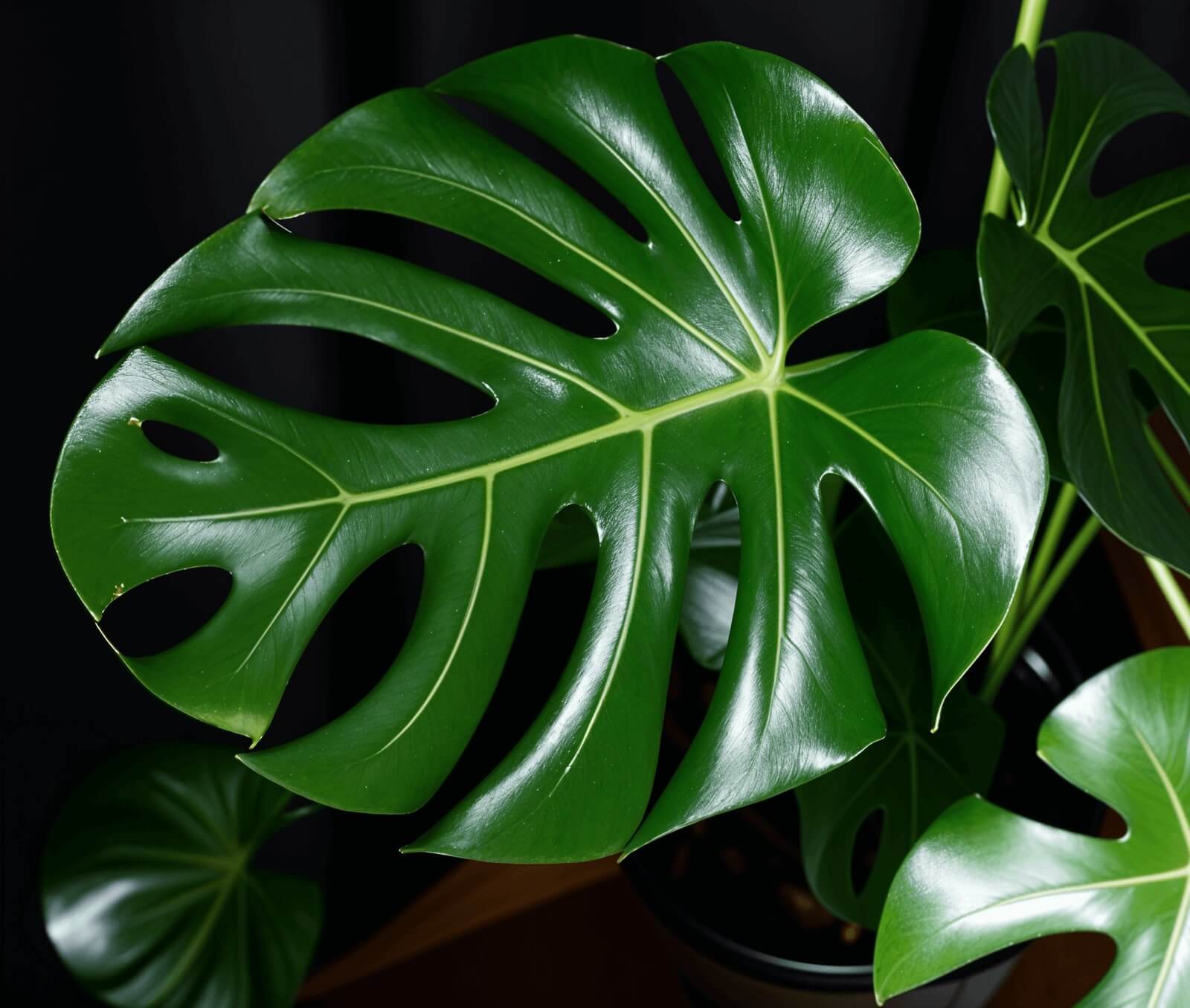

User reviews (0)