
 Visit website
 Updated: 2026-09-29 23:27
 Language: English (default)
 Access: Normal
 Profile views 7
  Outbound visits 1
 Website Review
What is Poxil?
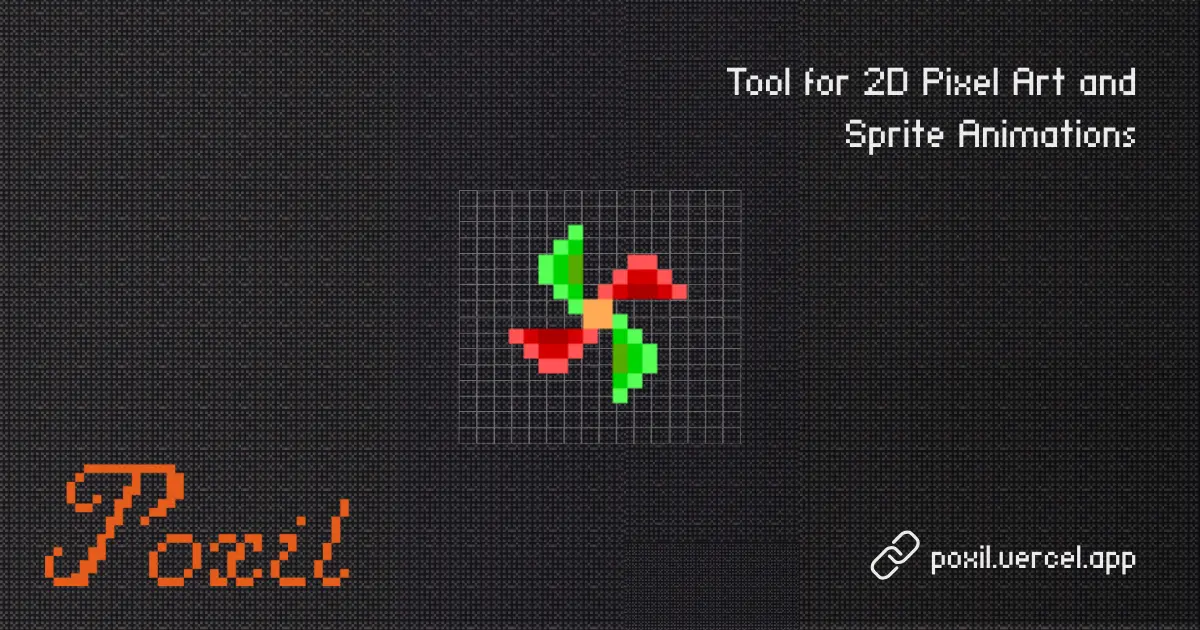
Poxil is a browser-based pixel art editor that also handles frame-by-frame animation and real-time collaboration. According to its own description, you can "create pixel art, animate frames, and collaborate in real-time" — all in one place, without installing desktop software.
That combination matters because pixel art tools usually split into two camps: simple grid editors for single sprites, and heavier animation suites. Poxil's pitch is doing both, plus letting other people work in the same canvas at the same time.
Who it fits
- Hobbyists making sprites for small games or game jams, who want to start drawing immediately in a browser tab.
- Beginners learning pixel fundamentals, since a grid-based editor makes each pixel an explicit decision.
- Small teams or pairs who need to iterate on the same sprite or animation together rather than passing files back and forth.
What to weigh
- Real-time collaboration is the standout: useful for group projects, but of limited value if you work alone.
- Animation and drawing in one tool reduces app-switching, though the depth of animation features is worth testing against your needs before committing.
- Browser-based access means no install, but also a dependence on your connection and browser performance for larger canvases.
A practical next step
Open Poxil and spend ten minutes on a real task: draw a 32×32 character, add three animation frames, and invite one collaborator to edit a single pixel. That quick test tells you whether the drawing tools feel responsive and whether the collaboration model matches how you actually work. If you only ever draw static sprites, a simpler single-purpose editor may serve you just as well; if you need to hand off frames to a game engine, check what export formats are available before you build a whole project inside it.
How can I collaborate with others on pixel art in real-time using Poxil?
Collaboration in Poxil is built around a shared online canvas: you and others draw on the same pixel grid at the same time, so changes appear as they happen rather than being passed back and forth as files. The same workspace also covers frame-by-frame animation, which means a team can split work across frames or layers of a sprite and still see the whole piece come together.
A practical workflow
- One person starts a new canvas and sets the pixel dimensions and palette up front — changing these later is the most common source of rework.
- Share the workspace link with your collaborators. Everyone opens the same canvas in a browser; no installation step is described.
- Agree on a division of labour before drawing: background, character, and effects on separate layers, or different frames of a walk cycle assigned to different people.
- Use a chat or voice channel alongside Poxil to talk through decisions, since a real-time canvas shows what changed but not why.
- Save or export a snapshot at the end of each session so you have a rollback point if a later edit goes wrong.
When this approach fits
Real-time co-drawing suits small teams working on low-resolution sprites, game jams, and teaching sessions where someone needs to watch the process rather than the result. It is less suited to work that needs review gates, since anyone in the session can change any pixel. For that, a hand-off model — one person edits, then passes the file on — gives you a cleaner history.
Who it is for
- Hobbyist pixel artists who want a friend to join a canvas without screen-sharing.
- Indie game teams building sprite sheets and animations together.
- Teachers or streamers demonstrating pixel technique live.
Trade-offs to weigh
The appeal is immediacy: no version conflicts, no waiting for someone to send an updated file. The cost is coordination overhead — with several people on one small canvas, edits can collide, and a 32×32 sprite leaves little room for two artists to work simultaneously. Keeping to larger canvases, separate layers, or separate frames reduces friction considerably.
If you want to see how the tool behaves before inviting anyone, open a canvas yourself, draw a few frames, and check that the animation playback and export options match your intended output format. That five-minute test tells you more about fit than any feature list.
What animation tools does Poxil offer for creating pixel art animations?
Poxil is built around frame-by-frame pixel animation: you create pixel art on a canvas, then build an animation by adding and arranging frames rather than tweening vector shapes. Its distinguishing feature is real-time collaboration, so multiple people can work in the same project simultaneously — useful for small game teams, jam groups, or a class where everyone draws one frame.
What to expect from the workflow
- Frame-based animation. Animation happens through a sequence of frames you draw and edit individually, the standard approach for sprite work (idle cycles, walk cycles, attack frames).
- Pixel-level drawing tools. A pixel grid canvas with drawing and editing tools suited to low-resolution artwork, where each pixel is placed deliberately.
- Onion-skin-style comparison. Frame-by-frame work depends on seeing neighbouring frames while you draw; that is the practical requirement to check first when you open the editor.
- Playback controls. You need to preview the loop at speed to judge timing, so confirm how frame rate and preview are handled before committing a project.
- Export for game engines. Sprite sheets and frame sequences are the usual outputs; verify format and sizing options against your target engine.
- Real-time collaboration. Shared editing in the same file, which is unusual for pixel animation tools and the main reason to pick Poxil over a desktop editor.
Choosing between Poxil and alternatives
| Need | Poxil's fit | Consider instead |
|---|---|---|
| Drawing solo, offline, long-term project | Browser-based collaboration adds little | A desktop pixel editor |
| Several people animating one sprite together | Strong fit — shared canvas, no file passing | File-sharing workflows |
| Precise sprite-sheet export pipelines | Check export options before starting | Tools with established export tooling |
| Learning frame animation basics | Good fit — low setup, immediate feedback | — |
If you want a general-purpose raster animation tool rather than pixel-specific work, GIMP handles frame layers and GIF export, and Krita combines raster animation timelines with drawing tools. For a free browser-based pixel editor without the collaborative angle, Piskel is a long-standing option.
Practical next step
Open Poxil and make a four-frame bouncing-ball test at your intended sprite size: draw frame one, duplicate it three times, adjust each, then play it back. That single exercise tells you whether the frame management, preview speed, and export suit your project — before you invest hours in a full character animation.
Is Poxil suitable for beginners in pixel art?
Yes, Poxil is a reasonable starting point for beginners, mainly because its scope is narrow: a pixel grid, frame-based animation, and real-time collaboration. There is no layer stack, brush engine, or rendering pipeline to configure before you can draw, which is the usual source of early frustration in general-purpose art software.
H3 What makes it approachable
- The medium constrains you. Pixel art is drawn on a grid at a small resolution, so you cannot get lost in high-resolution detail. Decisions are limited to placement and color.
- Animation is built in. Frames sit alongside the canvas rather than in a separate tool, so a beginner can try a two-frame bounce or blink without learning a timeline first.
- Real-time collaboration. Sharing a canvas means someone more experienced can watch and correct in the same file instead of sending screenshots back and forth — useful if you are learning alongside a friend or class.
H3 Where beginners still get stuck
Tooling is not the hard part of pixel art. The recurring beginner problems are palette discipline, clean outlines, and readable silhouettes at small sizes. Poxil's editor does not remove those; you still need to study how other artists handle them.
A practical starting exercise: draw a 32×32 character, then duplicate the frame and move only the arms by one pixel. If the motion reads clearly, you have learned the core skill of frame-to-frame animation. If it looks like a twitch, you have learned why spacing matters.
H3 How to decide
| If you want to… | Poxil fits? |
|---|---|
| Learn grid drawing and simple frame animation | Yes |
| Collaborate on a small canvas in real time | Yes |
| Work with layers, blending modes, or large canvases | Look elsewhere |
| Export to a game engine with precise control | Check what the editor offers first |
If your goal is a finished, polished sprite with many layers and effects, a full-featured editor such as Aseprite or a free alternative like Piskel may serve you better later. For the first few weeks, a simpler tool is usually the faster teacher.
Can I export my pixel art from Poxil in different file formats?
Poxil is built around creating pixel art, animating frames, and real-time collaboration, but the information available for this page does not specify which export formats it supports. Treat export capability as something to verify directly in the editor rather than assume.
How to check in practice
- Open a test canvas, make a few frames, and look for an export or download option in the toolbar, file menu, or share panel.
- Note whether the export dialog offers format choices (for example, still image vs. animation) or a single fixed option.
- If you plan to animate, check whether frames export as a sequence or as a single animated file.
- Confirm whether transparency, canvas size, and per-frame timing survive export, since these are the details that usually break pixel-art workflows.
What matters for your use case
| Goal | What to look for |
|---|---|
| Use art in a game engine | PNG or a format that preserves exact pixel dimensions and transparency |
| Share a quick preview | Animated GIF or video-friendly format |
| Continue editing elsewhere | A project or layered format, if offered |
| Post to social media | Common image or animation formats with small file sizes |
Practical next step
Create a small 16×16 or 32×32 test sprite, add two frames, and run one export. Then reopen the exported file in your target tool (a game engine, image editor, or browser) to confirm it looks correct. That five-minute test tells you more than any feature list.
If you need guaranteed format control and Poxil's export options turn out to be limited, a desktop pixel-art editor gives you explicit format and palette settings, while Lospec is a useful reference for pixel-art palettes and tools.
Does Poxil require an account or is it free to use?
Poxil is a browser-based pixel art editor for drawing, animating frames, and collaborating in real time. The available page information does not state whether an account is required or what the pricing is, so neither can be confirmed here.
For practical purposes, treat it as a tool you can evaluate without committing: open the editor, start a small canvas, and see whether you can draw, add frames, and share a session. If a signup wall or paid tier appears during that test, you'll know immediately.
Decision criteria
- If you only need occasional pixel art, a no-account, free-to-start workflow is usually enough.
- If you need real-time collaboration with others, check whether participants can join via a link without each creating an account.
- If you plan to rely on it for ongoing projects, verify how files are saved and exported before investing time.
For context on comparable tools, you can check Piskel or Pixilart, but confirm their own account and pricing terms directly.
 Hosting and Email
 vercel-dns-3.com
 Hosting
 Location
 United States
 Pages, Search and Sharing
 Registration details

 Identified technologies
User reviews (0)