
 简体中文
简体中文 English
Website review
This review may include AI-generated content and is not individually verified. Domain, certificate and other facts come from the observed data on this page.
What is SpaceDrop?
SpaceDrop is a browser-based peer-to-peer tool for sending files and clipboard text directly between devices. It runs as a web app, so neither side installs software, and transfers go device-to-device over WebRTC rather than through a server upload step.
What that means in practice
- No installs: both people open the site in a browser and connect.
- Direct transfer: files and text move between the two devices, not into a storage account you later download from.
- Clipboard text as a payload: handy for passing a URL, code snippet or paragraph between a laptop and phone without emailing yourself.
Where it fits, and where it doesn't
It suits quick one-off handoffs between your own devices or with a colleague nearby: a phone photo to a desktop, a long text snippet to a tablet. It is less suited to large archives, long-term sharing, or sending to someone who isn't present to accept the connection, since both peers need to be online at the same time. For persistent shared folders or links that stay live, a cloud storage service is the better fit.
A practical next step
Before relying on it, test with a small file between your own phone and computer, and check whether your network (some corporate or guest Wi-Fi setups) blocks the WebRTC connection. If it works there, it will work for most everyday handoffs.
How do I send a file from one device to another with SpaceDrop?
Open SpaceDrop in a browser on both devices, then use its peer-to-peer connection to send the file directly from one to the other—no app install and no server upload, based on the site's description. The practical flow is: start a session on the sending device, connect the receiving device to that same session, then pick the file (or clipboard text) and send.
A concrete example
You want a photo from your phone on your laptop. Load SpaceDrop on the laptop, load it on the phone, pair the two, then send the photo from the phone. Because the transfer is peer-to-peer, both devices need to stay connected and the browser tab should remain open until the transfer finishes.
Decision criteria
- Use SpaceDrop when both devices have a modern browser, you want a quick one-off transfer, and you'd rather not upload to cloud storage.
- Use something else when one device is offline, you need a permanent link, or you're sending to someone who can't keep a tab open.
- Check first: whether the site asks you to pair via a code or link, and whether there's a size limit—confirm on the page before sending large files.
Practical tips
Keep both devices on stable networks, avoid sleeping the screen mid-transfer, and verify the file arrived intact before closing the tabs.
Do I need to install an app or create an account to use SpaceDrop?
No. SpaceDrop is a browser-based peer-to-peer tool, so you open it in a web browser on both devices and connect them directly. There is no app to install and no account to create, according to the site's own description.
What that means in practice
- Both devices need a browser and a connection. You are not installing software, but you are relying on the browser's WebRTC support, which current versions of Chrome, Edge, Firefox and Safari provide.
- Transfers go device to device. The site describes files and clipboard text moving directly between peers rather than being uploaded to a server first. That reduces the exposure of your files to a third-party storage service, but it also means both devices must be online at the same time and stay connected for the whole transfer.
- Clipboard text is the nice extra. Sending a snippet of text between, say, a laptop and a phone is often more convenient than emailing it to yourself.
A concrete scenario
You are at a colleague's desk and need to hand over a 200 MB design file. With SpaceDrop, you open the site on your laptop and on theirs, pair the two, and send. No install permissions, no IT ticket, no "sign in with" prompt. Compare that with cloud-drive sharing, which needs an account on at least one side and leaves a copy in storage, or with a USB stick, which needs physical access.
What to weigh
Account-free and install-free is ideal for one-off transfers between people who trust each other. It is less suited to sending something to someone who is offline, to keeping a record of past transfers, or to situations where a recipient cannot install a browser extension or open a new tab. If you need persistence or a shareable link that works later, a storage-based service such as Dropbox or WeTransfer fits better.
Next step: before relying on it for anything sensitive, do a small test transfer between your own phone and computer to confirm pairing works on your network, since restrictive corporate firewalls can interfere with direct peer connections.
Are my files uploaded to a server when I use SpaceDrop?
No. SpaceDrop is described as a peer-to-peer file and text sharing web app: transfers go directly between your devices over the browser connection, without installing an app and without uploading files to a server. In practice, that means the file data is sent from one browser to the other rather than parked in cloud storage for later download.
What this means in use
- Good fit: moving a document, photo or clipboard snippet from your laptop to your phone while both are open on the site, especially on the same network.
- Trade-off: both devices generally need to be online and connected at the same time, since there's no server copy waiting for the recipient. If you need a link that works hours later, or a recipient who is offline, a storage-based transfer service is the better choice.
A quick decision check
Ask whether the other person or device is available right now. If yes, a direct peer-to-peer transfer keeps the file off third-party storage. If no, plan for a service that holds the file until pickup.
For related options, compare PairDrop and Snapdrop, which take a similar browser-based, no-install approach.
Can I transfer text from my clipboard between devices with SpaceDrop?
Yes. SpaceDrop is built for exactly that: sending clipboard text (and files) directly between devices over a peer-to-peer connection, without installing an app or uploading to a server. You open the site on both devices, connect them, and paste or receive the text in the browser.
How it fits real use
- Phone-to-laptop snippets: Copy a link, address or code on your phone and paste it on your desktop without emailing yourself.
- Shared machines or quick handoffs: Move a paragraph to a colleague's browser during a call.
- No-account, no-install situations: Useful on locked-down or borrowed devices where you can't add software.
Trade-offs to weigh
- Both devices must be open and connected at the same time — this is a live transfer, not a stored clipboard history.
- Browser permissions matter: clipboard access and WebRTC can be restricted on some browsers or corporate networks.
- Peer-to-peer means the connection quality depends on both ends; large transfers may be slower than a cloud service.
If you only occasionally move short text, this is a low-friction option. For repeated or scheduled syncing across many devices, a clipboard-sync tool with accounts may suit you better.
Next step: test it once with a short string between your two main devices to confirm the connection and clipboard permissions work in your browsers before relying on it for anything important.
What happens if I close the browser tab during a SpaceDrop transfer?
Closing the tab ends the transfer. SpaceDrop is described as a peer-to-peer web app that moves files or clipboard text directly between devices without uploading to a server, so there is no stored copy to resume from and no server-side session to reconnect to. In practice, an in-progress transfer stops, and the receiving device will not get the remaining data. Text already pasted or a file already fully saved on the other device stays there.
What to expect in practice
- Partial files: a file that was mid-transfer is typically incomplete or unusable; you'll need to send it again from the start.
- Clipboard text: small text usually completes almost instantly, so it's the least likely to be affected.
- Both sides matter: because the connection is direct between the two devices, closing the tab on either the sender or receiver side breaks it.
Practical next step
Keep both tabs open and in the foreground until the transfer finishes, and avoid closing the laptop lid or switching the sending device to sleep during a large file. If you routinely move big files and can't guarantee an uninterrupted session, use a method that supports resuming or a stored copy instead — for example a cloud drive such as Google Drive or a transfer service like WeTransfer, accepting that these involve an upload step. As a rule: choose direct peer-to-peer when both devices are attended and the transfer is quick; choose a store-and-forward service when the connection may drop or the recipient isn't ready.
 Cloudflare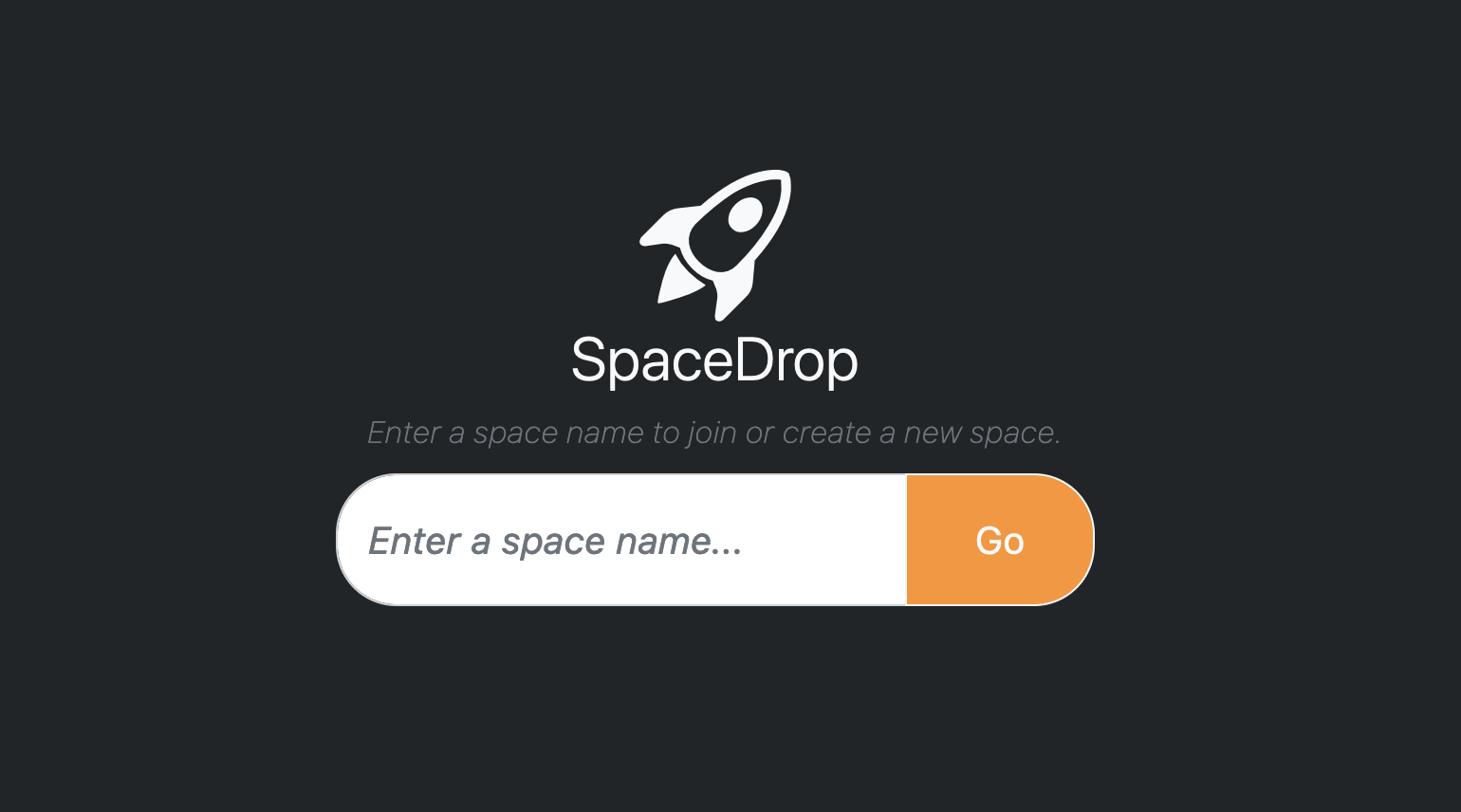
User reviews (0)