
 简体中文
简体中文 English
Website review
This review may include AI-generated content and is not individually verified. Domain, certificate and other facts come from the observed data on this page.
What is TiXL?
TiXL is a free, node-based tool for generating real-time visual effects and motion graphics, aimed at installations, live performances and VJing. The name and description come from TiXL itself.
Its positioning suggests two things at once: it should be approachable enough for newcomers to learn, yet capable enough for demanding live use. That combination is the interesting part, because generative visuals usually force a choice between quick, preset-driven tools and deep, programming-heavy environments. TiXL appears to sit in between, with a patch-and-connect workflow rather than a script-first one.
Who it suits
- VJs and live performers who need visuals that respond in real time rather than pre-rendered clips.
- Installation and projection artists building looping or sensor-driven pieces.
- Motion designers who want procedural, parameter-driven animation instead of keyframe-only work.
- Beginners attracted by a free tool with an accessible entry point, though node graphs still involve a learning curve.
What to weigh
| Consideration | Practical implication |
|---|---|
| Node-based workflow | Flexible and reusable, but less immediately obvious than a timeline editor |
| Real-time focus | Good for live control and iteration; rendering pipelines matter less |
| Free | Low risk to try, but check what support and documentation exist |
| Niche audience | Fewer tutorials than mainstream motion tools, so expect more self-teaching |
A practical next step: if you already work in a node-based environment such as TouchDesigner or Derivative, compare how each handles live input and playback before committing. If you are new to generative visuals, open TiXL and try to build one simple effect driven by a single parameter, then change that parameter live. That single test will tell you quickly whether the workflow fits how you think.
Can TiXL be used for live VJing and performances?
Yes. TiXL is built for real-time visual work, and live VJing and performance are explicitly part of its intended use. Its own description lists installations, live performances and VJing as target scenarios, so live use is a design goal rather than an afterthought.
H3 What that means in practice For a VJ set, the important traits are real-time rendering, fast switching between looks, and some way to react to music or a controller. TiXL is a node-based effects and motion-graphics tool, which suits performers who want to build their own generative visuals rather than play back pre-rendered clips. Typical live setups include:
- Projection or LED wall output driven from a laptop.
- Audio-reactive or beat-synced parameters.
- MIDI or OSC control mapped to key parameters for hands-on tweaking.
- Layered, generative looks that evolve over a set instead of repeating.
H3 Who it fits, and the trade-offs It fits artists and technical VJs who are comfortable building patches and want reusable, parameterised visuals. It is a weaker fit if you need a fixed library of ready-made clips, or if you want a purely clip-triggering workflow with no patching. Expect a learning curve around the node graph, and plan to rehearse with your actual machine and output resolution before a show, since live reliability depends on your patch and hardware.
H3 A practical next step Build one small patch that reacts to audio and can be driven by a MIDI knob, then run it for 20–30 minutes straight to confirm stability and frame rate. If that holds up, expand it into a set with saved states or presets you can jump between.
For comparison, other live-visual tools include Resolume for clip-based VJing, TouchDesigner for node-based interactive work, and vvvv for media-programming performances.
How does TiXL compare to other motion graphics software like After Effects or TouchDesigner?
TiXL is a free, node-based tool for real-time visual effects and motion graphics, aimed at installations, live performance and VJing. That positioning already separates it from the two programs you named: After Effects is a timeline compositor built for rendered output, while TouchDesigner is a real-time node environment for interactive and generative work. TiXL sits closer to TouchDesigner in spirit, but with a lighter, more motion-graphics-oriented framing.
Where each tool fits
| Tool | Core model | Typical output | Main trade-off |
|---|---|---|---|
| TiXL | Node graph, real-time | Live visuals, installations, VJ sets | Smaller ecosystem and fewer third-party tutorials than the big names |
| After Effects | Layer/timeline compositing | Rendered video, broadcast, motion design | Not real-time; interactivity needs external tools |
| TouchDesigner | Node graph, real-time | Interactive installations, projection, data-driven visuals | Steeper learning curve and a heavier conceptual load |
The practical difference is when the work happens. In After Effects you build, render, review and re-render. In TiXL and TouchDesigner the patch runs live, so you tune parameters while watching the result, which suits performance and installation contexts where the piece must respond on the night.
Choosing between TiXL and TouchDesigner
Both are node-based and real-time, so the decision usually comes down to scope and appetite:
- Pick TiXL if your goal is motion graphics and VJ-style visuals, you want to get moving quickly, and you don't need deep sensor, protocol or scripting integration.
- Pick TouchDesigner if your project depends on interactivity, external data, cameras or custom logic, and you're willing to invest time in learning its model.
- Keep After Effects for polished, frame-accurate edits, title work and deliverables that will be encoded to video rather than run live.
A useful test: describe your project in one sentence. If it ends with "…and it plays as a video file," After Effects is probably the right home. If it ends with "…and it runs all night and reacts to the room," you're in TiXL or TouchDesigner territory.
A concrete scenario
Suppose you're building visuals for a club night: a few looping abstract scenes, tempo-linked motion, and quick switching between looks. That is squarely TiXL's described use case, and a node-based real-time patch lets you improvise during the set rather than committing to a render. If the same brief instead required the visuals to follow a dancer's position via camera tracking, TouchDesigner's interactive focus would likely serve you better. For a 30-second title sequence for a client, After Effects remains the safer, more predictable choice.
For related real-time and motion tools, you can also look at TouchDesigner and Adobe After Effects.
Next step: download TiXL and rebuild one short loop you already know well from After Effects. If the node approach feels natural within an hour, it's worth using for live work; if you keep reaching for a timeline, treat TiXL as a complement rather than a replacement.
Do I need programming or coding skills to create effects in TiXL?
No, you don't need traditional programming or coding skills to create effects in TiXL. Based on the site's own description, it's "easy to learn, yet incredibly powerful" and aimed at generating visual effects and motion graphics for installations, live performances, and VJing. That framing points to a node-based or visual workflow rather than writing code.
In practice, tools like this usually work by connecting and adjusting building blocks — generators, modifiers, timing controls, color and blend operations — and watching the result update live. That means the core skill is understanding how effects are structured and sequenced, not memorizing syntax.
Who this suits
- VJs and live performers who need to build or tweak looks quickly under time pressure.
- Motion and installation artists who want to iterate visually rather than script behavior.
- Beginners willing to learn a node graph's logic; the learning curve is about concepts, not code.
Where coding may still help
If TiXL supports scripting, expressions, or custom shader nodes, that's an optional layer for advanced users — automating parameters, writing custom math, or building reusable modules. You can get a long way without it, but complex or highly bespoke effects may benefit from it.
A practical next step
Open TiXL and try to recreate a simple effect: a moving shape that changes color over time. If you can do that by connecting and adjusting nodes, the workflow is clicking and wiring, not coding. Check the official documentation and tutorials for the exact node types and any optional scripting features: TiXL.
What kind of computer hardware or GPU is required to run TiXL smoothly?
TiXL's own site doesn't state hardware requirements in the material available here, so treat any specific GPU or CPU figure as unconfirmed rather than a product specification. The honest answer is that the requirement depends on what you're generating: node-based real-time visual effects scale with resolution, effect complexity, and how many layers run simultaneously.
What can be said with confidence is the shape of the demand. Real-time VJ and installation work is GPU-bound: rendering many effects at once, at high frame rates, and often at output resolutions above 1080p, pushes the graphics card hardest. CPU and RAM matter more for scene complexity, video decoding, and running other software alongside TiXL during a live set.
Practical guidance for choosing hardware
- GPU first. Prioritise a discrete graphics card with a healthy amount of VRAM over a fast CPU. Integrated graphics will run simple patches but struggle as soon as you stack effects or drive multiple outputs.
- Match the output, not the software. Driving one 1080p projector is far lighter than driving two 4K outputs. Decide your target resolution and refresh rate before buying.
- Test on your own patches. Because requirements are workload-specific, the reliable method is to download TiXL, build a representative scene, and watch frame rate and GPU memory usage.
A concrete next step
If you're planning a live setup, borrow or use your current machine, build the heaviest patch you expect to run, and measure performance at your intended output resolution. If it holds a stable frame rate with headroom, that machine is sufficient; if it drops frames, the GPU is usually the first upgrade. TiXL is distributed via TiXL, where current download and documentation details live.
Can I export my TiXL projects to video or integrate them with other tools?
TiXL is built for real-time visual output rather than file-based video rendering, so the practical answer depends on what you mean by "export." The site itself is a JavaScript-dependent app page, so the details below reflect how this class of node-based VJ tool generally works, not a feature list pulled from the page.
Live output is the primary path
For installations, live performances and VJing, the normal workflow is to send TiXL's output directly to a display, projector, capture card or virtual camera while it runs. That signal can then be recorded by separate software or fed into a streaming or broadcast setup. If your goal is a finished video file, this live-capture route is usually more reliable than looking for a built-in "render to MP4" button.
Integration routes to consider
- Video capture: Use a capture device or a virtual camera to record TiXL's output into a recorder or editor.
- NDI / network video: If TiXL supports NDI or Spout-style sharing, other applications on the same machine or network can receive the feed directly.
- MIDI and OSC: These are the standard ways to drive parameters from controllers, DAWs or show-control software, and to sync TiXL with lighting or audio tools.
- Resolume, TouchDesigner, OBS: Common companions in live visuals pipelines; check each tool's official documentation for the supported input formats.
- Image sequences: Some node tools can export frames for offline compositing in After Effects or DaVinci Resolve.
How to decide
If you need a deterministic, high-resolution final render, plan for frame-by-frame capture or an offline recorder, and budget time accordingly. If you need responsiveness on stage, keep everything live and route the signal out through NDI or a capture card.
A useful next step: open TiXL, check its output and recording options directly, and test a short capture into OBS or your editor of choice before committing to a full show. For format support, consult the official documentation of the receiving tools, such as OBS Studio or Resolume.
 vercel-dns.com
 Cloudflare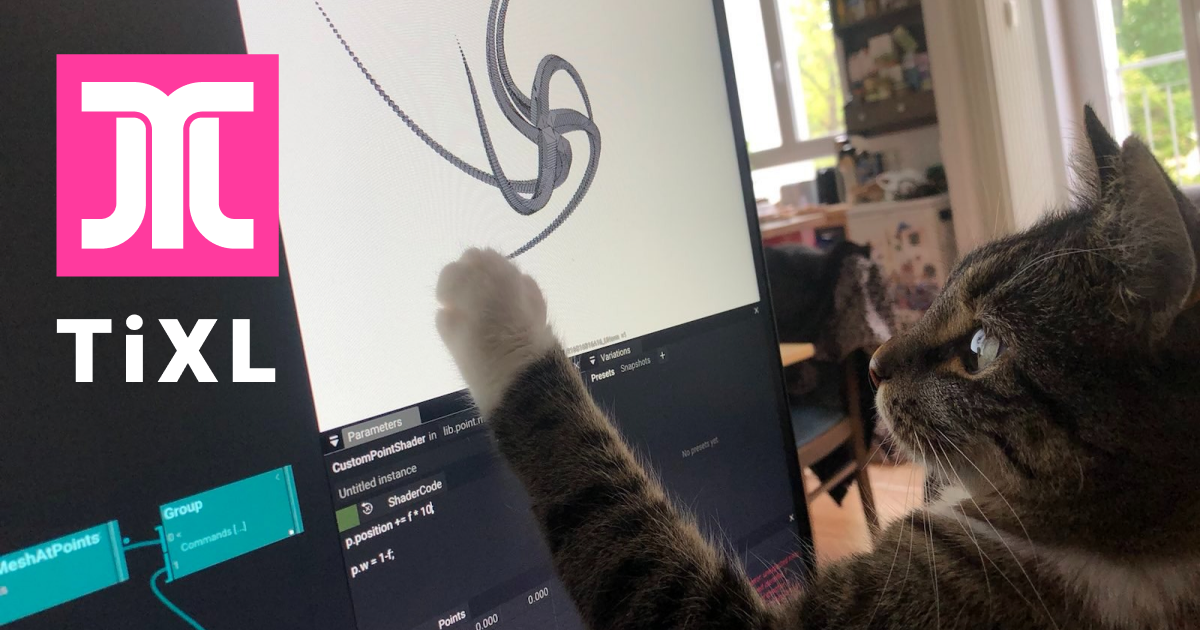

User reviews (0)