
 简体中文
简体中文 English
Website review
This review may include AI-generated content and is not individually verified. Domain, certificate and other facts come from the observed data on this page.
What is Browser Craft?
Browser Craft is a catalog of free browser games. Its homepage presents a large, frequently refreshed directory of indie titles that run directly in a web browser, with no installers, launchers, or account requirements mentioned in its own description. The current page advertises 13,201 free browser games, of which 6,121 are marked playable right now.
What you actually find there
The catalog mixes finished and in-progress games. Listings carry status labels such as Playable, Early access, Beta, and Alpha, plus a genre or theme tag and a year. Examples from the page include ZomVox (Zombies), Scorching Light (Action), Voidbloom (Bullet Heaven), Murmel TCG (Online Multiplayer), and Verticopolis (Life Simulation). Genres span action, card games, horror, puzzle, tycoon, roguelike, visual-novel-adjacent categories like otome and bishoujo, and more.
Navigation is built around three routes: browse the full catalog, browse by tag, or use the site's alternative "cut the catalogue differently" views. There is also a "Coming soon" section for unreleased entries and an "Updated daily" claim for the latest-games feed.
Who it suits
- Players who want zero friction. If you have a browser and a few minutes, you can try something without downloading anything.
- Genre grazers. The tag-based browsing is useful when you know you want a tower defense or a word game but not which one.
- People curious about indie and experimental work. The catalog leans heavily toward small, unusual, and unfinished projects rather than big studio releases.
- Cautious users. The no-account, no-launcher framing is a real convenience if you would rather not hand over an email address to try a game.
Trade-offs to expect
A large catalog does not mean uniform quality. Many entries are jam games, prototypes, or early-access builds, so polish varies widely and some titles may change or disappear. Status labels are your best filter: if you want something complete, favor Playable and treat Early access, Beta, and Alpha as works in progress. Because everything runs in the browser, expect modest production values compared with downloadable commercial games — that is the trade for instant access.
A practical next step
Start with the "Start playing now" list rather than the full 13,201, since it is already narrowed to playable titles. If you want a specific mood, jump to the tag view and pick a genre; then check the status label before investing time. For a broader look at browser-game directories, you can also compare with itch.io, which hosts a large share of the same indie and jam scene.
How do I find a specific browser game on Browser Craft?
Browser Craft is built for discovery, not for direct title lookup, so the fastest route depends on whether you already know the name or just know the kind of game you want.
If you know the game's name
Use your browser's find function (Ctrl+F or Cmd+F) on the catalogue listing. The page shows long, dense lists of titles, so an on-page search jumps straight to a match instead of scrolling through hundreds of entries. If nothing matches, the game is likely not catalogued yet rather than hidden behind a filter.
If you only know the genre or tag
Browse by genre or by tag instead of by title. Browser Craft organises its catalogue both ways, which suits different kinds of searches:
| Your starting point | Best route | Why |
|---|---|---|
| A specific title | Ctrl+F on the catalogue | Titles are listed in bulk, not indexed by name |
| A genre ("horror", "tycoon") | Genre section | Groups comparable games together |
| A mechanic or theme ("bullet heaven", "otome") | Tag browsing | Tags cut across genres and surface niche matches |
| Just exploring | "Latest browser games" or "Start playing now" | Shows what is currently playable or newly added |
Pay attention to status labels
Entries carry labels such as Playable, Early access, Beta, and Alpha, and some are marked "Coming soon." If you want something you can start immediately, filter mentally for the Playable label — the site distinguishes roughly 6,000 titles that are ready to play from the larger catalogue. Early access and beta entries may be functional but incomplete, which matters if you are looking for a finished experience rather than a work in progress.
A practical next step
Decide first whether you are hunting a known title or browsing a mood. For a known title, search the page text; for a mood, pick a tag and scan the newest additions in that tag. If you want a second catalogue to cross-check availability, itch.io hosts many of the same indie browser games with developer pages, and Newgrounds remains a long-standing home for free web games.
What types of browser games are available on Browser Craft?
Browser Craft is a catalogue of free, no-install browser games, and the page itself advertises 13,201 titles with 6,121 playable right now. The genres listed on the page span action, horror, puzzle, tycoon, and card games, so it functions more as a discovery index than a single game.
Genres and categories on the page
- Action and shooter-adjacent: Action, Bullet Hell, Bullet Heaven, Real Time Strategy (RTS), PvP
- Card and strategy: Collectible Card Game, Tower Defense, Roguelike
- Puzzle and word: Puzzle, Word Game, Memory Game
- Simulation and management: Tycoon, Life Simulation, Minigames
- Narrative and niche: Interactive Fiction, Multiple Endings, Psychological, Otome, Bishoujo, Anime, Exploration
- Casual and quick-play: Casual, Kids, Game Jam, Parody, Geography, Ice Hockey, Zombies, Post Apocalyptic, Pixel Art, Indie
What the labels tell you before you click
Each entry carries a status tag, and the page distinguishes between them:
| Label | What it signals |
|---|---|
| Playable | Can be played now |
| Early access | Playable but still in development |
| Beta | Playable test build |
| Alpha | Very early build, likely rough |
| Coming soon | Not yet playable |
The page also offers two ways to slice the catalogue: browse by genre and browse by tag. If you already know you want a roguelike, the genre route is faster; if you want something like "post-apocalyptic" or "pixel art," tags cut across genres and surface more.
A practical way to use it
Start with the Start playing now or Playable filter if you want something that works immediately, since a large share of the catalogue is marked early access, beta, alpha, or coming soon. Then narrow by genre or tag. For a quick session, a Casual or Minigames entry is a safer bet than an Alpha build, which may be incomplete. For longer sessions, Roguelike, Tycoon, and RTS entries tend to offer more depth.
Two other catalogues worth knowing if you want a second opinion on a specific title: itch.io for indie browser games, and Newgrounds for a long-running browser game archive.
Do I need to download or install anything to play games on Browser Craft?
No. Browser Craft is built around games you play directly in a web browser, and the site states that its catalogue involves "no installers, no launchers, no accounts." You open a game page and start playing.
What that means in practice
- No download step: You are not downloading an installer or a standalone launcher.
- No account requirement: The site says accounts are not needed, so there is no signup wall before play.
- No permanent install: Games run in the browser tab rather than as installed software on your machine.
Trade-offs to expect
Browser games trade local performance and offline access for convenience. A browser game may depend on your connection, and some titles may run less smoothly than a native install. The catalogue also mixes playable games with early access, beta and alpha entries, so a listed game may be unfinished or temporarily unavailable — the site distinguishes "playable" titles from upcoming ones.
A practical next step
Pick a game tagged Playable rather than early access or beta if you want the most reliable session, then open it in a full-screen tab. If a game is marked as coming soon, treat it as a preview listing rather than something you can start immediately. For a quick comparison of how browser-based catalogues handle this, itch.io also hosts many in-browser games, though its model mixes free and paid projects.
How often are new browser games added to Browser Craft?
Browser Craft says it updates its catalogue daily, and the page evidence backs that up with a “Updated daily” label alongside its “Latest browser games” section. The catalogue is described as “kept current,” and the listings are dominated by 2026 releases, so new titles appear to be surfaced continuously rather than collected in occasional batches.
That daily rhythm is worth understanding in two parts:
- New entries: Fresh games show up in the “Latest browser games” and “Start playing now” rows, often with a status such as Playable, Early access, Beta or Alpha.
- Playable now: Of the 13,201 free browser games listed, 6,121 are marked playable right now, which suggests a large back catalogue sits behind the newest additions.
What this means if you check back often
If you visit every few days, expect the top of the “Latest” list to look different. If you visit weekly, you will likely see a fuller turnover. The status labels matter more than the date: a 2026 entry marked Beta or Early access may still be changing, while one marked Playable is the safer pick for a quick session.
A practical next step is to open the “Latest browser games” section and scan for the Playable label first, then branch into “Find a game by genre” or “Browse by tag” once you know which type you want. For broader context on how browser-game catalogues compare, itch.io and Newgrounds are established alternatives, though their update rhythms and curation differ from Browser Craft’s daily-list approach.
Can I play Browser Craft games on my mobile device?
Yes, many of the games catalogued on Browser Craft should run in a mobile browser, since they are web games that need no installer, launcher or account. The site itself describes its catalogue as indie browser games kept current, and its listings distinguish between titles that are "playable" now and ones marked early access, beta or coming soon.
What to expect on a phone
- Controls are the main variable. Genres like card games, word games, puzzle, idle and tycoon titles usually translate well to touch, while action, bullet hell, bullet heaven and RTS games often assume a keyboard and mouse.
- Full-screen matters. The catalogue offers an "open full screen" option for the newest playable game; using it on mobile gives you more usable screen and fewer accidental taps.
- Status labels are your filter. Stick to entries marked playable rather than early access, beta or coming soon if you want something that works reliably today.
- No account needed. Because the site advertises no sign-ups, you can test a game on your phone without committing to anything.
A practical way to decide
Pick one touch-friendly genre first — a card game or puzzle title from the latest list — and open it in your phone's browser. If the on-screen controls feel cramped, rotate to landscape or switch to a tablet or desktop for that specific game rather than assuming the whole catalogue is unusable.
For a broader mix of browser-based titles, CrazyGames and itch.io also host games that run directly in a mobile browser, and itch.io in particular labels platform support on each game page.
 Cloudflare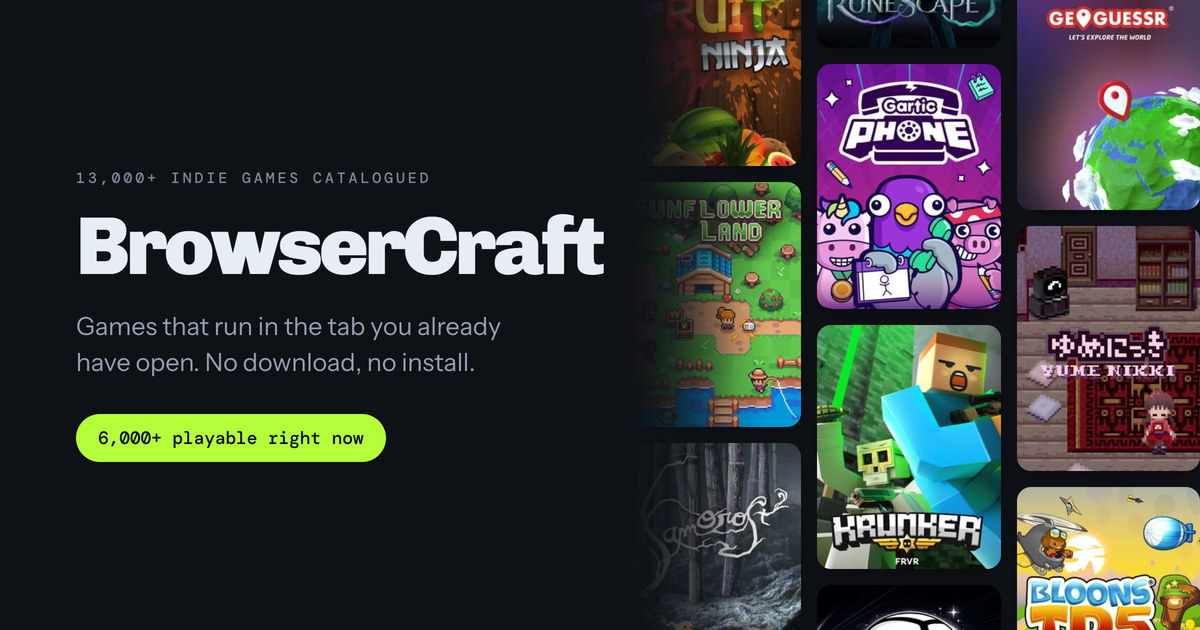
User reviews (0)