
 colpat.itsvg.in
No paid content found
colpat.itsvg.in
No paid content found
Categories: Design & Creativity
ColPat is the ultimate color palette generator with awesome tools. ColPat's AI, user-friendly interface, and customization options make it easy to find the perfect colors. Unleash your creativity and elevate your designs with ColPat!
 Visit website
 Updated: 2026-09-29 13:32
 Language: English (default)
 Access: Normal
 Profile views 4
 Outbound visits 0
Related questions
More questions →What Is a Color Palette in Digital Product Design?
A color palette is the defined set of colors a digital product uses across its interface, and it is broader than a single brand color: it assigns each color a role (primary, secondary, neutral, semantic) so screens, components, and states stay consistent. It matters most when you are building a design system or shipping UI at scale, because accessibility — especially text and control contrast — depends on how those roles are chosen and paired. Colorca, a tool for designing accessible palettes in HSLuv color space, frames the problem this way: the goal is not a pretty set of swatches but a palette that stays readable and perceptually even across a product.
Palette vs. brand color vs. single color
A single color is just a value. A brand color is one color chosen to represent identity. A palette is a system: multiple colors, each with a job, plus rules for when to use them.
| Concept | What it is | Typical use |
|---|---|---|
| Single color | One value, e.g. #3B82F6 |
A one-off accent or illustration fill |
| Brand color | The signature color of a brand | Logo, marketing, primary actions |
| Color palette | A set of colors with assigned roles | Entire product UI, design system tokens |
The practical difference: a brand color answers "what color are we?" A palette answers "what color is a primary button, a disabled button, an error message, and body text — and do they still work together?"
Common palette roles
Most product palettes are organized by function, not by hue. A typical structure:
- Primary — the main action color (buttons, links, active states).
- Secondary / accent — supporting emphasis, often for less frequent actions.
- Neutral / gray scale — backgrounds, borders, surfaces, and text. This is usually the largest part of a palette.
- Semantic colors — meaning-carrying colors: success (green), warning (amber/yellow), error (red), info (blue). These are named by meaning, not by hue, so they can be themed.
- State variants — hover, active, focus, disabled, and selected versions of the above.
Naming colors by role rather than appearance (color-action-primary instead of blue-500) is what lets a palette survive a rebrand or a dark-mode theme without rewriting every component.
How palettes hold a design system together
In a design system, the palette is usually the lowest layer of tokens. Components reference tokens, not raw hex values.
For example, a button does not hard-code #2563EB. It references color-action-primary, which resolves to a palette entry. Change the palette, and every button updates at once. This is why palette decisions are high-leverage: one change propagates everywhere, for better or worse.
It also keeps UI components consistent. If every team picks its own grays, you get five slightly different borders. A shared neutral scale prevents that.
Accessibility is a palette property, not an afterthought
Contrast is a relationship between two colors, so it can only be evaluated in the context of a palette — a color that looks fine alone may fail as text on your background.
Two things to check:
- Contrast ratios for text and meaningful UI elements against their backgrounds. WCAG defines minimum ratios (commonly 4.5:1 for normal text, 3:1 for large text and UI components); verify the specific requirement that applies to your product.
- Color-blind friendliness. Never rely on color alone to convey meaning. Pair color with an icon, label, or pattern, and check that semantic colors remain distinguishable under common types of color vision deficiency.
A palette can pass contrast checks and still fail accessibility if, say, success and error are the only signal and look similar to some users.
Why color space matters: HSLuv as one approach
Palettes built by eye in RGB or HSL often have uneven perceived lightness — two colors with the same "lightness" value can look very different in brightness. That makes it hard to build consistent scales and to predict contrast.
HSLuv is a perceptually uniform color space: equal changes in its lightness coordinate correspond more closely to equal changes in perceived lightness. Building a palette in HSLuv lets you generate a neutral ramp or a set of hues that stay visually even, which in turn makes contrast more predictable. Colorca is built specifically around designing accessible palettes in HSLuv for digital products.
This is one method, not the only one. Other perceptually uniform spaces (such as OKLCH) serve a similar purpose. The point is that the color space you build in affects how even and accessible the result is.
A quick way to think about it
If you are starting a palette, decide roles first, then colors:
- Define the roles you need (primary, neutral scale, semantic set, states).
- Build the neutral scale first — it carries most of the UI.
- Choose primary and secondary, then derive state variants.
- Check contrast for every text/background and control/background pairing.
- Verify meaning is never color-only.
A palette is working when a new screen can be assembled from it without inventing new colors — and when every combination a user actually sees still passes contrast.
Website Overview
Several search or sharing settings need attention. Together they may make snippets, preview images or preferred URLs less consistent across platforms.
Domain and Registration
Transfer-protection status is present, helping reduce the risk of unauthorized domain transfers. The domain has about 4 years of registration history; its current configuration provides more context than age alone. The registrar is GoDaddy, a widely used domain service provider. Registration contact information is publicly available through RDAP. The domain uses the common .in extension, which is not an independent safety signal.
DNS and Email
Nameservers are provided by GoDaddy, indicating managed DNS hosting. No MX record was found. A conventional explicit inbound-mail route is not configured. TXT records include verification markers for Google. Such markers may also remain after a service stops being used. DNSSEC signatures were not detected, so this additional DNS authenticity protection is not confirmed. The lowest observed DNS TTL is 300 seconds.
TLS and Certificates
The certificate uses an RSA 2048-bit public key, offering broad client compatibility. The server supplied a complete certificate chain. No organization name is present in the certificate; the available fields are consistent with domain validation. The certificate was issued by Let's Encrypt, commonly associated with automated certificate services. The certificate's total validity is about 89 days, consistent with a short renewal cycle.
HTTP and Browser Security
The response lacks these common security headers: CSP, X-Content-Type-Options, Referrer-Policy, Permissions-Policy, clickjacking protection. CORS permits any origin to read this response. This is common for public resources; sensitive responses need narrower handling. No X-Powered-By header was found, reducing one common source of backend fingerprinting information. No obvious internal addresses or debug information were found in the headers. The Server header contains the custom value Vercel.
Technology Stack Analysis
The public page identifies Next.js, Google Analytics, Vercel without precise versions, leaving fewer clues for version-specific scanning.
Search and Social Sharing
The meta description has 233 characters and may be shortened in search results. No homepage canonical URL was detected. If duplicate URLs exist, consolidation may be less explicit. Twitter Card metadata is configured. The title has 36 characters, within a common display range. The observed directives allow indexing and link following.
 Hosting and Email
 GoDaddy
 Hosting
 Vercel
 Location
 United States
 Pages, Search and Sharing
| Meta description | ColPat is the ultimate color palette generator with awesome tools. ColPat's AI, user-friendly interface, and customization options make it easy to find the perfect colors. Unleash your creativity and elevate your designs with ColPat! |
|---|---|
| Canonical URL | Not detected |
| Language | English (default) |
| Twitter Card | summary_large_image |
Social Sharing Preview
10 fields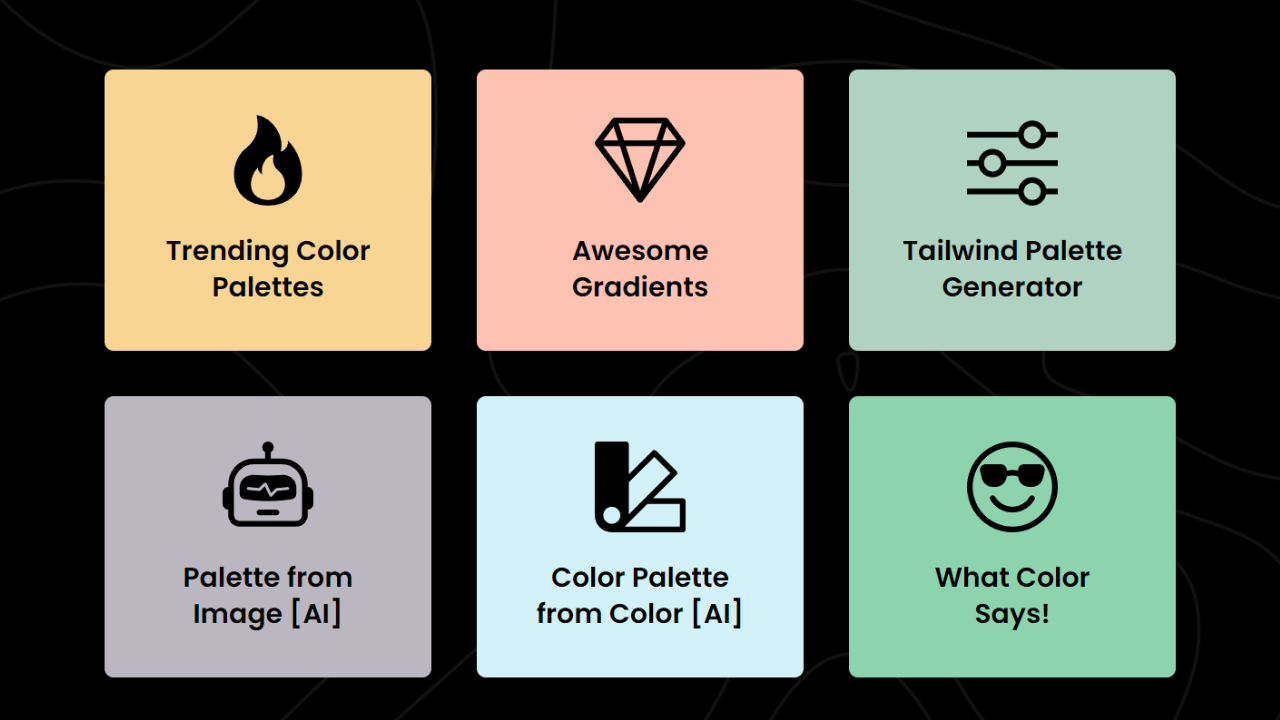

Sharing metadata
| og:url | https://colpat.itsvg.in/colpat.itsvg.in |
|---|---|
| og:type | website |
| og:image | https://colpat.itsvg.in/og.png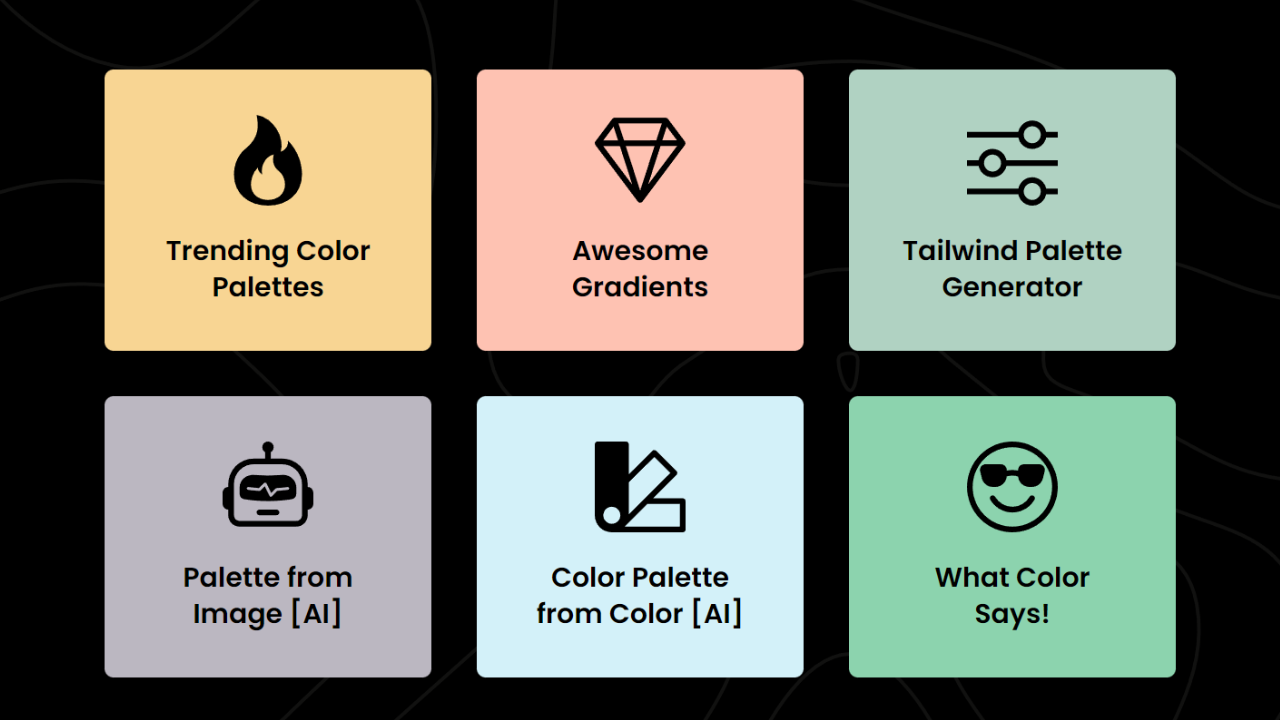 |
| og:title | ColPat : Color Palette & Design Tool |
| og:description | ColPat is the ultimate color palette generator with awesome tools. ColPat's AI, user-friendly interface, and customization options make it easy to find the perfect colors. Unleash your creativity and elevate your designs with ColPat! |
| twitter:url | https://colpat.itsvg.in/colpat.itsvg.in |
| twitter:card | summary_large_image |
| twitter:image | https://colpat.itsvg.in/og.png |
| twitter:title | ColPat : Color Palette & Design Tool |
| twitter:description | ColPat is the ultimate color palette generator with awesome tools. ColPat's AI, user-friendly interface, and customization options make it easy to find the perfect colors. Unleash your creativity and elevate your designs with ColPat! |
robots.txt (opens in a new tab)
HTTP 404No robots.txt found
Sitemaps
1 Registration details RDAP / WHOIS
| Registrar | GoDaddy |
|---|---|
| Registered | 2021-12-26 |
| Expires | 2027-12-26 |
| Domain status | client transfer prohibited、client renew prohibited、client delete prohibited、client update prohibited |
| Nameservers | ns33.domaincontrol.com、ns34.domaincontrol.com |
| DNSSEC | unsigned |
 DNS records
| Type | Name | Value | TTL | Priority |
|---|---|---|---|---|
| A | cname.vercel-dns.com | 66.33.60.194 | 300 | — |
| A | cname.vercel-dns.com | 76.76.21.93 | 300 | — |
| NS | itsvg.in | ns33.domaincontrol.com | 3600 | — |
| NS | itsvg.in | ns34.domaincontrol.com | 3600 | — |
| TXT | itsvg.in | google-site-verification=NtvIh5V2SvWu1Oe-RfLUJpH-b_PPJkJqMkmqDgoQmZ8 | 3600 | — |
| TXT | itsvg.in | v=spf1 include:dc-8e814c8572._spfm.itsvg.in ~all | 3600 | — |
| CNAME | colpat.itsvg.in | cname.vercel-dns.com | 3600 | — |
 TLS and certificates
| Assessment | Normal configuration |
|---|---|
| Supported protocols | TLSv1.2、TLSv1.3 |
| Negotiated protocol | TLSv1.3 |
| Certificate subject | colpat.itsvg.in |
| Issuer | Let's Encrypt |
| Valid until | 2026-10-25T10:00 · Remaining when checked: 25 days |
| Verification details | Certificate trust: Passed · Hostname match: Passed |
 HTTP response headers
| Header | Value |
|---|---|
| content-type | text/html; charset=utf-8 |
| cache-control | public, max-age=0, must-revalidate |
| server | Vercel |
| strict-transport-security | max-age=63072000 |
| access-control-allow-origin | * |
 Identified technologies
Recent Updates
- Website images
- Screenshots
- Network details
- Website Technologies
- Pages and Search Information
User reviews (0)