
 简体中文
简体中文 English
Website review
This review may include AI-generated content and is not individually verified. Domain, certificate and other facts come from the observed data on this page.
What is Docusign?
Docusign is a platform for preparing, signing, and managing agreements electronically. Its core function is eSignature: sending a document to someone so they can sign it on almost any device, with tracking and templates to speed things up. Around that core, Docusign now positions itself as an "Intelligent Agreement Management" (IAM) platform, meaning it also helps you organize signed agreements, extract data from them with AI, and automate the steps that come before and after a signature.
What you can actually do with it
- Send and sign documents — get signatures remotely, add collaborative comments, reuse templates, and deliver documents through apps your signers already use.
- Automate agreement steps — build no-code workflows that route documents to the right people and trigger the next action.
- Manage agreements as data — turn completed contracts into searchable, analyzable records so you can spot obligations, deadlines, and risks.
- Centralize collaboration — keep agreements in a shared, secure workspace instead of scattered email threads.
- Support the full contract lifecycle — from drafting and negotiation through approval, signature, and renewal.
- Build custom integrations — developer tools and APIs let teams embed signing and agreement logic into their own systems.
Who it suits
| User | Typical use |
|---|---|
| Individuals and small teams | One-off signatures, simple templates, free-tier electronic signing |
| Sales and procurement teams | Approval routing, faster deal cycles, contract lifecycle management |
| HR and legal | Onboarding paperwork, policy acknowledgements, contract review |
| Developers and IT | Embedding signature and agreement workflows into existing software |
The trade-off is scope. If you only need an occasional signature, the free eSignature tier is likely enough and the broader IAM features are unnecessary. If your organization handles high volumes of contracts and wants the signed documents to feed reporting, risk tracking, and automation, the platform approach pays off — but it also means more setup, more process change, and a heavier commitment than a standalone signing tool.
Next step: decide which problem you're solving. For a quick one-off signature, start with the free eSignature option. If the real pain is contracts getting lost, stalled, or unexamined after signing, look at the IAM and CLM offerings and compare them against alternatives such as Adobe Acrobat Sign or Dropbox Sign before committing.
How much does Docusign cost?
Docusign doesn't list one single price; what you pay depends on which product you need, how many people will use it, and how many agreements you send. The site separates its offerings into two tracks: eSignature (sending, signing, and tracking documents) and IAM, the Intelligent Agreement Management platform that adds AI analysis, workflow automation, contract lifecycle management, and developer tools. Each track has its own plans and pricing page, so the first practical step is deciding which track matches your task.
What drives the cost
- Product tier. Basic electronic signature is the entry point. Agreement Manager, Workflow Builder, CLM, Workspaces, and IAM for Sales are higher-tier capabilities aimed at teams that need to find, analyze, and act on agreements rather than just sign them.
- Seat count and volume. Business pricing generally scales with the number of users and the number of envelopes or agreements sent per period.
- Add-ons and integrations. Developer APIs and integrations such as document generation inside Salesforce are typically sold or metered separately from a standard signing plan.
How to decide
If you only need occasional signatures, start by checking the eSignature plans on Docusign. If your bottleneck is tracking renewals, routing approvals, or extracting terms from signed contracts, compare the IAM plans instead.
A useful next step: write down your monthly agreement volume and the number of people who need to send or approve, then match those two numbers against the plan tiers. That comparison usually narrows the choice faster than reading feature lists. For current figures, use the Plans & Pricing pages linked from the site, since published rates change and vary by region and contract length.
Is Docusign legally binding?
Yes—Docusign eSignatures are legally binding in most countries, including the U.S., EU, UK, Canada, and Australia, provided the signing process meets local e-signature rules. In the U.S., that generally means compliance with the ESIGN Act and UETA; in the EU and UK, eIDAS governs. Docusign supports audit trails, signer authentication, and certificates of completion, which are the kinds of evidence used to prove who signed what and when.
What makes an eSignature binding
- Intent to sign: The signer clearly agrees to the document.
- Consent to do business electronically: The signer agrees to receive and sign electronically.
- Record retention: The signed document and audit trail can be retained and reproduced later.
- Signer attribution: The process ties the signature to the right person.
Where it may not work
- Wills, trusts, and some family-law documents often require wet signatures or specific witnessing rules.
- Certain court filings, evictions, and some government forms may have their own requirements.
- Cross-border deals can raise questions about which law applies and whether the chosen e-signature level meets that country's standard.
Practical next step
If you're signing something high-stakes—real estate, corporate resolutions, or anything with a notary requirement—check the specific document type and jurisdiction before relying on an eSignature alone. For routine contracts, NDAs, and sales agreements, Docusign's standard process is widely accepted. You can also compare how other providers handle compliance and audit trails, such as Adobe Acrobat Sign or Dropbox Sign.
How do I send a document for signature with Docusign?
To send a document for signature with Docusign, you upload the file, add the people who need to sign, place their signature and date fields, then send it. Signers get an email or in-app notification, sign on almost any device, and everyone can track progress from a dashboard.
Docusign's own page describes the core flow this way: send, sign, and track documents, with collaborative commenting, shared templates, and delivery in the apps signers already use. It also notes that signatures work "from anywhere, using almost any device."
Typical steps
- Create or open a new envelope (Docusign's term for a signing package).
- Upload the document, or start from a shared template if you send similar agreements often.
- Add recipients and set their role: signer, cc, or approver. Order matters if one person must sign before another.
- Drag signature, initials, date, and any text fields onto the page for each recipient.
- Add a subject line and message so recipients know what they are signing and why.
- Send. Track status until all parties complete it.
Practical tips
- Use templates for repeat documents such as NDAs or offer letters; this cuts field placement time on every send.
- Use collaborative commenting during drafting so reviewers resolve questions before the signature stage.
- Set a signing order when a manager must approve before a client signs.
- Keep the email subject specific, for example "Please sign: Q3 vendor agreement," so it does not get lost.
When the basic flow is not enough
If you handle high volumes or need approvals, data extraction, or contract lifecycle tracking, Docusign's Intelligent Agreement Management (IAM) products extend the same core signing step. Its page lists Workflow Builder for no-code automation, Agreement Manager for AI analysis of signed agreements, CLM for contract lifecycle management, and a Developer Center for APIs.
For most individuals and small teams, the straightforward send-and-sign flow is the right starting point. For legal, sales, or procurement teams managing many contracts, the automation and analysis layers are where the platform adds the most value.
A useful next step: send yourself a test envelope first. You will see exactly what the recipient experiences before you send anything to a client.
What is Docusign IAM and how does it differ from eSignature?
Docusign IAM (Intelligent Agreement Management) is the broader platform for managing agreements end to end: analyzing them with AI, automating workflows, centralizing them in a secure hub, and optimizing the contract lifecycle. Docusign eSignature is the core capability for sending, signing, and tracking documents. In short: eSignature gets an agreement signed; IAM is the surrounding system for what happens before, during, and after signing.
H3 How they differ in practice
| Dimension | eSignature | Docusign IAM |
|---|---|---|
| Primary job | Send, sign, track, and finalize documents | Manage the full agreement lifecycle with AI and automation |
| Typical user | Anyone needing a signature; small teams | Sales, procurement, HR, legal, and customer experience teams |
| Key capabilities | Collaborative commenting, shared templates, delivery in apps signers already use | Agreement Manager, Workflow Builder, Workspaces, CLM, developer tools and APIs |
| Automation | Basic signing workflow | No-code custom workflows, approval routing, multi-channel delivery |
| Output | A completed, signed document | Signed agreements treated as data-rich assets for insights and risk reduction |
H3 Which one fits your situation
- Choose eSignature if your main problem is getting documents signed quickly and you don't need to manage contracts beyond that point.
- Choose IAM if signatures are one step in a longer process you want to automate — for example, routing approvals, generating documents from templates, or analyzing agreement data across a portfolio.
- Consider both together if you want to start with signing and expand into workflow automation, contract lifecycle management, or AI-driven analysis later.
H3 A concrete example
A sales team using only eSignature can send a contract and collect a signature. With IAM, the same team could generate the contract from a template inside Salesforce, route it for approval automatically, send it through the channel the signer prefers, and then analyze the signed terms across all deals to spot negotiation patterns or risks.
H3 Next step
Start by mapping your agreement process. If it ends at "signed and filed," eSignature is likely enough. If it continues into approvals, data extraction, or contract analysis, look at IAM. You can compare plans for each on Docusign. For adjacent options, see Adobe and Dropbox Sign.
Can Docusign integrate with Salesforce?
Yes. Docusign lists Salesforce-specific integration as part of its platform, including a tool for generating documents inside Salesforce and AI-assisted agreement features for sales teams. The broader developer tools and APIs also allow custom integrations if the prebuilt option does not cover your process.
Docusign
What the integration is used for
- Generating documents in Salesforce: Sales reps can create contracts and related documents without leaving their CRM, using templates and dynamic data.
- Keeping agreement data connected: Signed documents and status can be associated with Salesforce records, so teams see what has been signed and what is still pending.
- Routing approvals: Approval steps can be triggered as part of a sales workflow, reducing manual chasing.
- Automating follow-up: Completed agreements can feed downstream tasks, such as onboarding or renewal reminders.
Who benefits most
Sales operations and revenue teams get the clearest payoff, because the contract step sits directly in the tool they already use. Legal and procurement teams benefit indirectly when agreement data flows into a central repository rather than being trapped in email threads.
Practical example
A sales rep selects a template in Salesforce, fills in customer and pricing fields, and sends it for signature. When the customer signs, the status updates in Salesforce and the completed file is stored for later reporting.
Decision criteria
- If your team lives in Salesforce and contracts are a bottleneck, start with the native Salesforce integration.
- If your process spans multiple systems or needs custom logic, evaluate the developer APIs and workflow tools instead.
- Check which Salesforce edition and Docusign plan you have, since available features can differ.
Next step: Identify one recurring contract type, then test the Salesforce document-generation flow end to end before rolling it out.
 Akamai Edge DNS
 Netlify
 Proofpoint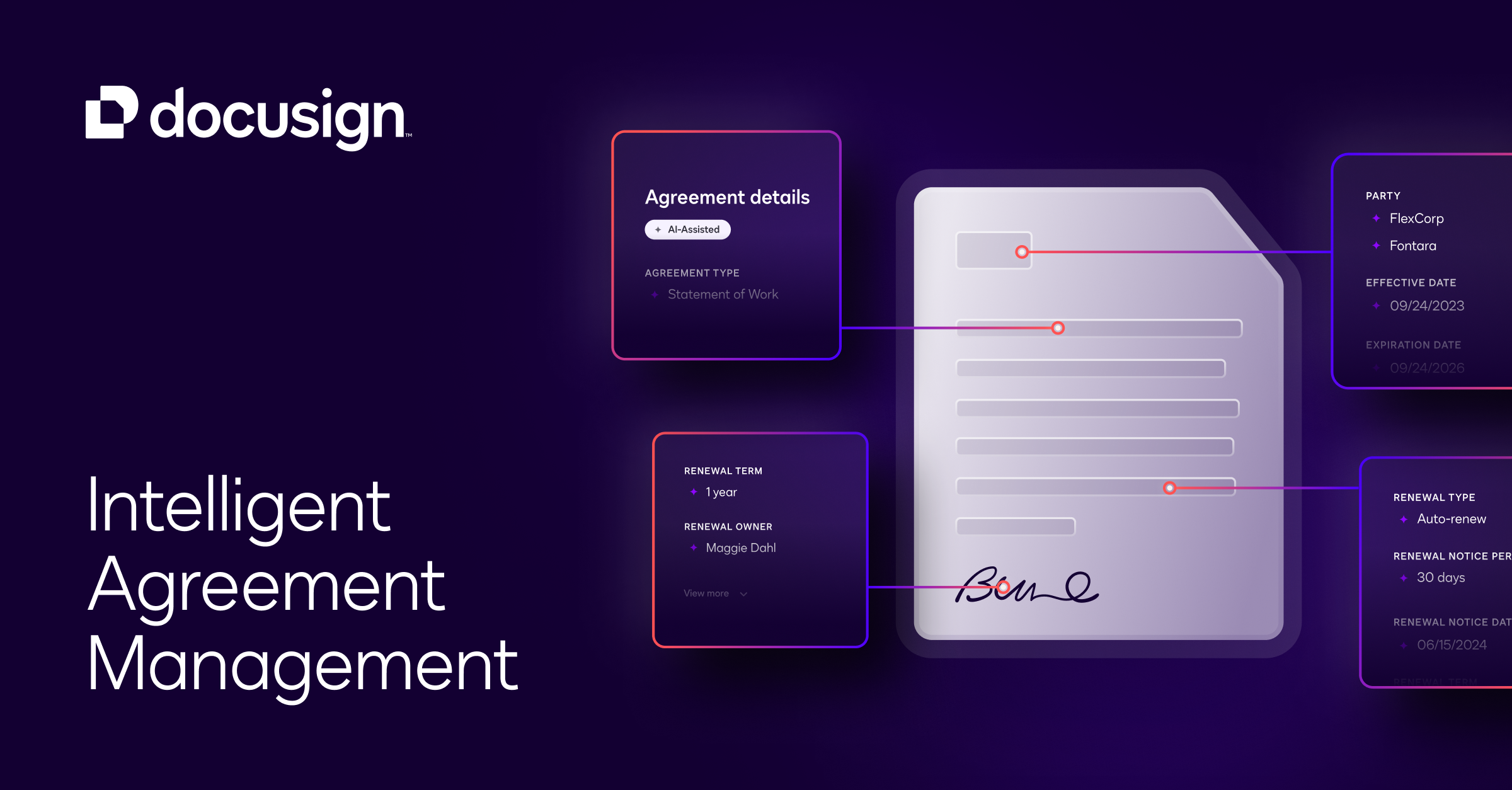
User reviews (0)