
 简体中文
简体中文 English
Website review
This review may include AI-generated content and is not individually verified. Domain, certificate and other facts come from the observed data on this page.
What is FreeHosts?
FreeHosts is a community-curated directory for finding zero-cost hosting. Instead of hosting your project itself, it gathers free hosting providers for websites, applications, bots and databases, then layers on community reviews, curated lists and staff picks so you can compare options in one place. The site frames free hosting as a fit for learning, experiments, prototypes, portfolios, small launches and community projects such as Discord bots.
What you can look for
- Website hosting — static sites, portfolios, blogs and landing pages.
- Application hosting — Node.js, Python, PHP, Ruby and similar backend apps, APIs and dashboards.
- Bot hosting — Discord, Telegram and automation bots that need to stay online.
- Database hosting — free PostgreSQL, MongoDB, MySQL or Redis services.
How it is meant to be used
FreeHosts works best as a shortlisting tool rather than a final answer. You filter by use case, read what other people report about uptime and hidden limits, then test the two or three most promising providers yourself. The site's own advice is to compare storage, bandwidth and compute limits, check cold starts and deployment complexity for your stack, and prefer a host with a clear upgrade path if the project may grow.
Who it suits
- Students and hobbyists who want to deploy something without paying for infrastructure upfront.
- Developers prototyping an MVP or demo who need a host within minutes.
- Community builders running small to medium bots or side projects.
The trade-off is the same one that applies to free hosting generally: plans come with limits, and a directory can only tell you so much about real-world reliability. Treat reviews as leads, not guarantees.
A practical next step: pick your project type, shortlist two hosts, and deploy the smallest working version of your app to both. If you are comparing broader options, official sources such as GitHub (for static site hosting via Pages) and Cloudflare (for its free tier) are worth checking alongside the directory listings.
Which free hosting provider should I choose for a Discord bot that needs to stay online?
For a Discord bot that must stay online, prioritize providers that explicitly allow always-on bot processes and do not aggressively sleep idle apps. FreeHosts is a directory rather than a host itself, so its value is narrowing the field: it lists 100+ hosts with categories for bot hosting and community reviews, which helps you filter for Discord-specific uptime experience before you commit.
What actually matters for a Discord bot
- Always-on behavior: Many free tiers sleep after inactivity or cap monthly runtime. A bot that sleeps misses commands and drops from voice channels.
- Cold starts and restarts: Frequent restarts break in-memory state and can trigger Discord rate limits on reconnect.
- Resource limits: Small RAM and CPU caps are usually fine for a single guild or a few small servers, but not for music streaming or heavy command loads.
- Persistent storage: If your bot stores data, check whether the free tier includes a database or persistent disk, or plan to use an external free database.
- Terms of service: Some free hosts prohibit long-running processes or bots, so verify before deploying.
- Upgrade path: If your bot grows, a host that lets you scale without rewriting deployment is worth more than slightly better free specs.
A practical shortlist approach
- Open FreeHosts and filter for bot hosting and Discord bot hosting.
- Shortlist three providers that mention always-on or 24/7 uptime.
- Read community reviews specifically for Discord bot reliability, not just website hosting.
- Deploy a minimal bot and monitor it for a week before moving your main bot.
For concrete alternatives, Railway offers a trial credit model that can run small bots continuously, and Render has free web services that sleep unless you keep them active, which is a poor fit for a bot that must always respond. Fly.io and Koyeb are also worth checking for small always-on workloads, though their free allowances change over time.
Decision criterion
If your bot serves one or two small communities, a free always-on tier with modest RAM is enough. If it handles music, many guilds, or persistent data, choose a host with a clear paid upgrade and deploy there from the start rather than migrating later.
How do I compare free hosting plans based on storage, bandwidth, and uptime limits?
Compare free hosting plans by turning each provider's limits into a simple scorecard: what you get, what happens when you exceed it, and what it costs to grow. Storage, bandwidth and uptime are the headline numbers, but the practical differences usually show up in the fine print — cold starts, sleep policies, build minutes, database size and whether a project is paused rather than deleted.
What each limit actually means
Storage is the ceiling on files, databases and logs combined. On static hosts it is often generous because assets are small; on app or bot hosts it fills quickly with dependencies, uploads and log files. Check whether the quota covers your database separately or shares one pool.
Bandwidth is monthly data transfer. A portfolio site with a few hundred visits a month barely dents most allowances, while an image-heavy blog or a bot serving a large Discord server can exhaust a "generous" plan in days. Look for whether overage means throttling, a hard stop, or an automatic charge.
Uptime is rarely a contractual guarantee on free tiers. The real questions are: does the service sleep after inactivity, how long is the cold start, and how often do restarts happen? A bot that must respond instantly has very different needs from a demo site that can wake in ten seconds.
A comparison framework
| Dimension | What to check | Who it matters most to |
|---|---|---|
| Storage | Total quota, database included or separate, log retention | App and bot developers, anyone with uploads |
| Bandwidth | Monthly cap, overage behaviour, CDN included | Content sites, media-heavy projects |
| Uptime | Sleep policy, cold-start time, restart frequency | Bots, APIs, anything user-facing |
| Compute | CPU/RAM limits, build minutes, concurrent jobs | Backends, scheduled tasks |
| Growth path | Ease of upgrading, data portability, custom domains | MVPs likely to gain traction |
Practical steps
- Estimate your real usage first: monthly visitors, average page weight, bot message volume, database rows. A rough number beats comparing specs blind.
- Read the limits page, not the marketing page. Search the provider's docs for "fair use", "inactive" and "suspend".
- Test with a throwaway deployment before committing a real project. Measure cold-start time yourself rather than trusting a badge.
- Check the exit: can you export your database and move a custom domain without downtime?
Directories such as FreeHosts exist to shortcut step one by grouping providers by use case and collecting community reviews, which is useful for spotting limits that documentation glosses over. Treat any single review as one data point, though — a host that works for a static portfolio may behave very differently under a persistent bot workload.
A quick decision rule
If your project can tolerate a cold start, prioritise bandwidth and storage. If it must stay responsive around the clock, prioritise uptime and sleep policy, and accept a smaller storage quota. If you expect growth within months, weight the upgrade path above the free tier's headline numbers — migrating later costs more than choosing well now.
Can I upgrade from a free hosting plan to a paid one if my project grows?
Yes, usually. Many free hosting providers design their free tier as an entry point and offer a paid plan you can move to when traffic, storage or compute needs grow. The practical question is not whether an upgrade exists, but how much friction it involves.
What to check before you commit
- Upgrade path: Is there a documented paid tier from the same provider, or would you have to migrate to another host entirely?
- Data portability: Can you export databases, files and environment settings, or are you locked into a proprietary setup?
- Resource triggers: What limit forces the move — monthly bandwidth, build minutes, storage, concurrent processes, or bot uptime?
- Pricing model: Whether you pay per seat, per app, or per resource matters more than the headline number as you scale.
- Downtime during migration: A same-provider upgrade is usually smoother than a cross-host move.
A realistic scenario
Suppose you deploy a Discord bot on a free plan. It runs fine for a small server, then your community grows and the bot starts hitting memory or uptime caps. If the provider offers a paid tier, you often just change a plan setting and keep your code and configuration. If it doesn't, you are rebuilding deployment, secrets and database connections elsewhere — usually a weekend of work, sometimes more.
How FreeHosts fits in
FreeHosts is a community-curated directory rather than a host itself, so it won't sell you an upgrade. Its value here is comparison: listings are organised by use case (website, application, bot and database hosting), and the site's own guidance suggests checking storage, bandwidth and compute limits, cold starts and deployment complexity before you deploy, and picking a host with an upgrade path if your project may grow. That last point is exactly the criterion that matters for your question.
Decision rule
If you expect growth within six months, favour a free tier from a provider that publishes a clear paid plan and lets you export your data. If your project is a throwaway experiment or a learning exercise, upgrade options matter far less than getting something online today.
How do I deploy a static website or portfolio using a free hosting provider?
The short answer: build your site as plain HTML/CSS/JS (or a static-site generator output), push it to a Git repository, connect that repository to a free static host, and let the host build and publish it on every push. For a portfolio, this is the lowest-friction path because there is no server process to keep alive and no database to maintain.
A practical deployment path
- Produce static output. If you write plain HTML, your project folder is already the output. If you use a generator (Hugo, Jekyll, Astro, Eleventy), run its build command locally first so you know which folder contains the final files — usually
dist/,public/, or_site/. - Put it in Git. Create a repository on a code host, commit the source, and push. Hosts that deploy from Git give you automatic rebuilds and rollbacks, which matters more than any single performance claim.
- Connect the repo to a host. In the host's dashboard, authorize access to the repository, then set the build command and the output directory. A typical configuration is
npm run buildwith outputdist. - Verify the preview URL. Every push should produce a fresh preview. Open it on a phone as well as a desktop; check that relative asset paths and fonts load.
- Add a custom domain. Point a CNAME record at the host's target and enable HTTPS. Free tiers commonly issue certificates automatically, but confirm this before committing to a provider.
- Test the failure cases. Open a non-existent URL to see the 404 page, and confirm that trailing-slash handling matches your internal links.
What to check before you commit
| Factor | Why it matters for a portfolio | What to look for |
|---|---|---|
| Bandwidth | A portfolio that gets shared on social media can spike | A monthly cap you can live with, and clear overage behavior |
| Build minutes | Frequent small edits burn build time | Whether builds are metered or unlimited |
| Custom domains | Your own name is the point of a portfolio | Free TLS and no per-domain charge |
| Commercial use | Freelance or client work may count as commercial | Terms that permit it |
| Inactivity policy | Old student projects get abandoned | Whether sites are suspended after long dormancy |
Where a directory helps
Free hosting is fragmented, and the hard part is not deploying — it is choosing. A curated directory that groups providers by use case (website, application, bot, database) and includes community reviews lets you compare storage, bandwidth, compute limits, cold starts, and deployment complexity in one place instead of opening a dozen signup pages. FreeHosts is one such directory, listing providers by category with user-contributed reviews and sample setups. Treat the reviews as a starting filter, then verify current limits on the provider's own page, since free tiers change without notice.
For a concrete scenario: a design student with a five-page portfolio and a handful of images needs almost nothing — a Git-connected static host with automatic TLS and a custom domain will do. A freelance developer hosting client landing pages should instead prioritize commercial-use terms and predictable bandwidth, because a single traffic spike on a client campaign is the most likely way to hit a limit.
Decision criterion
If your site is static and you deploy at least occasionally, choose a host with Git-based deploys and preview builds. If you only need to upload files by hand once, an FTP or drag-and-drop host is simpler and equally fine. Reserve application and bot hosting for projects that genuinely need a running process — a static portfolio never does.
One last habit: keep the build reproducible by committing a lockfile and pinning your generator version, so a rebuild two years from now produces the same site rather than a broken one.
What are the hidden limitations or cold start issues I should watch out for with free hosting?
Free hosting usually works fine for demos, learning projects, and small bots, but the constraints show up exactly when a project starts to feel real. The most common surprises are cold starts, storage and bandwidth caps, and a lack of background processes.
Cold starts and idle shutdowns
Many free tiers suspend or sleep an app after a period of inactivity, then take several seconds to wake it on the next request. That delay is a cold start. It rarely matters for a portfolio you show someone once, but it is painful for an API that a script polls every few minutes, a webhook endpoint, or a Discord bot that needs to respond instantly. Some providers keep bots online but throttle them, so the bot appears alive yet replies late or drops events.
Limits that are not obvious from the headline
- Compute ceilings: CPU time, memory, and request duration are often capped. A long-running job may be killed mid-task.
- Storage and bandwidth: free database sizes and monthly transfer allowances fill up faster than expected once you add images or logs.
- Background jobs: cron tasks, queues, and persistent workers are frequently excluded or limited to a few runs per day.
- Concurrency: a single instance may handle only a handful of simultaneous users before requests queue or fail.
- Custom domains and TLS: sometimes allowed, sometimes restricted to a subdomain, and certificates may need manual renewal.
- Data persistence: some environments reset the filesystem on redeploy, so anything written locally disappears.
The practical test is to check whether the plan keeps your app warm, allows outbound network calls, and persists data. Those three determine whether a prototype can survive contact with real users.
How to choose without wasting time
Match the host to the workload rather than the other way around. Static sites and portfolios tolerate sleeping and slow wake-ups; bots, webhooks, and APIs generally do not. Before committing, read community reviews specifically for complaints about downtime, deleted projects, and surprise limits, since those surface real-world behavior better than feature lists. FreeHosts curates free hosting by use case and collects community reviews, which makes it a reasonable starting point for comparing options for websites, apps, bots, and databases.
A useful next step: deploy a throwaway version of your project on two candidates, then leave it idle for a day and measure the first response time. That single test reveals more about cold starts and reliability than any specification page.
 Cloudflare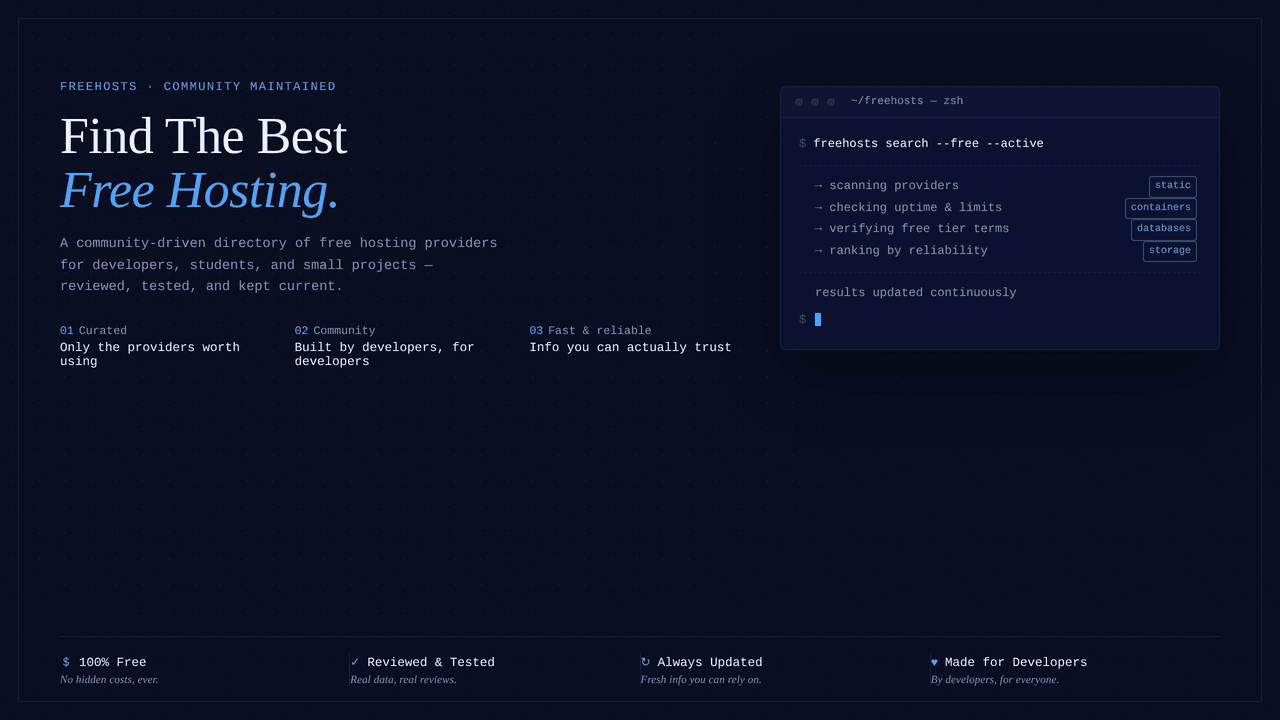

User reviews (0)