
 简体中文
简体中文 English
Website review
This review may include AI-generated content and is not individually verified. Domain, certificate and other facts come from the observed data on this page.
What is Larafast?
Larafast is a Laravel SaaS starter kit: a pre-built codebase you buy once and adapt into your own subscription software, instead of wiring up the same foundations from scratch. Its stated purpose is to shorten the gap between idea and working product to "a matter of hours," which in practice means it targets the repetitive layer of SaaS work — accounts, billing plumbing, admin screens — so you can spend your time on the feature that makes your product different.
Who it fits
- Solo developers and small teams already comfortable with Laravel and PHP.
- Founders validating a paid product who want to charge real customers quickly.
- Agencies that ship similar SaaS projects repeatedly and want a reusable base.
It fits less well if your stack is JavaScript-first, if you need unusual billing logic, or if you would rather learn by building the foundations yourself.
What to check before buying
- Confirm the Laravel and PHP versions it supports against the version you plan to deploy.
- List the features you actually need — authentication, teams, roles, subscription billing, admin panel, API layer — and tick off which are included versus which you would still build.
- Verify the billing integration. Payment handling is named as Lemon Squeezy, so if you intend to use another processor, budget time for that work.
- Read the license terms for the number of projects or seats allowed.
- Check how recent the last updates are; a starter kit's value decays if it lags behind framework releases.
Trade-off to weigh
A starter kit saves weeks of undifferentiated setup, but you inherit someone else's structure and conventions. If you dislike the chosen patterns, refactoring can cost more than starting clean. Skim the code organisation and documentation first — if the structure reads clearly to you, the shortcut is worth it.
For a concrete next step, open the official site and compare its feature list line by line against your own requirements, then estimate the hours each missing item would take. If that total is small, the kit pays for itself; if it is large, keep looking. Comparable boilerplates exist in the same space, such as Laravel's own first-party starter kits, which are worth pricing against it.
How does Larafast help me launch a Laravel SaaS faster?
Larafast is a Laravel SaaS starter kit: a pre-built codebase you install and extend, rather than an empty Laravel project where you wire up billing, authentication and admin screens yourself. Its value is skipping the repetitive "SaaS plumbing" so your first working version is a matter of configuration and customization rather than weeks of setup.
What it typically saves you from building
- Authentication flows, including social login and password reset
- Subscription billing and checkout, with Lemon Squeezy listed as the payment platform
- User dashboards, admin panels and role/permission handling
- Landing page and marketing sections that usually get rebuilt for every project
- Transactional email, API scaffolding and other common SaaS infrastructure
Who it fits
- Solo developers or small teams validating an idea who would rather spend time on the differentiator than on login screens
- Agencies that ship similar Laravel SaaS products repeatedly and want a consistent base
- Developers already comfortable with Laravel who don't want to learn a new framework
Who should look elsewhere
- Teams on a different stack (Rails, Django, Node) — the kit won't transfer
- Products with unusual billing models, multi-tenant complexity or compliance requirements that would mean rewriting large parts of the boilerplate anyway
- Anyone who enjoys building infrastructure and wants full control from line one
A practical way to decide Install it, then try to reach a paying test user within a day: sign up, subscribe, hit a gated feature. If the kit gets you there with mostly configuration, it's earning its place. If you find yourself fighting its opinions on billing or user structure, that friction will only grow — compare against building on plain Laravel or another starter such as Laravel's own starter kits before committing.
What features are included in Larafast's Laravel SaaS starter kit?
Larafast is a Laravel SaaS starter kit aimed at developers who want to skip repetitive setup work and get a subscription product running faster. Its stated purpose is to provide "all the necessary features to transform your idea into reality in just a matter of hours," so the feature set is organized around the common building blocks of a SaaS application rather than a single niche.
What a kit like this typically covers
- Authentication and user accounts — registration, login, password reset and session handling, which are prerequisites for any paid product.
- Subscription billing — the page lists Lemon Squeezy among its payment platforms, so billing and checkout are intended to be part of the package rather than something you wire up yourself.
- Admin and dashboard scaffolding — a starting point for the screens your customers and your team will use daily.
- A Laravel codebase — since it is a Laravel starter kit, the output is a Laravel project you own and extend, not a hosted platform.
The exact list of included modules is not itemized in the supplied page information, so treat the above as the categories such a kit addresses rather than a confirmed inventory. Check the product's own feature page before buying if a specific integration is a dealbreaker.
Who it suits, and the trade-off
Larafast fits a small team or solo developer who is comfortable in Laravel, has a validated idea, and would rather spend the first weeks on the product than on auth, billing and account screens. The trade-off is the familiar one with boilerplates: you inherit someone else's structure and conventions, and you may end up removing or rewriting parts you don't need. If your product deviates sharply from a standard subscription model, the time saved upfront can be partly spent later on untangling assumptions.
Next step: write down your three must-have integrations — payment provider, email service, and any auth requirement such as social login — then compare them against Larafast's documented feature list. If all three are covered, the kit is likely worth the setup time; if two or more are missing, a plain Laravel install plus a few packages may be the faster route. For broader context on what these kits include, see Laravel.
How does Larafast compare to other Laravel starter kits or boilerplates?
Larafast is best understood as a Laravel SaaS starter kit: it targets founders and small teams who want to skip the repetitive groundwork of subscriptions, authentication and billing so they can ship a paying product faster. The supplied page evidence is thin, so treat the following as a framework for evaluating it against alternatives rather than a feature-by-feature verdict.
What "SaaS starter kit" usually means
Most kits in this category bundle a similar core:
- Authentication and user management, often with social login and two-factor support
- Subscription billing and plan management, frequently via Stripe or Paddle
- An admin or user dashboard scaffold
- Teams, roles and permissions
- Email, notifications and queue setup
- Theming or a front-end preset (Blade, Livewire, Inertia, Vue or React)
Larafast's stated pitch is turning an idea into a working product "in just a matter of hours," and its listed payment platform is Lemon Squeezy. That matters: if you specifically want Lemon Squeezy as your merchant of record, a kit built around it saves real integration time. If your business already runs on Stripe or Paddle, that alignment is less valuable.
How to compare kits concretely
| Criterion | Why it decides the choice |
|---|---|
| Billing provider | Switching providers mid-build is painful; pick the kit that matches your processor |
| Front-end stack | Blade/Livewire suits small teams; Inertia + Vue/React suits those with JS experience |
| Admin panel | Some kits ship Filament or Nova; others leave admin to you |
| Teams and roles | Essential for B2B SaaS, optional for single-user tools |
| Tests and code quality | Determines how confidently you can modify the codebase |
| Update path | Kits that ship updates keep you current; forks do not |
| Licence terms | Check whether you can use it for client work or multiple products |
Practical decision path
- Write down your must-haves: billing provider, front-end stack, team features, admin panel.
- Check each candidate against that list before looking at anything else.
- Download or preview the code structure if a demo or repository is available.
- Estimate the hours you would spend building the missing pieces yourself, then compare that cost against the kit price.
Where Larafast likely fits
Choose Larafast if you are building a subscription SaaS on Laravel, want Lemon Squeezy handling payments, and prefer to start from an opinionated scaffold rather than assembling packages yourself. Look at alternatives if you need a different billing provider, a specific front-end framework it does not use, or a larger ecosystem of plugins and community answers — established options such as Laravel's own starter kits and broader boilerplate marketplaces are worth checking for that reason.
A useful next step: list your three non-negotiable requirements, then verify each one directly against Larafast's current documentation before buying.
Can I customize Larafast for my own SaaS idea?
Yes — Larafast is built as a Laravel SaaS starter kit, so the intended workflow is to take the base and adapt it to your own product rather than use it as-is. The practical question is not whether you can customize it, but how much of your idea already fits its structure.
What customization usually involves
- Branding and UI: swapping logos, colors, copy and landing-page sections to match your positioning.
- Product logic: adding or replacing the core domain features (the part that makes your SaaS different).
- Billing and plans: adjusting plan tiers, trial behavior and gating rules around whatever payment platform the kit integrates.
- Auth and accounts: teams, roles, permissions, invitations or profile flows, depending on your target user.
Who gets the most value
Larafast suits a solo developer or small team who already knows Laravel and wants to skip repetitive groundwork — authentication, subscription plumbing, admin scaffolding — to reach a working prototype quickly. It is a weaker fit if your product needs a fundamentally different architecture, or if you don't work in PHP/Laravel, because you'd spend more time fighting the stack than building.
A practical way to decide
Before buying, list your must-have features and mark each one as already covered, adaptable, or needs custom work. If the third column is short, the kit saves you real time. If it's long, a plain Laravel install may be cheaper in effort.
As a next step, try building your single most important feature on top of the kit first. If that goes smoothly, the rest of the customization usually follows. For general Laravel guidance, the official documentation at Laravel is the reference point, and GitHub is useful for checking how comparable starter kits are structured before you commit.
What is the pricing and licensing for Larafast?
Larafast is a commercial Laravel SaaS starter kit, and its pricing is handled through Lemon Squeezy as the payment platform. Beyond that, the available page information doesn't list specific prices, tiers, or license terms, so I can't quote exact figures or confirm whether it's a one-time purchase or subscription.
What to expect from a Laravel SaaS starter kit license
Most kits in this category sell a one-time license that grants you the source code and the right to use it in your own projects. Common variations to check:
- Single-project vs. unlimited projects — some licenses restrict you to one SaaS product.
- Resale/redistribution rights — usually prohibited; you can build and sell your app, but not resell the kit itself.
- Update access — often included for a period (e.g., a year) or tied to a major version.
- Support — may be limited to a set window or offered via a private channel.
Next step
Visit the official site and open the pricing or checkout page (the Lemon Squeezy link) to see the current price, license tier, and refund policy. If the license terms are not clearly stated there, contact the seller before buying — the redistribution and multi-project clauses are the ones most likely to affect how you use it.
For comparison, other Laravel starter kits with published license terms include Laravel (the framework itself is free under the MIT license, though starter kits like Jetstream and Breeze have their own terms) and Spatie, whose paid packages clearly document per-project versus unlimited licensing.
As a practical scenario: if you're a solo developer shipping one product, a single-project license is usually enough; if you're an agency building for multiple clients, confirm the license explicitly permits that before paying.
 Cloudflare
 Google Workspace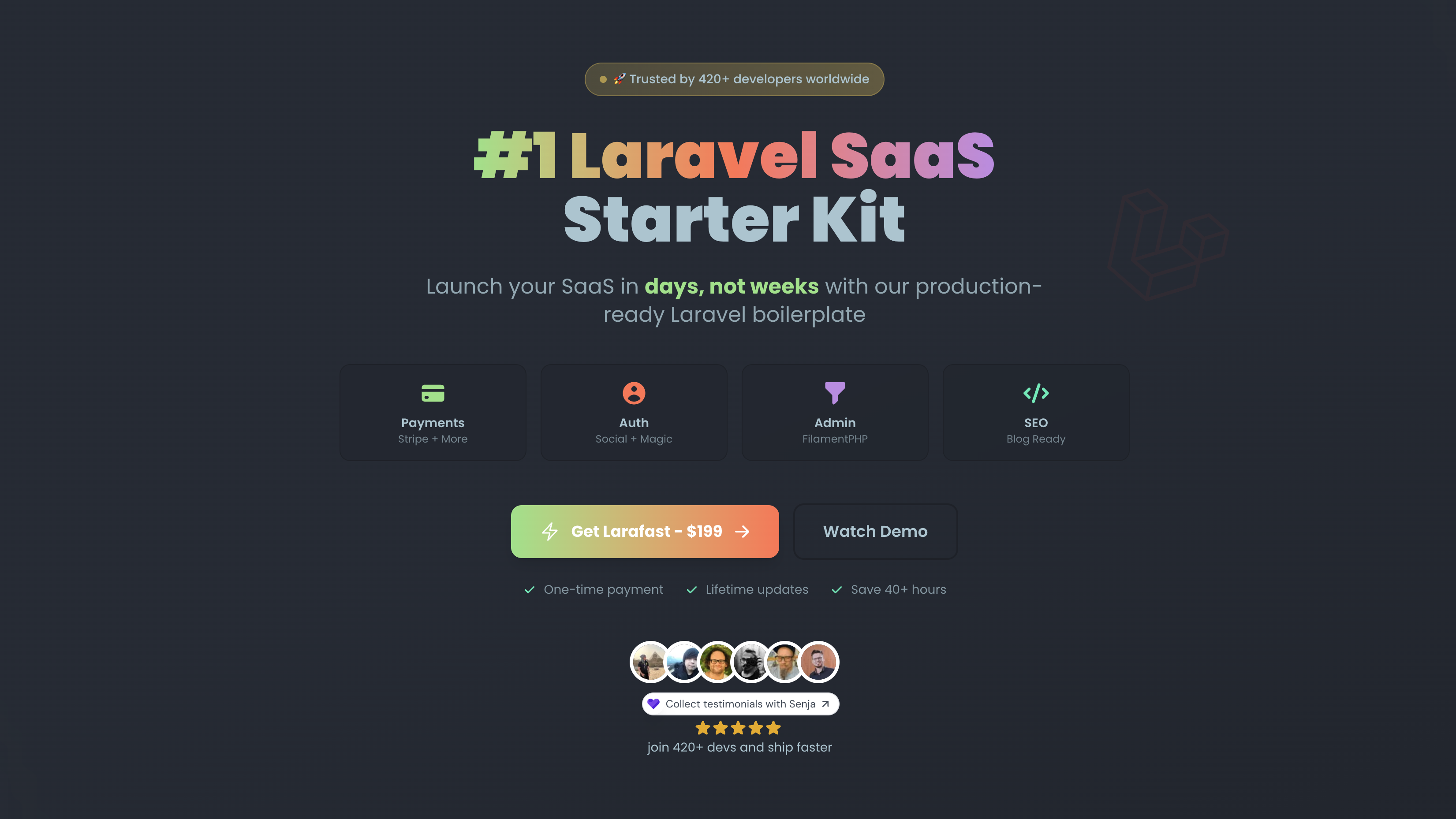

User reviews (0)