
 简体中文
简体中文 English
Website review
This review may include AI-generated content and is not individually verified. Domain, certificate and other facts come from the observed data on this page.
What is PROXX?
PROXX is a free browser-based puzzle game about navigating a crew through space. According to the game's own page, you mark out black holes using "proxx, your proximity scanner," and the setup screen lets you choose difficulty, board width and height, and the number of black holes before you start. In practice it plays like a spatial-logic game: you reveal squares and use proximity clues to deduce where the hidden black holes are, then flag them so your crew can pass safely.
It suits short breaks and casual players who enjoy deduction puzzles, and the adjustable board size and hole count let you scale the challenge from a quick warm-up to a denser, more demanding grid. The trade-off is that it is a light, self-contained game rather than a deep campaign: replay value comes from reconfiguring the board, not from levels or progression.
A useful next step: open PROXX and start with a small board and few black holes to learn how the proximity readouts behave, then increase the size once the clues feel predictable.
How do I play PROXX?
PROXX is a browser-based puzzle game about finding hidden black holes on a grid using a proximity scanner. The setup screen offers four controls: Difficulty, Width, Height and Black holes, followed by a Start button. So you choose how large the board is and how many black holes are hidden on it, then begin.
How a round works
The description frames the game as helping your crew navigate space "by marking out the black holes using proxx, your proximity scanner." In practice, that means you reveal squares and read the scanner's feedback to judge how close you are to a black hole, then mark the squares you believe contain one. The grid size and black-hole count you set at the start determine how much deduction is needed: a wide, sparse board is a slow scanning exercise, while a small board packed with black holes becomes a tight logic problem where early guesses carry more risk.
A practical approach
- Start on a lower difficulty with a modest width and height so you can learn how the scanner's proximity hints read before adding more black holes.
- Open up the board gradually rather than clicking at random; each reveal gives you information to narrow down where the black holes sit.
- Mark a suspected black hole as soon as the surrounding hints point to it, so you don't re-scan the same area.
- If you want a harder session, increase the black-hole count first — it changes the puzzle more than simply enlarging the grid.
For a first attempt, a medium-sized board with a small number of black holes is the most forgiving way to see how the scanner behaves.
What do the difficulty, width, height, and black hole settings change in a PROXX game?
In PROXX, the setup fields let you shape the board before you start: Difficulty sets how the game plays, while Width, Height, and Black holes define the board's size and how many hazards it contains. The game's own setup screen lists exactly these four controls, with a Start button to begin.
What each setting changes
| Setting | What it changes | Practical effect |
|---|---|---|
| Difficulty | The overall challenge level of the game | A higher difficulty means you need to be more careful and systematic when scanning |
| Width | The number of columns on the board | Wider boards spread the space out horizontally and take more scanning |
| Height | The number of rows on the board | Taller boards add vertical space, increasing the total number of cells |
| Black holes | How many black holes are placed on the board | More black holes mean more hazards to locate and mark before you can safely navigate |
Width and height together determine the total number of cells, so increasing either one gives you more ground to cover. Black holes is the density control: the same number of black holes on a larger board is easier to work around than on a small one, because the hazards are more spread out.
A concrete scenario
Suppose you want a quick, low-pressure round to learn the proximity-scanning mechanic. A small width and height with only a few black holes keeps the board compact and the risk low, so you can focus on reading the scanner feedback. If you then want a tougher round, either raise the difficulty or increase the board size while keeping the black hole count similar—the second option stretches the same number of hazards across more cells, which changes the puzzle without simply making every move riskier.
How to choose
- Learning the game: start small and use few black holes.
- Longer, more deliberate sessions: increase width and height.
- More tension per move: increase black holes or difficulty.
- Testing your scanning skill: keep the board modest but raise the black hole count so hazards are dense.
The PROXX setup screen exposes all four values together, so the simplest next step is to adjust one setting at a time and compare how the board feels.
How does the proximity scanner help me avoid black holes?
The proximity scanner in PROXX works like the number clues in Minesweeper: when you mark a square, it tells you how close black holes are rather than showing where they are. You use those hints to reason about which squares are safe and which are likely to hide a black hole, so you can clear the board without stepping on one.
How the hints translate into moves
- A zero or low count means the surrounding squares are relatively clear, so you can open them with little risk.
- A high count means several black holes are packed nearby; treat the remaining unmarked squares around it as dangerous until another clue narrows things down.
- Overlapping clues are the real tool: two adjacent numbers together usually pin down exactly which square hides a black hole, letting you flag it and avoid it.
- Board size and black-hole count are set on the start screen (the page lists difficulty, width, height and black holes), so a larger grid with more holes gives you more clues but also more ways to guess wrong.
A practical example
Suppose a marked square shows a 1 and touches only one unmarked square. That square is almost certainly a black hole, so you flag it and avoid it. If a square shows a 2 but touches three unmarked squares, you can't be sure yet—open a safer area first and come back when a neighbouring clue overlaps.
When to be careful
The scanner only reduces uncertainty; it doesn't remove it. On dense boards, or early in a game before you have several clues, you may still have to take a calculated risk. Start from corners and edges, where each clue covers fewer squares and is easier to interpret, and only guess in the middle when the clues leave no alternative.
A good next step: before your first move on a new board, note the width, height and black-hole count, then estimate how many safe openings you can expect from edge clues—that tells you whether to play patiently or accept an early gamble.
Can I share a custom PROXX board with friends?
PROXX does not appear to offer a built-in way to share a custom board directly with friends. The page evidence shows only board setup controls—difficulty, width, height, number of black holes, and a start button—with no mention of saved boards, share links, or multiplayer invitations. So the practical answer is: you can share the setup, not a persistent board.
What sharing looks like in practice
- Send the settings: Tell friends the width, height, black-hole count, and difficulty you used. They can recreate the same board parameters on PROXX in a few seconds.
- Play side by side: Everyone starts a board with those settings and compares results, which works well for a casual competition.
- Expect variation: If the board layout is generated from those settings, identical inputs may not guarantee an identical arrangement. Treat it as "same rules, similar challenge" rather than a guaranteed identical puzzle.
A concrete scenario
Suppose you find a 12×12 board with 25 black holes genuinely tough. Share that exact configuration with a friend; they enter the same numbers and play an equivalent-difficulty round. If you want a true head-to-head, agree on a time limit and compare who clears the board first.
Decision criterion
If your goal is a quick challenge among friends, sharing the settings is enough. If you need everyone to face the exact same layout, PROXX as described here does not provide that—plan to compare scores on separately generated boards instead.
Is PROXX free to play in a web browser?
Yes. PROXX is a browser-based game you can play for free; the page presents it as a game of proximity where you help your crew navigate space by marking black holes with your proximity scanner. There is nothing to install or sign up for on the page, and the start screen simply asks you to choose a difficulty, width, height and number of black holes before starting.
What this means in practice
- Zero commitment: You can open it in a browser, pick a small board with a few black holes for a quick round, or a larger, denser board for a longer session.
- Adjustable challenge: Difficulty, board size and black-hole count are set before each game, so the same page serves a first-time player and someone wanting a harder puzzle.
- Best for short breaks: It suits a few minutes on a laptop or phone browser rather than a long dedicated session.
A useful next step
Start with a small board and a low black-hole count to learn how the proximity feedback reads, then increase the size and black-hole count once the signals feel intuitive. If you enjoy logic puzzles built on deduction from limited clues, this is the kind of game to try; if you want story, progression or saved scores, check the page for whether it offers them before investing time.
 NS1
NS1 Netlify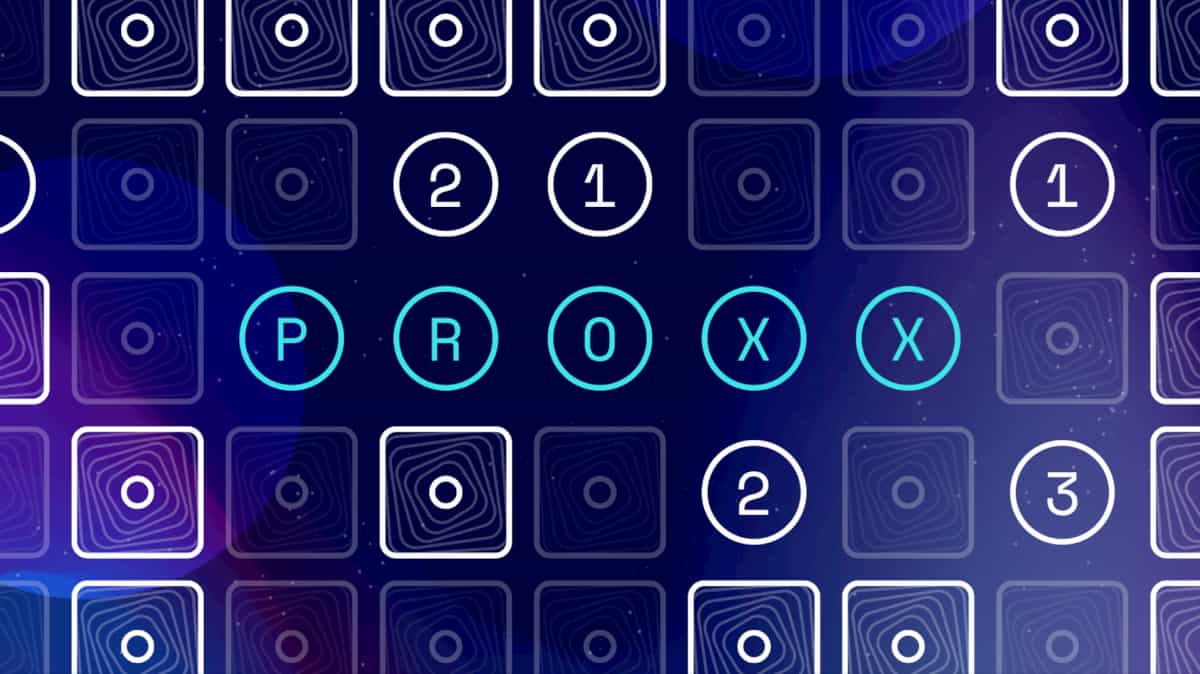
User reviews (0)