
 Paid content
 Visit website
 Updated: 2026-09-28 03:12
 Language: English (default)
 Access: Normal
 Profile views 6
  Outbound visits 1
 Website Review
What is quso.ai?
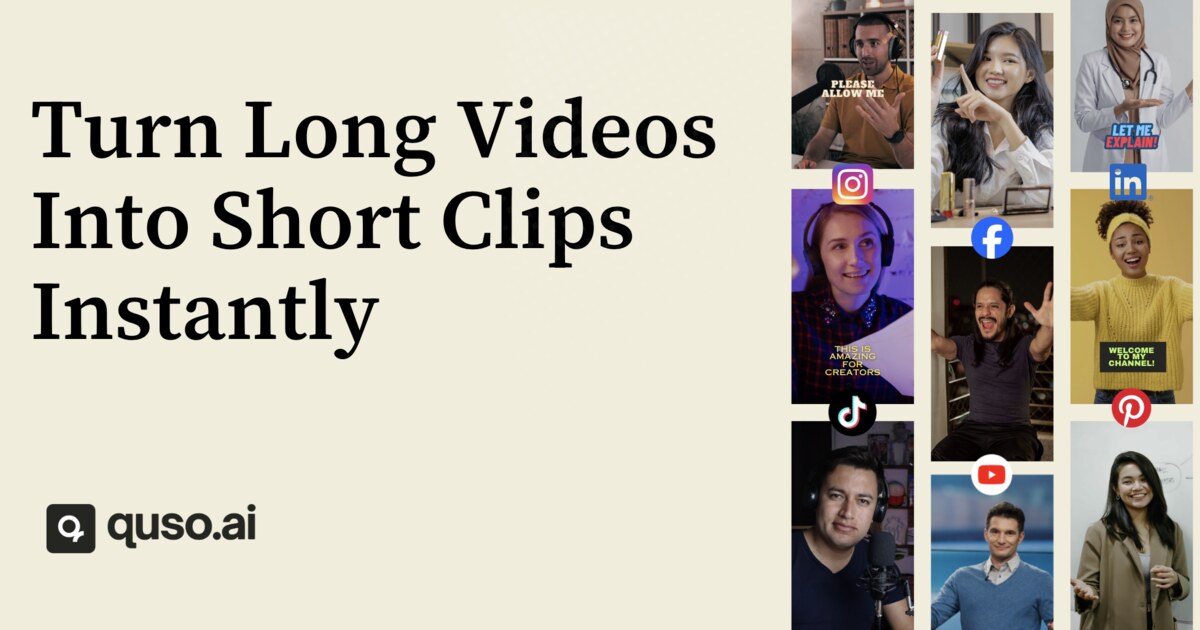
quso.ai is a browser-based AI video tool that repurposes long footage into short, captioned clips for TikTok, Reels, and Shorts, then helps schedule and publish them. You feed it a long video — from YouTube, Vimeo, X, Facebook, Twitch, Rumble, Loom, LinkedIn, Zoom, Google Drive, Dropbox, or a direct upload — and it scans for the moments most likely to perform, scores them by "virality," and produces clips with word-level animated captions in 50+ languages, including filler-word removal. It also acts as a lightweight social media manager: planning, scheduling, publishing, and analytics in the same place. The site advertises free-to-start access with no credit card, and claims 4M+ users across niches from psychology and comedy to real estate, fitness, and law.
Where it fits
The core audience is anyone sitting on a long-form back catalogue — podcasters, streamers, webinar hosts, coaches, and small marketing teams — who wants short-form output without editing each clip by hand. The text-based editor is the notable workflow detail: instead of scrubbing a timeline, you edit the transcript and the video follows. That is much faster for trimming intros, cutting filler, and fixing captions, though it is less suited to frame-accurate or effects-heavy editing.
Trade-offs to weigh
- Speed vs. control: automatic moment selection is the selling point, but you will still want to review picks; "virality" scores are a heuristic, not a guarantee.
- One subscription vs. best-in-class tools: consolidating clipping, captions, and scheduling saves money and context-switching, but dedicated tools may beat it in any single category.
- Free tier vs. volume: free-to-start is useful for testing output quality on your own footage before committing.
Next step
Take one recent long video — ideally a 30–60 minute episode with clear spoken audio — and run it through the free tier. Judge three things: whether the auto-selected moments match what you would have chosen, whether the captions need heavy correction, and whether the scheduled posts actually reach your platforms. If two of three pass, it is worth a paid plan; if the moment selection misses badly, your content may depend on visual context that transcript-based clipping cannot capture. Competitors worth comparing include Opus Clip and Descript.
How does quso.ai turn long videos into short clips?
quso.ai works as a repurposing pipeline: you give it one long video, and it returns a set of short, captioned clips sized for TikTok, Reels and Shorts.
The basic flow
- Import the source video. According to quso.ai's page, you can pull from YouTube, Vimeo, X, Facebook, Twitch, Rumble, Loom, LinkedIn, Zoom, Google Drive or Dropbox, or upload a file directly. Desktop and mobile are both supported.
- AI finds the moments. Its AI Clips Generator scans the video and selects what it judges to be the strongest segments, scoring them by a "Virality" measure. The headline promise is "1 long video, 10 viral clips."
- Captions are generated. Word-level animated subtitles appear in 50+ languages, and filler words are removed automatically.
- You review and edit. A text-based editor lets you work on the clip by editing its transcript rather than scrubbing a timeline.
- Publish or schedule. Clips can be scheduled, posted and analyzed inside quso.ai rather than exported to separate tools.
Where it fits and where it doesn't
| Your situation | Reasonable fit? |
|---|---|
| Podcast, stream, interview or webinar you already record | Strong — this is the core use case |
| You post mainly to TikTok, Reels and Shorts | Strong — output is built for vertical short-form |
| You want captions without manual transcription | Strong — subtitles are automatic |
| You need frame-accurate, effect-heavy editing | Weak — a text-based clipper is not a full NLE |
| Your footage is highly visual with little speech | Uncertain — moment detection leans on spoken content |
A concrete scenario
A podcast host records a 90-minute episode on Sunday. Instead of re-watching it to find quotable sections, they upload it, get a batch of candidate clips with captions, delete the weak ones, tweak wording in the transcript editor, and schedule the survivors across the week. The time saved is in selection and captioning, not in creative editing.
How to decide
Start with a single long video you already know well. Run it through and check two things: whether the AI picked the moments you would have picked, and whether the captions are accurate enough to publish with light editing. Those two results tell you more than any feature list. The page states you can start free without a credit card, so a trial costs you time rather than money — check quso.ai for the current plan limits before committing a whole backlog.
Can quso.ai automatically schedule and post clips to social media?
Yes. quso.ai is built as a one-stop social media manager for creators: after it turns a long video into short clips, it can plan, schedule, publish, and analyze those posts without you leaving the platform. The page describes the flow as "clipped, captioned, and ready to post," with scheduling and posting handled for TikTok, Reels, and Shorts.
What that means in practice
- Source-to-clip: You import from YouTube, Vimeo, X, Facebook, Twitch, Rumble, Loom, LinkedIn, Zoom, Google Drive, Dropbox, or a direct upload.
- Clip generation: The AI finds high-potential moments and scores them by "virality," so you review a shortlist instead of scrubbing the full timeline.
- Captions: Word-level animated subtitles in 50+ languages, with filler-word removal.
- Distribution: Scheduled and published from the same dashboard, with performance analysis afterward.
Trade-offs to weigh
| Approach | Strength | Cost |
|---|---|---|
| Fully automatic | Fastest volume; good for repurposing podcasts, streams, webinars | You may publish off-brand moments if you skip review |
| Auto-clip + manual approval | Keeps AI speed, protects brand voice | Adds a review step per clip |
| Manual editing elsewhere | Maximum control over pacing and hooks | Slow; hard to sustain daily posting |
Practical next step
If you already publish long-form content, test the loop on one recent episode: import it, let the tool propose clips, approve only the two or three that match your tone, then schedule them across a week. That tells you whether the suggested moments are usable without heavy editing.
For pricing and plan limits, check quso.ai directly, since scheduling capacity and platform connections often vary by tier.
What is the pricing for quso.ai?
quso.ai offers a free starting point, and its page states that AI clipping is included "on every plan, free included." Beyond that, the site does not publish specific tier prices in the material provided, so I can't quote dollar amounts or plan limits. What is clear from the page is the commercial model: one subscription is positioned as covering "your entire content stack" — clipping, captions, scheduling, publishing and analytics — rather than selling each tool separately. The presence of a Pricing link and Paddle as the payment platform indicates paid tiers exist and are billed through Paddle, but the actual numbers live on that page.
What to check on the pricing page
- Whether the free tier includes export/download of clips or only previews.
- How many minutes of source video or how many clips per month each paid tier allows.
- Whether the social scheduling/publishing features sit in a higher tier than basic clipping.
- Caption language coverage (the page claims 50+ languages) and any per-seat limits for teams.
- Billing terms through Paddle: currency, renewal period, refund window.
A practical way to decide
If you publish a handful of short clips a week from one podcast or stream, start free and test whether the auto-selected moments are good enough to post with light editing. If you are producing daily across several platforms, the deciding factor is usually the monthly clip or upload allowance plus whether scheduling is bundled — compare that total against paying separately for a clipper, a caption tool and a scheduler.
For reference, mainstream alternatives with published pricing pages include Opus Clip and Descript, and scheduling-focused options include Buffer. Check quso.ai's own Pricing page for current figures, since plans change and the exact tiers aren't stated here.
Does quso.ai offer free clips and what are the limitations?
Yes. quso.ai states that clip generation is available on every plan, including the free tier, and that you can start without a credit card. The page also lists a free-clip entry point and describes the core workflow: import a long video, let the AI find high-momentum sections, and get captioned vertical clips for TikTok, Reels, and Shorts.
H3 Limitations to expect on free The page does not spell out exact free-tier limits such as monthly clip count, maximum upload length, resolution, or watermark. Treat those as unknown until you check the pricing page. In practice, free plans for this type of tool usually constrain at least one of:
- Number of clips or upload minutes per month
- Video length or file size per upload
- Export resolution or watermark removal
- Scheduling and auto-posting features
- Team seats or brand kits
H3 What the product actually does According to the page, quso.ai handles more than clipping. It includes an AI clips generator that scores moments by predicted virality, word-level animated subtitles in 50+ languages with filler-word removal, and a social media manager for planning, scheduling, publishing, and analytics. Inputs listed include YouTube, Vimeo, X, Facebook, Twitch, Rumble, Loom, LinkedIn, Zoom, Google Drive, Dropbox, and direct uploads. Desktop and mobile are both mentioned.
H3 Practical next step Open quso.ai and run one real long video through the free path before committing. Compare the output against a manual edit or a dedicated editor like Descript if you need transcript-based cutting, or Opus Clip if you only need clip extraction. Use the free tier to test caption accuracy in your language, whether the selected moments match your editorial judgment, and whether the export quality is publishable. If the free limits block your normal volume, that is the signal to check the pricing page rather than assume the free plan will scale.
How does quso.ai's AI editor compare to other video editing tools?
quso.ai is best understood as a repurposing and publishing tool, not a full editing suite. Its focus is turning one long video into many short, captioned clips and then scheduling them to social platforms. If you need frame-accurate editing, colour grading, motion graphics or multi-track audio mixing, a traditional editor remains the right choice.
Where quso.ai fits
- Clip discovery: It scans a long video and surfaces moments it scores for virality, so you review candidates rather than scrub through hours of footage.
- Captioning: Word-level animated captions in many languages, with filler-word removal, which matters for silent-autoplay feeds.
- Publishing loop: Plan, schedule, publish and analyse without leaving the tool.
- Inputs: Imports from YouTube, Vimeo, X, Facebook, Twitch, Rumble, Loom, LinkedIn, Zoom, Google Drive and Dropbox, plus file uploads, on every plan including free.
- Reach: Desktop and mobile, free to start without a card.
How that compares
| Need | quso.ai-style repurposing tool | Traditional editor |
|---|---|---|
| Finding highlights in a 2-hour podcast | Automatic, scored candidates | Manual scrubbing |
| Captions in 50+ languages | Built in, animated | Plugin or separate service |
| Posting to TikTok, Reels, Shorts | Scheduled in-app | Export, then upload elsewhere |
| Fine cuts, colour, sound design | Limited | Core strength |
| Learning curve | Low | Moderate to steep |
A concrete scenario
A podcast host records a 90-minute episode on Sunday. With quso.ai they upload once, pick the strongest of the auto-generated clips, adjust captions and schedule the week's posts. The same host still opens a full editor if they want a custom intro sequence or to fix a rough audio transition. Many creators run both: the editor for hero content, the repurposing tool for volume.
Decision criteria
Choose quso.ai when your bottleneck is output volume and posting consistency, not creative polish. Choose a full editor when your bottleneck is craft — complex storytelling, branded animation or audio repair. If you already publish across several platforms and your backlog of long recordings is growing, start with the free tier on quso.ai and test one long video; if the auto-selected clips need heavy reworking, that tells you the tool suits your format poorly.
 Hosting and Email
 Cloudflare
 Hosting
 Google Workspace
 Location
 Pages, Search and Sharing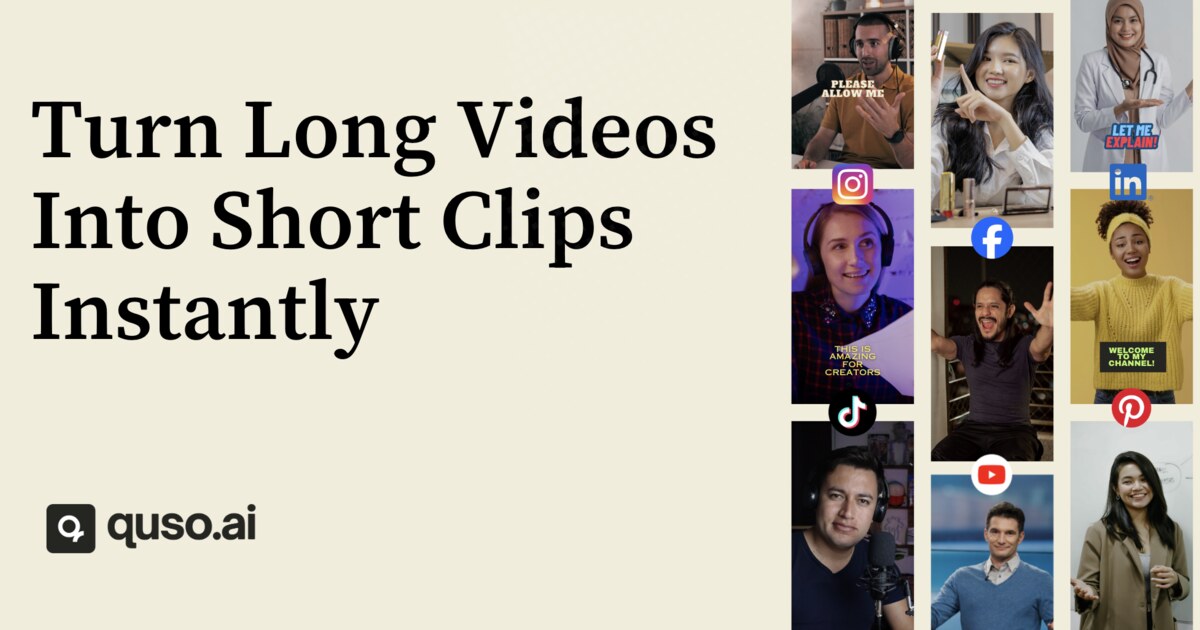



 gptbot


 Registration details

 Identified technologies
User reviews (0)