
 Multilingual
 Visit website
 Updated: 2026-09-23 17:45
 Access: Normal
 Profile views 5
  Outbound visits 0
 Website Review
What is Radio Garden?
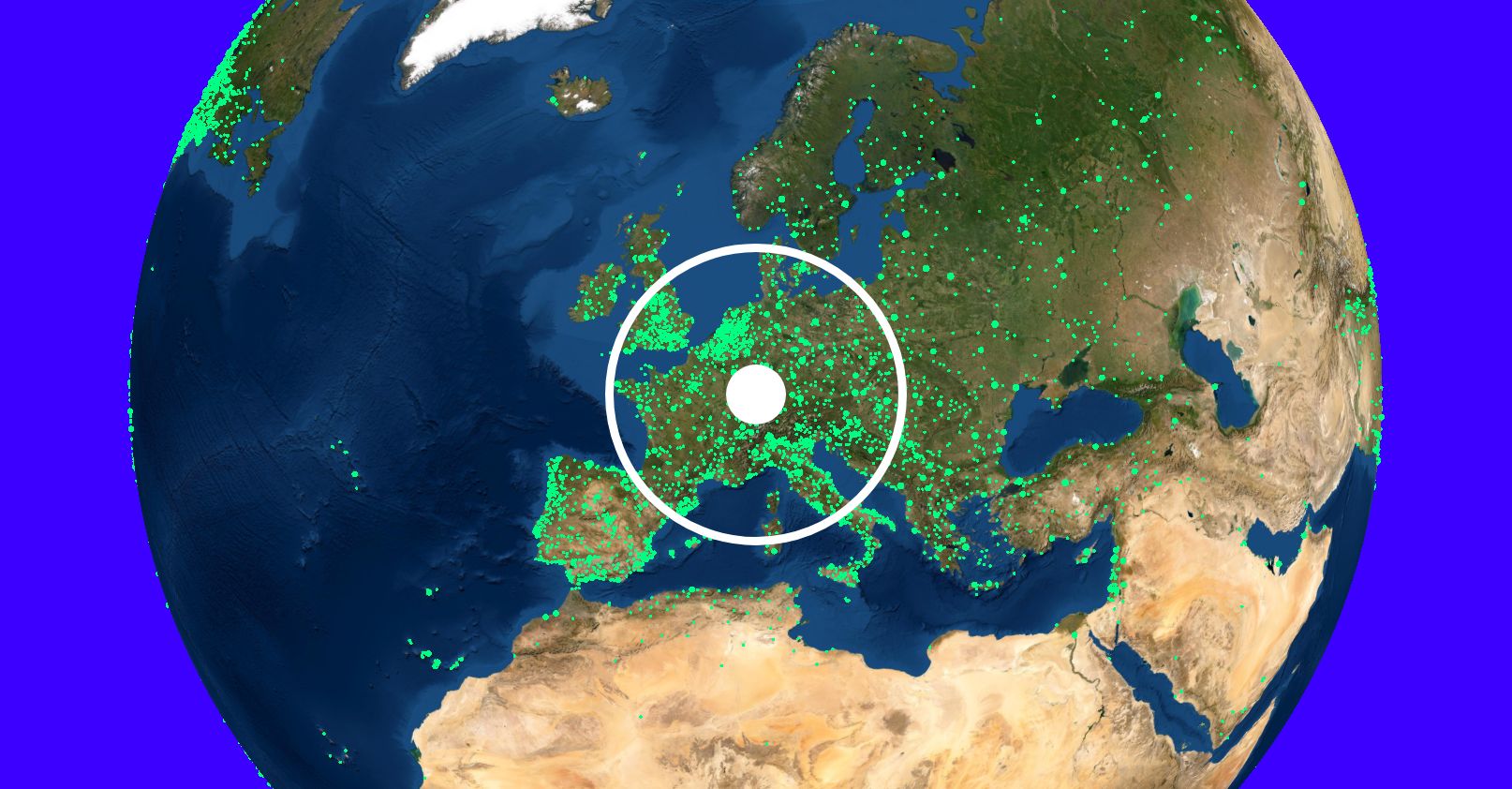
Radio Garden is a web-based map of live radio stations around the world. Its central idea is simple: instead of browsing by genre or country list, you spin a 3D globe and click a green dot to hear whatever station is broadcasting from that spot. The site itself is minimal — the page evidence shows only a JavaScript-required notice, meaning the whole experience is rendered in the browser rather than as static text.
Radio Garden
What you actually do with it
- Drag or rotate the globe to a city, then press play to stream a local station.
- Search for a place, station name or genre if you already know what you want.
- Save favourites so you can return to a station without hunting for it again.
Who it suits
- Curious listeners who want ambient, unpolished local radio rather than on-demand music.
- Language learners and travellers who want to hear how a place actually sounds.
- Teachers using it for geography or media lessons, since the map makes location the interface.
Trade-offs to expect
- Stations are third-party streams, so availability, audio quality and ads vary wildly — a dot may go silent without warning.
- It is discovery-first, not a music library: you cannot reliably skip tracks or build playlists.
- Because the interface depends on JavaScript, it needs a reasonably modern browser.
Practical next step
Pick one city you have lived in and one you have never visited, and listen to both for five minutes. That contrast shows you quickly whether Radio Garden fits how you like to find audio — as a window into elsewhere rather than a curated playlist.
How do I find a specific city or station on Radio Garden?
Radio Garden is built around a rotating globe rather than a search-first interface, so the fastest route to a specific place is usually the map itself, not a text box. Spin the globe until the region you want is visible, then zoom in; each green dot marks a live station, and clicking a dot starts playback and shows the station's name and location. If you already know the city, zooming toward its coordinates is often quicker than hunting through a list.
For a named station rather than a city, the practical approach is to narrow by country or region first, then click through the dots in that area until you find the one you want. Radio Garden's own page evidence is minimal — it only notes that JavaScript must be enabled to run the site — so treat any specific search-box behavior as something to verify in the live interface rather than assume.
H3 Practical steps
- Open the site with JavaScript enabled, since the globe will not render without it.
- Drag to rotate and use scroll or pinch to zoom into the target country or city.
- Click a green dot to play that station and read its label; use the station info panel to confirm the name.
- If you cannot locate a station by geography, try the site's own location or browse options before assuming it is missing.
H3 A realistic scenario
Suppose you want a local station in Nairobi. Rotating to East Africa and zooming toward Kenya will surface dots around the capital far faster than scrolling a global list. If the dot you click is not the station you expected, note the name shown and continue clicking nearby dots — cities often host several broadcasters.
H3 When Radio Garden is the wrong tool
If your goal is a particular programme, host or genre rather than a place, a directory-style service may suit you better. Compare:
| Need | Radio Garden fits? | Better fit |
|---|---|---|
| Radio from a specific city | Yes — geographic browsing is the core idea | — |
| A named station you cannot place on a map | Partly — you must guess the region first | A station directory with text search |
| Music by genre or mood | Weak — discovery is location-led | Genre-based streaming directories |
As a next step, decide whether you are searching by place or by name. If it is a place, go straight to the globe. If it is a name, identify the station's home country first, then use the map to reach it — that single decision saves the most time.
Can I listen to radio stations from a particular country on Radio Garden?
Yes. Radio Garden is built around exactly that: you rotate a globe, move to a country, and pick from the live stations broadcasting there. It is a listening tool, not a directory of recorded shows, so what you hear is whatever that station is playing at the moment you tune in.
How it works in practice
- The globe is the main navigation. Drag it to a country and click a dot to start a station.
- You can also search by place name or station name if you already know what you want.
- Stations are grouped by location, so browsing a country shows you the local options rather than a global list.
What to expect
| Your goal | Radio Garden's fit |
|---|---|
| Sampling local stations while you travel or plan a trip | Strong — it is designed for browsing by place |
| Background music from a specific region | Good, but you are limited to live programming |
| Finding a specific show or episode | Poor — there is no on-demand archive |
| Learning a language through local broadcasts | Useful for immersion, though schedules vary |
A concrete scenario
Say you are learning Portuguese and want daily exposure to Brazilian radio. You open Radio Garden, spin to Brazil, and click through a few dots in São Paulo or Rio until you find a station whose format suits you — news, music, talk. Save the ones you like and return to them; the live nature means the content changes each time, which is the point.
One practical caveat
The site relies on JavaScript to run, so if you land on a page that only shows an enable-JavaScript message, the globe will not load until scripting is allowed in your browser. If you want a country-by-country list instead of a globe, general web radio directories are an alternative, but they trade the visual browsing experience for plain lists.
Does Radio Garden work on mobile devices or only in a browser?
Radio Garden works on mobile devices as well as in a desktop browser. It is built as a web app, so the simplest way to use it on a phone or tablet is to open Radio Garden directly in the mobile browser and rotate the globe with touch gestures. There is also a dedicated mobile app for iOS and Android, which is the better choice if you want a home-screen icon and a more app-like experience.
The trade-off is mostly about convenience rather than content:
- Mobile browser: No install required, works across iPhone, iPad, Android phones and tablets, and desktop. Good for a quick listen or trying it on a borrowed device.
- Native app: Easier to launch repeatedly, may handle background audio and interruptions more gracefully, and typically fits phone screens better. Requires installing from the App Store or Google Play.
One practical limitation applies to both: Radio Garden runs on JavaScript, so if JavaScript is disabled or blocked, the page will not load its globe interface. On older or low-memory phones, the spinning globe can also feel sluggish compared with the app.
If you mainly listen on a phone, install the official app; if you just want to try it once, open the site in your mobile browser.
Is Radio Garden free to use, or does it require a subscription?
Radio Garden is free to use. It does not require a subscription to listen to live radio stations through the globe interface.
The site works by letting you rotate a 3D globe and tune into live broadcasts from different cities and countries. There is no paywall, account requirement, or premium tier mentioned in the available page information.
What to expect
- You can browse and listen without creating an account.
- The experience is browser-based and relies on JavaScript, so it needs a modern browser with scripts enabled.
- Because stations are streamed live from their own sources, availability and audio quality can vary by station and region.
Practical next step
If you want a specific local station, search for its city on the globe rather than scrolling randomly. If a station does not load, try another nearby city, since individual streams sometimes go offline even when the site itself is working.
For listeners who only want occasional background radio, the free access is usually enough; a subscription would only make sense if you needed offline listening, ad-free playback, or high-bitrate audio, which are not part of what this site describes.
How can I save or share a radio station I discover on Radio Garden?
Radio Garden itself is built around browsing, not collecting: you spin the globe, land on a city, and hear whatever local station is playing. There is no personal library or favorites list described on the site, so saving a station usually means noting its name and location yourself and returning to that spot on the globe later.
Radio Garden is best treated as a discovery tool. When you find something worth keeping, the practical move is to identify the station (name and city are shown in the player) and then look for that station's own website or stream, which is where lasting bookmarks and sharing links live.
H3 Ways people typically keep a station
- Manual note: Write down the station name and city, then find it again by rotating to that location.
- Browser bookmark: Bookmark the Radio Garden page while the station is playing, if the URL reflects your current view.
- Station's own site: Search the station name directly; many broadcasters offer their own player, schedule and contact page.
- Share the discovery: Send the station name and city to a friend so they can find it on the globe themselves.
H3 A concrete scenario
You are exploring West Africa, land on a station in Accra, and like it. Note "Accra + station name," search for that station's official site, and bookmark it there. That gives you a reliable link, a schedule, and often a mobile app — none of which depend on the globe interface.
H3 How to decide
If you just want to sample many places, stay in Radio Garden. If you want a station you can return to instantly, move to the broadcaster's own site. If you want to share, give the station name and city rather than a globe position, since that is more durable and easier for others to act on.
A useful next step: the moment you hear something you like, pause and copy the station name and city before rotating away — that pair is the key to finding it again anywhere.
 Hosting and Email
 Cloudflare
 Hosting
 Google Workspace
 Location
 Pages, Search and Sharing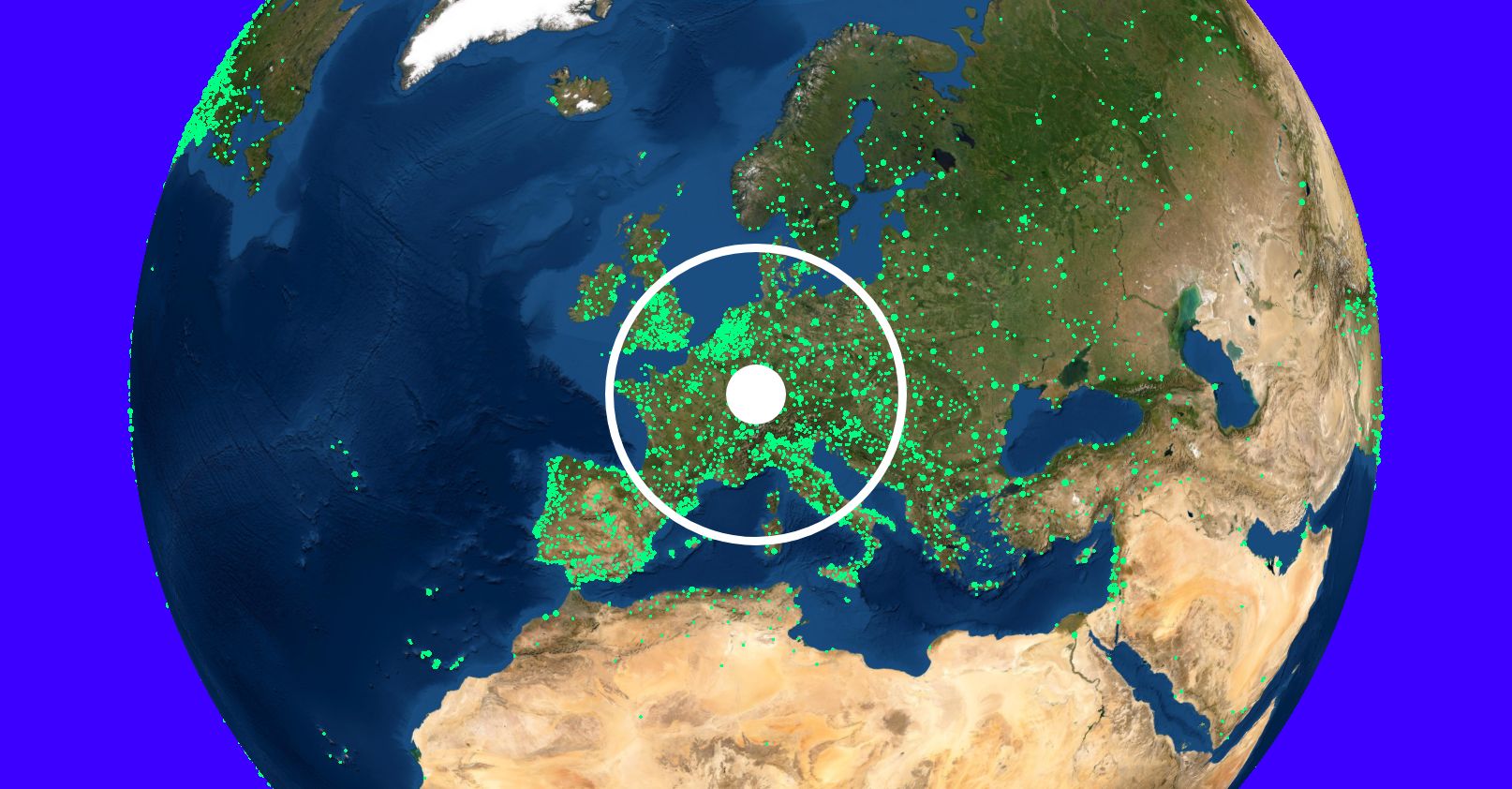



 All bots
 Registration details

 Identified technologies
User reviews (0)