
 ray.so
No paid content found
ray.so
No paid content found
Categories: Other
Turn your code into beautiful images. Choose from a range of syntax colors, hide or show the background, and toggle between a dark and light window.
 Visit website
 Updated: 2026-09-27 09:08
 Language: English (default)
 Access: Normal
 Profile views 1
 Outbound visits 0
Related questions
More questions →How to Generate a Beautiful Image from Your Code Snippet
To turn a code snippet into a shareable image, paste your code into a code-to-image tool such as ray.so, pick a syntax color theme, choose whether to show the background and whether the window is dark or light, then export the image. This works best for short snippets you want to post on social media, drop into slides, or share in a chat where plain text would lose its formatting. Very long files or code you cannot share publicly are poor fits.
What you need before you start
- A code snippet, ideally short enough to read at a glance (a function, a config block, a few lines of a query).
- A browser. ray.so runs in the browser, so there is nothing to install.
- A destination for the image: a post, a doc, a slide, or a message.
Step-by-step: generate the image
1. Paste or type your code
Open the tool and put your snippet into the editor. Paste from your IDE if you already have the code, or type it directly for short examples. The editor is where the tool reads your code to apply syntax highlighting, so keep the snippet self-contained — avoid cutting a block mid-statement, since partial syntax can throw off the coloring.
Expected result: your code appears in the editor and is highlighted according to the language it detects.
2. Choose syntax colors and a theme
Select from the range of syntax color options the tool offers. This controls how keywords, strings, comments, and other tokens are colored. Pick a theme that keeps enough contrast between the text and the window background — a low-contrast pairing is the most common reason an exported image looks unreadable on a phone.
Expected result: the preview updates to show your chosen color scheme.
3. Toggle the background and the dark/light window
Two independent controls shape the frame around your code:
| Control | What it changes | When to use it |
|---|---|---|
| Background on/off | Whether a colored backdrop sits behind the code window | On for social posts and slides; off when you need to place the image on your own background |
| Dark / light window | The window's own background and text treatment | Match the surface the image will sit on, or match your editor for familiarity |
Expected result: the preview reflects both toggles, so you can judge the final look before exporting.
4. Export the image
Use the export action to render the snippet as an image file. Check the preview at the size you will actually use it — a snippet that looks fine full-screen can become unreadable when scaled down in a feed.
Expected result: an image file you can download and share.
5. Share it
Attach or upload the exported image to your post, doc, slide, or message. Because it is an image, the formatting and colors travel with it instead of depending on the viewer's editor.
Common issues and how to fix them
Colors look wrong or missing. The highlighter may not recognize your language, or the snippet may be an incomplete fragment. Try a complete, syntactically valid block, and re-check the theme selection.
Text is hard to read. Increase contrast between the syntax colors and the window background, and reconsider the dark/light toggle. Test at the final display size, not just in the preview.
The image is too wide or too tall. Trim the snippet to the lines that matter. Long lines push the image wide; many lines push it tall. Both hurt legibility when scaled down.
The background clashes with where you'll post it. Turn the background off and place the image on a surface you control, or switch the window between dark and light to match the destination.
Sensitive code. Anything you paste into a browser-based tool leaves your machine. If the snippet contains secrets, credentials, or proprietary logic you are not cleared to share, redact it or use a different approach.
When this approach fits — and when it doesn't
Use a code-to-image tool when the goal is presentation: a snippet you want people to notice and read without setup. Skip it when the code needs to be copied, searched, or run — an image cannot be selected or executed, so for those cases share the text or a link to a repository instead.
How to Convert a Code Snippet into a Shareable Image with ray.so
ray.so turns a code snippet into a styled image you can export and share. Paste your code into the editor, pick a theme and window style, adjust the layout, then export the rendered result as an image. This works best for short snippets you want to post on social media, in docs, or in chat — not for long files, since the image grows with the code.
Before you start
- Have the code snippet ready to paste, and know which language it's in so the highlighting matches.
- Decide where the image will live (a post, a slide, a README). That tells you whether you want a background, a light or dark window, and how much padding.
- Keep the snippet short. A few dozen lines read well as an image; hundreds do not.
Step-by-step
1. Paste or type your code
Put the snippet into the editor. Check that the syntax highlighting matches your language — keywords, strings, and comments should be colored, not flat text. If the colors look wrong, the language isn't being detected correctly; adjust it before you style anything else, since the theme you pick later depends on it.
2. Choose a color theme
Pick from the available syntax color themes. This controls how the code itself is colored. Choose one with enough contrast that the code stays readable when the image is scaled down in a feed or a slide.
3. Toggle the window and background
- Dark or light window — switches the frame around your code between a dark and light appearance.
- Background — show or hide the colored background behind the window.
If you're posting on a light page, a light window with no background blends in; a dark window with a background stands out. Match this to where the image will appear.
4. Adjust padding, line numbers, and window controls
- Padding — the space around the code inside the frame. More padding gives a calmer, more presentable image; less padding fits more code.
- Line numbers — turn them on if you or your readers need to reference specific lines; turn them off for a cleaner look.
- Window controls — the traffic-light buttons on the frame. Keep them for a familiar editor look, or hide them for a more neutral image.
5. Export the image
Export the rendered snippet as an image and let the file download. Before you post it, open the downloaded file and check:
- The code isn't clipped at the edges.
- Highlighting is present and correct.
- The background is the one you intended (not blank or missing).
- Text is still legible at the size it will be displayed.
Common export problems and fixes
| Problem | Likely cause | Fix |
|---|---|---|
| Code is clipped at the edges | Padding too small or the snippet is too wide | Increase padding, shorten long lines, or split the snippet |
| No syntax highlighting | Language not detected or set correctly | Set the language so keywords and strings are colored |
| Blank or missing background | Background toggled off, or the export didn't finish | Toggle the background back on and re-export |
| Image looks cramped when shared | Too many lines for the frame | Trim the snippet to the essential lines |
| Colors hard to read | Low-contrast theme | Switch to a theme with stronger contrast |
When this is the right tool
Use ray.so when you want a single, self-contained image of a short snippet that looks polished without design work. Skip it when the code is long, when readers need to copy and run it (share a gist or repo instead), or when you need the code to stay searchable and accessible as text.
Website Overview
An established domain and managed infrastructure suggest continuity of operations and may support dependable delivery, although neither guarantees service quality. Several search or sharing settings need attention. Together they may make snippets, preview images or preferred URLs less consistent across platforms.
Domain and Registration
Registered in 2020, this domain has about 6 years of history. That suggests continuity, although ownership and purpose may have changed. Transfer-protection status is present, helping reduce the risk of unauthorized domain transfers. The registrar is NameCheap, a widely used domain service provider. The domain uses the common .so extension, which is not an independent safety signal.
DNS and Email
MX records exist, but SPF, DKIM and DMARC were not detected. Protection against domain impersonation may be incomplete. The lowest TTL is 60 seconds, supporting rapid record changes at the cost of more frequent lookups. Nameservers are provided by Amazon Route 53, indicating managed DNS hosting. MX records point to the Google Workspace email service. No CNAME was found; the observed records resolve directly to addresses.
TLS and Certificates
The certificate uses an RSA 2048-bit public key, offering broad client compatibility. The server supplied a complete certificate chain. No organization name is present in the certificate; the available fields are consistent with domain validation. The certificate was issued by Let's Encrypt, commonly associated with automated certificate services. The certificate's total validity is about 89 days, consistent with a short renewal cycle.
HTTP and Browser Security
The response lacks these common security headers: CSP, X-Content-Type-Options, Referrer-Policy, Permissions-Policy, clickjacking protection. CORS permits any origin to read this response. This is common for public resources; sensitive responses need narrower handling. No X-Powered-By header was found, reducing one common source of backend fingerprinting information. No obvious internal addresses or debug information were found in the headers. The Server header contains the custom value Vercel.
Technology Stack Analysis
The public page identifies Next.js, Vercel without precise versions, leaving fewer clues for version-specific scanning.
Search and Social Sharing
No homepage canonical URL was detected. If duplicate URLs exist, consolidation may be less explicit. Open Graph is partially configured; og:type is missing. Twitter Card metadata is configured. The title has 36 characters, within a common display range. A meta description is present, with 148 characters.
 Hosting and Email
 Amazon Route 53
 Hosting
 Vercel
 Google Workspace
 Location
 Walnut, California, United States
 Pages, Search and Sharing
| Meta description | Turn your code into beautiful images. Choose from a range of syntax colors, hide or show the background, and toggle between a dark and light window. |
|---|---|
| Canonical URL | Not detected |
| Language | English (default) |
| Twitter Card | summary_large_image |
Social Sharing Preview
14 fields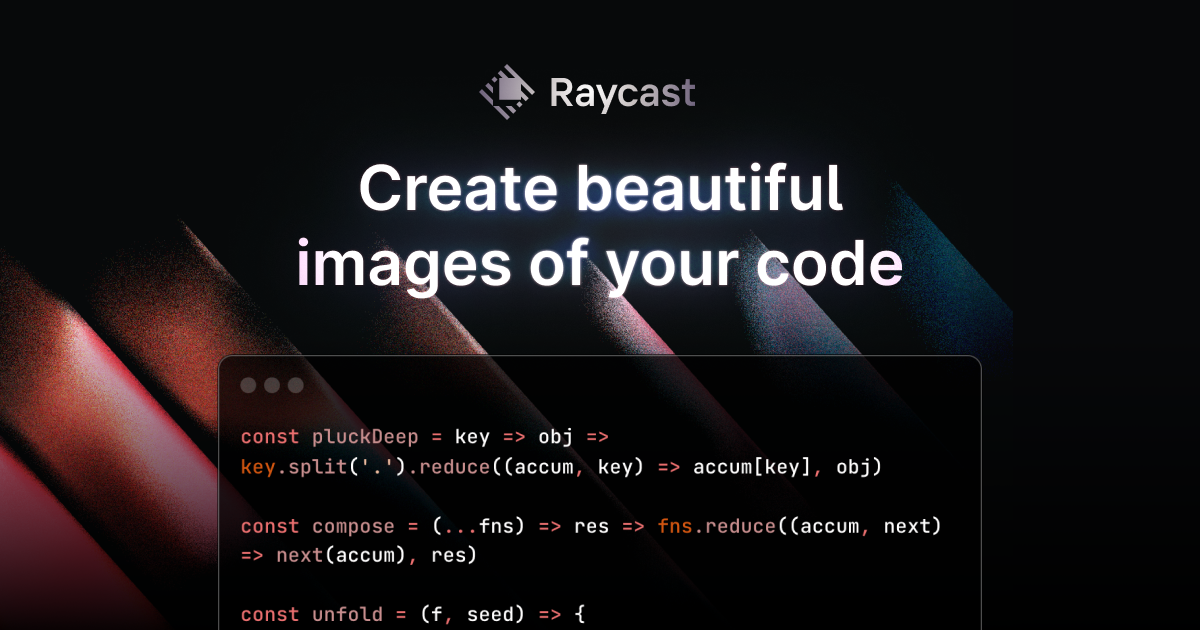

Sharing metadata
| og:url | https://www.ray.so |
|---|---|
| og:image | https://www.ray.so/_next/static/media/og.2tdc2d-lt4974.png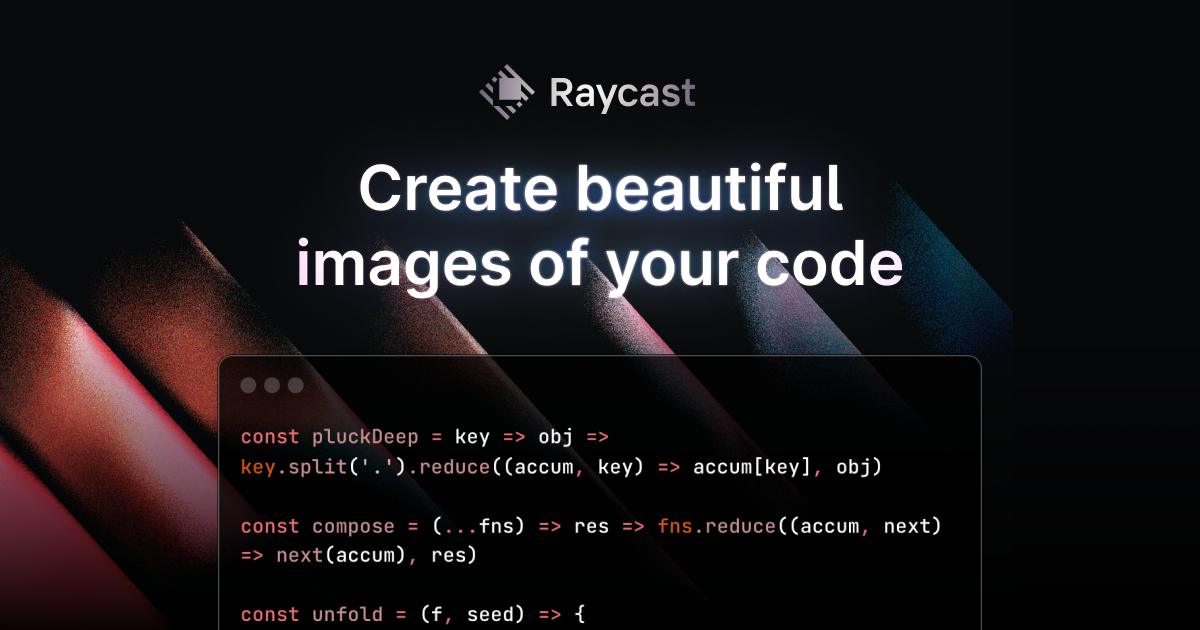 |
| og:title | Create beautiful images of your code |
| og:image:alt | Create beautiful images of your code |
| og:description | Turn your code into beautiful images. Choose from a range of syntax colors, hide or show the background, and toggle between a dark and light window. |
| og:image:width | 1200 |
| og:image:height | 630 |
| twitter:card | summary_large_image |
| twitter:image | https://www.ray.so/_next/static/media/og.2tdc2d-lt4974.png |
| twitter:title | Create beautiful images of your code |
| twitter:image:alt | Create beautiful images of your code |
| twitter:description | Turn your code into beautiful images. Choose from a range of syntax colors, hide or show the background, and toggle between a dark and light window. |
| twitter:image:width | 1200 |
| twitter:image:height | 630 |
robots.txt (opens in a new tab)
1 rulesAll bots 1 allowed · 0 disallowed

 All bots

/
No matching rules.
Sitemaps
1 Registration details RDAP / WHOIS
| Registrar | NameCheap |
|---|---|
| Registered | 2020-08-13 |
| Expires | 2027-08-13 |
| Domain status | active https://icann.org/epp#active、clientTransferProhibited https://icann.org/epp#clientTransferProhibited |
| Nameservers | ns-1140.awsdns-14.org、ns-1780.awsdns-30.co.uk、ns-285.awsdns-35.com、ns-910.awsdns-49.net |
| DNSSEC | unsigned |
 DNS records
 TLS and certificates
| Assessment | Normal configuration |
|---|---|
| Supported protocols | TLSv1.2、TLSv1.3 |
| Negotiated protocol | TLSv1.3 |
| Certificate subject | ray.so |
| Issuer | Let's Encrypt |
| Valid until | 2026-11-24T11:09 · Remaining when checked: 58 days |
| Verification details | Certificate trust: Passed · Hostname match: Passed |
 HTTP response headers
| Header | Value |
|---|---|
| content-type | text/html; charset=utf-8 |
| cache-control | public, max-age=0, must-revalidate |
| server | Vercel |
| strict-transport-security | max-age=63072000 |
| access-control-allow-origin | * |
 Identified technologies
Recent Updates
- Website images
- Screenshots
- Network details
- Website Technologies
- Pages and Search Information
- HTTP Response Information
- TLS and certificates
- DNS Information
- Domain Registration
- Website profile
- Website Description
- Website Name
- Website profile
- Website Description
- Website Name
User reviews (0)