
 svgviewer.dev
No paid content found
svgviewer.dev
No paid content found
Categories: Other
SVG Viewer is an online tool to view, edit and optimize SVGs.
 Visit website
 Updated: 2026-09-26 04:31
 Language: English (default)
 Access: Normal
 Profile views 10
 Outbound visits 1
Related questions
More questions →What Is SVG and How Do You Open, Edit, and Use SVG Files?
SVG (Scalable Vector Graphics) is an XML-based vector image format: instead of storing a grid of pixels, an SVG file stores shapes, paths, text, and colors as markup that a renderer draws on demand. That means it scales to any size without pixelation, and it can be opened in a browser, edited as code, or edited visually in a vector editor such as Inkscape. Choose SVG when you need crisp scaling, small file sizes for geometric artwork, or images that must be styled and scripted on the web; choose a raster format like PNG or JPEG when the image is photographic or made of fine continuous tone.
What "XML-based vector" actually means
An SVG is a text document. A circle is not a cluster of colored pixels — it is an element with a center and a radius, and the renderer computes the pixels at whatever size you ask for.
This has three practical consequences:
- Resolution independence. The same file renders sharply as a 16 px favicon or a billboard. There is no "native resolution" to exceed.
- Small files for the right content. A logo made of a few curves can be a few kilobytes, while the equivalent PNG at high resolution may be far larger. The reverse is also true: a complex illustration with thousands of paths can be heavier than a compressed photo.
- Editable structure. Because the file is markup, you can change a color, move a shape, or add an animation by editing text or using a tool — no repainting required.
SVG vs. raster formats (PNG, JPEG)
| Dimension | SVG | PNG / JPEG |
|---|---|---|
| Data model | Shapes, paths, text as markup | Fixed grid of pixels |
| Scaling | Sharp at any size | Blurs or pixelates when enlarged |
| Typical best use | Icons, logos, diagrams, charts, UI, simple illustrations | Photos, scans, complex continuous-tone images |
| Editability | Edit shapes, text, and code | Edit pixels |
| Text | Real, selectable, searchable text | Rendered as pixels |
| Animation/interaction | Can be styled and scripted in a page | Static (or separate format) |
A useful rule: if the image is built from distinct shapes and lines, SVG is usually the better container. If it is built from millions of subtly varying colors, raster is usually better.
How to open and view an SVG file
You rarely need special software just to look at one.
- Web browser. Drag the file into a browser window, or open it directly. Browsers render SVG natively. This is the fastest way to check that a file displays correctly.
- Image viewer. Many desktop viewers open SVG, though support varies; some rasterize it at a fixed size, which can hide scaling problems.
- Vector editor. Opening in a tool like Inkscape shows the actual objects, layers, and paths rather than just the rendered result. This is what you want if you intend to change anything.
- Text editor. Since SVG is XML, a plain text editor opens it and shows the underlying structure. Useful for small fixes and for understanding what a file contains.
How to edit an SVG file
There are two complementary ways to edit, and knowing which to use saves time.
Editing visually in a vector editor
Use this when you are changing appearance: moving objects, recoloring, reshaping paths, adjusting text, or combining elements. Inkscape is a professional vector graphics application for Linux, macOS, and Windows that works directly with SVG as its native document format, so what you draw is what the file contains. The general workflow is:
- Open the SVG in the editor.
- Select and transform objects, or use path tools to reshape curves.
- Adjust fills, strokes, and text as needed.
- Save back to SVG.
Because SVG is the editor's native format, round-tripping generally preserves the structure rather than flattening it.
Editing the XML directly
Use this when you need a precise or programmatic change: setting an exact coordinate, changing a single fill value, removing metadata, or generating files from a script. Open the file in a text editor, locate the relevant element, change the attribute, and save. The expected result is an immediate change in how the file renders — but a malformed tag will break rendering entirely, so keep a backup and validate after editing.
A practical division of labor: do structural and visual work in a vector tool, and reserve hand-editing for surgical changes or automation.
Common uses and pitfalls to check
SVG is the standard choice for:
- Icons and UI elements on websites and in applications.
- Logos and brand marks that must stay sharp across sizes.
- Illustrations and diagrams built from shapes and lines.
- Charts and data graphics that need to scale or be styled dynamically.
- Text-bearing graphics, since text stays as text.
Pitfalls worth checking before you ship a file:
- Text that depends on fonts. If a font is not available where the SVG is displayed, text may reflow or substitute. Converting critical text to paths removes that dependency but also removes selectability and editability.
- Embedded raster images. An SVG can contain a raster image inside it. The file is still SVG, but that part will not scale cleanly — check whether the artwork is genuinely vector.
- Unoptimized editor output. Tools often write extra metadata, unused definitions, and verbose coordinates. Cleaning these up can shrink the file substantially.
- External references. Some SVGs point to external resources; if those are missing, parts of the image may not render.
- Viewport and viewBox settings. These control how the artwork maps to the display area. A mismatch is a common cause of unexpected cropping or scaling.
If you want to inspect or fix any of these, opening the file in a text editor alongside a visual editor gives you both views of the same document.
Website Overview
An established domain and managed infrastructure suggest continuity of operations and may support dependable delivery, although neither guarantees service quality. Several search or sharing settings need attention. Together they may make snippets, preview images or preferred URLs less consistent across platforms.
Domain and Registration
Registered in 2019, this domain has about 6 years of history. That suggests continuity, although ownership and purpose may have changed. Transfer-protection status is present, helping reduce the risk of unauthorized domain transfers. The registrar is Namecheap Inc., a widely used domain service provider. The domain uses the common .dev extension, which is not an independent safety signal.
DNS and Email
Nameservers are provided by Cloudflare, indicating managed DNS hosting. No CNAME was found; the observed records resolve directly to addresses. No MX record was found. A conventional explicit inbound-mail route is not configured. TXT records include verification markers for Google. Such markers may also remain after a service stops being used. DNSSEC signatures were not detected, so this additional DNS authenticity protection is not confirmed.
TLS and Certificates
The public key uses EC with 256 bits. The server supplied a complete certificate chain. No organization name is present in the certificate; the available fields are consistent with domain validation. The certificate was issued within the Google Trust Services cloud or CDN ecosystem. The certificate's total validity is about 90 days, consistent with a short renewal cycle.
HTTP and Browser Security
X-Powered-By exposes backend information: Next.js. The response lacks these common security headers: CSP, X-Content-Type-Options, Referrer-Policy, Permissions-Policy, clickjacking protection. The cf-ray response header indicates a CDN or caching proxy in the delivery path. No obvious internal addresses or debug information were found in the headers. The Server header identifies cloudflare without an exact version.
Technology Stack Analysis
The public page identifies Next.js, Google Analytics, Sentry, Cloudflare without precise versions, leaving fewer clues for version-specific scanning.
Search and Social Sharing
No homepage canonical URL was detected. If duplicate URLs exist, consolidation may be less explicit. Open Graph is partially configured; og:description is missing. The title has 42 characters, within a common display range. A meta description is present, with 61 characters. The observed directives allow indexing and link following.
 Hosting and Email
 Cloudflare
 Hosting
 Location
 unknown
104.21.36.79
Location
Location unknown
104.21.36.79
 Pages, Search and Sharing
| Meta description | SVG Viewer is an online tool to view, edit and optimize SVGs. |
|---|---|
| Canonical URL | Not detected |
| Language | English (default) |
| Twitter Card | Not detected |
Social Sharing Preview
5 fields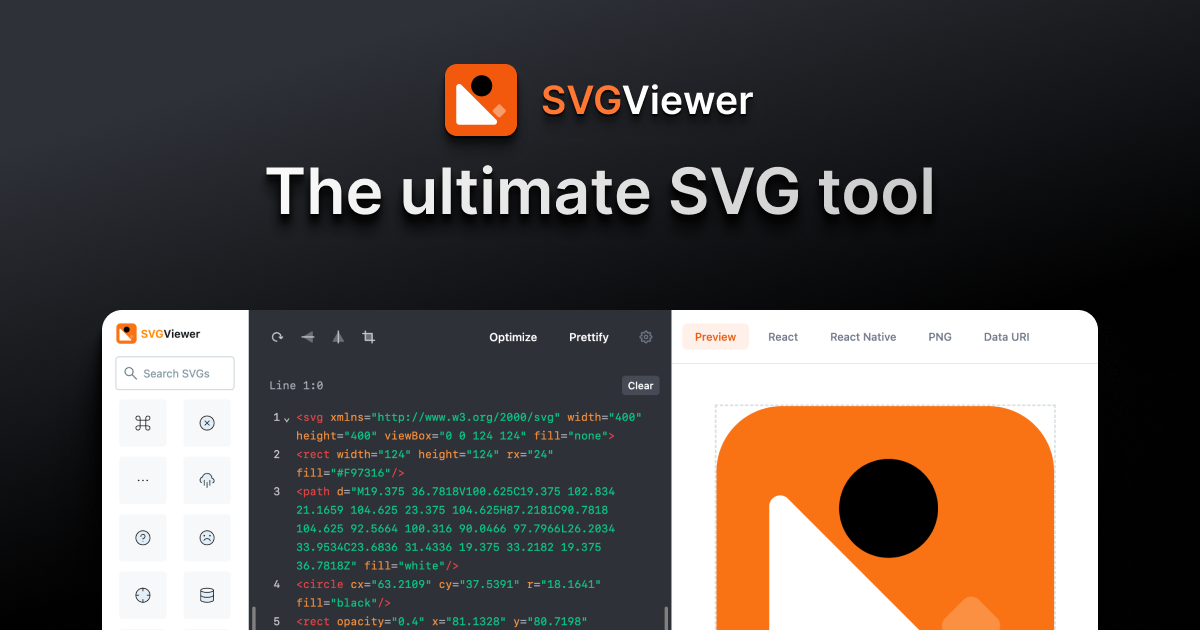
Sharing metadata
| og:type | website |
|---|---|
| og:image | https://www.svgviewer.dev/images/svgviewer-og-image.png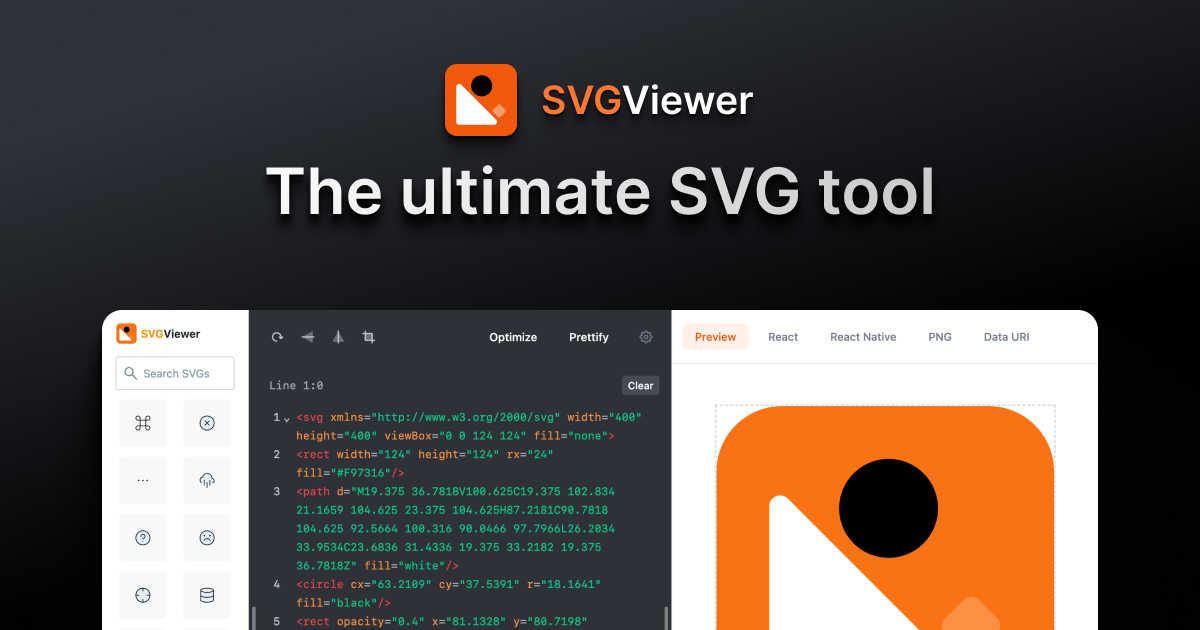 |
| og:title | SVG Viewer |
| og:image:width | 1200 |
| og:image:height | 667 |
robots.txt (opens in a new tab)
0 rules
No rules found
No matching rules.
Sitemaps
1 Registration details RDAP / WHOIS
| Registrar | Namecheap Inc. |
|---|---|
| Registered | 2019-11-01 |
| Expires | 2026-11-01 |
| Domain status | client transfer prohibited |
| Nameservers | mia.ns.cloudflare.com、sergi.ns.cloudflare.com |
| DNSSEC | unsigned |
 DNS records
| Type | Name | Value | TTL | Priority |
|---|---|---|---|---|
| A | www.svgviewer.dev | 104.21.36.79 | 300 | — |
| A | www.svgviewer.dev | 172.67.190.101 | 300 | — |
| AAAA | www.svgviewer.dev | 2606:4700:3031::6815:244f | 300 | — |
| AAAA | www.svgviewer.dev | 2606:4700:3033::ac43:be65 | 300 | — |
| NS | svgviewer.dev | mia.ns.cloudflare.com | 86400 | — |
| NS | svgviewer.dev | sergi.ns.cloudflare.com | 86400 | — |
| TXT | svgviewer.dev | google-site-verification=tcW7OhcqSPy6b_EpgluAaFngUJA3HDyOV7lQiss10OQ | 300 | — |
 TLS and certificates
| Assessment | Normal configuration |
|---|---|
| Supported protocols | TLSv1.2、TLSv1.3 |
| Negotiated protocol | TLSv1.3 |
| Certificate subject | svgviewer.dev |
| Issuer | Google Trust Services |
| Valid until | 2026-12-17T19:36 · Remaining when checked: 82 days |
| Verification details | Certificate trust: Passed · Hostname match: Passed |
 HTTP response headers
| Header | Value |
|---|---|
| content-type | text/html; charset=utf-8 |
| cache-control | public, s-maxage=86400, max-age=0 |
| server | cloudflare |
| strict-transport-security | max-age=15724800; includeSubdomains |
 Identified technologies
User reviews (0)