
 简体中文
简体中文 English
Website review
This review may include AI-generated content and is not individually verified. Domain, certificate and other facts come from the observed data on this page.
What is WebCEO?
WebCEO is an all-in-one SEO and digital marketing platform built for agencies, freelancers and in-house marketing teams. It bundles a large set of tools — the site describes 24 tools and 90+ report types — covering keyword research, rank tracking, site audits, backlink monitoring and link detox, competitor research, social media analysis, plus automated, branded client reporting. The emphasis throughout is on agency workflow: white-label reports, task assignment, and lead generation rather than single-purpose SEO utilities.
What it actually does
- Audits and monitoring: Run in-depth SEO audits and get alerts when rankings drop or backlink problems appear, so issues surface without manual checking.
- Reporting: Automated, customizable reports that can be scheduled and delivered under your own branding — a common agency time-saver.
- Team workflow: SEO issues from the tools become To-Do entries in a Task Manager, so work can be assigned and tracked without giving everyone full account access.
- Lead generation: A widget you place on your own site lets visitors request a personalized SEO report, turning audits into a lead-capture channel.
- White-label option: Host the platform on your own domain with your branding, with configurable user roles and scan limits.
Who it suits
| Audience | Why it fits | Trade-off |
|---|---|---|
| Digital agencies | White-label reports, lead-gen widget, task management | Broad feature set takes time to learn and configure |
| Freelancers | One subscription instead of several separate tools | May pay for capability you never use |
| In-house teams | Collaboration and alerting in one place | Enterprise-grade depth may be more than a small team needs |
A practical next step: if client reporting and lead capture are your main bottlenecks, trial the platform against the one or two tools you already pay for, and compare the time saved on monthly reports rather than the raw tool count.
How does WebCEO help with AI search readiness?
WebCEO addresses AI search readiness as a distinct feature area rather than a side effect of traditional SEO. According to the platform's own description, it lets you see how your site performs in AI-driven search results, validate key AI signals, and confirm that your site is clean, crawlable, and structured for machine understanding. A second part of the pitch is content architecture: building clear content hierarchies so AI systems can interpret and surface your content effectively.
What that means in practice
AI-driven search systems depend on the same foundations as conventional crawlers, plus a few extras. Readiness work usually comes down to:
- Crawlability and indexability — no blocked paths, no accidental noindex directives, working canonical tags.
- Clean, semantic structure — logical heading order, descriptive page titles, and content grouped under clear topic hubs.
- Machine-readable signals — structured data, consistent entity naming, and pages that state plainly what they cover.
- Content hierarchy — pillar pages with supporting subpages, so a system can tell which page is authoritative for a topic.
WebCEO's framing maps onto all four, with the hierarchy point given unusual emphasis. For a small in-house team, that framing is useful because it turns a vague "are we ready for AI search?" question into a checklist tied to existing audit output.
Who benefits most
The feature fits agencies and freelancers who already run audits and reports for clients and want an AI-readiness section added to the same workflow. It is less obviously a fit if your only goal is measuring visibility inside AI assistants, since the description centers on preparing and validating your site rather than tracking how often AI systems cite you.
A practical way to test it
Pick one topic cluster on your site. Run the AI readiness check and the standard SEO audit on those pages, then compare the two lists. Where they overlap, fix once. Where AI readiness flags something the classic audit missed — typically hierarchy or structure issues — that is the part of the tool doing new work for you. Use the free trial period to run that comparison before committing, since WebCEO advertises a 14-day trial with no credit card required and states plans starting from $99/mo.
If you want a second opinion on the same pages, Google Search Central documents crawlability and structured-data requirements, and Schema.org is the reference for the markup that helps machines interpret content.
Can I use WebCEO to generate leads from my website?
Yes. WebCEO includes a lead-generation widget designed to sit on your own site and turn visitors into enquiries. Instead of a generic contact form, the widget lets a visitor request a personalised SEO report; WebCEO then produces that report from its audits, keyword research and competitor analysis, and you capture the visitor's details in the process. The same platform also supports white-label hosting on your own domain, so the tool can appear as part of your agency's service rather than a third-party product.
Who this suits
- Agencies and consultants who want a steady flow of inbound prospects and a reason to start a conversation. A free, branded SEO report is a concrete deliverable, which tends to convert better than "contact us for a quote".
- Freelancers building a pipeline without a separate marketing stack, since the widget, audits and reporting live in one account.
- In-house teams at larger companies are a weaker fit for the lead-gen widget itself, but may still value the task manager and reporting for internal stakeholders.
The trade-offs
The widget only works as well as the report behind it. If the automated audit is thin or generic, prospects will notice, so it is worth reviewing a sample report before publishing. You are also asking visitors to hand over contact details in exchange for the report, which means the offer needs to be clearly framed on the page. Finally, lead generation here depends on existing traffic: WebCEO supplies the capture mechanism and the analysis, not the visitors.
A practical next step
Pick one high-intent page, such as a service or pricing page, and place the widget there first. Compare enquiry volume against your current contact form over a few weeks before rolling it out site-wide. If you want a second opinion on the wider toolset, the platform's own trial is the cheapest way to test the report quality your prospects would see.
For related reading on how SEO platforms position lead generation, see Moz and Semrush.
How does WebCEO support team collaboration on SEO tasks?
WebCEO supports team collaboration by turning SEO findings into assigned, trackable work rather than leaving them scattered across separate tool reports. According to the site, issues surfaced by its tools appear as To-Do entries in a Task Manager, where users can create and follow step-by-step plans, assign tasks, and track progress. Reports of SEO issues from all tools feed into that same task list, so an audit finding, a ranking drop, or a backlink problem can become someone's next action item.
What the collaboration model actually covers
- Task assignment and progress tracking: The Task Manager is the hub. Work is created from tool output rather than typed in manually, which reduces the gap between "we found a problem" and "someone owns it."
- Plans, not just tickets: Step-by-step plans let a team sequence work — useful for recurring audits or onboarding a new client site.
- Scoped access: The site notes that team members can stay focused on results "without full account access," which matters if you work with contractors or junior staff you don't want poking around billing or client-level settings.
- Agency-facing layer: A white-label option lets you host the platform on your own domain with your branding, customize user roles, and set scan limits.
Who this fits
The collaboration features are aimed at in-house SEO teams, freelancers, and digital agencies — the three groups the site says it communicates with daily. For a small agency, the practical win is that a client-facing report and the internal to-do list come from the same data, so account managers and SEO specialists aren't reconciling two versions of the truth. For a solo freelancer, the Task Manager is less about collaboration and more about not dropping follow-ups between audits.
Trade-offs to weigh
Two things to check before committing a team. First, the depth of role permissions: "without full account access" is a good sign, but you'll want to confirm whether permissions are granular enough for your mix of contractors, account managers, and clients. Second, whether the Task Manager integrates with whatever your team already lives in — if your developers work out of Jira or Asana, a self-contained task list can become a second place to check rather than the single source of truth.
Next step
Run one real project through the 14-day trial before rolling it out: add a site, run an audit, and push the findings into the Task Manager with two different user roles. If the assignment flow and permission scoping feel natural with your actual team structure, the collaboration model will hold up; if you find yourself re-entering tasks elsewhere, that's the signal to look at how it connects to your existing workflow.
Can I white-label WebCEO with my own branding?
Yes. WebCEO supports white-labeling: the platform can be hosted on your own domain under your company's branding, with customizable user roles and scan limits. The provider frames this as a way to make the platform feel like your own product, and pairs it with pay-as-you-go pricing rather than a fixed plan.
What white-labeling typically covers here
- Your domain and branding — clients see your name and design, not WebCEO's.
- User roles — control what each client or team member can access.
- Scan limits — set caps per account, which matters if you resell audits or reports.
- Automated, branded reports — scheduled delivery under your brand, drawn from the same audit, keyword and competitor data.
- Lead generation — an embeddable widget on your site that offers visitors a personalized SEO report in exchange for contact details.
Who this suits
An agency or consultant reselling SEO audits and monthly reporting benefits most: the white-label hub plus branded reports means clients interact with your brand throughout. In-house teams gain less, since the branding is irrelevant internally — they would mainly use the task manager, alerts and audit tools.
Trade-offs to weigh
White-labeling adds an operational layer. You become the first line of support for your clients, and you are responsible for how scan limits and roles are configured. Pay-as-you-go pricing is flexible but makes costs harder to predict than a flat seat fee, especially if usage spikes. Also confirm how report templates and domain setup are handled before committing, since those details determine how much of your own design work remains.
Practical next step
Start the 14-day free trial and test one real client scenario end to end: connect a domain, run an audit, generate a branded report, and set a scan limit. If the branded output looks client-ready without manual rework, the white-label setup is worth the added overhead. For a second opinion on agency-oriented SEO platforms, Moz and Semrush publish their own comparisons of white-label and reporting options.
What reports can I generate with WebCEO for my clients?
WebCEO can generate client-facing reports across the main areas of an SEO engagement, and it can automate their delivery under your own branding.
Report types you can build
- Site audit reports — crawl-based technical findings such as crawl errors, broken links, page-level SEO issues, and structured-data or crawlability problems.
- Keyword and ranking reports — tracked keyword positions over time, ranking drops, and visibility trends.
- Backlink reports — new and lost links, link-quality signals, and monitoring alerts for backlink changes.
- Competitor and keyword-research reports — comparative visibility and keyword opportunity data drawn from the platform's research tools.
- Social media reports — performance summaries for the social channels the platform connects to.
- AI search readiness reports — how the site appears in AI-driven search results, plus checks on the signals and content hierarchy that machine systems use to interpret pages.
- Lead-generation reports — personalized SEO reports generated from an audit, keyword research, or competitive analysis, delivered to prospects through a widget on your own site.
Branding and automation
Reports can be white-labeled with your agency's branding, customized with commentary, and scheduled for automatic delivery, so a recurring monthly client report can go out without manual assembly. The platform also lets you host it on your own domain with your own user roles and scan limits, which matters if you want clients to log in to something that looks like your product rather than a third-party tool.
What to weigh
The report catalogue is broad, which suits agencies serving several client types at once, but breadth also means setup time: you need to define which reports each client receives, how often, and with what commentary. The lead-generation widget is the more distinctive feature for agencies whose growth depends on inbound audit requests, since it turns a visitor into a named prospect with a report attached.
A practical next step: pick one existing client, run an audit and a ranking report for them, and compare the output against whatever you currently send. If the branded version saves an hour or more per client per month, the reporting side alone justifies the trial; if not, the lead-gen widget is the feature worth testing instead.
 Cloudflare
 Google Workspace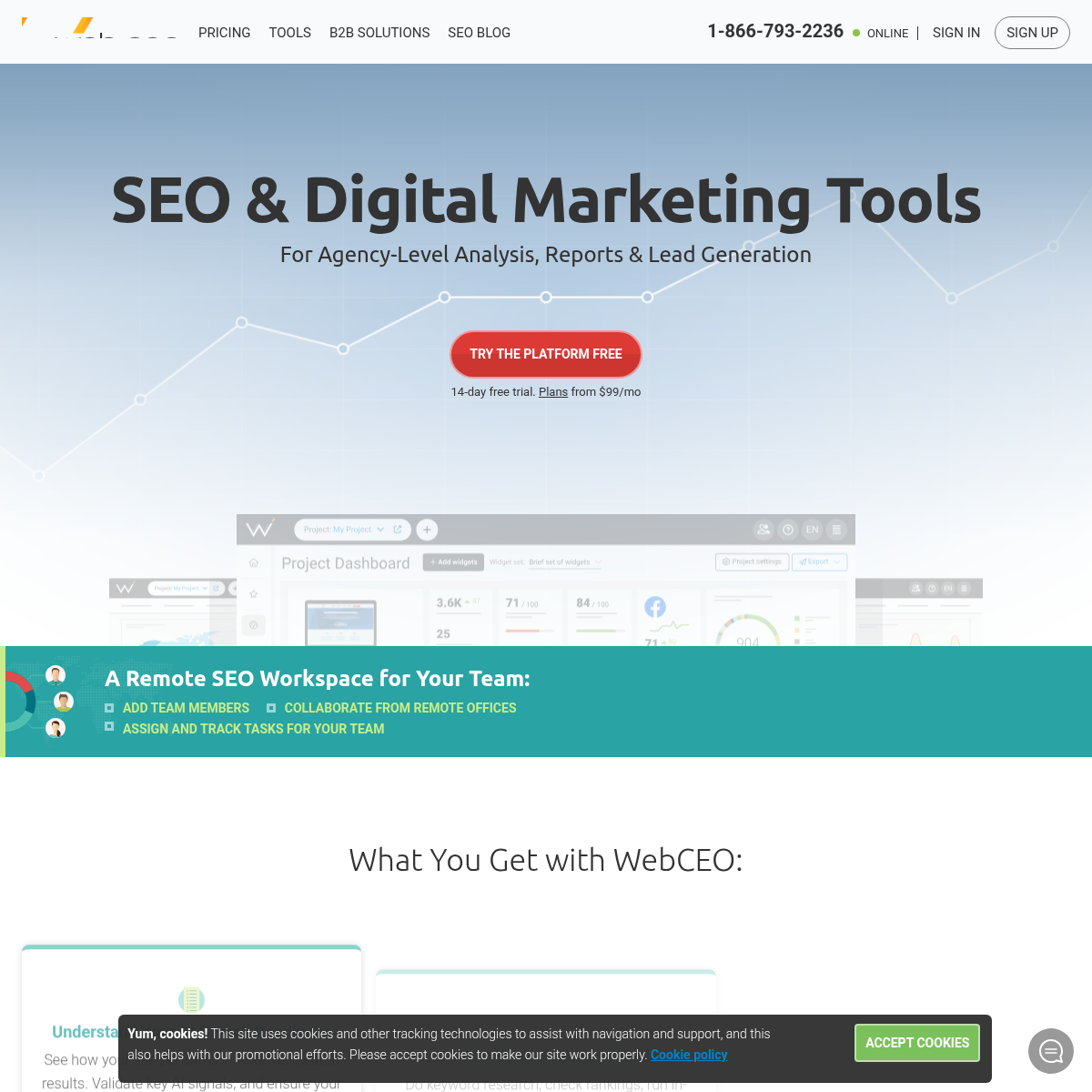
User reviews (0)