
 zocialcomment.com
 Paid content
Categories: Artificial Intelligence
Comment exporter for Instagram, TikTok, YouTube, Reddit, Facebook & Threads — paste any post URL and download every comment to CSV, Excel, or JSON in seconds. No signup, no API keys.
 Visit website
 Updated: 2026-09-23 09:23
 Language: English (default)
 Access: Normal
 Profile views 0
 Outbound visits 0
Related questions
More questions →How Do Marketers Use Ahrefs for SEO and Content Research? A Beginner's Walkthrough
Ahrefs is a data platform that helps marketers see what people search for, which pages rank for those searches, and who links to those pages. If you're new to it, the fastest way to learn is to start from a real task rather than browsing menus. This walkthrough uses one common goal — finding content and keyword opportunities for a site — and shows the exact steps, which reports to open, how to read the columns, and how to turn the data into a shortlist of tasks.
The steps below describe the general workflow of the platform. Exact menu labels, limits, and available features can change between plans and over time, so treat the interface as the source of truth and check the in-product help or documentation when a term is unfamiliar.
Step 1: Define the goal before opening any tool
Ahrefs answers questions, so the quality of your output depends on the quality of your question. Write down one sentence before you start. Examples:
- "I want 20 keyword ideas for a beginner's guide to home coffee brewing."
- "I want to know which pages on my site have lost the most traffic in the last 6 months."
- "I want to find sites that link to my competitors but not to me."
Each of these maps to a different report. Marketers who skip this step usually end up staring at a dashboard full of numbers with no decision to make.
Step 2: Enter a domain or a keyword
Most workflows begin in one of two places:
- Site Explorer — enter a domain or URL. Use this when your question is about a specific website (yours or a competitor's).
- Keywords Explorer — enter a keyword or phrase. Use this when your question is about a topic or search demand.
A practical habit: start with the competitor or topic you already know is relevant, then expand. If you sell running shoes, entering a well-known running retailer's domain will surface far more useful structure than entering a generic term like "shoes."
Step 3: Read the main columns without over-trusting them
Reports share a common set of columns. Learn what each one actually measures:
| Column | What it tells you | How beginners misread it |
|---|---|---|
| Volume | Estimated monthly searches for a keyword | Treating it as exact traffic you will get |
| Keyword Difficulty (KD) | How hard it looks to rank in the top results | Assuming a low KD guarantees a ranking |
| Traffic / Traffic Potential | Estimated visits a page or keyword can bring | Confusing page-level and keyword-level numbers |
| Referring Domains | Number of unique domains linking to a page | Counting total backlinks instead of unique domains |
| DR / UR | Domain and URL rating on a 0–100 scale | Comparing scores across unrelated niches |
Two rules of thumb: volume is an estimate, not a promise, and difficulty is a relative signal, not a gate. A keyword with modest volume and low difficulty that exactly matches your offer usually beats a high-volume term you cannot realistically rank for.
Step 4: Filter and sort to surface opportunities
Raw lists are noise. Filters turn them into a to-do list. Useful starting filters:
- Keyword Difficulty: cap it at a level your site can realistically compete for. A new site should start low; an established site can raise the ceiling.
- Volume: set a floor so you ignore terms nobody searches.
- Include / exclude words: remove branded terms, job listings, or irrelevant modifiers.
- Search intent: separate informational, commercial, and transactional queries so you don't write a blog post for a page that needs a product listing.
Then sort by the metric that matches your goal — traffic potential for content planning, referring domains for link building, or traffic decline for audits.
Step 5: Turn findings into a shortlist
A report is only useful once it becomes a list of tasks. A simple template you can copy:
Opportunity | Target keyword | Intent | Est. volume | KD | Page to create/update | Owner | Status
Fill it with 10–20 rows, not 200. For each row, decide one of three actions:
- Create a new page for a keyword gap you can serve.
- Update an existing page that already ranks but underperforms.
- Ignore it, with a one-line reason, so you don't revisit it next month.
This is where most beginners stall: they collect data but never commit to a decision. Forcing a create/update/ignore choice per row fixes that.
Step 6: Common beginner mistakes
- Chasing volume only. A high-volume keyword with the wrong intent sends traffic that never converts.
- Ignoring search intent. Check what actually ranks before deciding what to publish.
- Comparing DR across niches. A DR 40 in one industry is not equivalent to DR 40 in another.
- Treating estimates as facts. All third-party search data is modeled, not measured.
- Skipping the audit loop. Research is not a one-time event; revisit your shortlist and check whether the pages you built actually moved.
Where to get help with terms and metrics
Ahrefs maintains an in-product help center and a glossary of SEO terms, and the platform links to documentation from most reports. When a metric is unclear, open the help entry for that specific term rather than guessing — misreading one column can distort an entire content plan.
A realistic first session
If you have one hour, do this: pick one competitor, open Site Explorer, sort their top pages by traffic, filter to pages relevant to your offer, and write down five topics you could cover better. Then open Keywords Explorer for one of those topics, apply a difficulty and volume filter, and add three supporting keywords. You now have a shortlist of eight items and a clear next action — which is the actual point of using Ahrefs as a marketer.
Website Overview
Several search or sharing settings need attention. Together they may make snippets, preview images or preferred URLs less consistent across platforms.
Domain and Registration
The domain was registered less than a year ago and has limited historical evidence to assess. Transfer-protection status is present, helping reduce the risk of unauthorized domain transfers. The registrar is NameCheap, Inc., a widely used domain service provider. The domain uses the common .com extension, which is not an independent safety signal.
DNS and Email
Nameservers are provided by Cloudflare, indicating managed DNS hosting. MX records point to the Google Workspace email service. No CNAME was found; the observed records resolve directly to addresses. SPF and DMARC are configured. DKIM status is unknown. TXT records include verification markers for Google. Such markers may also remain after a service stops being used.
TLS and Certificates
The public key uses EC with 256 bits. The server supplied a complete certificate chain. No organization name is present in the certificate; the available fields are consistent with domain validation. The certificate was issued by Let's Encrypt, commonly associated with automated certificate services. The certificate's total validity is about 89 days, consistent with a short renewal cycle.
HTTP and Browser Security
X-Powered-By exposes backend information: Nuxt. The response lacks these common security headers: Permissions-Policy. The cf-ray, x-served-by response header indicates a CDN or caching proxy in the delivery path. No obvious internal addresses or debug information were found in the headers. The Server header identifies cloudflare without an exact version.
Technology Stack Analysis
The public page identifies Nuxt, Cloudflare, Fastly without precise versions, leaving fewer clues for version-specific scanning.
Search and Social Sharing
The title has 82 characters and may be truncated in search results. The meta description has 182 characters and may be shortened in search results. Twitter Card metadata is configured. JSON-LD includes Organization data, helping describe the organization as an entity. The observed directives allow indexing and link following.
 Hosting and Email
 Cloudflare
 Hosting
 Fastly
 Google Workspace
 Location
 unknown
104.21.91.222
Location
Location unknown
104.21.91.222
 Pages, Search and Sharing
| Meta description | Comment exporter for Instagram, TikTok, YouTube, Reddit, Facebook & Threads — paste any post URL and download every comment to CSV, Excel, or JSON in seconds. No signup, no API keys. |
|---|---|
| Canonical URL | https://zocialcomment.com/ |
| Language | English (default) |
| Twitter Card | summary_large_image |
Social Sharing Preview
9 fields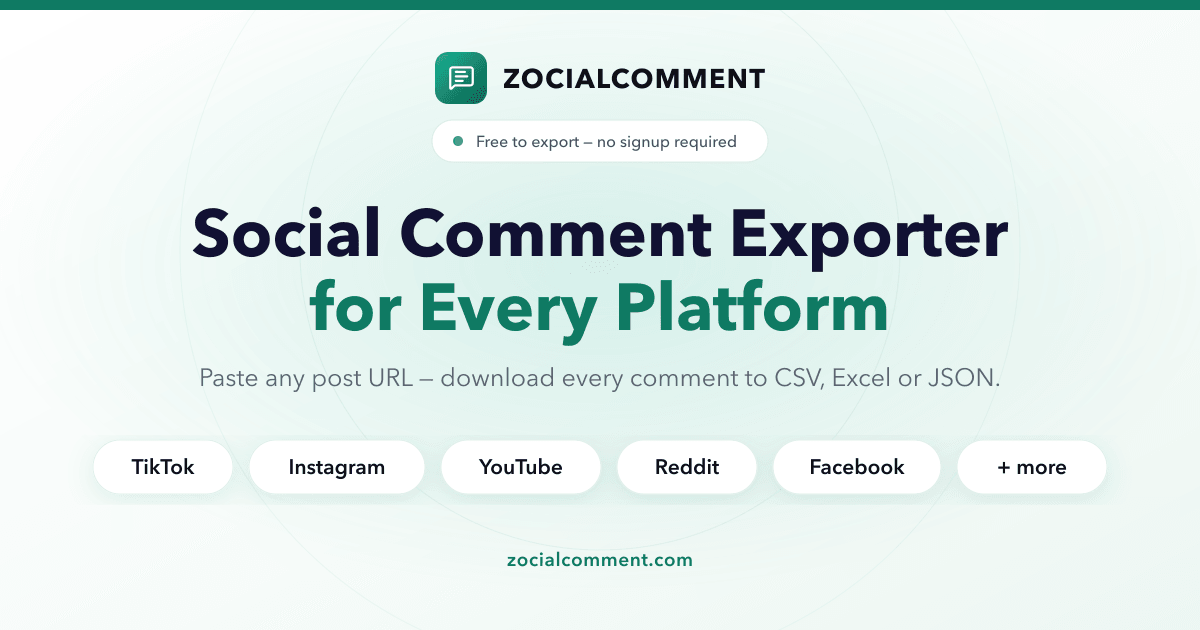
Sharing metadata
| og:url | https://zocialcomment.com/ |
|---|---|
| og:type | website |
| og:image | https://zocialcomment.com/og-image.png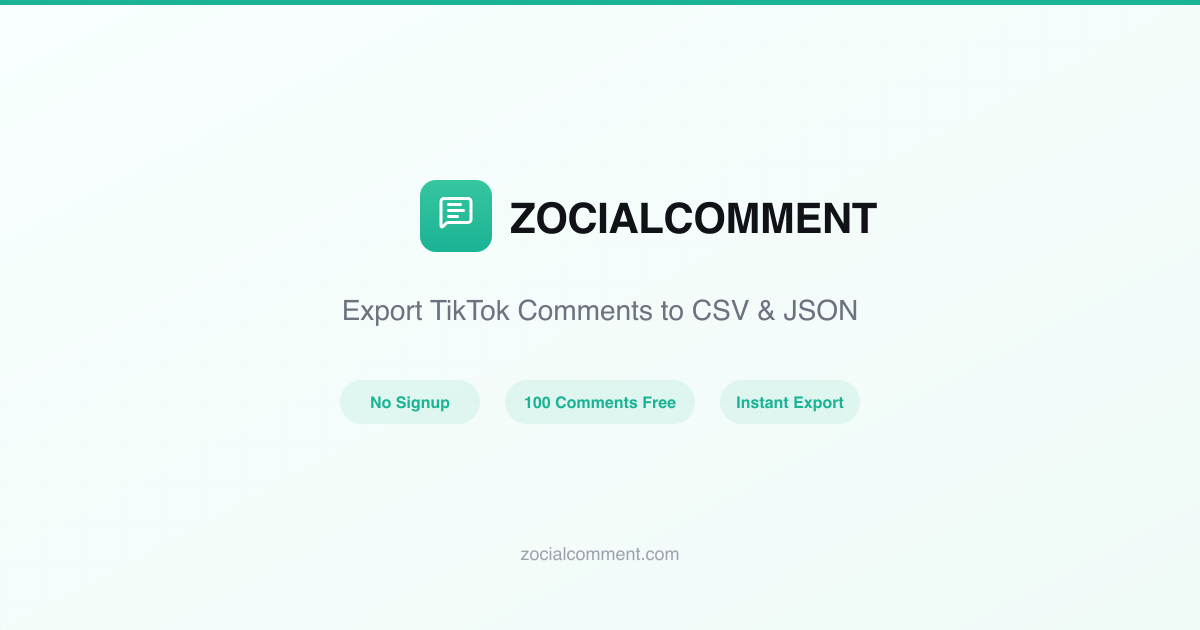 |
| og:title | Comment Exporter — Instagram, TikTok, YouTube to CSV & JSON |
| og:site_name | ZocialComment |
| og:description | Instagram, TikTok, YouTube, Reddit, Facebook, Threads — paste a URL, download every comment to CSV or JSON. Free, no signup required. |
| twitter:card | summary_large_image |
| twitter:title | Comment Exporter — Instagram, TikTok, YouTube to CSV & JSON |
| twitter:description | Instagram, TikTok, YouTube, Reddit, Facebook, Threads — paste a URL, download every comment to CSV or JSON. Free, no signup required. |
robots.txt (opens in a new tab)
16 rulesAll bots 2 allowed · 5 disallowed

 All bots

//api/mcp
/dashboard/login/download/api//cdn-cgi/
gptbot 1 allowed · 0 disallowed
/
google-extended 1 allowed · 0 disallowed
/
perplexitybot 1 allowed · 0 disallowed
/
claudebot 1 allowed · 0 disallowed
/
applebot-extended 1 allowed · 0 disallowed
/
chatgpt-user 1 allowed · 0 disallowed
/
ccbot 1 allowed · 0 disallowed
/
oai-searchbot 1 allowed · 0 disallowed
/
bingbot 1 allowed · 0 disallowed
/
No matching rules.
Sitemaps
1 Registration details RDAP / WHOIS
| Registrar | NameCheap, Inc. |
|---|---|
| Registered | 2026-03-29 |
| Expires | 2027-03-29 |
| Domain status | client transfer prohibited |
| Nameservers | amanda.ns.cloudflare.com、odin.ns.cloudflare.com |
| DNSSEC | unsigned |
 DNS records
| Type | Name | Value | TTL | Priority |
|---|---|---|---|---|
| A | zocialcomment.com | 104.21.91.222 | 300 | — |
| A | zocialcomment.com | 172.67.180.210 | 300 | — |
| AAAA | zocialcomment.com | 2606:4700:3031::6815:5bde | 300 | — |
| AAAA | zocialcomment.com | 2606:4700:3034::ac43:b4d2 | 300 | — |
| MX | zocialcomment.com | smtp.google.com | 300 | 10 |
| NS | zocialcomment.com | amanda.ns.cloudflare.com | 86400 | — |
| NS | zocialcomment.com | odin.ns.cloudflare.com | 86400 | — |
| TXT | zocialcomment.com | google-site-verification=AbW-nZxP6OE2ZAMYWlMH3osQJeDNyRHJJ4lXMAYPlyg | 300 | — |
| TXT | zocialcomment.com | google-site-verification=BVISqm1txlyNfnS6sUy7fTA1FunOgtiK4XWgk6UdEbk | 300 | — |
| TXT | zocialcomment.com | trustpilot-one-time-verification-id=a7b86e13-7890-47dc-a3f9-4c9448e2613b | 300 | — |
| TXT | zocialcomment.com | v=spf1 include:_spf.google.com include:amazonses.com ~all | 300 | — |
| DMARC | _dmarc.zocialcomment.com | v=DMARC1; p=none; fo=1; adkim=r; aspf=r | 300 | — |
 TLS and certificates
| Assessment | Normal configuration |
|---|---|
| Supported protocols | TLSv1.2、TLSv1.3 |
| Negotiated protocol | TLSv1.3 |
| Certificate subject | zocialcomment.com |
| Issuer | Let's Encrypt |
| Valid until | 2026-12-21T12:33 · Remaining when checked: 89 days |
| Verification details | Certificate trust: Passed · Hostname match: Passed |
 HTTP response headers
| Header | Value |
|---|---|
| content-type | text/html;charset=utf-8 |
| server | cloudflare |
| strict-transport-security | max-age=31536000; includeSubDomains |
| content-security-policy | frame-ancestors 'self' https://umami.mang.dev |
| x-content-type-options | nosniff |
| referrer-policy | strict-origin-when-cross-origin |
 Identified technologies
User reviews (0)