

 Paid content
 Visit website
 Updated: 2026-09-24 02:52
 Language: English (default)
 Access: Normal
 Profile views 2
  Outbound visits 3
 Website Review
What is AIMLAPI?
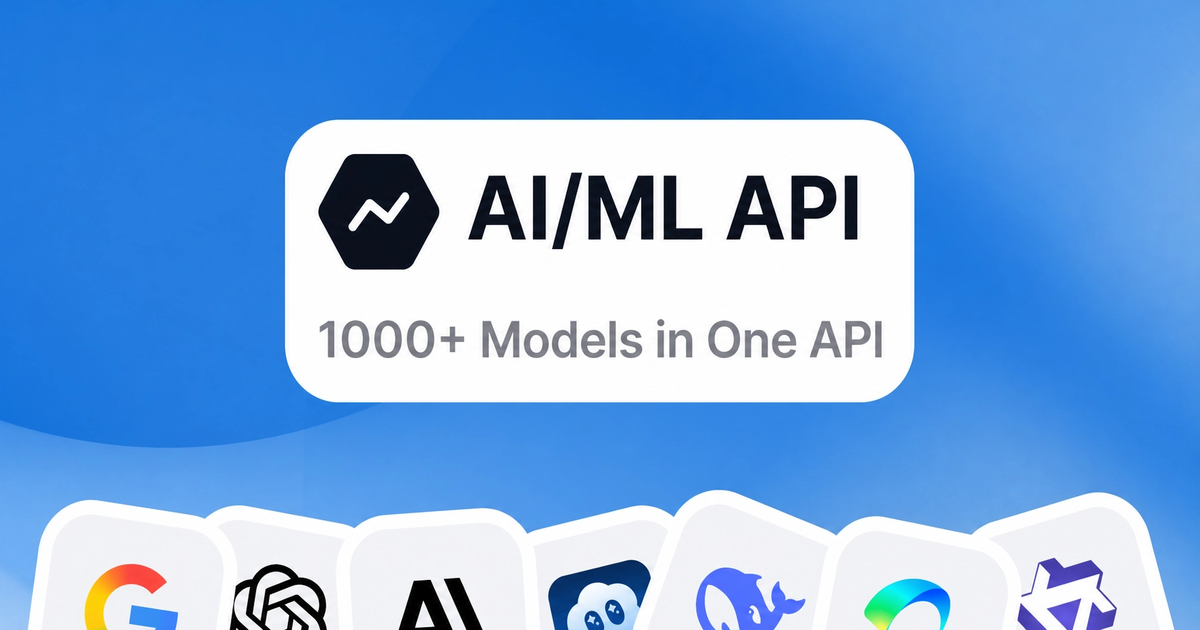
AIMLAPI is a unified API gateway that gives developers access to a large catalog of AI models — over 1,000, according to the site — spanning text, reasoning, image, video, audio, voice, search, and what it calls "world" models. Instead of signing up with each model provider separately, you use one account, one API key, and one bill. The pitch is breadth and convenience: swap between models like GPT, Gemini, and Claude without managing multiple vendor relationships.
Who it's for
- Developers building multi-model apps who want to test or route between providers without integrating each one individually.
- Small teams that prefer consolidated billing and a single credential over several vendor accounts.
- Agent and tool builders, since the site emphasizes compatibility with popular agent frameworks and MCP clients.
How you'd actually use it
A practical scenario: you're prototyping a chat feature and want to compare how two or three different models handle your prompts. With a single gateway, you change a model identifier in your request rather than rewriting authentication and request formats for each provider. The site also documents an MCP server, so tools like Claude, Cursor, and Claude Code can connect to the catalog through a connector rather than custom code.
Trade-offs to weigh
A gateway adds a layer between you and the model providers. That can mean extra latency, a dependency on one company's uptime, and less direct access to provider-specific features that arrive first on native APIs. Pricing and rate limits are also set by the gateway, so costs may differ from going direct. Consolidation is convenient, but it's worth checking whether the specific models and capabilities you need are current and whether the markup fits your budget.
Next step
If you're evaluating it, start with the free tier or playground to test one real workload end to end — measure latency and cost against calling a provider directly. Compare gateways like OpenRouter or Together AI if you want to see how catalog size, pricing, and model freshness differ. For a broader look at model options, Hugging Face is a useful reference point.
How do I get an API key and make my first API call with AIMLAPI?
Get an API key by creating an AIMLAPI account and using the "Get API Key" option on the site; the key is what you'll use to authenticate requests. AIMLAPI presents itself as a single gateway to 1000+ models across chat, reasoning, image, video, audio, voice, search, and world models, so your first call can target whichever model you need without managing separate provider accounts. See AIMLAPI.
Step-by-step for your first call
- Sign up or log in at AIMLAPI.
- Generate an API key from the dashboard (the homepage's "Get API Key" button leads here).
- Store the key as an environment variable rather than pasting it into code — for example
AIMLAPI_KEY. - Send your first request to a chat or text model endpoint, including the key in the
Authorization: Bearer YOUR_KEYheader. - Confirm the response, then check your usage or billing page before scaling up.
If you use an AI coding agent, AIMLAPI also offers an MCP server at https://mcp.aimlapi.com/mcp. Claude, Cursor, and Claude Code each have setup instructions on the page, and generic clients connect over Streamable HTTP with OAuth 2.1 + PKCE — no API key needed in that flow, since you sign in through the browser instead.
A concrete first test
The lowest-risk first call is a short text prompt to a small, inexpensive chat model. Once that returns a valid response, swap in a larger model or a different modality (image, audio) using the same key and base setup. This isolates authentication problems from model-specific ones.
Decision criteria
- Direct API key vs. MCP: Use a key for your own scripts and backend services. Use the MCP server when you want an agent like Claude or Cursor to call models on your behalf with browser-based sign-in.
- Model choice: Start with a cheap text model to verify the pipeline, then move to the model that fits your task.
- Cost control: Because everything sits "under one bill," review the pricing and billing pages before running batch jobs.
Next step: after your test call succeeds, check the docs for the specific endpoint and parameters of the model you plan to use in production.
How does AIMLAPI's pricing work across its 1000+ models?
AIMLAPI does not apply one flat price to all 1000+ models. Its own description says you can "compare pricing, latency, and capabilities—all in one place," which points to model-level or provider-level rates rather than a single subscription covering unlimited use. The page also shows a "Pricing" link alongside "Models," "Docs," and "Resources," and a billing entry point labeled "Top up" — the typical pattern for a prepaid credit balance that is drawn down per request.
What that means in practice
- Cost scales with the model you pick. A lightweight open-source text model and a frontier reasoning model will not bill at the same rate, so your monthly spend depends heavily on routing choices.
- Modality matters. The page lists text, reasoning, image, video, audio, voice, search, and embeddings. Video and image generation normally consume far more credit per call than a short text completion, so a mixed workload needs separate budgeting.
- Usage is metered, not seat-based. Because the entry point is a top-up rather than a per-user plan, you are paying for consumption. That suits variable or experimental workloads; it is less predictable for steady high-volume production unless you track spend.
A concrete scenario
A small team building a support assistant might route routine classification and summarization to a cheap open model, then escalate only complex tickets to a premium reasoning model. On a single gateway, that routing decision is the main cost lever — and the same account handles the embedding calls for retrieval.
Next step
Open the pricing page and build a short cost table for the three or four models you actually intend to call, multiplying each model's rate by your expected monthly token or request volume. If the total is hard to predict, start with a small top-up and instrument your logs by model name before committing to a larger balance. For a second reference point on per-model rates, you can compare against OpenRouter, which publishes model-by-model pricing in a similar aggregator model.
How do I connect AIMLAPI to Claude, Cursor, or another MCP client?
Connect through AI/ML API's hosted MCP server at https://mcp.aimlapi.com/mcp, then authenticate in the client. The exact steps differ slightly per tool, but the pattern is the same: add a custom MCP server, point it at that URL, sign in with your AI/ML API account (or supply an API key), and confirm the server is enabled.
Claude (Desktop and claude.ai)
- Copy the MCP URL:
https://mcp.aimlapi.com/mcp - Open Settings → Connectors, choose Add custom connector, name it
AIMLAPI, and paste the URL. - Click Add, then Connect and sign in with your AI/ML API account.
Claude Code
- Run:
claude mcp add --transport http aimlapi https://mcp.aimlapi.com/mcp - In a session, run
/mcp, selectaimlapi, and choose Authenticate. - Sign in when the browser opens.
Cursor
- Open Cursor Settings → Tools & MCPs, click New MCP Server → Add a Custom MCP Server to open
~/.cursor/mcp.json. - Add:
{ "mcpServers": { "aimlapi": { "url": "https://mcp.aimlapi.com/mcp" } } }
- Back in Tools & MCPs, find
aimlapi(shown as Disabled), click ··· → Enable, then Login and sign in.
Other MCP clients
Use Streamable HTTP transport with the same URL. The hosted flow uses OAuth 2.1 with PKCE and dynamic client registration, so no API key is needed if your client supports that. If it doesn't, add a header instead:
Authorization: Bearer YOUR_AIMLAPI_KEY
For example, the Claude Code command with a key becomes:
claude mcp add --transport http aimlapi https://mcp.aimlapi.com/mcp --header "Authorization: Bearer YOUR_AIMLAPI_KEY"
Choosing between OAuth and an API key
| Situation | Use |
|---|---|
| Client supports OAuth/browser sign-in | OAuth flow (no key stored in config) |
| Headless, CI, or client without OAuth | Authorization: Bearer header |
| Shared machine | Prefer OAuth, then revoke access when done |
If it doesn't connect
- The server often appears Disabled until you explicitly enable it (Cursor in particular).
- Confirm the URL is exactly
https://mcp.aimlapi.com/mcpand the transport is Streamable HTTP. - For header-based setups, verify the header value starts with
Bearerand the key is valid. - Complete the browser sign-in and click Allow; the server should turn green or show as connected.
Next step: start with one client—Claude Desktop is the fewest steps—and verify the connection by asking it to list available models before rolling it out to other tools.
Which AI models does AIMLAPI support for text, image, video, audio, and code?
AIMLAPI positions itself as a single gateway to 1000+ AI models spanning text, reasoning, image, video, audio, voice, search, and "world" models under one bill. The site's headline example is "Meet GPT-5.6 Sol," and it explicitly names GPT, Gemini, and Claude in its title, alongside partner logos. Beyond those headline families, the page does not publish a per-category model list, so the exact roster for each modality is not something the homepage states.
What the page actually confirms
- Text and reasoning: Covered under the "Chat" and "Reasoning" categories, with GPT, Gemini, and Claude named as examples.
- Image, video, audio, voice: Listed as separate categories reachable through the same API and billing.
- Code: The site describes "code" as one of the supported output types, though no specific coding model is named on this page.
- Embeddings and search: Also listed among the supported model types.
How to find the exact model names
The homepage is a gateway overview, not a catalog. To answer "which specific models," you need the models directory, which the site links to from its main navigation. That page is where per-model names, context limits, and modality support would live.
Practical decision criterion
If your work mixes modalities — say, a transcription step feeding a summarization step feeding an image generation step — the value here is one account, one key, and one invoice rather than five vendor relationships. If you only need one strong text model, a single-provider API is usually simpler and easier to debug. For a broader comparison of what different vendors offer by modality, see OpenAI and Anthropic.
Next step: open the models directory from the site navigation and filter by the modality you need before committing to integration work.
How does AIMLAPI compare to calling OpenAI, Google, or Anthropic APIs directly?
AIMLAPI is an aggregator: one account, one bill and one API surface for many providers' models, including OpenAI, Google and Anthropic families, plus audio, image, video, embeddings and open-source models. Calling those vendors directly means separate accounts, keys, SDKs, rate limits, billing and documentation for each. The trade-off is control versus convenience: direct access gives you the newest model features first and provider-specific tooling; AIMLAPI gives you breadth and simpler switching, at the cost of an extra hop and a dependency on the aggregator's coverage and uptime.
Practical differences
| Aspect | AIMLAPI | Direct provider APIs |
|---|---|---|
| Setup | One key for many models | One key, SDK and billing per vendor |
| Model choice | Switch models by changing a name | Rewrite integration per provider |
| Newest features | Depends on the aggregator's rollout | Usually available first |
| Billing | Single consolidated bill | Separate invoices and quotas |
| Failure modes | Aggregator outage or gap affects all | Isolated per vendor |
| Latency | Extra network hop possible | Direct to provider |
Who it suits
- Prototyping teams that want to test several models without building four integrations.
- Products that route by task (cheap model for drafts, stronger model for reasoning) and want one code path.
- Agent users: the page documents an MCP server at
https://mcp.aimlapi.com/mcp, with setup steps for Claude, Cursor and Claude Code, including OAuth sign-in or a bearer key. That lets an assistant reach many models through one connector.
Who should stay direct
- Teams needing a just-released capability, fine-tuning controls or provider-specific features.
- Workloads where every millisecond of latency matters, or where a single vendor contract and compliance posture is required.
- Anyone already committed to one provider and happy with its tooling.
Next step: pick two models you actually use, run the same prompt through both via AIMLAPI and via the provider's own endpoint, and compare output, latency and cost per call. If the numbers are close, the aggregator's convenience wins; if not, keep the direct integration for your critical path. See AI/ML API for the model list and MCP docs, and the official provider docs at OpenAI, Anthropic and Google for direct-API specifics.
 Hosting and Email
 Cloudflare
 Hosting
 Google Workspace
 Location
 Pages, Search and Sharing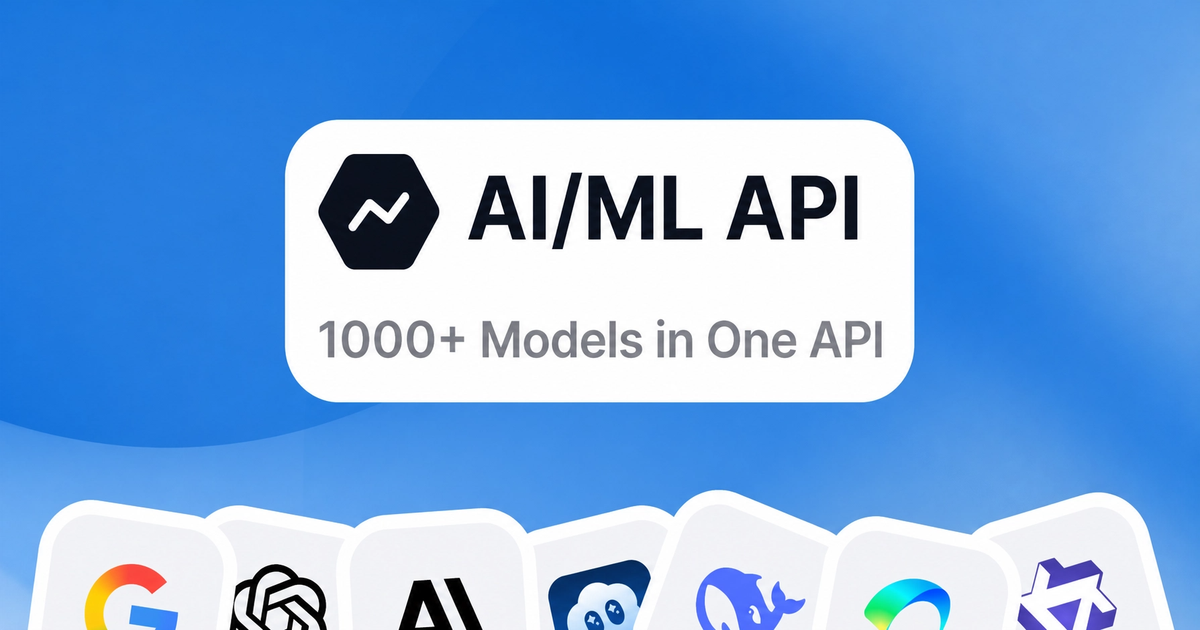


 All bots


 Registration details

 Identified technologies
User reviews (0)