
 Paid content
 Visit website
 Updated: 2026-09-03 15:23
 Language: English (default)
 Access: Normal
 Profile views 14
  Outbound visits 6
 Website Review
What is AnythingLLM?
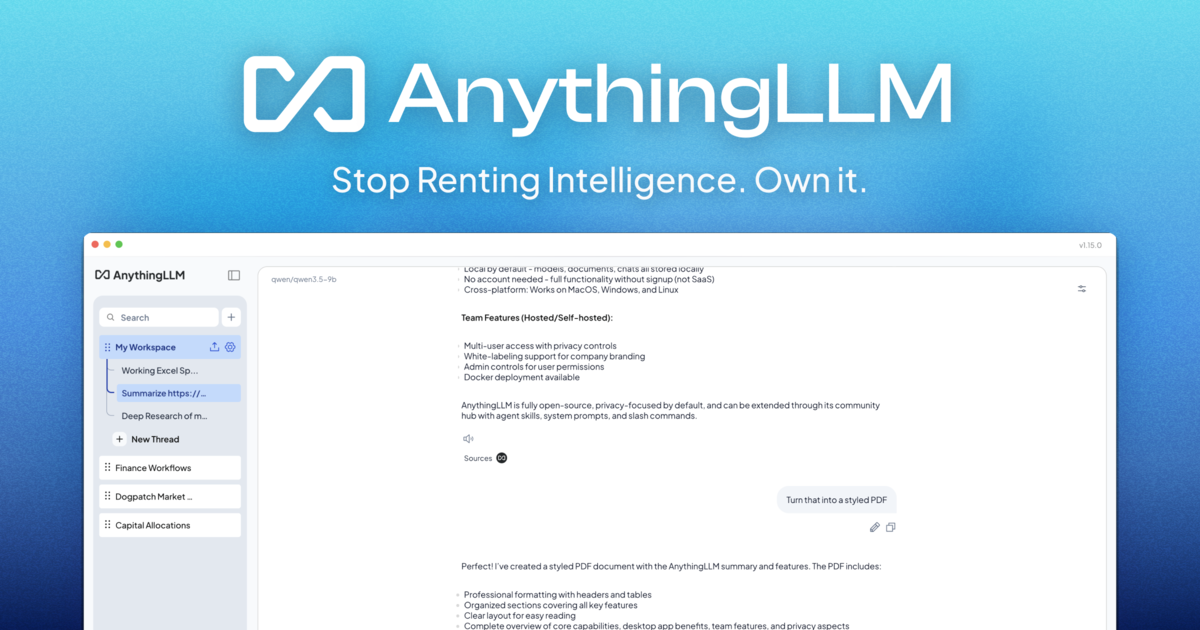
AnythingLLM is a desktop AI assistant designed for private, on-device use. According to its own description, it runs locally without requiring accounts, API keys, or token limits, which makes it relevant for people who want to use large language models without sending their material to an external service by default.
Its feature set points to three main uses:
- Document and knowledge work — You can bring your own files into a workspace and ask questions against them, a common pattern for research, internal documentation, or personal notes.
- Meeting assistance — The listed keywords include meeting assistant, suggesting support for capturing or summarising discussions.
- Developer and automation use — API support means it can be wired into other tools rather than used only through the interface.
Because it is open-source desktop software, it is typically suited to users who value control over where their data lives, such as privacy-conscious professionals, small teams, and developers. The trade-off is that local operation depends on your own hardware, and setup may involve more choices than a hosted assistant. A paid Pro tier is referenced in the project's documentation, so some advanced "Magic" features may sit outside the free offering. For comparison, hosted alternatives include OpenAI and Anthropic, while Ollama addresses local model running.
Is AnythingLLM free to use?
AnythingLLM is presented as a free, private AI assistant that runs on your own device. According to its description, it requires no account and no API keys, and it does not impose token limits. That makes it attractive if you want to experiment with local AI, work with sensitive documents offline, or avoid per-query costs.
What “free” likely covers
- The core desktop application, which is also described as open-source software.
- Local operation, so you supply the hardware rather than paying a service.
- No mandatory sign-up, which lowers the barrier for personal use.
Trade-offs to consider
- “Free” does not necessarily mean every feature is free. The site links to documentation for a “Pro” offering and “Magic Features,” which may be paid or licensed separately.
- Running models locally typically requires capable hardware; performance depends on your machine rather than a subscription tier.
- Without API keys, you may be limited to locally hosted models unless you configure external providers yourself.
For individuals, students and privacy-conscious teams, the free core is often enough for document chat and desktop assistance. Organisations needing advanced or managed capabilities should check the Pro documentation to understand what falls outside the free version. See AnythingLLM for current details.
How does AnythingLLM keep my data private?
AnythingLLM is designed as a local-first AI assistant: the core application runs on your own device, and the supplied description states it needs no accounts and no API keys. In practice, that means documents you add and the conversations you have are processed on your machine by default rather than being sent to a hosted service.
Where privacy comes from
- On-device execution. The app is described as desktop software that runs locally, so your files and chat history stay in your own environment.
- No mandatory account or API key. With no sign-in required for the base product, there is no vendor-side profile tied to your usage.
- Open source. The code can be inspected, which lets technically minded users verify claims about storage and network behaviour rather than trusting a marketing page.
- Model choice. Because it can connect to different model backends, you can keep everything local, or deliberately connect an external provider when you want stronger reasoning.
Trade-offs to weigh
Local processing typically means your hardware sets the ceiling on speed and model quality, and features that rely on an outside provider will send data beyond your device. Those integrations are the main point where "private" depends on configuration rather than the product alone.
For comparison, Ollama focuses on running models locally, LM Studio targets desktop model experimentation, and Open WebUI provides a self-hosted chat interface. AnythingLLM's emphasis is combining local chat with document and workspace handling.
Can I use AnythingLLM without an internet connection?
AnythingLLM is designed around local, private operation. According to its own description, it runs on your device with no accounts, API keys or token limits required, which suggests that core use does not depend on a cloud service.
In practice, offline capability typically depends on how you set it up:
- Fully local setup: If you run a local model through a compatible local runtime, document chat and workspace features can work without an internet connection. This is the configuration most suited to privacy-sensitive or air-gapped environments.
- Cloud model setup: If you connect an external model provider, internet access is needed for those requests, even though the app itself is installed locally.
- First-time setup: Downloading the installer and any models usually requires a connection once; afterwards, day-to-day use may be offline.
Audiences who benefit most are people handling confidential documents, working on unreliable networks, or wanting to avoid per-token costs. The trade-off is that fully local models may be slower or less capable than hosted alternatives, and you manage model files and updates yourself.
For exact requirements, check the official documentation at AnythingLLM.
What features does AnythingLLM offer for meeting assistance?
AnythingLLM's meeting-assistance capabilities centre on capturing and working with spoken content directly on your device. The site describes a free, private assistant that runs locally, with no accounts, API keys or token limits, and it highlights "Magic Echo" as a feature aimed at productivity use cases such as meetings.
For meeting assistance, this generally means you can record or feed in audio, have it transcribed on-device, and then query the resulting transcript with the built-in chat interface. Typical uses include:
- Producing a written record of a call or discussion without sending audio to a third-party service.
- Asking follow-up questions about what was said, such as extracting decisions or action items.
- Keeping sensitive conversations inside your own machine, which suits legal, medical, research or internal business contexts.
The trade-offs are familiar for local software: privacy and independence from per-token costs, but performance depends on your hardware, and very long recordings may take time to process. Because it is open-source and desktop-based, it is also suited to users who want to inspect or extend the tool rather than rely on a hosted subscription.
For comparison, Whisper-based transcription tools such as OpenAI's Whisper target raw speech-to-text, while meeting-note services like Otter focus on cloud collaboration. AnythingLLM's emphasis is the private, local assistant layer on top of your own documents and recordings.
How does AnythingLLM compare to cloud-based AI assistants?
AnythingLLM is a desktop AI assistant that runs models locally on your machine, which shapes how it differs from cloud-based assistants such as ChatGPT, Claude or Gemini.
Where local operation matters
Because processing happens on your device, prompts, uploaded documents and chat history do not need to leave your computer. That suits people handling confidential material — legal, medical, internal research — or anyone who prefers not to create an account. Cloud assistants, by contrast, typically require a login and send requests to remote servers, where data handling follows the provider's policy.
Capabilities and trade-offs
AnythingLLM is often described as supporting document chat, so you can point it at files and ask questions about them. It also offers an API and is open source, which may appeal to developers who want to embed or extend it. AnythingLLM documents a paid tier with additional "Magic" features, while the core assistant is presented as free.
The main trade-off is hardware. Local models depend on your machine's memory and processor, so response quality and speed can lag behind the largest cloud models, which run on dedicated infrastructure. Cloud assistants also tend to update more frequently and offer broader integrations.
Choosing between them
- Choose local when privacy, offline use or no-account access is the priority.
- Choose cloud when you want maximum model capability, minimal setup and are comfortable with remote processing.
- Some users run both: AnythingLLM for sensitive work, a cloud assistant for general tasks.
 Hosting and Email
 Cloudflare
 Hosting
 Google Workspace
 Location
 Pages, Search and Sharing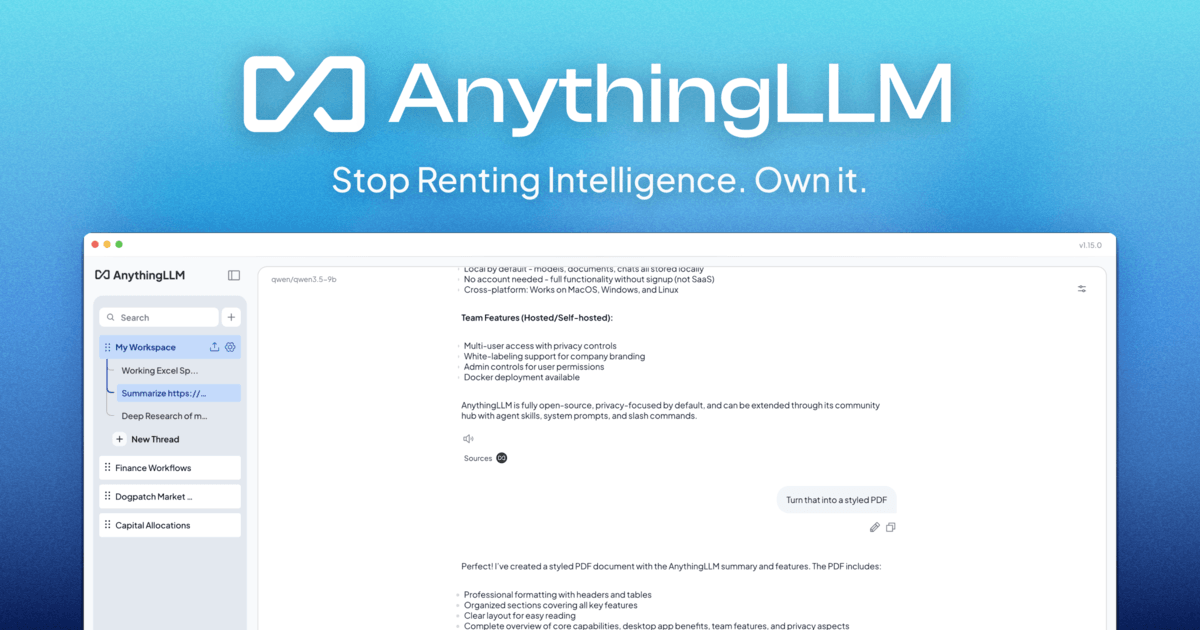


 All bots

 Registration details RDAP / WHOIS
 TLS and certificates
 HTTP response headers
 Identified technologies
User reviews (0)