
 简体中文
简体中文 English
Website review
This review may include AI-generated content and is not individually verified. Domain, certificate and other facts come from the observed data on this page.
What is Gekri?
Gekri is a privacy-focused online journal: a place to write daily entries in an encrypted private journal and track your mood over time to see how your level of happiness changes. It is aimed at people who want the habit and reflection benefits of journaling without handing their personal writing to an ad-driven platform.
What it is for
- Daily writing. A simple routine of short or long entries, kept in one private place.
- Mood tracking. Logging how you feel alongside your writing, so patterns become visible rather than staying vague.
- Privacy as the default. Encryption is the central idea, not an optional extra.
Who it suits
- Someone who has tried paper journals and wants searchable, backed-up entries.
- A person who wants to notice mood patterns but does not need a clinical or therapy-grade tool.
- Anyone uncomfortable with a general-purpose notes app that scans or monetises content.
Trade-offs to weigh
- Convenience vs. control. Strong privacy usually means fewer integrations, no social features and less automatic syncing with other services.
- Routine vs. insight. Mood tracking only helps if you log consistently; the value comes from the pattern, not a single day.
- Encryption vs. recovery. If you lose your credentials, recovery may be limited by design. Check how the service handles this before committing years of entries.
A practical next step
If you are deciding whether to start, try a two-week test: write one short entry each evening and rate your mood on the same simple scale. At the end, look for one repeated trigger. If that single observation feels useful, the habit is worth keeping — and a privacy-first tool like Gekri is a reasonable home for it.
How does Gekri keep my journal entries private and encrypted?
Gekri is built around the idea that a personal journal should stay personal, so privacy is handled at the level of the entry itself rather than bolted on as a setting. The site presents Gekri as an encrypted private journal, which means the content you write is stored in encrypted form, and access is tied to your account rather than to a public profile or social feed. In practice, that matters most in the ordinary moments: writing a difficult entry after a bad day, noting health symptoms, or recording relationship thoughts you would not want indexed by a search engine or visible to someone glancing at a shared device.
What "private and encrypted" means in daily use
- No public audience by default. A journal entry is not a post. There is no expectation that anyone else reads it, so you can write plainly instead of performing for readers.
- Encryption protects stored content. If someone obtained the stored data without your credentials, the entries would not be readable as plain text. This is the main practical benefit over a plain notes app or a document in cloud storage.
- Your account is the key. Privacy depends on keeping your login secure. A strong, unique password and two-factor authentication, where offered, matter more than any single feature.
- Mood tracking stays attached to private entries. Gekri also tracks mood so you can follow your level of happiness over time. That data is sensitive precisely because it is a record of how you felt, so it should be covered by the same private, encrypted approach as the writing itself.
A concrete scenario
Suppose you journal every evening about work stress and sleep. Over a month, the mood tracking shows a pattern you had not noticed. The value comes from being honest in the entries, and honesty depends on trusting that no one else is reading them. That is the trade-off: an encrypted private journal gives you candor, but it also means you cannot casually share an entry with a therapist or friend unless the app provides an explicit export or share option.
What to check before committing
- Encryption scope. Confirm whether entries are encrypted at rest, in transit, or both, and whether mood data receives the same treatment.
- Key handling. Ask whether the provider can read your entries. If it can, the privacy guarantee is weaker than the word "encrypted" suggests.
- Recovery. Understand what happens if you forget your password. Strong encryption often means no one can reset it for you.
- Export. Make sure you can get your writing out in a readable format, so your journal is not locked to one service.
For comparison, a general-purpose notes app such as Evernote is convenient but not designed as a private diary, while a dedicated encrypted option is a better fit when confidentiality is the priority. If you already use a password manager, store your Gekri credentials there and enable any available second factor before you write your first entry.
Can I use Gekri to track my mood over time?
Yes. Gekri is built around a daily encrypted journal, and mood tracking is one of its stated purposes: you write an entry and record how you feel, then look back at those entries to see how your mood has moved over weeks or months. The journal is private and encrypted, which matters if you want to be honest about low days without worrying who might read them.
What this looks like in practice
A realistic routine: each evening you open Gekri, pick a mood, and add a few lines about what happened. After a month you have a timeline rather than a vague sense that "it's been a rough stretch." That distinction is the whole point of tracking — memory is unreliable and tends to skew toward whatever you felt most recently.
Who gets the most out of it
- People in therapy or coaching who want concrete material to bring to sessions instead of reconstructing the week from memory.
- Anyone testing a change — sleep schedule, medication, exercise, a new job — who wants to see whether mood actually shifted or just felt like it did.
- People who journal already and would otherwise keep mood notes in a separate app or spreadsheet.
If you only want a one-tap mood logger with charts and no writing, a dedicated mood tracker will feel lighter. Gekri's value is that the mood data sits alongside the context explaining it, which is what makes patterns interpretable.
Trade-offs worth knowing before you commit
Consistency is the real cost. A mood log with gaps is much less useful, and daily logging is easy to start and easy to abandon. Encrypted, privacy-first tools also tend to trade away some convenience — syncing, sharing and export usually work differently than in mainstream cloud apps, so check that your entries are retrievable in a format you can keep before you build months of history.
A useful next step
Run a two-week trial: log daily, then read straight through from day one. If the pattern tells you something you didn't already know, the habit is worth keeping; if not, a simpler tracker will do. For general background on mood monitoring and when it's clinically useful, National Institute of Mental Health is a reliable starting point.
Is Gekri free to use, or does it require a paid subscription?
Gekri does not publicly state a price on the page you referenced — the page evidence shows only a loading state with no headings, pricing links or payment platforms. So the honest answer is: it is unclear from the available information whether Gekri is free or requires a paid subscription. The site describes itself as a privacy-focused encrypted journal with mood tracking, but no pricing details are visible.
How to decide for yourself
- Open the site and look for a pricing or plans link, usually in the top navigation or footer.
- Check whether you can create an account and write an entry without entering payment details. If you can, there is likely a free tier.
- Look for words like "free," "trial," "premium," or "upgrade" on the signup screen, since privacy journals often offer a limited free version with paid extras.
- If a paywall appears only after signup, treat the free option as a trial rather than a permanent free plan.
Practical scenario
Suppose you want a private journal for daily mood tracking but have a tight budget. You could sign up, write a few entries, and watch for any prompt asking for a card. If none appears after a week of normal use, the free tier is probably usable long-term. If a card is required upfront, compare that cost against other encrypted journaling options before committing.
For official details, the only reliable source is the site itself: Gekri.
How do I start writing my first entry in Gekri?
Start by creating your journal, then write in the entry field the app presents; Gekri is built around a simple loop of writing and saving an encrypted private entry. Because Gekri is described as an encrypted private journal, treat your first entry as a short, low-pressure note rather than a polished piece.
A practical first-entry routine
- Open Gekri and set up or unlock your journal so the writing view is available.
- Write one honest paragraph about today: what happened, what you felt, and one thing you want to remember.
- Add a mood check if the mood-tracking option is offered, since Gekri's stated purpose includes tracking mood to follow your level of happiness.
- Save the entry and confirm it appears in your journal list before closing.
What to write when you feel stuck
- A single sentence: "Today was mainly about ___."
- Three bullets: one event, one feeling, one intention for tomorrow.
- A mood label first, then two lines explaining why you chose it.
Decide based on your goal
| If your goal is... | Write this first | Why |
|---|---|---|
| Building a daily habit | Two or three sentences | Keeps the barrier low enough to repeat tomorrow |
| Tracking happiness over time | A mood rating plus one reason | Gives future you something comparable |
| Processing a hard day | A free-form paragraph, no structure | Lets you vent without judging the writing |
If you are comparing tools, privacy-focused journaling options include Gekri, Day One and Penzu. For a first entry, the deciding factor is usually whether the writing screen feels calm enough to open daily, not the feature list.
Does Gekri work on mobile devices as well as desktop?
Yes. Gekri is a browser-based journal, so it works on phones and tablets as well as desktop computers without a separate app install. You sign in through the browser, and the journal is encrypted, which matters most on mobile: a lost or borrowed phone is exactly the situation where an unencrypted journal is risky.
What mobile use looks like in practice
- Short daily entries. A phone is convenient for a two-minute mood check-in or a few lines before bed; desktop suits longer reflective writing.
- Mood tracking on the go. Logging a mood takes seconds and is easy to do at the moment it changes, rather than reconstructing the day later.
- Switching devices. Because entries live with your account rather than on one machine, you can start on a phone and continue on a laptop.
Trade-offs to weigh
| Mobile browser | Desktop browser | |
|---|---|---|
| Best for | Quick entries, mood logs | Long writing sessions |
| Typing comfort | Lower | Higher |
| Availability | Wherever you are | At your desk |
| Main risk | Small screen, interruptions | Less frequent check-ins |
A practical test
Open Gekri on your phone, write one short entry, then open it on your computer and confirm the entry appears. That single check tells you whether the cross-device workflow fits how you actually write. If you prefer a native app with offline sync, compare it with a dedicated mobile journal before committing; Gekri's strength is privacy through encryption rather than app-store polish.
For a fuller picture of its features, see Gekri.
 NS1
NS1 Netlify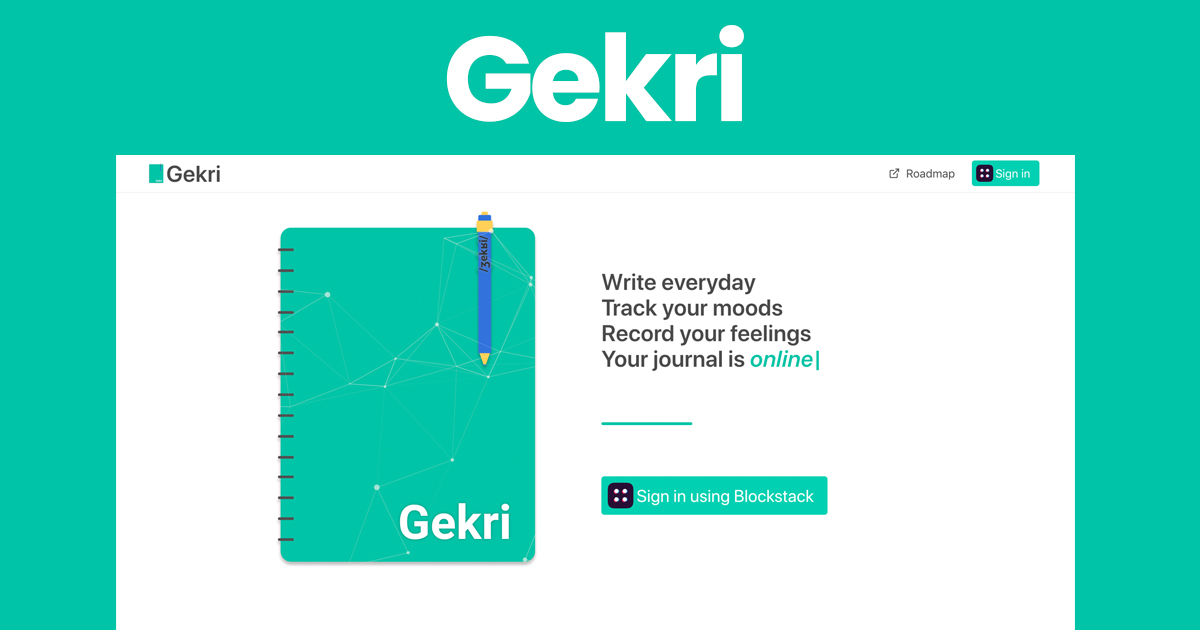

User reviews (0)