
 简体中文
简体中文 English
Website review
This review may include AI-generated content and is not individually verified. Domain, certificate and other facts come from the observed data on this page.
What is Grant Kot?
Grant Kot is the personal site of an independent developer who builds interactive, browser-based physics and simulation demos—things you can open and play with directly rather than read about. The projects span real-time liquid simulation, space flight, drawing-based physics, a shared voxel sandbox, audio synthesis, and 3D visualizations.
What you'll find
- Liquid Layers — a real-time interactive liquid simulator, described as mobile-friendly with accelerometer support on phones and tablets.
- Tutti Space Program — a space simulator built to push WebAssembly (multithreading and SIMD) and WebGL.
- Pencil Physics — draw any shape and simulate it, with multi-touch and pen input support.
- VoxelMash — a multiplayer voxel sandbox synchronized across all visitors, with a new version in development.
- Synthesizer — a multi-layered Web Audio synthesizer with customizable sounds.
- Smaller experiments — 2D physics toys (soft-body blobs, polygons, sine patterns), a Tokyo 3D point-cloud viewer, early 3D fluid tests, and a multiplayer checkbox remake.
Who it's for
The site suits people who learn by poking at things: students and hobbyists curious about physics simulation, developers interested in what WebAssembly and WebGL can do in a browser, and anyone who enjoys short interactive toys. It is not a tutorial library or a product storefront—there are no obvious pricing signals, and the tone is that of a working developer's demo shelf.
A practical next step
If you have five minutes, start with Liquid Layers on a phone with the accelerometer enabled—it's the clearest showcase of the site's interactive style. If you're evaluating the technical side, Tutti Space Program is the one explicitly framed as a WebAssembly and WebGL stress test.
One trade-off worth knowing: some demos, particularly the Tokyo point-cloud viewer and its Points + Mesh mode, carry high memory requirements, so weaker devices may struggle. The developer also notes that Liquid 3D fluid tests are early-stage with limited performance, and that a combined 2D sandbox ("Liquid Layers Maker") is planned. Treat the site as a place to experiment rather than a finished suite—expect rough edges alongside the impressive bits.
What can I do with Liquid Layers on a phone or tablet?
On a phone or tablet, Liquid Layers is a real-time liquid simulator you play with by touching the screen. The page describes it as mobile-friendly and suggests enabling the accelerometer, so tilting the device becomes part of the interaction: you can drag or poke the liquid to disturb it and tilt the phone to let gravity and motion move it around.
What to expect in practice
- Touch as the main input. Treat your finger like a stick in water—swipe through the liquid to split and push it, tap to create splashes, and hold to make currents. Multi-touch likely lets several fingers disturb the surface at once, though the page doesn't spell out every gesture.
- Tilt controls. With the accelerometer on, the liquid responds to how you hold the device, which is the closest thing to pouring a real fluid.
- Quick, low-commitment sessions. It's a browser demo rather than an app with levels or goals, so it suits a few minutes of experimentation—watching how the liquid settles, how it reacts to fast versus slow swipes, or how it behaves when you rotate the device.
Who it's for
It's aimed at people curious about physics and interactive graphics rather than players looking for a game. If you enjoy poking at simulations to see how they respond, it's a good fit; if you need objectives or progression, it will feel thin.
Next step: Open it on your phone, enable the accelerometer when prompted, and start with slow tilts before trying fast swipes—that contrast shows the simulation's behavior most clearly. If you like this style, the same site offers related experiments such as Pencil Physics, which lets you draw and simulate shapes with touch and pen input, on Grant Kot.
How does the multiplayer VoxelMash sandbox sync between visitors?
VoxelMash is described on Grant Kot as a multiplayer voxel sandbox whose world “is synchronized with all visitors,” meaning everyone who opens the demo shares and edits the same persistent voxel world rather than getting a private copy. The page does not explain the networking method, so the exact sync mechanism (server authority, conflict handling, update rates) isn’t documented there.
What this implies in practice: if you place or remove blocks, other visitors should see those changes, and you’ll see theirs. That makes it good for casual shared building and for testing how a browser-based voxel sandbox feels on your device, but risky for careful construction, since other users can alter your work. The page also notes a new version is in development, so behavior may change.
A useful next step is to open the demo in two browser windows or on two devices and test whether edits appear in both, how quickly, and whether simultaneous edits conflict — that tells you more about the sync than the description does.
Which demos run best on mobile devices with touch or pen input?
The strongest mobile fit on Grant Kot's site is Pencil Physics, which is explicitly described as mobile-friendly with full support for multi-touch and pen input. Liquid Layers and the Synthesizer are also flagged as mobile-friendly, with Liquid Layers inviting you to try it on a phone or tablet with the accelerometer enabled.
How the demos compare for touch use
| Demo | Mobile/touch support stated | What you actually do |
|---|---|---|
| Pencil Physics | Full multi-touch and pen support, mobile-friendly | Draw any shape and watch it simulate |
| Liquid Layers | Mobile-friendly; accelerometer suggested | Real-time liquid simulation you interact with directly |
| Synthesizer | Mobile-friendly | Play a multi-layered Web Audio synth with customizable sounds |
| Tutti Space Program | Not described as mobile-specific; pushes WebAssembly multithreading and WebGL | Space simulation, likely better suited to a desktop |
| VoxelMash | Multiplayer voxel sandbox synced across visitors; no touch claim | Shared building in a voxel world |
| Tokyo 3D point cloud | High memory requirements, especially Points + Mesh | Fly through a 3D reconstruction of Tokyo |
Practical reading
If your device has a stylus, Pencil Physics is the one designed around that input—drawing is the core interaction rather than an add-on. For finger-only use, Liquid Layers is the most tactile: tilting the device with the accelerometer enabled adds a physical dimension that a mouse can't replicate. The Synthesizer works on mobile but benefits from a larger screen for its layered controls.
The 3D pieces are the weakest mobile candidates. The Tokyo viewer's own page warns of high memory needs, and the Liquid 3D fluid tests are described as early-stage with imperfect performance—both are better judged on a desktop.
Next step: open Pencil Physics on the phone or tablet you'd actually use, with a pen if you have one, and test a few drawn shapes; then try Liquid Layers with the accelerometer on to see whether tilt control suits you. If you want a broader set of browser-based physics toys to compare against, Grant Kot is the source for all of the above.
How does Tutti Space Program use WebAssembly and WebGL?
Tutti Space Program is a browser-based space simulator that, according to the site, is built to push the limits of WebAssembly (with multithreading and SIMD) and WebGL. In plain terms, WebAssembly handles the computation—physics, simulation logic, and the multithreaded work needed to keep a space scene running—while WebGL draws the 3D visuals in your browser.
What that means in practice
- No install, but real hardware load. Because it runs in the browser, you can open it like a web page. The trade-off is that performance depends heavily on your device and browser support for multithreading and SIMD in WebAssembly.
- Aimed at tinkerers. The framing suggests an audience that enjoys seeing how far web technology can be stretched, rather than someone looking for a polished, guided game.
- Best on a capable desktop. A simulator leaning on multithreaded WebAssembly and WebGL is more likely to shine on a machine with a strong CPU and GPU than on a low-end phone.
A useful next step: open Grant Kot on your usual machine, try Tutti Space Program first, and compare its smoothness with the other demos there (such as Liquid Layers or Pencil Physics). If it stutters, try a different browser or a desktop with a discrete GPU before assuming the demo is at fault—WebAssembly threading support varies by browser.
What tools does the Synthesizer offer for customizing sounds?
The Synthesizer is described as a "multi-layered" Web Audio synthesizer with "highly customizable sounds," and it runs in the browser and is mobile-friendly. The site does not enumerate the individual controls (oscillators, filters, envelopes, effects), so treat the exact toolset as something to inspect in the demo itself.
From the page evidence, the concrete customization angle is layering: combining multiple sound layers is the stated design focus, which suits someone building a richer patch—say a soft pad under a sharper lead—rather than tweaking a single oscillator. The trade-off is that a browser synth prioritizes quick, no-install experimentation over the deep modulation matrices and preset libraries of a desktop plugin.
Next step: open the demo on both a phone and a desktop, since the page emphasizes mobile support, and check whether touch controls or keyboard input give you finer adjustment. If layered synthesis is your main interest, compare it with other browser instruments you already know before committing to it as a writing tool.
 Cloudflare
 Fastmail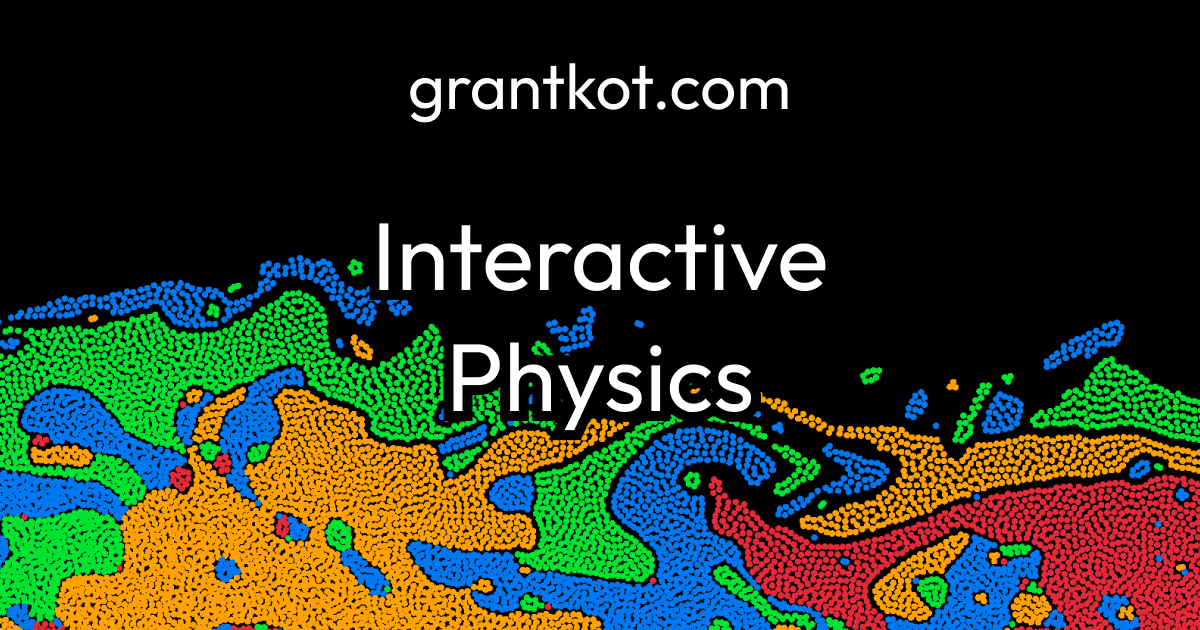

User reviews (0)