
 简体中文
简体中文 English
Website review
This review may include AI-generated content and is not individually verified. Domain, certificate and other facts come from the observed data on this page.
What is JoyPixels?
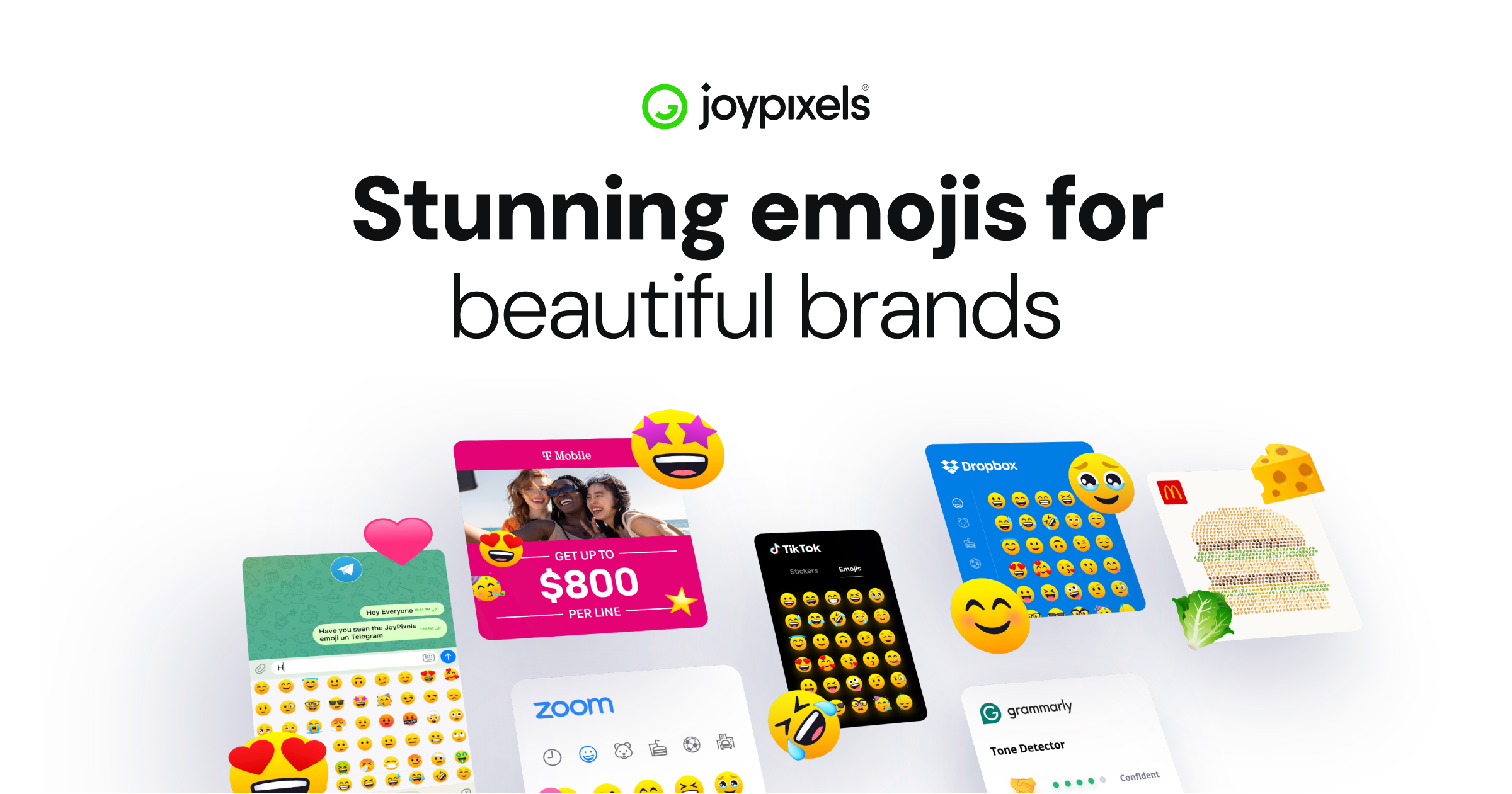
JoyPixels is an emoji provider that licenses high-quality emoji and icon packs for commercial and creative use. Rather than being a free emoji keyboard or a social app, it is a design asset library aimed at brands, agencies and developers who need consistent, professionally drawn emoji across many media. The site highlights vector artwork, which means the emoji scale cleanly from small app icons up to large print or packaging without losing sharpness.
Its main audiences and use cases, based on the site's own framing:
- Brands and agencies building campaigns with a consistent emoji look across print, social and video.
- Film, TV and streaming productions using emoji as storyboard elements, props or on-screen graphics.
- Merchandise and packaging where crisp vector emoji need to print at any size.
- App and web developers who want sharp, lightweight emoji for mobile, desktop and web interfaces.
The trade-off is licensing. JoyPixels is not a drop-in free resource; access is tied to plans and license terms, so you need to check which tier covers your intended use (for example, an app versus retail products versus advertising). The site lists separate premium and pro plans with their own license terms, and it promotes version releases with checkout discounts. It also states that its emoji have been downloaded over 15 million times and that it is trusted by leading enterprises, though the specific brand names are not detailed in the supplied evidence.
A useful next step: if you are choosing an emoji set for a commercial project, start by defining where the emoji will appear, then match that to the license tier. For a quick comparison of free versus licensed options, you can look at JoyPixels alongside open alternatives such as Twemoji to see whether you need the licensing guarantees and vector quality JoyPixels emphasizes.
How do I get a commercial license to use JoyPixels emoji in my app or product?
Get a commercial license by choosing the plan that matches how you'll use the emoji, then completing checkout and keeping the license terms for your records. JoyPixels presents itself as a full-service emoji provider with paid licensing for apps, retail products, and commercial advertising, so the practical path is: pick the use case, review the matching terms, and purchase the appropriate plan.
What to decide first
- Where the emoji appears: an app or website, physical merchandise, or advertising and video.
- How visible the emoji is: decorative accents versus a core part of the product or branding.
- Scale: a single title or campaign versus ongoing, multi-project use.
How the site is organized for this
The site separates Pricing, License Terms, and plan-specific checkout pages. Its pricing area lists both a Premium and a Pro yearly option, each with its own license terms page. That structure tells you the license is tied to the plan you buy, not a single universal agreement.
A practical path
- Open the pricing page and compare the plans against your use case.
- Read the license terms for the plan you're considering, since the terms differ by plan.
- Buy the plan, then save the confirmation and terms alongside your project records.
Example
If you're shipping a mobile app with emoji in the interface, start with the plan whose terms cover software and digital products. If you're also printing plush toys or packaging, check whether that same plan covers physical merchandise or whether you need a different or bespoke license.
When to ask directly
If your use is unusual — co-branding, large-scale retail distribution, or emoji as a central brand element — contact JoyPixels before buying. Bespoke licensing exists precisely for cases the standard plans don't cleanly cover.
For comparison, other emoji sets with their own licensing include Emojipedia as a reference source and OpenMoji, which publishes under an open license.
Can I use JoyPixels emoji in print, social media, and video advertising campaigns?
Yes. JoyPixels is explicitly positioned for commercial creative work, and its own site names print, social, and video campaigns as intended uses. The page describes “production ready” emoji for storyboards, props, and on-screen elements, and vector emoji that “print perfectly at any size” for packaging and merchandise. So the short answer is: print, social, and video advertising are within the kind of use this product is sold for — provided you hold a current license that covers your organization and output.
The practical question is not whether but which license. The site separates consumer-style plans from business licensing, and it presents Premium and Pro checkout paths with their own license terms. Those terms, not the marketing copy, define how many seats, brands, campaigns, or products you may cover. If you are an agency producing work for clients, check whether the license lets you deliver assets to a client or whether each brand needs its own license.
H3 Where each medium fits
- Print and merchandise: Vector source files are the reason this works well. You can scale to billboard or packaging size without pixelation, and recolor to match a brand palette.
- Social: Emoji read instantly at small sizes and in motion, which suits captions, stickers, overlays, and reaction graphics. The trade-off is that emoji are culturally loaded — a thumbs-up or folded-hands glyph can read very differently across markets.
- Video and film: The site mentions storyboards, props, and on-screen elements. For broadcast or streaming, confirm whether your license covers distribution on those platforms, since “advertising” and “entertainment production” are often licensed separately.
H3 A quick decision path
- Identify who the end user is: your own brand, or a client's.
- Identify the output: organic social, paid media, printed collateral, product packaging, or broadcast.
- Match that to the license tier whose terms actually name those uses.
- Keep the license terms on file alongside the campaign assets — useful if a platform or printer asks for proof.
If your use is a one-off social post, the entry tier is usually enough. If you are an agency running campaigns for multiple brands, or putting emoji on physical goods for sale, treat licensing as a procurement decision and read the terms before you build the campaign around the artwork. For a comparable licensing model to benchmark against, see Emojipedia.
What are the differences between the free and paid JoyPixels emoji versions?
The main difference is licensing scope, not the emoji artwork itself. JoyPixels offers its emoji set under different license tiers, and the free option is intended for personal or otherwise limited use, while paid tiers grant broader commercial rights. The company's own pricing page separates plans such as Premium and Pro, each with its own license terms, so the practical question is what you plan to do with the emoji rather than which set looks different.
H3 What each side typically covers
- Free: Suitable for personal projects, casual use, or evaluating the set. Commercial use, redistribution, or embedding in products generally falls outside a free license.
- Paid (Premium/Pro): Designed for creators, brands, and agencies that need emoji in apps, retail products, advertising, film, TV, or merchandise. The tier you choose determines the scope of permitted commercial use.
H3 How to decide
Ask two questions: Will the emoji appear in something you sell, advertise, or distribute? And will it be embedded in a product or platform rather than just displayed? If the answer to either is yes, you likely need a paid license. If you are making a personal design, a mockup, or a school project, the free option is usually enough.
H3 Where to check the specifics
License terms differ between the Premium and Pro plans, so compare them directly before committing. Start at JoyPixels and read the license terms linked from each plan; that is the only reliable way to confirm whether your intended use is covered. For a broader view of emoji licensing norms, the Unicode Consortium's emoji pages at Unicode explain how emoji are standardized, though they do not grant usage rights.
How do I download or integrate JoyPixels emoji into my website or mobile app?
JoyPixels is a commercial emoji set you license rather than a free script you drop in. For a website or app, the usual path is: choose the license tier that matches your use, get the emoji assets (or the library that serves them), then wire them into your front end so they render consistently across devices.
H3 Practical steps
- Open the Pricing page to see which tier fits your project — personal, app, or brand/commercial use — and read the License Terms for each, since they differ.
- Download the emoji pack or integrate the library after purchase.
- On the web, self-host the assets and replace default system emoji rendering with JoyPixels images or a font. This matters because native emoji look different on iOS, Android, Windows and older browsers; a self-hosted set gives you one consistent look.
- In a mobile app, bundle the assets or reference the library inside your project so rendering does not depend on the OS emoji font.
H3 What the page says it is for Per the site, JoyPixels positions itself as a full-service emoji and icon provider, with vector emojis that scale for print and merch, and assets described as suited to apps, websites, campaigns, film/TV and packaging. It also lists over 15 million downloads and says it is trusted by leading brands. Those are the vendor's claims, not an independent benchmark.
H3 Choosing a tier
- Personal or small project: a lower tier is usually enough if you are not monetizing or distributing at scale.
- Commercial app or website: check whether your tier covers commercial use, redistribution limits and attribution.
- Brand, retail or broadcast: the bespoke licensing route is aimed at these cases.
If you mainly need emoji in user-generated text fields, note that swapping the rendering layer means handling input, storage and fallback — system emoji in a text input will not automatically become JoyPixels images. A common middle ground is to keep native emoji for user input and use JoyPixels for designed, fixed UI elements, marketing pages and graphics.
Next step: read the License Terms linked from the pricing page before you build, then prototype with one screen or page to confirm the rendering approach works on your target browsers and devices. For licensing comparisons, you can also look at Twemoji for a free, open alternative, though its style and coverage differ.
Are JoyPixels emoji available as vector files for merchandise and packaging?
Yes. JoyPixels positions its emoji specifically for merchandise and packaging use, and the site states that its vector emojis print at any size. That matters for physical goods: vector art scales cleanly, so the same emoji can work on a small label, a hangtag, a box panel or a large poster without pixelation.
Where vector files fit
- Merchandise: apparel graphics, stickers, pins, mugs, packaging inserts.
- Packaging: boxes, labels, bags, tape, and retail display materials.
- Campaigns: print ads, social graphics and video elements, where the site also presents its emojis as a consistent visual system.
- Apps and websites: sharp, lightweight emoji sets for mobile, desktop and web.
What to check before you buy The page lists both Premium and Pro plans with separate license terms. Merchandise and packaging are usually treated differently from digital app use, so confirm that your intended channel—physical resale, packaging, advertising or an app—is covered by the plan you choose.
A practical next step: open the pricing page and read the Premium and Pro license terms side by side, then match the one that explicitly covers merchandise and packaging. If your project mixes physical goods with an app or website, check whether one license covers both or whether you need two.
For comparison, other emoji providers with their own licensing terms include Emojipedia, OpenMoji and Twemoji. Their terms differ, so treat each as a separate licensing decision rather than assuming the same rights apply.
 Cloudflare
 Amazon.com, Inc.
 Google Workspace
 Amsterdam, North Holland, The Netherlands

User reviews (0)