Website profiles · Technology insights · Alternatives

minimalistic-wallpaper.demolab.com No paid content found

Categories: Other

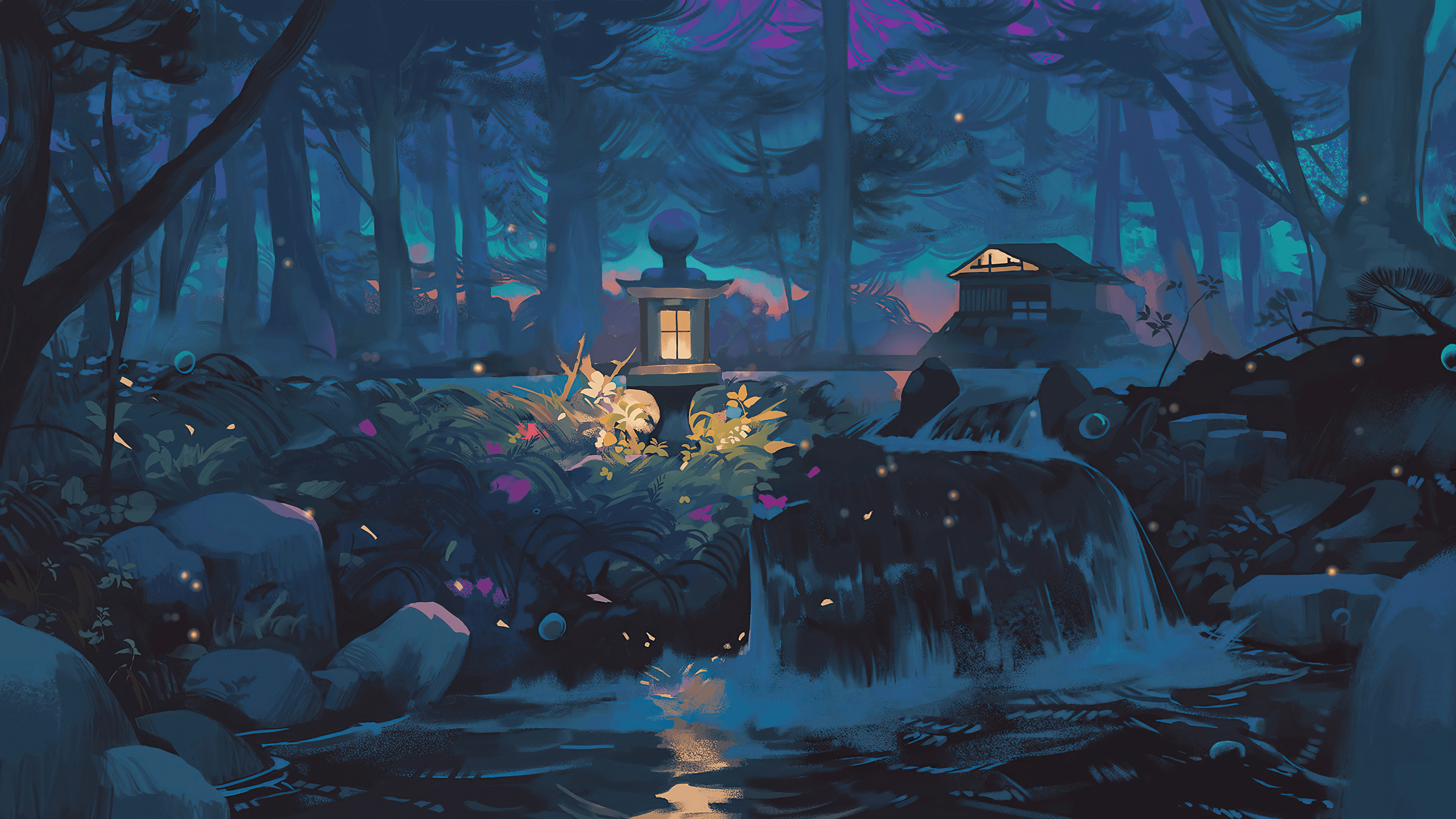
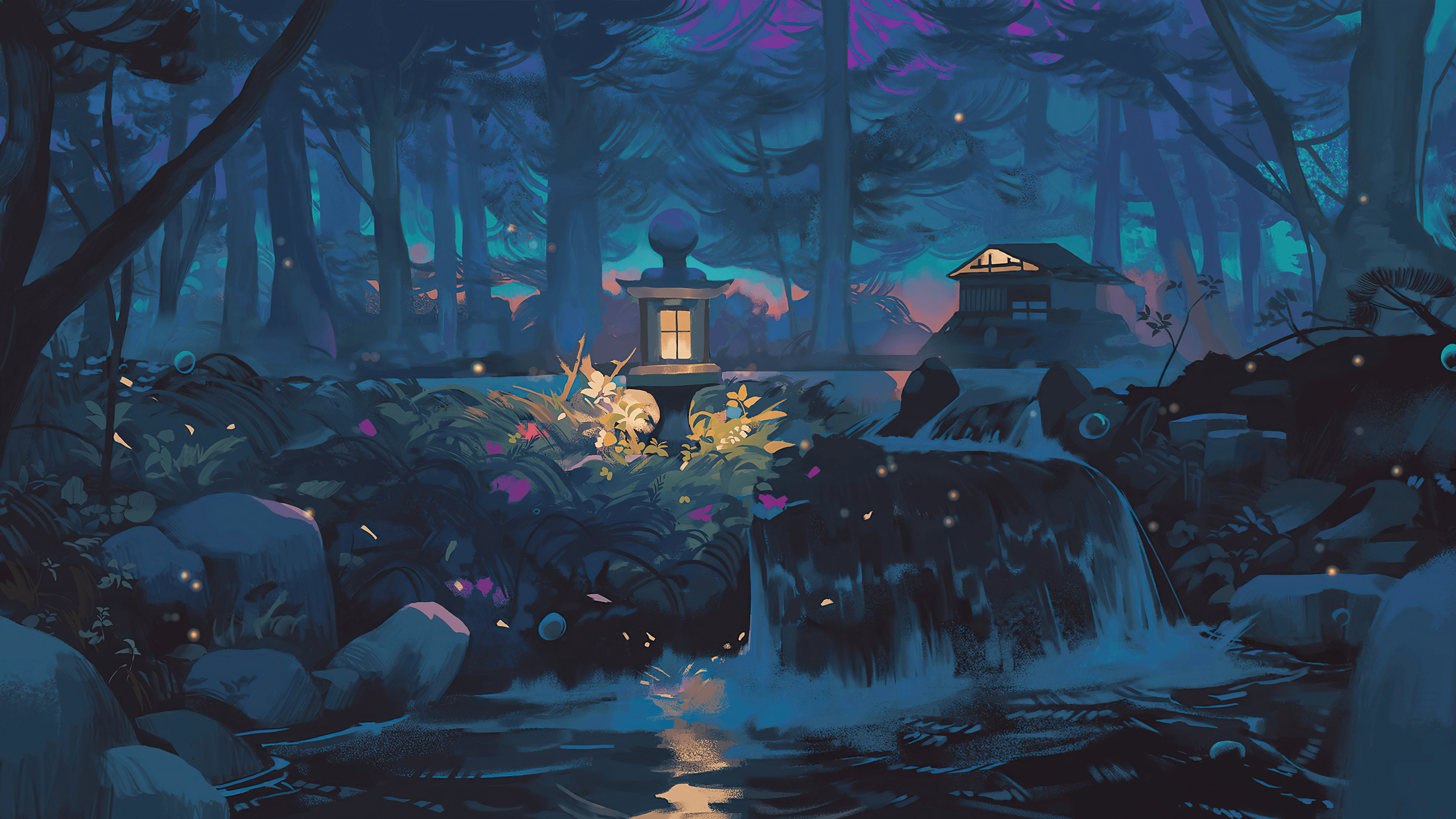
A collection of 300+ minimalistic, flat art, and colorful, digital nature wallpapers

Visit website

Updated: 2026-10-02 03:13 Language: English (default) Access: Normal

Profile views 8 Outbound visits 1
Minimalistic Wallpaper Collection Full homepage screenshot
Editorial Review

Website Review

What is Minimalistic Wallpaper Collection?

Minimalistic Wallpaper Collection is a free gallery of 300+ desktop and phone wallpapers in minimalistic, flat-art, and colorful digital-nature styles. It's a curated collection rather than an original design studio: the page states the images are not designed by the site owner but mostly gathered from Reddit and other sources.

What you'll find

  • Minimalistic and flat-art backgrounds — clean shapes, limited palettes, lots of empty space.
  • Colorful digital nature scenes — stylized landscapes rather than photographs.
  • Enough variety to rotate wallpapers monthly without repeating.

Who it's for

  • Anyone who wants a calm, uncluttered desktop or lock screen.
  • People who prefer flat illustration over photo wallpapers.
  • Users on limited bandwidth: flat-art images tend to compress well, so they usually load faster than detailed photography.

Trade-offs to know

  • Because the images are collected rather than commissioned, licensing and original attribution are unclear. For personal screens, that's rarely a problem; for commercial use, client work, or republishing, treat the source as unverified and check the original creator before using anything.
  • Curation means the set reflects someone else's taste, so expect gaps in specific themes or resolutions.

A practical next step Open the collection and filter by mood rather than by category: pick one muted wallpaper for focused work and one brighter digital-nature piece for a personal device. If you need guaranteed rights, use it for inspiration only and look for openly licensed alternatives such as Unsplash or Pexels.

Are the wallpapers free to download and use?

Yes—the site presents its images as a free collection you can download and use. There is no pricing signal on the page: no prices, no payment platforms, no login or signup requirement mentioned. It describes itself as a collection of 300+ minimalistic, flat art, and colorful digital nature wallpapers, and the page itself is simply a gallery.

One important caveat comes from the site's own disclaimer: the images are not designed by the site owner and are "mostly collected from Reddit and other sources." That means the site is a curated gallery, not the copyright holder. "Free to download" is therefore not the same as "free of copyright restrictions." For personal use such as a phone or desktop background, that distinction rarely matters in practice. For commercial use—a product page, an ad, a video thumbnail, merchandise—it does.

What to check before using one

  • Personal wallpaper use: Low risk. Download and set it as your background.
  • Public or commercial use: Find the original creator first. Reverse image search the file, or look for a signature, watermark or source link.
  • Attribution: If you cannot identify the creator, treat the image as "unknown license" and avoid commercial use.
  • Modifications: Editing or redistributing a collected image can raise separate issues from simply displaying it.

If you need images you can safely reuse commercially, a better path is a source with explicit licensing, such as Unsplash or Pexels, where each image carries stated terms. A practical rule: use this collection for your own screen, and switch to a licensed source the moment the image appears in something you publish or sell.

How can I set these wallpapers as my desktop or phone background?

Setting a wallpaper from this collection is a simple download-then-apply process. The site itself is a gallery, not a wallpaper manager, so you save an image to your device and use your operating system's built-in wallpaper settings.

Desktop

  1. Open the collection at Minimalistic Wallpaper Collection and click or tap the image you want.
  2. Save the full-size file rather than the thumbnail — a browser right-click and "Save image as…" usually gets you the largest version the page serves.
  3. Apply it:
    • Windows: Settings → Personalization → Background → Browse, then pick the saved file.
    • macOS: System Settings → Wallpaper → Add Photo, then choose the file.
    • Linux (GNOME/KDE): Right-click the desktop and choose "Change Background," or use your desktop environment's appearance settings.

Phone

  1. Save the image to your camera roll or Photos app (long-press on mobile and choose "Save image" or "Download image").
  2. iPhone: Photos → open the image → Share → Use as Wallpaper, then choose Lock Screen, Home Screen, or both. You can pinch to reposition.
  3. Android: Photos/Gallery → open the image → menu (⋮) → Set as wallpaper, or long-press the home screen → Wallpapers → choose from Gallery.

Practical notes

  • Match orientation to screen. These are flat, minimal designs, so a mismatched aspect ratio is more noticeable than with busy photos. A landscape image on a portrait phone will crop heavily or leave bars; pick a composition with empty space where the crop will land.
  • Watch for scaling artifacts. If a file is smaller than your display resolution, stretching softens edges and flat color blocks can band. Prefer the largest version available.
  • Desktop icons and text. Very light or very busy areas behind your icons reduce label legibility; darker or plain regions work better.
  • Credit where it's due. The page states the images are collected from Reddit and other sources rather than designed by the site owner, so treat them as a personal-use gallery and check the original source before republishing.

A useful next step: download two or three candidates, apply each for a day, and keep the one that stays readable behind your icons and app labels — that practical test beats judging them in a browser tab.

What image resolutions are available for different screen sizes?

The page does not publish a resolution list. It describes itself as a collection of 300+ minimalistic, flat art, and colorful digital nature wallpapers, and the images are described as collected from Reddit and other sources rather than designed for the site. That means there is no single set of export sizes—each wallpaper's dimensions depend on wherever it was originally posted.

What that means in practice

  • Desktop: You will likely find a mix of common widescreen sizes and some taller or squarer originals. If your monitor is 2560×1440 or 3840×2160, expect to scale some images up, which softens flat-color edges less than it softens photos—often acceptable for this style.
  • Phone: Portrait wallpapers are hit-or-miss in a collection sourced from desktop-oriented communities. You may need to crop a wide image to your phone's aspect ratio, so check that the main subject sits near the centre before setting it.
  • Tablets and dual monitors: Uncommon aspect ratios are the hardest to match. Cropping is usually the only option.

How to choose without a spec sheet

  1. Open the image at full size and check its pixel dimensions in your browser or file viewer.
  2. Compare against your screen: match the width for desktop, the height for portrait phone use.
  3. If you must crop, favour images with large empty areas—minimalist compositions survive cropping far better than busy ones.

As a next step, download one candidate and test it at your actual screen size before committing; flat, low-detail art tends to upscale more gracefully than detailed photography, so a slightly small file is often fine.

Can I use these wallpapers for commercial projects?

The site itself does not grant you commercial rights. Its own disclaimer says the images were not designed by the site owner and were mostly collected from Reddit and other sources, so the collection is a gallery of third-party work rather than a licensed stock library. Any commercial use depends on the terms set by each original creator, not on Minimalistic Wallpaper Collection.

What that means in practice

  • Personal use (your own desktop, phone, personal blog with no ads) is the low-risk case, though even then some artists ask for credit or prohibit reposting.
  • Commercial use — client work, merchandise, YouTube thumbnails for a monetized channel, app backgrounds, print products, advertising — requires a license or explicit permission from the copyright holder.
  • Reddit is not a license. A image posted to a subreddit may be the uploader's own work, a repost, or someone else's art shared without permission. The platform's terms do not transfer rights to you.

A practical workflow

  1. Pick the specific image you want.
  2. Try to trace it to the original artist (reverse image search, the Reddit post's author, a linked portfolio).
  3. Check that source for a license — Creative Commons, a commercial-use statement, or a contact address.
  4. If you can't identify the owner or find a license, treat it as unusable for commercial work.
  5. When in doubt, email the artist and ask; a short permission note in writing is enough for most small projects.

If you need wallpapers you can use commercially without chasing permissions, licensed sources are a safer starting point, for example Unsplash or Pexels, whose licenses cover commercial use with some restrictions on reselling unmodified copies.

How do I find a specific style like flat art or digital nature?

Use the collection's own categories rather than scrolling blindly: the site organizes its 300+ images as minimalistic, flat art, and colorful digital nature wallpapers. So start by deciding which of those three labels matches what you want, then browse only that group.

Matching your goal to a category

You want Look under Typical result
Clean, low-detail backgrounds that don't compete with desktop icons Minimalistic Quiet, sparse compositions
Bold shapes, solid color blocks, poster-like graphics Flat art Graphic, illustration-style images
Landscapes, skies, foliage with saturated color Digital nature Scenic but stylized, not photographic

A practical next step: open the collection, pick the category closest to your intent, and shortlist three or four candidates before downloading anything. Then test each one as your actual desktop background for a day, since a wallpaper that looks striking in a gallery can make icons and window text hard to read.

A concrete example: if you keep losing track of file names against a busy photo, flat art with large areas of a single muted color usually works better than a detailed nature scene. Conversely, if your desktop is mostly empty, a colorful digital nature image adds interest without clutter.

One thing worth knowing before you commit: the site states the images were not designed by its author and were mostly collected from Reddit and other sources, with the site itself credited to Jonah Lawrence. That means provenance varies image by image, so if you plan to use one publicly—on a stream, a video, or a product page—treat it as you would any unverified web image and confirm the original creator's terms first. For personal desktop use this is rarely a concern.

If you want a broader pool to compare styles against, Unsplash and Pexels both let you filter by orientation and color, which helps when you've settled on a direction but not a specific image.

Related questions

More questions →
How to Share Photos and Files With Horizon: Uploading, Privacy, and Embedding

Horizon is a file hosting service for uploading and sharing photos, videos, documents, links, and clipboard content. It fits anyone who needs a fast, private way to send large media or embed files on a website or social platform. You sign up, upload through the web or a desktop tool, then share the generated link or embed code. Privacy is handled through optional at-rest AES encryption you toggle on, and sharing works across Mac, Linux, Windows, iOS, and the web.

What you can upload and share

Horizon is built around media and document sharing rather than a single file type. According to the site, you can upload and share:

  • Photos — including formats like JPEG (the site shows an example named IMG_1137.jpeg)
  • Videos — including .mov and .mp4 files, with streaming-optimized playback
  • Documents — such as PDFs (examples include Event Agenda 2024.pdf and client-info.pdf)
  • Links — you can create shortened links to your site
  • Clipboards — clipboard sharing is supported, and on Mac and Linux the desktop app simplifies screen capture and clipboard sharing

The service describes itself as "the home for all your files, small or large," so it isn't limited to images. If your main goal is photos, the same upload-and-share flow applies.

How the sharing flow works

The core loop is: upload → get a link or embed → share it. The homepage shows a shared link in the form https://i.horizon.pics/... alongside an uploaded video, which is the kind of URL you'd paste into a chat or post.

  1. Sign up and start uploading. The site's call to action is "Sign up and start uploading for free." Note that the page does not list pricing details or payment options, so treat any cost or account limits as unconfirmed by the source material.
  2. Upload your file. You can do this through the web, or through a desktop integration depending on your OS (see the platform section below).
  3. Share the result. Horizon generates a link you can send directly, or embed code you can place on a site. It also supports shortened links to your site.

Embedding on websites and social platforms

Horizon lets you customize how uploaded files appear and share them across platforms like Discord, X, and Telegram. For websites, the site says you can embed images, videos, and audio "with just a few clicks and a line of code." It also offers a content delivery network (CDN) so you can offload delivery to Horizon's infrastructure and optimize site performance.

If you're sharing to a social platform, the embed customization is what makes your content "catch the eye" rather than appear as a plain link.

Privacy and encryption

Horizon's privacy model centers on at-rest encryption. The site states that files remain private and secure with advanced at-rest encryption, and that activating AES encryption is "as simple as flipping a switch." That means encryption is an option you turn on per your needs, adding a layer of security on top of the default hosting.

Two practical points from this:

  • Encryption protects stored files; it's described as at-rest, not as end-to-end messaging encryption.
  • Because it's a toggle, you decide which uploads need the extra protection.

The service also emphasizes shortened links, which keep shared URLs tidy and can avoid exposing long file paths.

Using Horizon across devices

Horizon integrates with several platforms, and the right setup depends on your operating system:

Platform How you connect
Mac and Linux Custom desktop app for screen capture and clipboard sharing
macOS and iOS Partnership with Dropshare
Windows Configure ShareX with a single click
Web Upload and share directly through the browser

If you mainly share photos from a phone, the Dropshare route covers Apple devices. If you're on Windows and want quick screenshot-to-link workflows, ShareX is the documented path. For Mac and Linux users who capture screens or share clipboards often, the custom desktop app is the intended tool.

Video streaming and organization

Two features matter if you share video or accumulate files:

  • Streaming-ready playback. Horizon says it's optimized for seamless video playback, so videos load quickly and play smoothly whether you're sharing with a small audience or streaming to a large group. The claim is buffer-free, high-quality streaming.
  • Organized sharing. The site lists "Organized sharing" as a core feature area, positioning Horizon as a place to keep shared files managed rather than scattered.

Quick decision guide

  • Choose Horizon if you want one place to upload photos, videos, docs, links, and clipboard content, share them via links or embeds, and optionally turn on AES encryption for stored files.
  • Pay attention to the platform match — Apple users get Dropshare, Windows users get ShareX, and Mac/Linux users get the custom desktop app for capture and clipboard work.
  • Check pricing and account limits yourself. The source page does not state prices or payment platforms, so don't assume the free signup covers every use case or file size.
What Pictures on Encyclopedia.com Are For and How to Find Them

Encyclopedia.com describes itself as an online dictionary and encyclopedia offering "pictures, facts, and videos" alongside millions of articles, so images are positioned as one of the core content types rather than decoration. You can use them to clarify a topic, support a homework answer, or decide whether an article is worth reading in full. The catch: the site's own description does not spell out a dedicated image search or a licensing policy, so treat pictures as part of an article page and verify reuse rights separately before publishing anything.

What pictures add to an encyclopedia entry

An online encyclopedia entry combines several layers of information. The site's own description lists three: pictures, facts, and videos. In practice that means:

  • Facts carry the definition, dates, names, and context — the part you cite.
  • Pictures give you a visual anchor: what an organism, artifact, place, or diagram actually looks like.
  • Videos cover processes or events that are hard to capture in a still image.

For a reader, the picture is often the fastest way to confirm they are on the right article. If you searched for "The Anglerfish" and the page shows a deep-sea fish with a bioluminescent lure, you have immediate confirmation that the entry matches your query.

How to find pictures on Encyclopedia.com

The site's search is built around articles, not images, so the practical route is article-first.

  1. Start with the search box. The homepage states you can "Search over 200 individual encyclopedias and reference books." Enter your topic — for example, "Boston Tea Party" or "Pyrenees."
  2. Open a matching article. Results lead to entries drawn from the site's reference collections.
  3. Scan the article page for visual content. Images, diagrams, and videos appear within the entry rather than in a separate gallery.
  4. Use the topic browse as a backup. The site organizes content into broad areas — Earth and Environment, History, Literature and the Arts, Medicine, People, Philosophy and Religion, Places, Plants and Animals, Science and Technology, Social Sciences and the Law, Sports and Everyday Life, and Additional References. Browsing a category can surface illustrated entries you would not have thought to search for.
  5. Check the "Recently researched" and "Picks of the week" blocks. These highlight entries such as Pandemic Flu, Bacteriophages, and The Anglerfish — topics where a picture or diagram does a lot of explanatory work.

Expected result: you land on an article page where the image sits next to the text it illustrates, so you can read the caption and the surrounding paragraph together.

Common snag: if a topic returns only text-heavy entries, try a narrower or more concrete term (a species name, a specific event, a named place) rather than an abstract concept.

Using pictures for homework and research

Pictures are most useful when they answer a question the text leaves open.

  • Identification tasks: "What does this organism look like?" — a labeled image settles it faster than a paragraph.
  • Sequence and structure: diagrams of processes or anatomy show relationships that prose describes linearly.
  • Cross-checking: if a caption and the article text disagree on a date or name, that is a signal to check another source.
  • Note-taking: record the article title and the topic area alongside the image description, so you can find the entry again.

For a concrete example: if your assignment is to explain how an anglerfish attracts prey, the article text gives you the mechanism and the picture shows the lure's position on the head. Together they cover both the "what" and the "where."

Pictures, facts, and videos working together

Content type Best for How to use it
Facts (text) Definitions, dates, names, context Cite this for written answers
Pictures Appearance, structure, identification Use to confirm and illustrate
Videos Processes, motion, events Use when a still image is not enough

The three are meant to be read together on the same page. A video without the article text often lacks the names and dates you need to cite; a picture without the caption loses its context.

Citing and reusing images: what to check

The site's description does not state an image licensing or reuse policy, and no pricing or permission terms appear in the available page content. That means you should not assume images are free to republish.

Before reusing any picture:

  • Look for a credit line or source note attached to the image or article.
  • Check the publisher named in the article — the site draws on "over 200 individual encyclopedias and reference books from the world's most trusted publishers," and rights may sit with the original publisher.
  • Check the site's own terms. The footer links to Privacy & Cookie Policy and Terms and Conditions, which govern use of the site.
  • For schoolwork, follow your institution's citation rules and cite the article, not just the image.
  • For anything public, contact the rights holder or use a source with an explicit reuse license.

Quick decision guide

  • Need a visual to understand a topic? Search the topic, open the article, read the image with its caption.
  • Need something to cite in a paper? Cite the article text; treat the image as supporting material and check rights first.
  • Need to show a process? Look for a video on the same entry before settling for a still image.
  • Cannot find a picture? Try a more concrete search term or browse the relevant topic category.
What Is Skinbase and How Do You Find Wallpapers on It?

Skinbase is a community platform for digital art, wallpapers, skins, and photography, where creators upload work and visitors browse it through several curated discovery sections. You can use it to find wallpapers by starting from the homepage rails — Rising Now, Trending This Week, Fresh Uploads, Community Favorites, and Hall of Fame — then opening an individual artwork or creator page to view and download the piece. General browsing is the core of the site; some academy or premium content may involve pricing, so treat paid access as a separate, optional layer rather than the default.

What Skinbase actually is

Skinbase describes itself as a place to "discover digital art, wallpapers, skins, and photography from a global creator community." The homepage presents this as a browsable gallery rather than a single storefront: works are grouped into themed rails, and each item links to an artwork page and a creator profile.

The content mix matters if you're specifically hunting wallpapers. The site's categories include digital art, photography, and skins alongside wallpapers, so not every item is sized or intended as a desktop or phone background. Photography and digital art pieces often work as wallpapers, but you should check the artwork page for the actual image before committing.

The five discovery sections and what each one tells you

The homepage organizes work into five rails. They differ mainly in what signal they surface, which is the useful part when you're deciding where to look.

Section What it surfaces Best for
Rising Now Works gaining momentum right now Catching new pieces early
Trending This Week Popular items over the current week Seeing what the community is into lately
Fresh Uploads Newest additions Finding the latest work first
Community Favorites Strongest 30-day medal signal Judging recent community approval
Hall of Fame All-time medal standouts Finding established, long-liked work

A practical browsing order: use Fresh Uploads if you want something new, Trending This Week if you want a safe bet, and Hall of Fame if you want proven classics. Rising Now sits between new and trending — it's the early-signal rail.

How community signals (medals) work

Skinbase uses medals as its visible quality/popularity signal. The Community Favorites rail is explicitly described as highlighting "the strongest 30-day medal signal," and each entry shows a count — for example, "30d medals: 10" or "30d medals: 5."

Two things to understand:

  • The number is a 30-day window, not an all-time score. A high count means recent community approval, not historical fame. That's why Community Favorites and Hall of Fame can show different works.
  • Medals are a proxy, not a guarantee. A piece with 10 medals in 30 days is clearly resonating, but medals reflect community reaction, not resolution, aspect ratio, or whether the image suits your screen. Use medals to shortlist, then check the artwork itself.

In the sample data, "My Art" by bagelriver leads Community Favorites with 10 medals, while several works sit at 5 — including pieces by Gregor Klevže, Paul R. Herold, and Hythem Khalifa. The same creators appear across multiple rails, which tells you the community rewards consistent uploaders.

Finding and downloading a wallpaper: step by step

  1. Start on the homepage and pick a rail based on what you want (new, trending, or proven).
  2. Scan the thumbnails and titles. Titles are descriptive — "Golden Dune in Darkness," "Mediterranean Coast from Above," "Full Moon 8-27-2026" — so you can often judge subject matter before clicking.
  3. Open the artwork page by selecting the piece. This is where the full image and its details live.
  4. Check the creator if you like the style. Creators like Gregor Klevže, Paul R. Herold, Hythem Khalifa, and bagelriver appear repeatedly, so a creator page is a fast way to find more in the same vein.
  5. Download or save the image from the artwork page. Expect the standard browser flow (open image, save, or a download control) rather than a specialized app.

Verification: after saving, confirm the file opens at the resolution you need. If a piece is a photograph or digital artwork rather than a purpose-built wallpaper, it may need cropping or scaling to fit your display.

Common sticking points

  • Not everything is a wallpaper. The site mixes wallpapers, digital art, skins, and photography. If you need an exact screen size, check the image dimensions before setting it.
  • Medal counts reset in meaning over time. A 30-day medal count can drop off even for a strong piece, so a work absent from Community Favorites isn't necessarily unpopular — check Hall of Fame for all-time standouts.
  • Pricing is a separate question. Skinbase has academy/pricing pages, and at least one premium prompt page exists, so some content may be paid. The site's general browsing and discovery rails are presented as the main experience; don't assume every piece is free, and don't assume browsing requires payment either. Check the specific page if cost matters to you.

Quick answer

If you just want a wallpaper: open Skinbase, browse Trending This Week or Fresh Uploads, click a piece you like, and download it from the artwork page. If you want the community's current favorites, use Community Favorites and read the 30-day medal counts. If you want proven classics, go to Hall of Fame. Follow creators whose style fits your screen, and verify image dimensions before setting anything as a background.

Website Overview

An established domain and managed infrastructure suggest continuity of operations and may support dependable delivery, although neither guarantees service quality. Several search or sharing settings need attention. Together they may make snippets, preview images or preferred URLs less consistent across platforms.

Domain and Registration

Registered in 1998, this domain has about 27 years of history. That suggests continuity, although ownership and purpose may have changed. Transfer-protection status is present, helping reduce the risk of unauthorized domain transfers. The registrar is GoDaddy.com, LLC, a widely used domain service provider. The domain uses the common .com extension, which is not an independent safety signal.

DNS and Email

MX records exist, but SPF, DKIM and DMARC were not detected. Protection against domain impersonation may be incomplete. Nameservers are provided by Cloudflare, indicating managed DNS hosting. MX records point to the pair.com email service. No CNAME was found; the observed records resolve directly to addresses. DNSSEC signatures were not detected, so this additional DNS authenticity protection is not confirmed.

TLS and Certificates

The public key uses EC with 256 bits. The server supplied a complete certificate chain. No organization name is present in the certificate; the available fields are consistent with domain validation. The certificate was issued within the Google Trust Services cloud or CDN ecosystem. The certificate's total validity is about 90 days, consistent with a short renewal cycle.

HTTP and Browser Security

X-Powered-By exposes backend information: PHP/8.5.2. The response lacks these common security headers: CSP, X-Content-Type-Options, Referrer-Policy, Permissions-Policy, clickjacking protection. The cf-ray response header indicates a CDN or caching proxy in the delivery path. No obvious internal addresses or debug information were found in the headers. The Server header identifies cloudflare without an exact version.

Technology Stack Analysis

The public page identifies Cloudflare, Vercel, PHP without precise versions, leaving fewer clues for version-specific scanning.

Search and Social Sharing

No homepage canonical URL was detected. If duplicate URLs exist, consolidation may be less explicit. Open Graph is partially configured; og:type is missing. The title has 33 characters, within a common display range. A meta description is present, with 84 characters. The observed directives allow indexing and link following.

Hosting and Email

DNSCloudflare
HostingVercel
Emailpair.com
Location Location unknown 104.21.54.111

User reviews (0)

  • No reviews yet.

Pages, Search and Sharing

Meta descriptionA collection of 300+ minimalistic, flat art, and colorful, digital nature wallpapers
Canonical URLNot detected
LanguageEnglish (default)
Twitter CardNot detected

Unknown

No sitemaps found

Registration details RDAP / WHOIS

RegistrarGoDaddy.com, LLC
Registered1998-11-05
Expires2026-11-04
Domain statusclient delete prohibited、client renew prohibited、client transfer prohibited、client update prohibited
Nameserversken.ns.cloudflare.com、lia.ns.cloudflare.com
DNSSECunsigned

DNS records

TypeNameValueTTLPriority
Aminimalistic-wallpaper.demolab.com104.21.54.111300—
Aminimalistic-wallpaper.demolab.com172.67.138.54300—
AAAAminimalistic-wallpaper.demolab.com2606:4700:3031::6815:366f300—
AAAAminimalistic-wallpaper.demolab.com2606:4700:3037::ac43:8a36300—
MXdemolab.commailwash58.pair.com30050
NSdemolab.comken.ns.cloudflare.com86400—
NSdemolab.comlia.ns.cloudflare.com86400—

TLS and certificates

AssessmentNormal configuration
Supported protocolsTLSv1.2、TLSv1.3
Negotiated protocolTLSv1.3
Certificate subjectdemolab.com
IssuerGoogle Trust Services
Valid until2026-12-23T03:35 · Remaining when checked: 82 days
Verification detailsCertificate trust: Passed · Hostname match: Passed

HTTP response headers

HeaderValue
content-typetext/html; charset=UTF-8
cache-controlpublic, max-age=0, must-revalidate
servercloudflare
strict-transport-securitymax-age=63072000

Identified technologies

CloudflareVercelPHP