
 简体中文
简体中文 English
Website review
This review may include AI-generated content and is not individually verified. Domain, certificate and other facts come from the observed data on this page.
What is Photomath?
Photomath is a math-learning app that lets you point your phone camera at a printed or handwritten problem and get a worked solution. The page describes a simple three-part flow: Scan (or type into a smart calculator, including word problems), Solve (a result appears for your exact problem, sometimes with more than one method), and Learn (you step through the explanation rather than just copying the answer). It covers elementary math through college-level topics such as algebra, geometry, trigonometry, statistics, and calculus.
The practical distinction is between getting unstuck and actually learning. If you only need a final answer, a plain calculator or search engine is faster. Photomath's value shows up when you're stuck mid-homework and need to see why a step works, or when you want to check your own work after solving by hand.
Who it fits
- Students doing homework who need an explanation at the moment they're stuck, not the next day in class.
- Parents helping with math they haven't studied in years — the step-by-step view gives them something to follow alongside their child.
- Self-studiers reviewing topics before a test, using the multiple-method options to compare approaches.
A realistic scenario
You're working through quadratic equations and get the wrong answer on problem 7. Instead of searching for a similar example, you scan it, compare your line-by-line work against the app's steps, and spot that you dropped a negative sign when factoring. That's the intended use: the app as a check and a tutor, not a replacement for attempting the problem.
Trade-offs to weigh
Scanning works best on clear, well-lit text; messy handwriting or unusual notation can trip it up. The bigger risk is behavioral — reaching for a scan before trying yourself can turn a learning tool into an answer key. The page lists a free Basic tier and paid annual and monthly options with the same listed features, so if you're considering paying, confirm what the paid tier actually adds before committing.
Next step
Pick one problem you've already attempted and got wrong. Scan it, read each step, and try to name the specific step where your work diverged. If you can't find that moment, the explanation isn't doing its job for you — that's your signal about whether the tool suits how you learn.
How do I scan a math problem with Photomath?
Open the Photomath app, point your phone's camera at the printed or handwritten problem, and let the app detect it — the scan is the entry point the site itself describes as "Just scan the problem with our app—even word problems."
H3 Practical steps
- Launch Photomath and choose the scan option rather than the calculator.
- Hold the camera above the problem so the whole expression or word problem sits inside the frame.
- Wait for the app to lock onto the text; it recognizes the problem and returns a solution for that exact problem.
- If the camera misreads a symbol, correct it by hand or switch to the smart calculator and type the problem instead, which the site lists as the alternative input method.
- Tap through the steps rather than stopping at the answer — the explanations are the part meant for learning, and the site notes there may be several methods to choose from.
H3 What makes a clean scan
- Even, indirect light; glare on a glossy textbook page is the usual culprit behind a failed read.
- One problem per frame, with the equation number and surrounding text kept out.
- Clear handwriting if the problem is on paper you wrote yourself; faint pencil is harder than pen.
- A flat page — a curved book spine distorts fractions and exponents.
H3 Who this suits A student working through a problem set late at night gets the fastest payoff: scan, check the step you got stuck on, move on. A parent helping with elementary or algebra homework can use the steps to refresh the method before explaining it. Someone in trigonometry, statistics or calculus is covered too, since the site lists those as supported levels.
The trade-off is the obvious one: scanning gives you an answer quickly, and it is easy to copy the result without reading the reasoning. The site's own framing is that it is "designed for learning" and that you should check each step — treat the scan as the start of the work, not the end of it.
H3 If scanning does not work Try the smart calculator for typed input, or move to a darker surface with better contrast. For a second opinion on a method, Khan Academy explains topics from the ground up, and WolframAlpha is useful when you want to check a result independently.
Is Photomath free to use?
Photomath is free to use at a basic level, but it is not entirely free. The app offers a free tier and paid subscription options, so what you can access depends on which tier you use.
What the free basic tier includes
- Step-by-step explanations
- Custom visual aids
- Extra "how" and "why" tips
Paid options on the page
- Best Value, billed annually: $69.99 USD
- Billed monthly: $9.99 USD
The page also lists a "Start trial" option for the paid plans, so you can test the full feature set before committing.
Practical takeaway
If you just need help scanning and understanding a problem, the free tier may be enough. If you want the complete learning experience with all explanations and tips, you will likely need a subscription. Check the app store listing for your device to confirm current pricing and trial terms before subscribing, since these can change.
A useful next step: download the free version, try a few problems, and see whether the free explanations cover your needs before starting a trial.
Can Photomath solve word problems?
Yes. Photomath's own description says you can "scan the problem with our app—even word problems," and it also offers a smart calculator for typing problems in. So word problems are explicitly within its scope, not just equations.
What that looks like in practice: you point your camera at a printed or handwritten problem, and the app returns a solution for that exact problem, sometimes with more than one method to choose from. From there you can open each step to check how the answer was reached.
A few things worth knowing before you rely on it:
- Setup matters more for word problems. Equations are compact and easy to frame; a paragraph of text is not. Good lighting, a flat page and a tight crop around just the problem usually give the best chance of a clean scan.
- Typing is the fallback. The smart calculator is there for problems the camera struggles with, which is common when text is long, cramped or handwritten.
- The steps are the point. The product is framed around learning, with "how" and "why" tips in the paid tiers. If you only copy the final answer, you get much less out of it than if you read the reasoning.
- Coverage spans levels. The listed range runs from elementary math through algebra, geometry, trigonometry, statistics and calculus.
A useful test: scan one word problem you already know how to solve and read the steps rather than the answer. If the method matches what you were taught, trust it for the ones you're stuck on. If it takes a shortcut your teacher won't accept, treat the result as a check rather than a model answer.
For a second opinion on a problem, Wolfram Alpha handles typed natural-language questions well, and Khan Academy is better for building the underlying method than for getting a single problem solved.
What math topics does Photomath cover?
Photomath covers math from elementary school through college-level courses. According to the site, its subject list is:
- Elementary math
- Algebra
- Geometry
- Trigonometry
- Statistics
- Calculus
That range means the same app can follow a student across several years of school rather than serving only one course. A parent helping with a child's fractions in elementary math, a high-school student stuck on a geometry proof, and a college student checking a calculus step could all use it, though the depth of explanation matters more at higher levels.
The site also says the scanner handles word problems, not just numeric expressions, and that some problems offer multiple solution methods. That is useful when a teacher expects a particular approach. For example, if your algebra class solves quadratics by factoring but the app shows the quadratic formula first, you can check whether another method is listed before assuming you made an error.
If you want to judge fit, pick one problem you already solved correctly and scan it. Compare the app's steps with your own method; if the explanations match how your class teaches the topic, it will be more helpful for homework and test review.
How does Photomath help me learn math step by step?
Photomath is built around a simple loop: point your camera at a problem, see the answer, then walk through the steps that produced it. The page describes three stages — Scan, Solve, Learn — and says the app handles word problems as well as typed input through a smart calculator. Coverage is listed as elementary math through college, including algebra, geometry, trigonometry, statistics and calculus.
What the step-by-step flow looks like in practice
Say you are stuck on a quadratic equation. You scan it, get the solution, then expand each line of working. The useful part is not the final number but the reasoning between lines — where a term was factored, why a sign flipped, which rule was applied. The page also notes that some problems offer multiple methods, which matters when your teacher expects one approach (for example, completing the square rather than the quadratic formula).
Where it fits different learners
| Situation | How the app tends to help | Where it falls short |
|---|---|---|
| Homework you can almost do | Checking each step confirms where you went wrong | Tempting to copy the answer and skip the reasoning |
| A topic you missed in class | Multiple methods show alternative routes to the same result | No replacement for a teacher diagnosing a conceptual gap |
| Exam revision | Fast verification of practice problems | It will not build speed or recall on its own |
| Word problems | Scanning and input both supported | Setting up the equation is still the hard part you must learn |
A realistic reader scenario
A student preparing for a calculus test works through a problem set, scans the two questions they cannot start, and reads only the first two steps before closing the app and finishing by hand. That habit — take the hint, not the answer — is what turns a solver into a study tool. The page frames this as its intent: explanations "so you can learn as you go," with extra "how" and "why" tips on paid tiers.
Next step
Pick one problem you already solved correctly, scan it, and compare your working to the app's steps. If the app's method differs from your teacher's, that is a signal to ask which is expected. If you want a second explanation style for the same topic, Khan Academy offers free instructional videos and practice, and Wolfram Alpha is useful for checking results when you only need confirmation rather than a lesson.
 Google Cloud DNS
 Google Workspace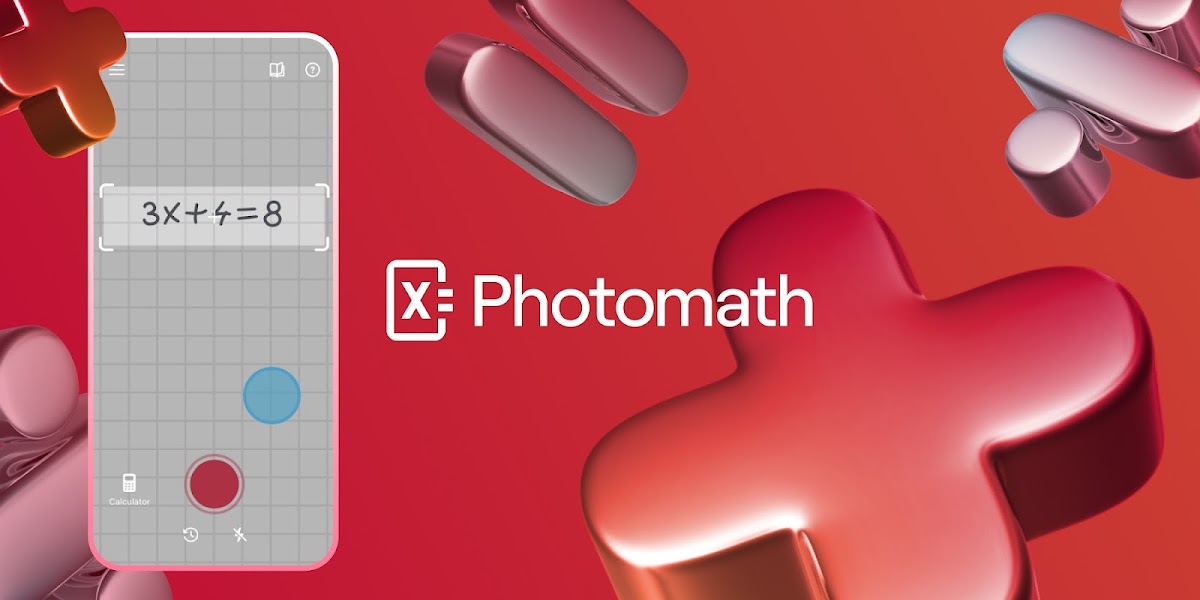

User reviews (0)