
 简体中文
简体中文 English
Website review
This review may include AI-generated content and is not individually verified. Domain, certificate and other facts come from the observed data on this page.
What is Podify.io?
Podify.io is a LinkedIn growth tool aimed at people who want more reach, engagement and followers without spending hours on the platform. According to its site, it combines content creation, trending-topic analysis, audience insights and engagement support in one place, with a pitch of "5 min per day." It is designed for personal-brand building—consultants, creators, founders and others who sell or build reputation through their own LinkedIn presence—rather than for managing a company page at scale.
What it actually does
From the page evidence, the main pieces are:
- Audience meter: checks whether a draft is written for your actual audience or "for crickets," and suggests making it more creative.
- Turning audience questions into content: shows what people are searching or asking, generates answers, and lets you select questions to build posts from.
- Trending-topic analysis: surfaces what is performing on LinkedIn so you can shape posts around it.
- Format conversion: turns videos, PDFs and questions into content.
- Engagement support: helps you engage with relevant posts and get your own posts highlighted for engagement and distribution to your audience's inbox.
Who it suits, and the trade-off
It fits a solo professional who already has expertise but struggles to post consistently—say, a product manager who has strong opinions but no time to draft, research trends and comment daily. The appeal is compressing research, drafting and engagement into a short routine.
The trade-off is that audience meters and trending-topic feeds optimise for what already resonates. That can nudge you toward familiar formats rather than distinctive thinking, so treat generated drafts and question-based posts as raw material to edit in your own voice, not finished output.
Next step
If you want to judge fit, run one real test: take a topic you know well, use the audience questions feature to draft a post, then compare it against a post you wrote unaided. If the tool saves meaningful time and the draft still sounds like you, it is worth adopting; if you spend as long rewriting it, the time saving is illusory.
How does Podify.io help me grow my LinkedIn audience in just five minutes a day?
Podify.io targets the routine parts of LinkedIn growth so your five daily minutes go into writing and replying rather than research and formatting. Its page frames the tool as an all-in-one LinkedIn assistant: it surfaces trending topics and audience questions, helps turn videos, PDFs and questions into posts, flags posts for engagement, and distributes content to your audience's inbox. The intended result is more reach, engagement and followers in about five minutes a day, with time saved on content creation, data and trend analysis.
What the five minutes would look like
- Pick a topic: choose from trending subjects or audience questions rather than starting from a blank page.
- Draft or adapt: convert an existing video, PDF or question into a post.
- Check the audience fit: its "Audience meter" is meant to show whether a post is written for your actual audience or "for crickets," with prompts to make it more creative.
- Engage: use highlighted posts as a shortlist for commenting, which is often the fastest way to get noticed by people outside your network.
- Distribute: push posts to your audience's inbox so people who already know you see them again.
Who this fits, and the trade-off
This suits consultants, founders and job seekers who already have expertise to share but little time to package it. The five-minute claim covers the tool-assisted steps; it does not remove the need for a point of view, and posts generated from questions or documents still need your own examples to land. Expect the routine to be quicker, not the thinking to disappear.
A concrete test: take one question your clients ask often, generate a draft, run it through the audience meter, then spend your remaining minutes commenting on three relevant posts. Compare reach and replies over two weeks against your usual posting routine. Podify lists a free start and a pricing page at Podify.
Can Podify.io turn my audience's questions into LinkedIn posts?
Yes. Podify.io presents audience questions as a content source: its page describes seeing searches, generating answers, and turning selected questions into posts, alongside a feature for converting videos, PDFs, and questions into content. In practice, that means you could collect the questions your audience actually asks—say, a recurring "how do I price my first consulting project?"—and use it as the seed for a post rather than inventing topics from scratch.
What this looks like in use
- A coach notices the same three client questions each week and drafts a short post answering one per day.
- A B2B founder turns a question from a sales call into a post that speaks to prospects with the same concern.
- A creator uses the "audience meter" to check whether a draft speaks to their audience before publishing.
Where the trade-off sits
Question-driven posts tend to resonate because they match real demand, but they can feel generic if you just paste an answer. The value comes from adding your own experience, examples, and point of view—Podify.io's page emphasizes speed (around five minutes a day) and saving time on content creation, not replacing your judgment. Treat generated drafts as starting points.
Next step: pick five real questions from comments, DMs, or search, and draft one post per question this week. Compare engagement against your usual posts to see whether the question-first approach earns its place in your routine.
How does the audience meter tell me if my post will reach people or get ignored?
The audience meter is a pre-post check: it scores your draft against your intended audience and flags when the writing is likely to land with "crickets" rather than the people you want. On Podify's page the tool is framed as a way to "check if you are writing for crickets or your audience" and to "make it more creative," so treat it as a readability-and-relevance filter, not a guarantee of reach.
What it's actually judging
- Audience fit: whether the language, examples and framing match the people you're targeting, rather than a generic professional crowd.
- Clarity and hook strength: vague openings and jargon tend to read as low-relevance, which is the "ignored" signal.
- Creative pull: the page pairs the meter with a prompt to make the draft "more creative," implying it nudges you away from flat, announcement-style posts.
How to use it in practice
- Write the post for a named reader — e.g. "a hiring manager at a 50-person SaaS company" — not "my network."
- Run the meter and read the weak spots as questions: Is this too abstract? Is the first line doing any work? Would this reader care?
- Revise one variable at a time — usually the opening line or the specificity of the example — then re-check.
- Compare the score against real outcomes after publishing (impressions, comments from your target group) so you learn what the meter's signals mean for your niche.
Where it fits and where it doesn't
The meter is most useful for people who post regularly and want a fast sanity check before publishing — founders, consultants and job-seekers building a personal brand. It is less useful if your problem is distribution rather than drafting: a well-targeted post can still be missed because of timing, weak first-comment engagement or a thin network. Podify bundles the meter with other growth features (trending-topic analysis, turning videos, PDFs and audience questions into posts), so the meter is best read as one input in a loop, not a verdict.
As a decision criterion: if your drafts often feel on-topic but get little response from the right people, the meter is worth trying as a quick relevance check. If your posts already reach the right readers and you mainly need more reach, focus on distribution and engagement first. For general LinkedIn publishing guidance, LinkedIn's own help resources are the reference point.
What does Podify.io cost, and is there a free plan?
Podify.io promotes a free start: the page's calls to action are "Start For Free," so you can begin using it without paying upfront. The page itself does not state what the free plan includes or what paid tiers cost. For current pricing and free-plan limits, check the Pricing page at Podify.
What to check before committing
- Free-plan limits: how many posts, audience-meter checks or generated questions you get per month, and whether scheduling or analytics are included.
- What "free" covers over time: whether it is a permanent free tier or a trial that later requires payment.
- Paid-tier differences: which features (trending-topic analysis, inbox distribution, video/PDF conversion) sit behind a paid plan.
A practical way to decide
If you post on LinkedIn a few times a week and mainly want help drafting and checking posts, start on the free option and track whether you hit its limits within a month. If you run a content-heavy personal brand or manage several people's accounts, compare the paid tier against the time you'd otherwise spend on research and drafting—the page's core promise is saving hours per week at roughly five minutes a day.
How does Podify.io compare to managing my LinkedIn content and engagement manually?
Podify.io is built to replace the manual daily grind of LinkedIn growth with a guided workflow: it scores whether your writing will land with your audience (its "Audience meter"), turns audience questions and searches into post ideas, converts videos, PDFs and questions into content, highlights your posts for engagement, and distributes them to your audience's inbox. The page frames the manual alternative as hours of content creation, flat engagement, stagnant follower counts and no leads. That framing is marketing, but the underlying comparison is fair to examine.
Where the tool differs from doing it yourself
| Task | Manual approach | Podify.io's approach |
|---|---|---|
| Finding post ideas | You scan feeds and guess what resonates | Surfaces trending topics and audience questions as prompts |
| Drafting content | Write from scratch each time | Repurposes videos, PDFs and questions into posts |
| Judging a draft | Gut feel, or post and hope | Audience meter flags whether it will reach your audience |
| Getting engagement | Rely on timing and your network | Posts highlighted for engagement and pushed to inboxes |
| Time per day | Often an hour or more | Claimed 5 minutes per day |
Who benefits most
The tool suits solo founders, consultants and creators who post to build a personal brand but lack the time or editorial instinct to do it consistently. Someone juggling client work who can spare five minutes daily is the clearest fit. It is less compelling for teams with a dedicated content manager, or for people who value the authentic voice that comes from writing everything themselves.
Trade-offs to weigh
Automation trades authenticity and control for speed. Repurposed content can feel formulaic, and inbox distribution depends on an audience that has opted in. A score is a signal, not a guarantee of reach, since LinkedIn's algorithm responds to real conversation. Manual posting keeps you close to your audience's reactions, which is itself useful intelligence.
A practical next step
Before committing, run a two-week test: publish three posts manually and three through the tool, then compare engagement and how much time each took. If the tool's suggestions match your voice and the time saved is real, it earns its place; if drafts need heavy rewriting, manual may still win. You can start from Podify.io and check its pricing page for plan limits.
 Namecheap
 Amazon.com, Inc.
 Google Workspace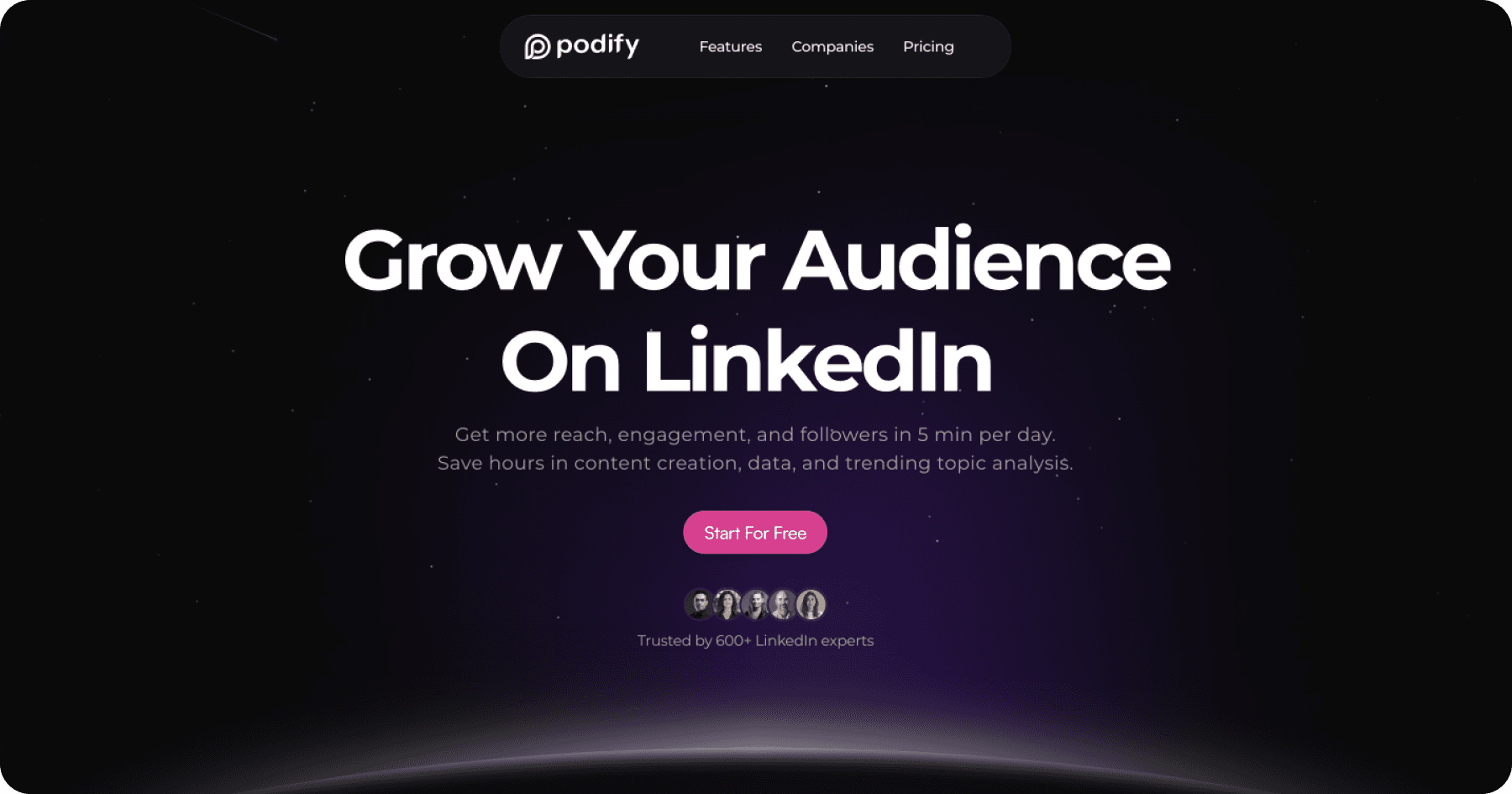

User reviews (0)