

 Paid content
 Visit website
 Updated: 2026-10-05 04:23
 Language: English (default)
 Access: Normal
 Profile views 2
  Outbound visits 0
 Website Review
What is UI Design Daily?
UI Design Daily is a library of free, open-source UI components and design source files. It's run by designer Ildiko Gaspar and organized around a searchable, tag-driven catalog rather than a single download. The site describes itself as offering 1,500+ open-source UI resources, with a newsletter that reaches 19,000+ subscribers.
What you'll actually find there
The catalog covers common product surfaces — sign-up and sign-in screens, pricing tables, checkout and billing pages, dashboards, charts, calendars, modals, toggles, empty states, and 404 pages. Each post typically shows a finished screen or component, and the tag index lets you jump straight to a pattern instead of scrolling a feed.
That makes it most useful in three situations:
- You need a starting point for a screen you've been asked to design and want to see how others handled the same layout.
- You're building a component library and want reference material for states like errors, empty results, or loading.
- You're learning UI design and want a large set of real examples grouped by pattern.
Who it suits — and who it doesn't
| Reader | Fit |
|---|---|
| Product designers needing layout references | Strong — breadth of patterns, tagged for fast lookup |
| Front-end developers wanting drop-in code | Mixed — it's design source files, not a code component library |
| Teams needing a documented design system | Weak — individual screens, not a governed system with tokens and rules |
| Anyone wanting guaranteed originality | Weak — widely seen references are likely to appear in other people's work too |
The trade-off is breadth versus depth. You get many patterns quickly, but each is a standalone design rather than a maintained, versioned component with accessibility notes or usage guidelines. Treat them as references and adapt them to your product's own conventions.
A practical next step: pick the one screen you're working on right now, search the tag index for that pattern, and collect two or three examples. Compare how they handle the awkward parts — validation errors, long labels, empty data — then sketch your own version rather than copying one wholesale. If you want to keep up with new posts, the newsletter is the low-effort route; the site is at UI Design Daily.
How can I download and use the free UI components from UI Design Daily?
UI Design Daily is a browsable library of free UI components and design source files, aimed at designers and front-end developers who want a starting point rather than a finished product. You do not need an account to look through it, and the components are described as 100% free.
How to get a component
- Open UI Design Daily and browse by tag (for example: pricing, checkout, dashboard, calendar, upload, dark mode) or use the search field.
- Pick a component that matches what you are building — pricing card, payment method, sign-up form, filter panel, and so on.
- Download the source file in the format offered on the post, then open it in your design or code tool.
- Adapt it: swap in your own type scale, colors, spacing and copy rather than shipping the sample as-is.
What it is good for
- Quick scaffolding. When you need a checkout, billing or pricing screen sketched out fast, a ready-made component saves the blank-canvas phase.
- Learning patterns. Seeing how someone else structures a date picker, modal or empty state is useful if you are unsure how to lay one out.
- Consistency checks. Comparing several takes on the same component (cards, tables, navigation) helps you decide what fits your product.
Trade-offs to keep in mind
- It is a library, not a system. Components come from many separate posts, so they will not share tokens, naming or spacing rules. Treat each as a reference, not as parts of one design system.
- You still own the details. States like loading, error, disabled, hover and focus, plus accessibility and responsive behavior, usually need work beyond the visual.
- License terms matter. The site lists a license page; check it before using anything in commercial work, and confirm what attribution, if any, is expected.
- The newsletter is optional. Much of the page pushes a newsletter with a stated 19,000+ subscribers, but browsing and downloading do not depend on subscribing.
A practical next step
Decide first whether you need a visual reference or production-ready code. If it is a reference, download two or three variants of the same component and merge the best ideas into your own version. If you need production code, use the download as a layout guide and rebuild it with your own component library.
For a quick sanity check on scope, look at the tag list before searching — tags such as checkout, billing, pricing and payment point to commerce flows, while kanban, analytics and statistics suit dashboards. Browsing a tag is often faster than guessing a keyword.
Do I need to subscribe or pay to access UI Design Daily's resources?
No. UI Design Daily presents its component library as free and open source, and the page headline is "Free Open Source UI Resources." The "Subscribe" prompts on the site refer to a newsletter, not a paywall: the page says subscribers join 19,000+ people getting UI resources in their inbox. You can browse and download resources without a subscription.
Where the confusion comes from
The site's tag list includes words like checkout, pricing, billing, payment, and subscribe. Those are design categories — UI patterns such as pricing tables, billing pages and payment-method screens that designers browse for inspiration. They are not access tiers or paid plans. A tag page for "pricing" is a gallery of pricing-page designs, not a price list.
Practical takeaway
- Newsletter subscription: optional, for updates and new-resource notifications.
- Access to components and source files: no subscription or payment required, based on the site's own description.
- Tags like "pricing" or "billing": content themes, not gates.
If you want to be certain before relying on it
Open a specific component page and look for a direct download link or file-format options. If the download works without a login prompt, you have your answer for that resource. Also check the license page before using anything in client work — "free to access" and "free to reuse commercially" are different things, and the site lists a separate License section.
For a second opinion on open UI resources generally, you can compare with Figma community files or Tailwind UI if you later decide you need paid, production-ready components with support.
What file formats are the UI design source files available in?
The page does not state specific file formats. The site describes its resources as "100% free UI components and design source files available in formats popular in the industry," but no format names appear in the supplied page content.
If you need a concrete format before committing, open a component's detail post on UI Design Daily and look for the download or source-file link — that is where the actual format is normally revealed. As a practical expectation, "industry-popular" design source files usually mean an editable design-tool file plus exported raster previews, but confirm per asset rather than assuming.
How can I find UI components for a specific use case like checkout or dashboard?
Use the site's tag and category browsing rather than scrolling the full feed. UI Design Daily organizes its library by use case, so you can jump straight to a pattern like checkout, dashboard, pricing, or payment method instead of paging through everything.
H3: Practical ways to narrow down
- Start from the tag you already know. Terms such as checkout, dashboard, pricing, billing, and payment appear as browsable tags. If your use case has an obvious label, that is the fastest route.
- Try the user-facing synonym if the first tag is thin. Checkout work often sits under cart, payment, or billing; dashboard work often overlaps with analytics, statistics, or charts.
- Use the search box for the exact screen name. Searching a concrete phrase like "payment method" or "empty state" usually beats a broad category word.
- Filter by what you can actually open. The library advertises free, open-source components with editable source files in common design formats, so confirm the file format matches your tool before downloading.
H3: Choosing between candidates
| Situation | Better fit |
|---|---|
| You need a full screen flow (cart → address → payment) | Multiple related tags, assembled yourself |
| You need one isolated element (a coupon field, a status chip) | A single component page from a narrow tag |
| You are building a dark-themed product | Dark mode / dark theme tags, which the library separates out |
| You want visual variety fast | Browse a tag broadly first, shortlist 3–5, then open files |
A concrete workflow: open the checkout tag, shortlist three payment forms, and check which one already includes the states you need — error, success, and empty — since those are the parts teams most often rebuild by hand.
Next step: pick one tag matching your screen, open a handful of results, and note which file formats and states each one covers before committing. If the tag results look repetitive, switch to a neighbouring tag rather than widening your search.
Can I use UI Design Daily's components in commercial projects?
Yes—UI Design Daily is built around free, open-source UI resources, and the site's own navigation includes a License page, which is the document that governs commercial use. The page describes its library as "100% free UI components and design source files," and the visible catalogue (checkout, pricing, billing, dashboard, sign-up, and payment screens) is exactly the kind of material teams drop into client work and paid products.
The practical caveat: "free to browse" and "free to ship in a paid product" are different permissions. Open-source licenses vary on attribution, redistribution, and whether you can resell the files themselves, so the specific terms on the License page—not the word "free"—decide your case.
H3 What to check before shipping
- Whether attribution is required in your product, docs, or credits screen.
- Whether you may redistribute the source files, or only use them inside a finished product.
- Whether modified versions carry different obligations than unmodified ones.
- Whether any individual item is flagged with its own terms, since a large library can mix licenses.
H3 A concrete scenario Suppose you are building a paid SaaS billing dashboard. You find a pricing table and a payment method screen in the library, adapt the layout, and swap in your own brand colors and copy. Under most permissive open-source terms that is fine, but if attribution is required you would add a short credit line, and if redistribution is restricted you would keep the original files out of any public repo or template you sell.
H3 Decision criterion If your use is internal, educational, or a free product, the risk is low. If you are selling the components themselves, packaging them into a paid template, or embedding them in a product where the design is the main value, read the License page first and keep a copy of the terms with your project records.
Next step: open the License page on UI Design Daily and note the attribution and redistribution rules before you download anything. If you want a second reference point for permissive component licensing, compare with Tailwind UI or MUI, which publish their own terms.
 Hosting and Email
 GoDaddy
 Hosting
 Cloudflare
 Google Workspace
 Location
 United States
 Pages, Search and Sharing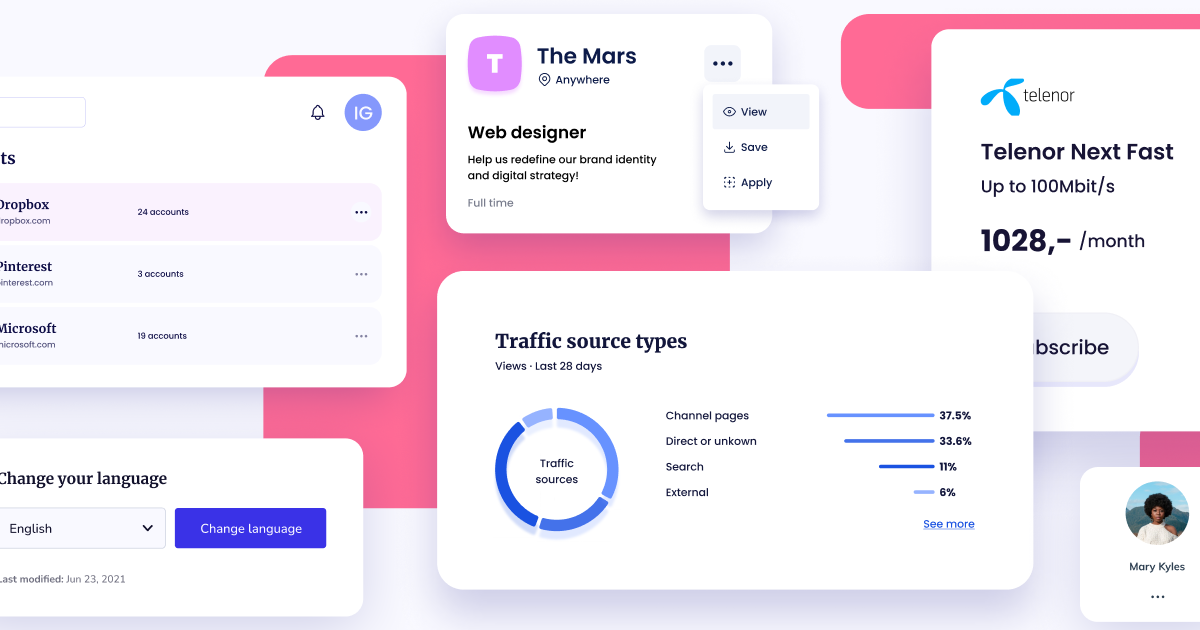



 Registration details

 Identified technologies
User reviews (0)