
 Paid content
 Visit website
 Updated: 2026-09-24 02:13
 Language: English (default)
 Access: Normal
 Profile views 0
  Outbound visits 0
 Website Review
What is Anara?
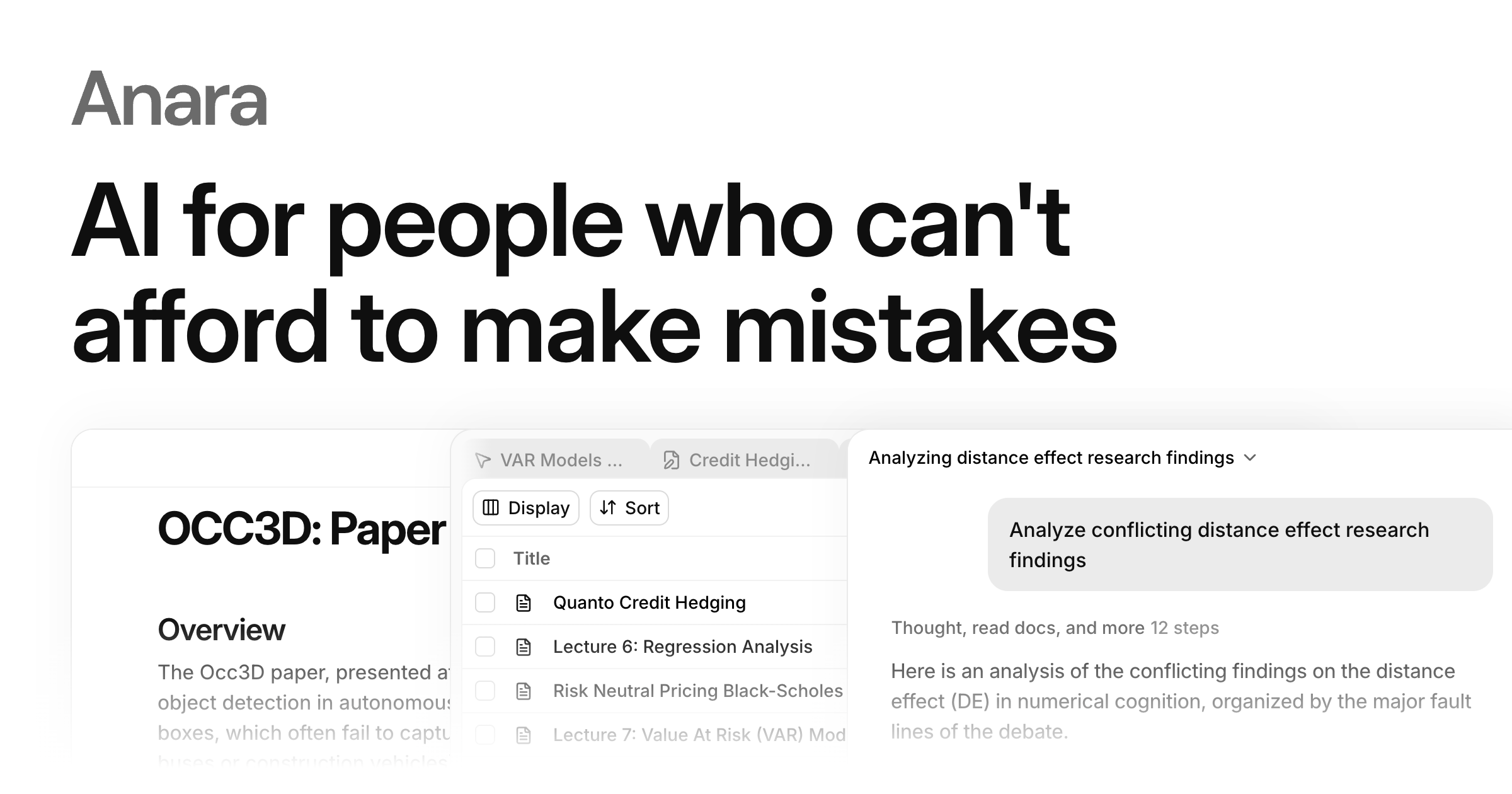
Anara is an AI research assistant built for literature-heavy work: it searches across your uploaded documents and public paper sources, then answers questions and drafts text with citations tied to the exact passages used. Its core promise is verifiability — every claim can be traced back and checked in one click, rather than accepted on trust.
What it actually does
- Build a library. Upload your own PDFs or search millions of papers from sources such as PubMed, arXiv and JSTOR, then organise everything into folders.
- Ask across many files. Query a single paper, a whole folder, or your entire library; use it to extract findings, explain methods or compare results between studies.
- Write with automatic citations. When you draft, Anara suggests citations drawn from your library and the web, matching sources to the claims you make.
- Persistent memory. It remembers files you have uploaded, so you can return later and ask about them without re-uploading.
The page states it handles up to 10,000 files in a single conversation and claims it is "4× more accurate than general-purpose AI," based on its own benchmark comparison against five general-purpose platforms on multi-document question answering.
Who it suits
| Audience | Typical use |
|---|---|
| PhD and master's students | Literature reviews, thesis bibliographies, checking whether a source really supports a claim |
| Biopharma and clinical teams | Comparing trial data across many papers in regulated, audit-sensitive settings |
| Engineering and policy researchers | Synthesising technical or regulatory documents where traceability matters |
The trade-off is focus. If you need casual brainstorming or general chat, a general-purpose assistant is simpler. Anara earns its place when the cost of a wrong or unsourced claim is high — a citation error in a thesis or a regulatory submission is expensive, so one-click verification is worth more than fluent prose.
A concrete scenario: a PhD candidate with 300 saved papers on a topic asks Anara which studies report a specific effect size, gets an answer with linked passages, and checks each one before citing it. That is faster than manual searching and safer than trusting an uncited summary.
Next step: open Anara and upload five papers you already know well. Ask a question whose answer you can verify yourself, then check whether the cited passages are the right ones. That test tells you more about fit than any feature list.
How can I verify that a cited source actually supports a claim in my paper?
Use Anara's click-through citation check as the fastest first pass, then verify the passage yourself in the original PDF before it goes into your paper.
Anara is built around this exact problem: every answer points to the passage it came from, and you can open that passage in one click. The intended workflow is to check whether a source supports a claim before you cite it, rather than trusting a generated summary. That matters most in high-stakes writing — a thesis, a regulatory document, a clinical or policy paper — where a misread source is expensive to fix later.
A practical verification loop
- Read the cited passage in context. A sentence can be accurate in isolation and misleading in its surrounding paragraph, especially in review articles. Open the source and read the full section, not just the highlighted line.
- Check what kind of source it is. A randomised trial, a preprint, a conference abstract and a secondary review carry different weight. Anara's library search pulls from sources such as PubMed, arXiv and JSTOR, but the citation is only as strong as the underlying study design.
- Match the claim's strength to the source's strength. If your sentence says "demonstrates" or "proves," confirm the source is not a small pilot, an animal model or a hypothesis piece.
- Confirm the numbers and scope. Sample size, population, dose, endpoint and time frame are the usual places where a claim drifts from the paper.
- Record the exact location. Page or section numbers make re-checking easy during revision and peer review.
Where Anara fits and where it does not
| Task | Anara's role | What you still do |
|---|---|---|
| Finding relevant papers across a large library | Searches your uploaded files and literature sources, remembers them across sessions | Judge relevance and inclusion criteria |
| Tracing a claim to a passage | Shows the passage behind an answer, verifiable in one click | Read the passage in full context |
| Drafting with citations | Suggests citations from your library and the web | Confirm each citation supports the sentence as written |
| Large-scale synthesis | Works across up to 10,000 files in a single conversation | Spot-check samples rather than trusting the whole output |
A realistic scenario: you are writing a literature review on solid-state batteries and have uploaded a few hundred PDFs. You ask for the evidence on dendrite suppression, get an answer with linked passages, and click through. For your three or four headline claims, go further — open the original paper and read the results section. For supporting background sentences, the passage check is usually enough.
For a second opinion on a specific source, compare against a general search engine or a publisher's own page; for biomedical claims, PubMed shows the abstract and publication type, which helps you tell a trial from a review.
If you want a decision rule: verify every claim that carries your argument, and rely on the passage check alone only for claims that merely set context.
Can Anara search PubMed, arXiv, and JSTOR directly, or do I need to upload papers myself?
Both paths work: Anara supports uploading your own files and also searching external literature sources directly from the app. According to the site, you can "upload files or search millions of papers directly from trusted sources like PubMed, arXiv and JSTOR," so you are not limited to manual uploads.
H3 How this plays out in practice
- Upload your own PDFs: Everything you add becomes part of a persistent library. The site says Anara remembers every file you upload, so you can ask about it later without re-adding it. This suits paywalled papers, internal reports, or datasets that are not in public indexes.
- Search external sources: PubMed, arXiv, and JSTOR are named as built-in search sources, which helps when you want to find relevant literature before you have a local copy.
- Scale: The site states a single conversation can work across up to 10,000 files, and that answers cite the exact passage with one-click verification.
H3 Choosing between the two
| Situation | Better approach |
|---|---|
| You already have the paper or an internal document | Upload it, so citations point to your exact copy |
| You need to discover what exists on a topic | Search PubMed, arXiv, or JSTOR from within Anara |
| You want a claim checked against a specific source | Upload that source and verify the cited passage |
| You are building a long-term reading library | Upload once; rely on Anara's file memory for later questions |
A practical next step: pick one research question, search arXiv or PubMed inside Anara, then upload two or three of the most relevant papers and ask a comparison question across them. That tests both the discovery and the citation-verification workflow before you commit a large library.
For context on the external sources, see PubMed, arXiv, and JSTOR.
How does Anara compare to general-purpose AI tools for multi-document question answering?
Anara is positioned as a specialist rather than a generalist. Its core claim is that it answers questions across many documents while tying each answer back to the exact passage it came from, so you can verify a claim in one click. General-purpose AI tools can answer questions about documents you paste in, but they typically do not maintain a persistent, searchable library or anchor every sentence to a specific source. Anara also says it works across up to 10,000 files in a single conversation, which matters when your question spans a whole folder or thesis rather than one PDF.
Where the difference shows up
- Traceability. Anara's cited answers point to the passage, page, or file. With a general assistant you often have to re-open documents yourself to check whether a claim is supported.
- Memory across sessions. Anara remembers uploaded files, so you can ask about them later without re-uploading. General tools usually forget once the chat ends unless you re-supply the context.
- Scale of comparison. Comparing findings across hundreds of papers is a designed workflow in Anara; in a general tool it usually means manual copying or chunking.
- Search plus writing. Anara combines library search, web and literature sources such as PubMed, arXiv and JSTOR, and citation-aware writing. General tools tend to be stronger at open-ended drafting than at source discipline.
The trade-off
Accuracy claims should be read carefully. Anara reports being 4× more accurate than general-purpose AI on a multi-document question-answering benchmark (MADQA), tested against five general platforms under identical conditions. That is a vendor-run evaluation of document analysis, not a guarantee for every task. General-purpose models may still be better for brainstorming, code, or broad world knowledge—areas outside Anara's document-centric focus.
A practical decision rule
If your work requires defending every claim—a literature review, a regulatory submission, a thesis chapter—choose a tool that shows its sources. If you mainly need fast, open-ended help, a general assistant may be enough. A useful next step is to take one question you already know the answer to, run it through both, and check how long it takes to verify each response against the original papers. Whose observation is this? The page includes a quote from a PhD candidate at King's College London saying it speeds up reviewing papers and filtering information. That is a user's experience, not a controlled test; treat it as a signal of workflow fit, not proof of accuracy.
Is Anara suitable for a literature review across thousands of files, and what are its limits?
Yes—Anara is aimed squarely at that job. Its own framing is a research workspace that searches your library and the web, then helps you write with every claim cited, and it states it works across up to 10,000 files in a single conversation. For a literature review, the two features that matter most are the ones it leads with: cited answers that point to the exact passage, and automatic citation suggestions drawn from your library.
Where it fits a large review
- Scale: A single conversation spanning thousands of files is the core promise, so you can ask comparative or cross-cutting questions instead of reading paper by paper.
- Traceability: Answers link to the passage they came from, which is what makes a review defensible—you can check whether a source actually supports a claim before citing it.
- Memory: It remembers uploaded files, so you can return to earlier material without re-uploading or re-explaining context.
- Sourcing: It says it searches trusted external sources including PubMed, arXiv and JSTOR, useful for filling gaps beyond your own collection.
Realistic limits
- Accuracy claims need your own verification. The "4× more accurate than general-purpose AI" figure comes from Anara's own evaluation against five general-purpose platforms on a multi-document question-answering benchmark. Treat it as a vendor-run comparison, not an independent one—useful as a signal, not as proof for your specific corpus.
- Benchmarks are not literature reviews. Answering questions across documents is a narrower task than judging study quality, weighing conflicting findings, or deciding what belongs in a review. Those judgments stay with you.
- Coverage depends on what you feed it. A library-based assistant can only synthesise what is in the library or reachable through its search sources; paywalled or non-indexed work may not surface.
- The 10,000-file ceiling is a ceiling. Very large or multi-year projects may need splitting into sub-libraries, which affects how well cross-cutting questions work.
A practical next step
Pick one narrow question you already know the answer to—say, whether a specific mechanism is supported across five papers you have read closely—and ask Anara it. If the citations land on the right passages and you can verify them in a click, scale up. If they drift, keep it as a search and drafting aid rather than an analytical authority. For comparison, tools like Elicit and Consensus target similar literature-synthesis work, and Google Scholar remains the baseline for finding sources in the first place.
How much does Anara cost, and what does the free plan include?
Anara's public page does not list specific prices, so I cannot give you a dollar figure. What it does show is that there is a free way in and a paid tier: the homepage has a sign-up path, and a separate pricing page exists at Anara. If cost is your deciding factor, open that pricing page directly to see current numbers and any limits on the free tier.
H3 What the free plan appears to cover From the product description, the free entry point is positioned as a full research workspace rather than a trial of a single feature. Based on the page evidence, a free user can expect to:
- Upload files and build a personal library, with the tool remembering what you have uploaded.
- Search millions of papers from sources such as PubMed, arXiv and JSTOR.
- Ask questions across a single file, a folder, or the whole library.
- Get answers with citations that point to the exact passage.
H3 What the page does not settle The homepage claims "4× more accurate than general-purpose AI" and support for up to 10,000 files in one conversation, but it does not say whether those apply to free accounts or only paid ones. Treat those as product-level claims, not free-plan guarantees.
H3 A practical way to decide If you are a student or researcher testing the waters, start free and push it with one real task: upload a handful of PDFs for a literature review and ask a question whose answer you already know. If the citations land on the right passages, the free tier is doing its core job. Then check the pricing page to see whether the limits you hit — file count, conversation size, or export options — are worth paying to remove.
 Hosting and Email
 vercel-dns.com
 Hosting
 Google Workspace
 Location
 Walnut, California, United States
 Pages, Search and Sharing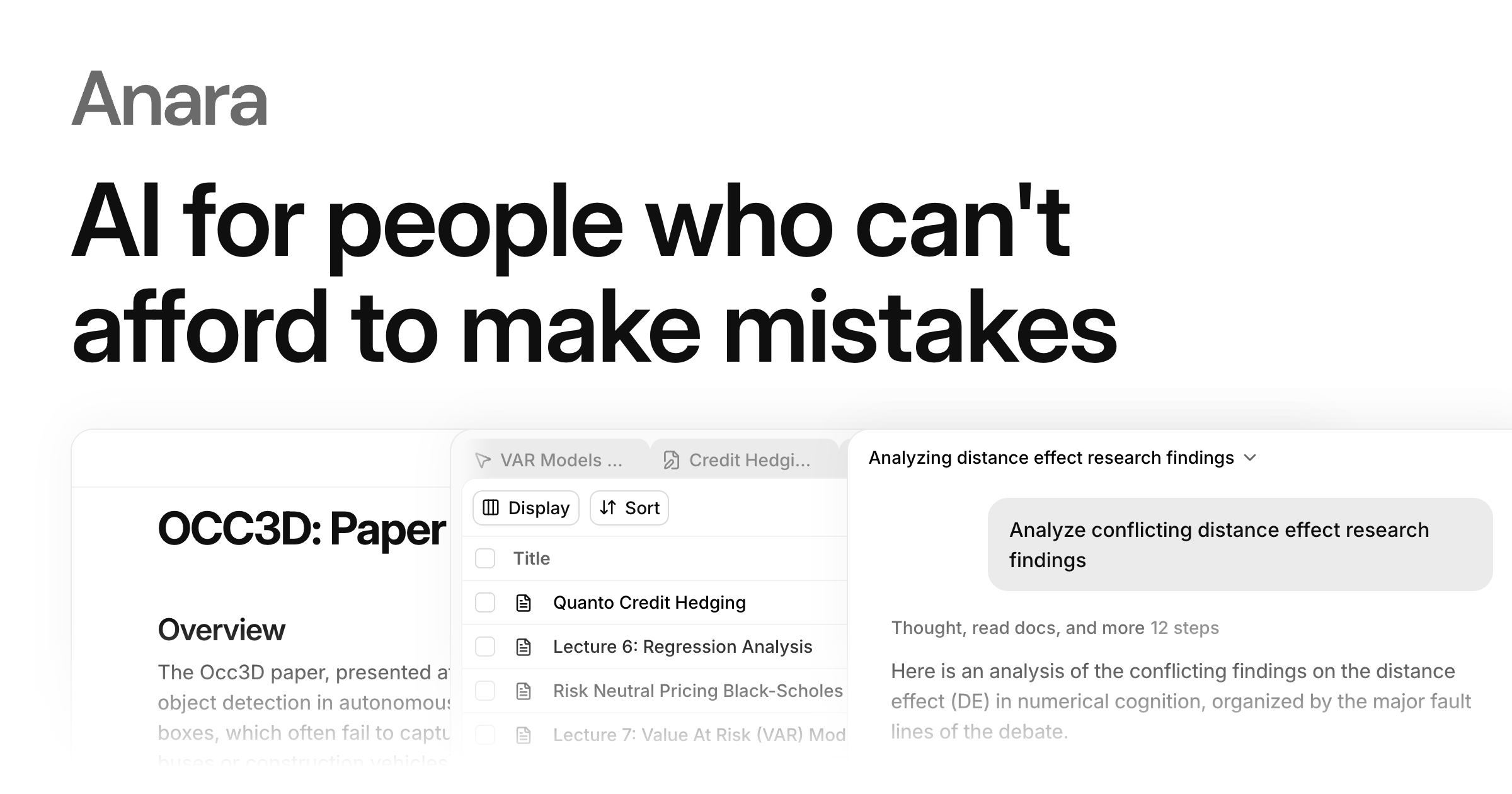



 All bots


 Registration details

 Identified technologies
User reviews (0)