
 简体中文
简体中文 English
Website review
This review may include AI-generated content and is not individually verified. Domain, certificate and other facts come from the observed data on this page.
What is Countly?
Countly is a first-party digital analytics and customer engagement platform. It collects data from mobile, web, desktop and connected devices, then provides analytics and automation tools for understanding user behavior and acting on it. Its distinguishing feature is data ownership: it can be run on-premise or in a private cloud, and it also offers a hosted option.
What it does
- Capture: SDKs for major platforms plus a data write API, so you can gather data from apps, websites and other systems.
- Analyze: dashboards, reports, cohort segmentation, trend exploration and AI-assisted report or dashboard generation.
- Engage: automations intended to turn findings into user engagement rather than leaving them in a dashboard.
- Govern: controls for validating, filtering and transforming data, with privacy and compliance positioned as core rather than add-on concerns.
Who it suits
| If you are… | Countly is a reasonable fit when… |
|---|---|
| A product or engineering team | You want analytics you can host yourself and extend via APIs |
| A privacy-sensitive organization | Keeping first-party data in your own infrastructure matters |
| A team without analyst specialists | You want ready-made reports alongside deeper exploration tools |
| A small team wanting zero setup | A fully managed, hosted analytics tool may be simpler |
The main trade-off is control versus effort. Self-hosting gives you data sovereignty and integration freedom, but someone has to run and maintain it. The hosted route reduces that burden while keeping the same analytics surface.
As a next step, decide whether you need self-hosting or would accept Countly's hosted option, then check the SDK list against the platforms you actually ship on. If your analytics needs are limited to basic web traffic reporting, a lighter tool may be enough; Countly's value shows up when you need cross-device data, engagement automation and governance in one place. You can compare plans and start a trial at Countly.
How does Countly handle data privacy and compliance compared to third-party analytics tools?
Countly is built around first-party data ownership: you collect data from your own apps and devices, and you can run the platform on your own infrastructure or in a private cloud rather than sending everything to a vendor-controlled analytics cloud. That is the core privacy difference from typical third-party analytics tools, where data usually lives in the vendor's environment and is governed by the vendor's terms.
The main trade-off
| Aspect | Countly | Typical third-party analytics |
|---|---|---|
| Data location | Countly-hosted or self-hosted; data stays under your control | Vendor-hosted cloud |
| Data type | First-party collection via SDKs and a data write API | Often relies on third-party cookies or vendor SDKs |
| Governance | Tools to plan, validate, filter and transform data before or after capture | Limited control over raw data handling |
| Compliance work | You still define retention, consent and access rules | Vendor may provide settings, but you depend on their roadmap |
The practical benefit is sovereignty: if your legal or security team requires data to stay in a specific region or on your own servers, self-hosting makes that possible. The practical cost is that you take on more responsibility—infrastructure, upgrades, access control and retention policies are yours, not the vendor's.
Where it fits
- Regulated or privacy-sensitive teams (health, finance, public sector) that need data residency and auditability.
- Product and engineering teams that want raw event data they can pipe into their own systems via APIs.
- Organizations moving away from third-party cookies and wanting a first-party collection model.
If your priority is a zero-maintenance, plug-and-play setup and you are comfortable with vendor-hosted data, a third-party tool may be simpler. If control and compliance are the deciding factors, Countly's self-hosting and data-governance features are the reason to look at it.
A useful next step: list your data residency, retention and consent requirements first, then check whether Countly's hosting options and data-management tools match them. You can compare its approach with other privacy-oriented platforms such as Matomo or review its own materials at Countly.
What are the differences between self-hosted, private cloud, and Countly-hosted deployment options?
Countly separates its deployment choices mainly by who runs the infrastructure and how much control you keep. The page itself confirms two modes in its copy: "Countly-hosted or self-hosted, Countly is, by design, yours," and describes data sovereignty as built in. Private cloud sits between those two: dedicated infrastructure managed for you rather than shared multi-tenant hosting or a server you run yourself.
H3 What each option means in practice
| Option | Who runs it | Best fit | Main trade-off |
|---|---|---|---|
| Self-hosted | Your team, on your own servers or cloud account | Strict data residency, security review, or integration needs | You own upgrades, scaling, backups, and monitoring |
| Private cloud | Countly or a provider, on dedicated infrastructure for you | Wanting isolation and control without operating servers | Less hands-on control than self-hosting; still a managed arrangement |
| Countly-hosted | Countly, on shared managed infrastructure | Fastest start, smallest ops team | Least control over infrastructure and data location |
H3 How to choose
A practical reader scenario: a fintech product team needs event data to stay in a specific region and must pass an internal security review. Self-hosting fits because the team can place data exactly where policy requires, but it must staff analytics operations. A smaller SaaS team with no compliance constraint usually starts with Countly-hosted to ship faster, then revisits if data-residency rules appear. Private cloud is the middle path for teams that need dedicated isolation but do not want to run servers.
H3 Next step
Confirm three things before deciding: where data must physically live, who is on call for upgrades and incidents, and whether your team already runs production infrastructure. The Countly pricing page and SDK documentation are the natural places to check which deployment modes are offered at your scale.
Which SDKs does Countly offer for mobile, web, desktop, and connected devices?
Countly offers 10 battle-tested SDKs covering mobile, web, desktop, and connected devices, plus a data write API for capturing and enriching data from other systems, apps, or devices. The page groups these under "Comprehensive SDK coverage" but does not list individual platform names, so treat 10 as the headline count rather than a per-platform breakdown.
What this means in practice
- Mobile: SDKs for native mobile app platforms are part of the set, which is the typical starting point for product teams instrumenting iOS and Android apps.
- Web: Browser-based collection is covered, so you can track web touchpoints alongside app data in one first-party dataset.
- Desktop: Desktop applications are explicitly named as a supported surface, which matters if you ship a Mac, Windows, or Linux client.
- Connected devices: The remaining SDKs target devices beyond phones, tablets, and computers — relevant for IoT, TV, or other embedded products.
- Data write API: For anything without a dedicated SDK, the write API lets you push events from your own backend or custom hardware.
How to choose
If your roadmap spans several of these surfaces, the value is consolidating everything into one privacy-focused, first-party dataset rather than stitching together separate tools. If you only need web analytics, a narrower tool may be simpler.
Next step: open Countly's SDK documentation page to confirm which specific platforms and languages each of the 10 SDKs supports, then map that list against your current and planned platforms before committing. If a platform you need is missing, plan on the data write API as the fallback.
How can I use Countly's automation features to improve customer engagement?
Countly's engagement automation is best understood as an action layer that sits on top of the same first-party data you already collect, rather than a separate campaign tool. The page describes capturing data across touchpoints and devices, then using "powerful automations" to boost engagement — so the practical loop is: capture events from app, web, desktop, or connected devices via the SDKs and data write API, define the audience those events describe, then trigger messages or in-product actions when behaviour matches.
Concrete ways to use it
- Lifecycle nudges. Trigger a message when a user completes onboarding but never reaches the first meaningful action, using the event stream rather than a fixed calendar schedule.
- Cohort-based re-engagement. Build a cohort from segmentation, then automate outreach to that group instead of exporting lists manually each week.
- Cross-device continuity. Because capture spans mobile, web, and desktop, you can act when someone starts on one device and stalls, rather than treating each platform as a separate audience.
- AI-assisted targeting. The page lists AI-powered analytics for generating reports, dashboards, and recommendations; treat these as a way to surface which segments are worth automating, not as a replacement for deciding the message.
Trade-offs to weigh
| Approach | Strength | Cost |
|---|---|---|
| Self-hosted / private cloud | Data stays under your control; suits regulated or data-sovereign requirements | You carry hosting, upgrades, and operational work |
| Countly-hosted | Faster to start, less maintenance | Less control over infrastructure |
| SDK + write API capture | Consistent first-party data across many surfaces | Requires engineering effort to instrument properly |
A realistic scenario: a product manager notices a drop-off between signup and first purchase. Using dashboards and cohort segmentation, they isolate the group, then attach an automation that fires when a user repeats the drop-off pattern — with data quality tools validating the events first, so the trigger isn't built on noisy data.
Next step: map one engagement problem you already know about to a single event, confirm that event is captured cleanly, and automate only that one flow before expanding.
What AI-powered analytics and reporting capabilities does Countly provide?
Countly describes its AI features as “AI-powered analytics” and an “AI-ready foundation.” Based on the product page, the concrete capabilities are:
- AI-assisted report and dashboard generation — the platform says AI tools can generate reports and dashboards, reducing the manual setup normally needed to get a view of your data.
- AI-generated recommendations — beyond visualization, Countly positions the AI layer as surfacing suggestions, so the output is not just charts but proposed next steps.
- A foundation for AI on first-party data — because Countly emphasizes first-party collection, data ownership and self-hosting or private cloud, the AI features are meant to work on data you control rather than data pooled from third parties.
What this means in practice. A product manager who needs a weekly retention view could ask the AI layer to assemble a dashboard instead of building it widget by widget, then use the recommendations to decide which cohort to investigate. A data analyst would more likely treat the generated reports as a starting draft and refine the underlying metrics, since AI-generated dashboards still depend on how events and properties were instrumented.
Trade-offs to weigh. AI-generated reports and recommendations are only as good as the data governance behind them. Countly does describe data management tools for planning, validating, filtering and transforming data before or after capture, which matters here: if your event taxonomy is inconsistent, AI assistance will produce confident but misleading dashboards. Self-hosting or private cloud also means you keep control, but you take on more operational responsibility than with a purely hosted tool.
Next step. If AI-assisted reporting is the deciding factor, request a demo and ask specifically which report types the AI can generate, whether recommendations are explainable, and whether the AI features are available in your chosen hosting model (Countly-hosted vs. self-hosted). Compare that against a general-purpose analytics suite if you mainly need standard funnel and retention reporting rather than an owned first-party data layer.
 Cloudflare
 Google Workspace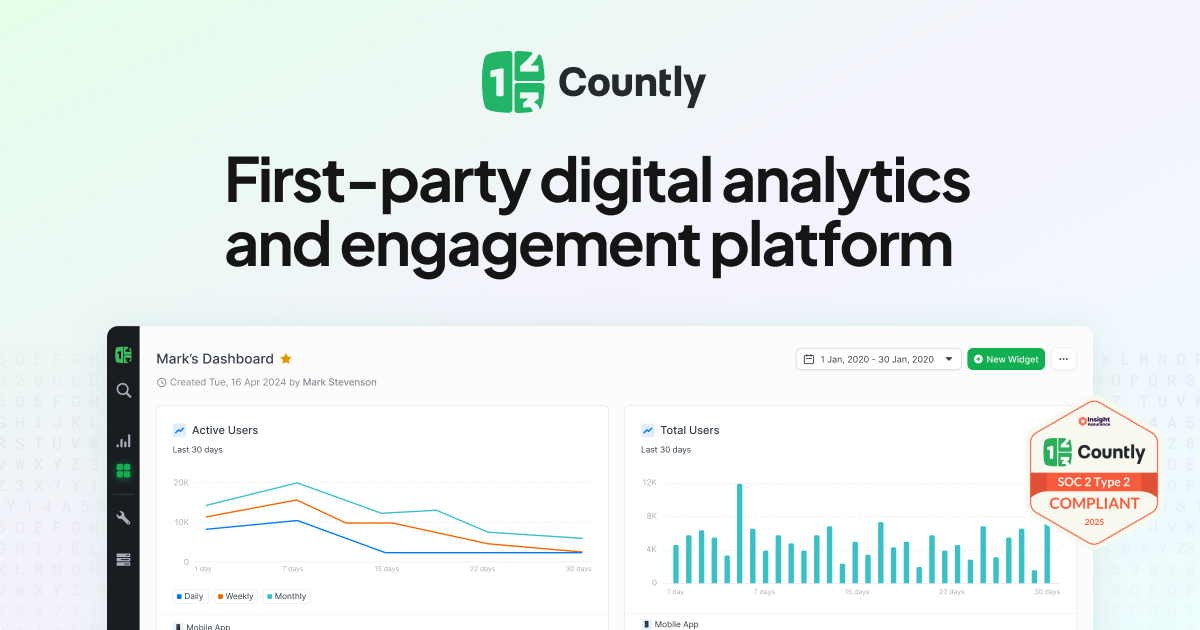
User reviews (0)