
 简体中文
简体中文 English
Website review
This review may include AI-generated content and is not individually verified. Domain, certificate and other facts come from the observed data on this page.
What is Fresh Folk?
Fresh Folk is an illustration library of people and objects, created by Leni Kauffman. It is built around two ideas drawn from its own page: "Mix and Match" and "Make a Scene."
- Mix and Match: each character comes with a range of poses, outfits and skin tones, so you can assemble a figure that fits your context.
- Make a Scene: the library includes 43 objects for building wider compositions around those characters.
Who it suits. It is aimed at personal or non-commercial projects, such as a class slide, a zine, a community newsletter or a personal blog. The mix-and-match structure is useful when you need several different people to look like they belong to the same visual family without drawing each one yourself.
What to weigh. The page states a CC Attribution Non-Commercial No-Derivatives 4.0 International License, and describes the library as free or donation for personal or non-commercial use. That combination matters: attribution is required, commercial use is not covered, and no-derivatives limits editing the artwork itself. If you need assets for client work or want to recolour and reshape figures, this is not the right fit. Commissioning something specific is offered as an alternative, which suggests custom work is handled separately from the free library.
Practical next step. Before downloading, decide which of the two constraints applies to you: whether your project is non-commercial, and whether you can use the figures as supplied. If both answers are yes, start by picking one character and one object, then test how they sit together in your actual layout, since the value of a consistent set shows up when you combine several pieces in one document.
Can I use Fresh Folk illustrations in a commercial project?
No — not under the license shown on the site. Fresh Folk is offered free or by donation for personal or non-commercial use, and the stated license is CC Attribution-NonCommercial-NoDerivatives 4.0 International. Commercial use is the one thing that license rules out.
What that means in practice
| Use case | Allowed as shown? | Why |
|---|---|---|
| Personal blog, school project, hobby app | Yes | Personal / non-commercial |
| Non-profit or charity material | Generally yes, but check | Non-commercial, with attribution |
| Client work, paid product, ads, merch | No | Commercial use excluded |
| Editing, recolouring, remixing the art | No | NoDerivatives |
| Using without credit | No | Attribution required |
The NoDerivatives term is easy to overlook. Even in a non-commercial project, cropping a character, recolouring an outfit, or combining assets into a new illustration goes beyond what the license permits. The site's "Mix and Match" and "Make a Scene" features let you assemble characters, poses, outfits and 43 objects inside the library itself — that's the intended way to build scenes, not a licence to alter the files.
If your project is commercial
The site invites commissions directly ("Looking to commission something specific? Let me know"), which is the cleanest route: you get artwork made for your brief with terms you agree in advance. That's usually better value than trying to stretch a non-commercial license, because it removes the risk of a takedown or a retroactive invoice after your campaign has launched.
Before you decide, ask the creator two specific questions in writing:
- Can I get a commercial license for this project, and what does it cost?
- Does that license cover modifications (recolouring, cropping, compositing)?
If the answer to either is no, look at libraries with explicit commercial terms instead — for example unDraw or Open Peeps. Keep the written permission on file alongside the assets; that record is what protects you if a client or platform later questions the source.
How do I combine different characters, poses, and objects to build a scene?
The site is built around a simple two-part workflow: pick people, then place objects around them. The headings on Fresh Folk name those steps directly — Mix and Match for characters and Make a Scene for the object set — so the intended order is characters first, scene second.
A practical way to assemble a scene
- Choose your characters and their variations. Each character comes with multiple poses, outfits and skin tones, so decide on the pose that matches the action you need (standing, sitting, gesturing) before worrying about the background.
- Lock a consistent style. Keep skin tones, outfit palettes and line weight consistent across characters — mixing one character's casual outfit with another's formal one is the fastest way to make a scene look accidental.
- Build the environment from the 43 objects. The object library is the scene-setting layer, so treat it as furniture and props: seating, tables, plants, small items that give the characters something to relate to.
- Layer back to front. Place background objects first, then characters, then foreground props that overlap the characters slightly. Overlap is what makes a flat set of assets read as one space.
- Check scale and eye level. Characters standing on the same ground plane should share a horizon; if one appears to float, the object placement is usually the culprit rather than the character.
What this suits, and what it doesn't
The library is aimed at assembling scenes rather than drawing them from scratch, which makes it a good fit for blog headers, slide illustrations, onboarding graphics and social posts where you need something human and specific quickly. It is a weaker fit if you need photorealism, complex perspective, or characters interacting physically in ways the supplied poses don't cover.
One trade-off worth knowing before you commit: the licence is non-commercial with no derivatives, so editing the artwork itself — recolouring, cropping into new shapes, remixing into a modified asset — sits outside what's permitted, even though combining the pieces into a scene is the whole point. If your project is commercial, or you need a bespoke pose or character, commissioning is the route the site itself points to.
Next step: start with a single character in one pose, add two or three objects, and check whether the scale and ground line hold up before you add more. If they do, expand the object count; if not, fix the character's placement first — it's easier to correct one figure than a full room.
What is the difference between the free version and the donation option?
The free and donation options on Fresh Folk are not two different products. They are the same illustration library under the same license, offered with the option to pay what you can. Donating does not unlock extra characters, poses, or objects; it supports the creator, Leni Kauffman, and the project's upkeep.
What you get either way
- Access to the full library of people and objects, including the range of poses, outfits, and skin tones described on the site.
- The 43 objects for building scenes by mixing and matching.
- Use under the stated Creative Commons Attribution Non-Commercial No-Derivatives 4.0 International License, for personal or non-commercial projects, with attribution and no derivatives.
Where they differ
- Cost: Free means paying nothing; donation means choosing an amount voluntarily.
- What changes: Nothing in the files or license. Only whether you contribute financially.
- Why choose donation: If you use the illustrations regularly, in client work that fits the non-commercial terms, or simply want to support continued maintenance and new additions.
A practical scenario
A student making a class presentation can download and use the set for free with proper attribution. A small non-profit using the illustrations across several campaign pages might donate to support the library, while still following the same attribution and no-derivatives rules.
Before you decide
Read the license terms carefully if your project is commercial, since the non-commercial restriction applies regardless of whether you donate. If you need something outside those terms, such as custom or commercial work, the site notes that you can reach out about commissions. You can find the library at Fresh Folk.
How do I request a custom illustration from the creator?
The site provides a direct way to ask: it says to let the creator know if you're looking to commission something specific, and offers contact via Twitter, Instagram, or email. Use one of those channels to describe the project, then wait for a reply before assuming a commission is accepted.
What to include in your request
- A one-line summary of what you need (for example, "a two-person scene for a blog header").
- Intended use: personal, editorial, commercial, or client work.
- Deliverable details: dimensions or aspect ratio, file format, and whether you need editable source files.
- Timeline and any hard deadline.
- Budget range or a request for a quote.
- Reference material: links, sketches, or examples of the style you like.
A practical next step Send a short first message that asks two things: whether the creator is currently taking commissions, and what information they need from you. Keep the full brief for the second message. This avoids writing a long brief for a slot that isn't open.
Decision criterion If you need a fast, low-cost option and your use fits the library's terms, check whether the existing characters and objects already work for you before commissioning. The site describes the collection as free or donation-based for personal or non-commercial use under a CC Attribution Non-Commercial No-Derivatives 4.0 International license, so commercial use and modifications fall outside that licence. A commission is the route when you need a specific scene, a commercial licence, or changes the standard assets don't allow.
For context on the library itself, see Fresh Folk.
What file formats and licensing terms apply to the downloaded illustrations?
Fresh Folk's illustrations are covered by a CC Attribution Non-Commercial No-Derivatives 4.0 International License, and the site describes them as free or donation-based for personal or non-commercial use. The page evidence does not list specific file formats (for example, whether downloads are SVG, PNG or something else), so treat format as something to confirm at download time rather than assume.
What the license means in practice
- Attribution: You must credit the creator, Leni Kauffman, when you use the illustrations.
- Non-Commercial: You cannot use them in commercial work — for example, a paid client project, an ad, or a product you sell — without arranging something else.
- No-Derivatives: You cannot redistribute modified versions of the illustrations. This is the term most people overlook: recoloring, remixing or significantly altering a character and then sharing it likely falls outside the license.
- Personal use: Personal projects, non-commercial presentations, classroom materials and similar uses fit the stated terms.
A concrete scenario
Suppose you run a small nonprofit and want friendly character illustrations for a free workshop handout. Under these terms you could use them, provided you credit Leni Kauffman and the handout is not sold or tied to commercial promotion. If your organization later wants the same illustrations in a paid training product, that crosses into commercial territory and you would need permission or a separate arrangement.
Next step
Before downloading, check the license text shown alongside the files and confirm the file formats offered. If your intended use is commercial or involves editing, use the site's commission contact option to ask about permissions, or look for an alternative library with a permissive commercial license such as unDraw or Open Peeps.
 Amazon.com, Inc.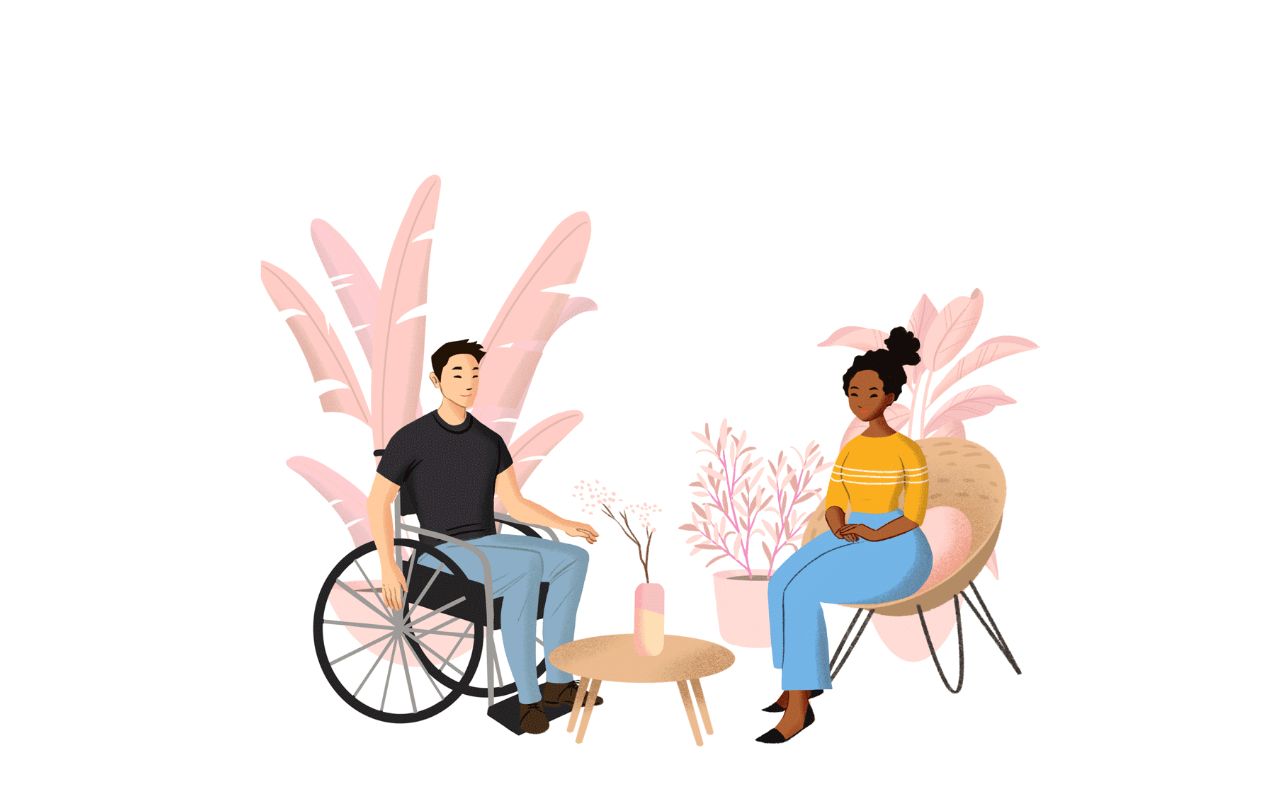
User reviews (0)