
 playlin.io
No paid content found
playlin.io
No paid content found
Categories: Games & Board Games
Playlin is the curated home for daily web games. 1,000+ hand-picked Wordle alternatives, word puzzles, math games, and more — a new daily game, every day.
 Visit website
 Updated: 2026-10-01 20:42
 Language: English (default)
 Access: Normal
 Profile views 0
 Outbound visits 0
Related questions
More questions →What Are Free Daily Games (Dles) and How Do You Start Playing Them?
A "dle" is a daily game: a puzzle that refreshes once a day and gives every player the same challenge. The Dles (dles.aukspot.com) is a curated index of 768 free daily games — word, puzzle, trivia, logic, geography, and card/board games — and its own listing states that all of them are completely free and require no account or subscription. If you want a five-minute daily habit rather than a game you sink hours into, start by picking one dle from a category you already enjoy and playing it at the same time each day.
What makes a game a "dle"
The site's own definition: a dle, or daily game, "generally [is] a game that changes everyday which has the same version for everyone that plays, often taking inspiration from Wordle."
Three properties follow from that:
- One puzzle per day. You can't grind ahead; the day's content is fixed.
- A shared board. Everyone playing that day faces identical answers, which is what makes results comparable and shareable.
- A natural stopping point. The puzzle ends, and so does your session — the opposite of an endless game loop.
The name is a back-formation from Wordle, and the genre has spread well past five-letter words into trivia, logic, geography, color, and chess puzzles.
Why these games are free
The Dles describes its collection as "completely free" with no account or subscription required. That's a statement about this index and the games it lists, not a universal rule for every daily game on the web — some daily games elsewhere do gate content or ask for sign-in. Treat "free, no account" as something to verify per game, and note that the site accepts optional support through Ko-fi donations and is open source on GitHub, which is one common way a free curated project sustains itself.
The main categories you'll find
The collection spans word games, puzzle games, trivia, logic games, geography games, and card/board games. Representative entries from the card/board section give a sense of the range:
| Game | Type |
|---|---|
| Chess.com Daily Puzzle | Chess |
| Chessguessr | Chess guessing |
| lichess.org Daily Puzzle | Chess |
| Mahjong Handle | Tile matching |
| Puzzmo – Really Bad Chess | Chess variant |
| Puzzmo – Pile-Up Poker | Card/poker puzzle |
| Sporcle – Chess Attack | Chess quiz |
Beyond that section, the index covers Wordle-style word games, Connections-style grouping puzzles, Bandle-style music guessing, and trivia and logic formats.
How to start playing
- Open the collection at dles.aukspot.com and browse or search the list.
- Pick one game from a category you already like — a word game if you enjoy vocabulary, a chess puzzle if you play chess, trivia if you'd rather recall facts than solve grids.
- Play the day's puzzle. Because the version is the same for everyone, you can compare results with friends afterward.
- Use the site's tools to explore. There's a Favorites section for saving games you want to return to, an Archived section, and a Random option for trying something unfamiliar.
- Come back tomorrow — the whole point is that the puzzle has changed.
The site also runs polls (for example, "How often do you play Wordle?") and hosts a Discord server where players test potential dles and give feedback.
Common mechanics to expect
Most dles borrow a few conventions from Wordle:
- Limited attempts or a single session per day.
- A shareable result — often a grid of colored squares or a score you can paste without spoiling the answer.
- A streak counter that rewards consecutive days.
- A reset at a fixed time, usually local midnight or a set hour.
Practical tips
- Cap your list. With 700+ games available, the failure mode is spending your whole morning on dles. Pick two or three favorites and use Random only when you want variety.
- Use Favorites. It's the fastest way to avoid re-browsing the full index each day.
- Check whether a game needs an account before committing, since the no-account guarantee applies to the indexed collection as described, not to every linked site.
- Don't expect a single sign-on. These are independent games from different makers, so each has its own interface and rules.
What Are Browser Games and How Do You Play Them?
Browser games are games that run inside a web browser tab. You open a URL, and the game loads and plays there — no download, no install, no app store account. That makes them the lowest-friction way to try something interactive: useful when you want a quick break, are on a locked-down computer where you can't install software, or just want to sample a genre before committing to a bigger game. The trade-off is that they depend on your browser, your connection, and whatever the site chooses to support, so a little knowledge about how they work helps you pick good ones and fix the ones that misbehave.
What makes a game a "browser game"
The defining trait isn't the genre — it's the delivery. The game's code is fetched from a server and executed by your browser, usually through JavaScript, WebGL, or Web Audio. Nothing is written to your system as an installed application.
That single fact drives most of the differences people notice:
- Instant start. The time from "I want to play" to playing is a page load, not a download-and-install cycle.
- Nothing to uninstall. Closing the tab is the cleanup.
- Session-bound by default. Unless the site explicitly saves progress (to an account, a cookie, or local storage), your state lives in the tab and disappears when you close it.
- Shared with the web's constraints. Ads, trackers, pop-ups, and cookie banners can appear alongside the game because it lives on a normal web page.
How browser games compare to other ways to play
The right choice depends on what you value most. Here's the honest comparison:
| Dimension | Browser games | Downloadable (desktop) | Mobile / app-store |
|---|---|---|---|
| Time to first play | Seconds (page load) | Minutes to hours (download + install) | Minutes (store + install) |
| Install required | No | Yes | Yes |
| Storage used | Minimal to none locally | Often gigabytes | Often hundreds of MB+ |
| Hardware ceiling | Limited by browser and tab | Highest — full GPU/CPU access | Mid, varies by device |
| Offline play | Usually no (some cache) | Yes | Often yes |
| Cost model | Free, ad-supported, or paywalled — varies by site | One-time or subscription | Free-to-play, ads, in-app purchases |
| Progress saving | Inconsistent — check per game | Reliable | Reliable |
| Best for | Quick sessions, trying things, restricted machines | Deep, long sessions | On-the-go play |
The pattern: browser games win on access and lose on depth and persistence. If you want a five-minute puzzle or a music toy, they're ideal. If you want a 40-hour campaign with saved progress, a downloadable or mobile game will serve you better.
Common types you'll run into
Browser games aren't one genre. The category spans a wide range, and knowing the labels helps you search and set expectations:
- Casual puzzles and arcade games — match-three, word games, endless runners. Short sessions, simple controls, often ad-supported.
- Music games and audio toys — rhythm games, ear-training tools, sound experiments. These lean on the Web Audio API, so audio permissions and latency matter.
- Small interactive experiments — one-mechanic toys, physics sandboxes, generative art you can poke at. Often made by individual developers as creative side projects rather than commercial products.
- Multiplayer and social games — real-time or turn-based games played against others in the browser, usually via WebSockets.
- Idle and incremental games — progress accumulates over time, often with light or no interaction.
Sites that collect "digital toys" and "web experiments" tend to mix several of these — a music experiment might sit next to a puzzle and a generative art piece on the same page, which is part of the appeal.
What you actually need to play
The requirements are modest, but a few things genuinely matter:
- A modern browser. Chrome, Firefox, Safari, or Edge from the last couple of years. Older browsers may lack WebGL or Web Audio support, and the game will fail silently or show a blank canvas.
- An internet connection. The game loads from a server. Some games cache and work briefly offline, but don't count on it.
- Audio output, if the game uses sound. Many music games are unplayable without it — and browsers often block audio until you interact with the page.
- Keyboard or pointer input, depending on the game. Check the controls before you start; some games assume a keyboard, which rules out phones and tablets.
- Enough CPU/GPU headroom. A browser tab competes with your other tabs. Heavy WebGL games can stutter if you have 30 tabs open.
How to find and evaluate a good one
Because anyone can publish a browser game, quality varies wildly. A quick evaluation routine saves time:
- Read the controls first. If the game doesn't tell you how to play within a few seconds, that's a signal about its polish.
- Check whether progress is saved. Look for a login, a "save" button, or a note about local storage. If none exists, assume closing the tab ends your run.
- Test performance early. Play the first minute and watch for stutter or input lag. If it's choppy now, it won't improve.
- Look at how the site presents it. A page that explains what the game is and who made it usually signals more care than a bare embed.
- Try before you commit time. Browser games are cheap to sample — that's their main advantage. Use it.
Common problems and how to fix them
Most browser-game frustration comes down to a handful of causes:
No sound. Browsers block autoplay audio until you interact with the page. Click or tap the game area first. Also check the tab isn't muted and your system output is correct.
Lag or stutter. Close other tabs, especially ones running video or heavy apps. Disable browser extensions that inject scripts. If it's still choppy, the game may simply be too heavy for your machine.
Blank screen or "unsupported" message. Your browser may lack a required feature (WebGL, Web Audio) or have hardware acceleration disabled. Try a different browser, and check that hardware acceleration is on in your browser's settings.
Progress lost. This is usually by design — the game never saved it. Look for an account system or an explicit save option before investing time.
Controls don't respond. The game may expect a keyboard when you're on a touchscreen, or vice versa. Check the stated controls and your input device.
The page is cluttered with ads or pop-ups. That's a property of the site, not the game format. A content blocker or a different site often solves it.
The short version
Browser games trade depth and persistence for instant access. They're the right choice when you want to play something now, on a machine you can't install software on, or when you're sampling a genre or a developer's work. To get the most out of them: use a current browser, interact with the page before expecting sound, check whether progress is saved before you invest time, and treat a choppy first minute as a preview of the whole experience.
Online Games: What They Are and How to Pick One to Play
Online games are games you play while connected to the internet, either in a browser or through an installed app that requires a connection. They range from quick puzzle breaks like sudoku to large multiplayer worlds. This guide explains the main categories, how browser-based games work, and the practical factors that help you choose one — plus a simple way to start today.
What Counts as an Online Game
The defining feature is the connection. An online game uses the internet for at least part of its function — loading the game, saving your progress, matching you with other players, or updating content.
This separates online games from two related things:
- Offline games run entirely on your device with no connection needed (a downloaded sudoku app, a pre-installed card game).
- Downloadable games may be installed once and then played offline, even if you originally got them online.
Many games blur these lines. A sudoku site can generate a puzzle in your browser, let you solve it on the page, and print it — all without installing anything. That is a browser-based online game.
The Main Categories
| Category | What it involves | Typical session length | Example |
|---|---|---|---|
| Puzzle | Logic and number or word problems you solve alone | 5–30 minutes | Sudoku, crosswords |
| Casual | Simple, low-pressure games meant for short breaks | 2–15 minutes | Match-three, clicker games |
| Multiplayer | You play with or against other people | Varies widely | Card games, team shooters |
| Browser-based | Runs in a web page, no installation | Any | Online sudoku solver and generator |
These overlap. A puzzle can be casual, and a casual game can be multiplayer. The category just tells you what to expect from the core loop.
How Browser Games Work Without Installing
Browser games run inside your web browser using standard web technology, so there is nothing to download or update. Using a sudoku site as the example:
- You open the page. The site loads its puzzle tools into your browser.
- You choose an action. On a site like Daily SUDOKU Puzzles, you can generate a random puzzle, enter a puzzle you already have, or request a solution.
- The page responds. The puzzle appears in the grid, and you fill in numbers according to sudoku rules.
- You finish or save. You can solve it on screen or print it to work on paper.
The expected result is a playable puzzle without any install step. The main catch is that browser games depend on your connection and the site staying available — if the page reloads, unsaved progress may be lost.
How to Choose a Game
Match the game to your situation rather than picking the most popular one.
- Device. A phone suits short touch-based puzzles; a laptop suits anything with a large grid or keyboard input.
- Time. If you have five minutes, a casual or single puzzle fits. Multiplayer games often need longer, uninterrupted sessions.
- Skill level. Puzzle games usually scale in difficulty, so you can start easy. Competitive multiplayer games may match you against experienced players immediately.
- Cost. Some games are free to play, some charge upfront, and some are free with optional purchases. Check before you commit time.
- Connection. Browser games need a live connection; downloaded games may not.
If you are unsure, start with a single-player puzzle. It has no scheduling pressure and no other players depending on you.
Basic Safety and Privacy Points
Playing on an unfamiliar site carries small but real risks. Keep these in mind:
- Avoid entering personal details unless you understand why they are needed.
- Be cautious with downloads. If a "browser game" pushes you to install a separate program, treat that as a warning sign.
- Check for account requirements. Some sites ask you to register before playing; decide whether that trade-off is worth it.
- Watch for unexpected charges. Free games sometimes gate content behind payments. Look for pricing information before investing time.
- Use a modern browser so standard protections are active.
None of this means unfamiliar sites are unsafe by default — it means the burden is on you to check before you play.
A Simple First Step
Pick one category that fits your available time and device, then try a single session. For a no-install start, open a browser-based puzzle site, generate or load one puzzle, and solve it. If you enjoy it, note what worked — the difficulty, the length, the lack of setup — and use that to choose your next game.
Website Overview
Page metadata, canonical configuration and social previews work together to provide more consistent search and sharing presentation. An active inbound-mail setup with incomplete authentication may leave the domain more open to impersonation. Provider hosting alone does not close that gap.
Domain and Registration
Transfer-protection status is present, helping reduce the risk of unauthorized domain transfers. The domain has about 1 years of registration history; its current configuration provides more context than age alone. The registrar is Cloudflare, Inc, a widely used domain service provider. The domain uses the common .io extension, which is not an independent safety signal.
DNS and Email
The observed email authentication setup is incomplete: DMARC is missing. Nameservers are provided by Cloudflare, indicating managed DNS hosting. MX records point to the Cloudflare Email Routing email service. No CNAME was found; the observed records resolve directly to addresses. TXT records include verification markers for Google. Such markers may also remain after a service stops being used.
TLS and Certificates
The public key uses EC with 256 bits. The server supplied a complete certificate chain. No organization name is present in the certificate; the available fields are consistent with domain validation. The certificate was issued within the Google Trust Services cloud or CDN ecosystem. The certificate's total validity is about 90 days, consistent with a short renewal cycle.
HTTP and Browser Security
The response lacks these common security headers: HSTS, CSP, Permissions-Policy, clickjacking protection. CORS permits any origin to read this response. This is common for public resources; sensitive responses need narrower handling. No X-Powered-By header was found, reducing one common source of backend fingerprinting information. The cf-ray response header indicates a CDN or caching proxy in the delivery path. No obvious internal addresses or debug information were found in the headers.
Technology Stack Analysis
The public page identifies Alpine.js, Cloudflare without precise versions, leaving fewer clues for version-specific scanning.
Search and Social Sharing
Twitter Card metadata is configured. The title has 58 characters, within a common display range. A meta description is present, with 154 characters. The observed directives allow indexing and link following. No Generator meta tag is publicly exposed.
 Hosting and Email
 Cloudflare
 Hosting
 Location
 unknown
104.21.82.175
Location
Location unknown
104.21.82.175
 Pages, Search and Sharing
| Meta description | Playlin is the curated home for daily web games. 1,000+ hand-picked Wordle alternatives, word puzzles, math games, and more — a new daily game, every day. |
|---|---|
| Canonical URL | https://playlin.io/ |
| Language | English (default) |
| Twitter Card | summary_large_image |
Social Sharing Preview
12 fields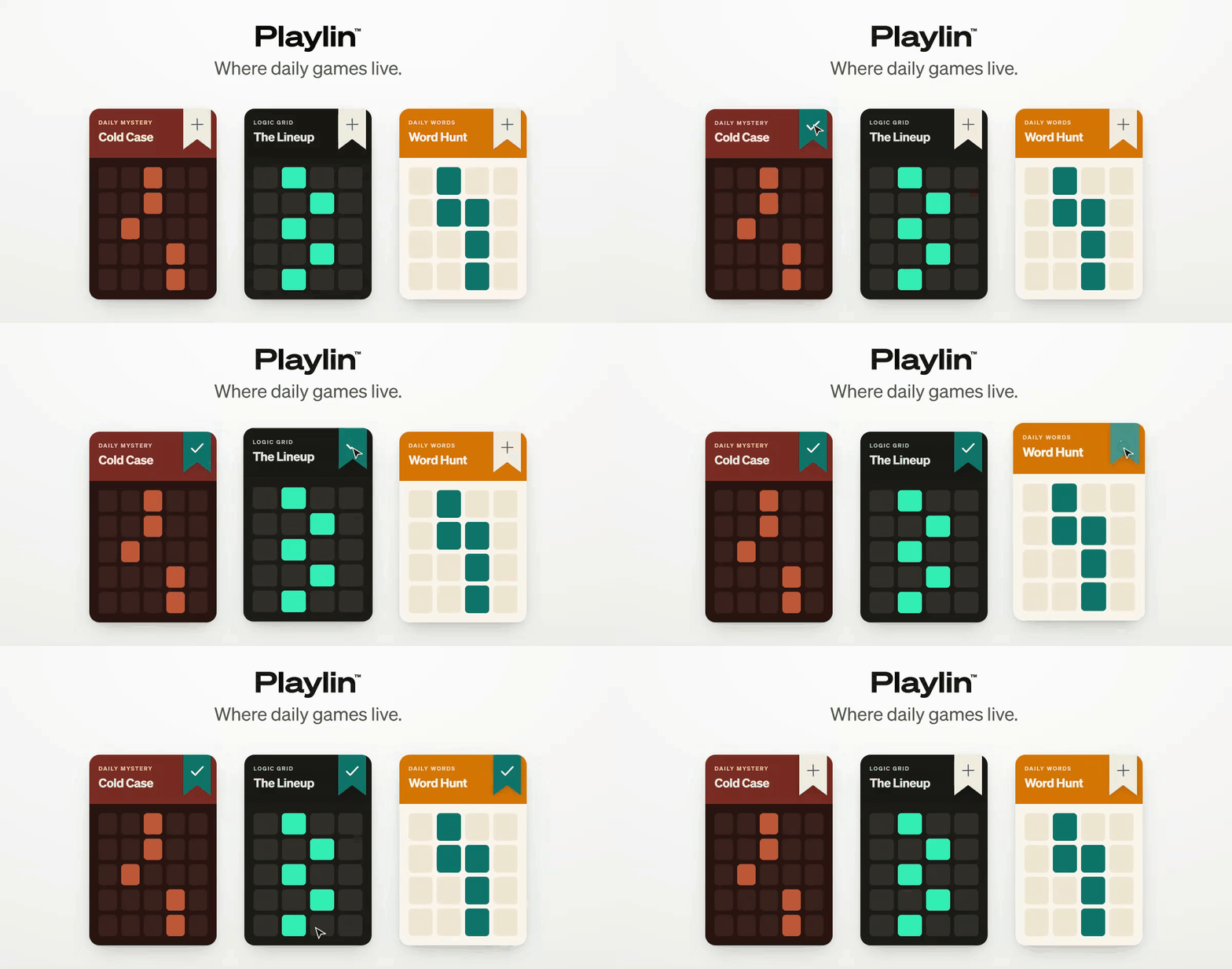

Sharing metadata
| og:url | https://playlin.io/ |
|---|---|
| og:type | website |
| og:image | https://playlin.io/og-playlin-animated-full-size-v2.gif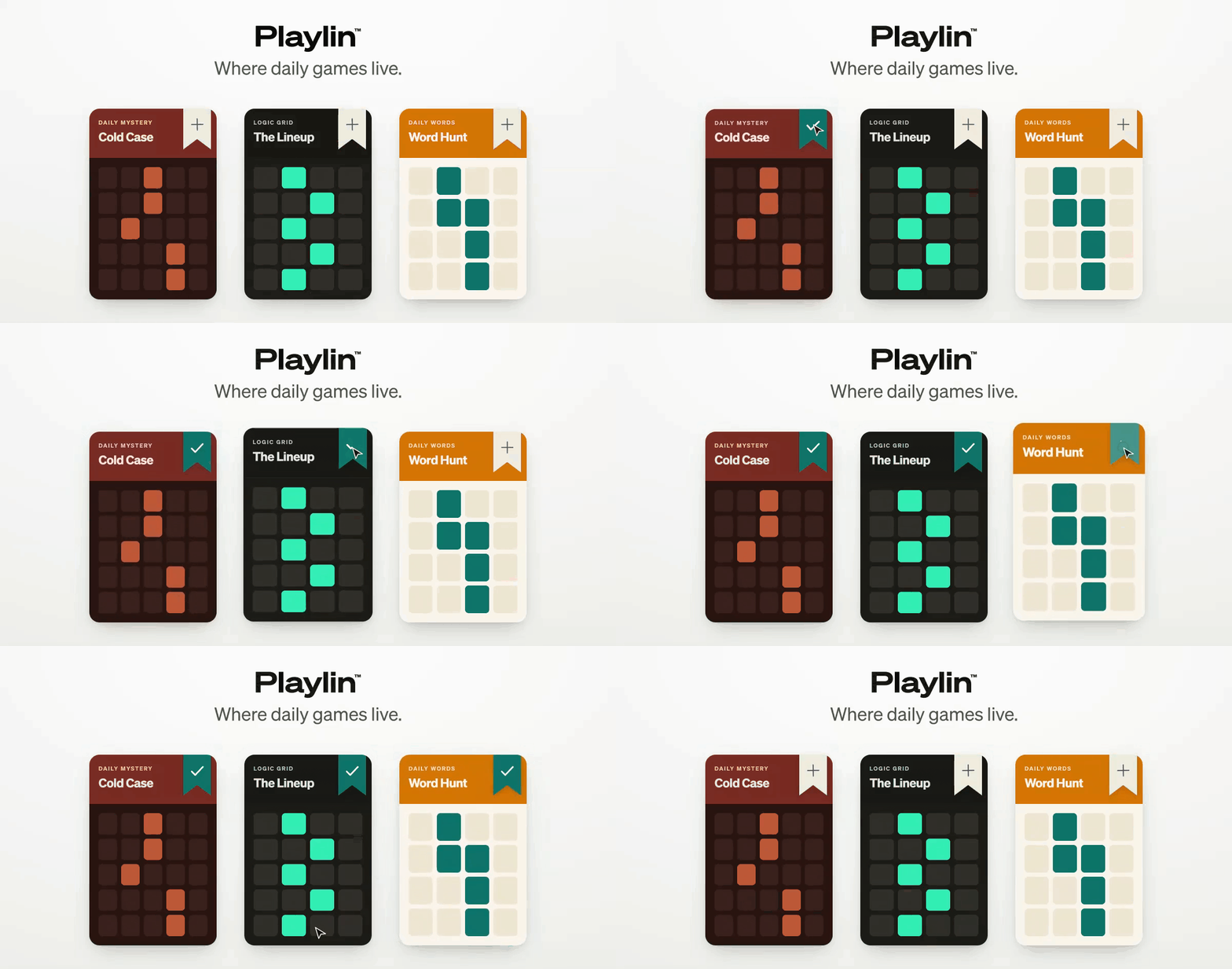 |
| og:title | Playlin — Where Daily Games Live | Curated Daily Web Games |
| og:locale | en_US |
| og:site_name | Playlin |
| og:description | Playlin is the curated home for daily web games. 1,000+ hand-picked Wordle alternatives, word puzzles, math games, and more — a new daily game, every day. |
| twitter:url | https://playlin.io/ |
| twitter:card | summary_large_image |
| twitter:image | https://playlin.io/og-playlin-animated-full-size-v2.gif |
| twitter:title | Playlin — Where Daily Games Live | Curated Daily Web Games |
| twitter:description | Playlin is the curated home for daily web games. 1,000+ hand-picked Wordle alternatives, word puzzles, math games, and more — a new daily game, every day. |
robots.txt (opens in a new tab)
2 rulesAll bots 1 allowed · 1 disallowed

 All bots

/
/fonts/
No matching rules.
Sitemaps
1 Registration details RDAP / WHOIS
| Registrar | Cloudflare, Inc |
|---|---|
| Registered | 2025-07-26 |
| Expires | 2027-07-26 |
| Domain status | clientTransferProhibited https://icann.org/epp#clientTransferProhibited |
| Nameservers | june.ns.cloudflare.com、nash.ns.cloudflare.com |
| DNSSEC | unsigned |
 DNS records
| Type | Name | Value | TTL | Priority |
|---|---|---|---|---|
| A | playlin.io | 104.21.82.175 | 300 | — |
| A | playlin.io | 172.67.204.158 | 300 | — |
| AAAA | playlin.io | 2606:4700:3031::6815:52af | 300 | — |
| AAAA | playlin.io | 2606:4700:3033::ac43:cc9e | 300 | — |
| MX | playlin.io | route1.mx.cloudflare.net | 300 | 19 |
| MX | playlin.io | route3.mx.cloudflare.net | 300 | 55 |
| MX | playlin.io | route2.mx.cloudflare.net | 300 | 59 |
| NS | playlin.io | june.ns.cloudflare.com | 86400 | — |
| NS | playlin.io | nash.ns.cloudflare.com | 86400 | — |
| TXT | playlin.io | google-site-verification=2Mp7G628-lGfe3Sy8eSJmg_Fs01QS5L9On5KXeZeWRI | 300 | — |
| TXT | playlin.io | pinterest-site-verification=4a1835bd626b48ade77fe15ee37a7934 | 300 | — |
| TXT | playlin.io | v=spf1 include:_spf.mx.cloudflare.net ~all | 300 | — |
 TLS and certificates
| Assessment | Normal configuration |
|---|---|
| Supported protocols | TLSv1.2、TLSv1.3 |
| Negotiated protocol | TLSv1.3 |
| Certificate subject | playlin.io |
| Issuer | Google Trust Services |
| Valid until | 2026-11-22T01:30 · Remaining when checked: 51 days |
| Verification details | Certificate trust: Passed · Hostname match: Passed |
 HTTP response headers
| Header | Value |
|---|---|
| content-type | text/html; charset=utf-8 |
| cache-control | public, max-age=0, must-revalidate |
| server | cloudflare |
| x-content-type-options | nosniff |
| referrer-policy | strict-origin-when-cross-origin |
| access-control-allow-origin | * |
 Identified technologies
User reviews (0)