
 Paid content
 Visit website
 Updated: 2026-10-03 17:10
 Language: English (default)
 Access: Normal
 Profile views 3
  Outbound visits 0
 Website Review
What is ShortsKit AI?
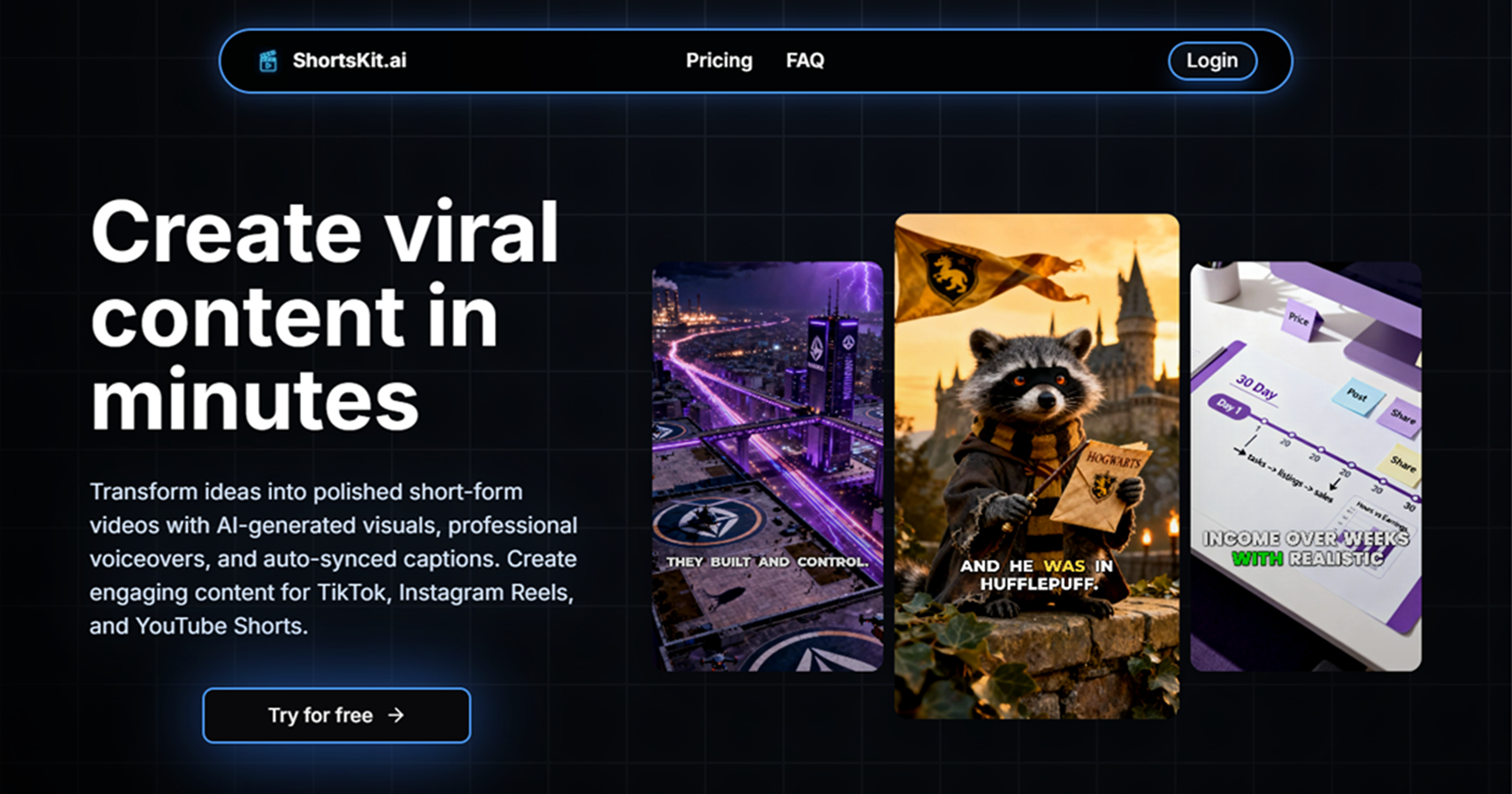
ShortsKit AI is a browser-based AI video generator for short-form social video. It turns a written idea into a vertical clip for YouTube Shorts, TikTok or Instagram Reels, combining AI-generated visuals, synthetic voiceover and automatically synced captions in one workflow. According to its own page, the process is three steps: describe the video you want, preview and customize the generated clips (captions, timing, effects), then export and publish.
Who it is for
- Faceless channel operators who need a steady posting cadence without appearing on camera.
- Solo creators and small marketing teams without editing skills, camera gear or voiceover talent.
- Social media managers producing multiple platform variants of the same concept.
What it actually does
The page frames the product as a replacement for the manual pipeline. Its comparison lists the "without" side as 4–6 hours of editing per video, camera and mic purchases, manual scripting, stock footage subscriptions, repeated voiceover takes and hand-synced captions; the "with" side claims videos ready in under five minutes, AI-written scripts, AI visuals, automated voices and fully auto-synced captions. Those are the vendor's marketing claims, not independently verified figures — treat the time and cost numbers as targets rather than guarantees.
The template gallery shows the intended range: talking avatars, UGC-style product reviews, ASMR clips, AI vlogs, gym and cosplay content, and in-car conversation scenes. These are mostly "persona" formats, which is where faceless video tools are strongest.
Practical trade-offs
| Consideration | What to expect |
|---|---|
| Speed | Fast first draft from a text prompt; less time writing and editing |
| Control | Template-driven output can look similar across creators; fine-tuning matters |
| Fit | Best for talking-head, UGC and b-roll-style shorts, weaker for footage you must shoot yourself |
| Authenticity | AI visuals and voices can read as generic in niches where real footage builds trust |
A concrete scenario
A faceless history channel could prompt for a Roman general story, generate several clips, pick the strongest, adjust caption timing, then export one version for Shorts and another for TikTok. The realistic gain is going from a weekend of editing to an afternoon of reviewing and refining — not from zero effort to zero effort.
Next step
Open ShortsKit AI, try one prompt in the format you post most, and judge the output on two things: whether the visuals hold attention past the first three seconds, and whether the captions and voice timing need heavy fixing. If both pass, it can plausibly replace part of your editing stack; if not, use it only for ideation and b-roll.
Can ShortsKit AI create videos without showing my face?
Yes. ShortsKit AI is built for exactly that: you describe an idea, and it generates AI visuals, an AI voiceover and synced captions, so nothing about the workflow requires you to appear on camera or record your own voice.
What faceless creation looks like here
The page's own examples point to the formats faceless creators usually want:
- Talking-avatar and lip-synced clips, where a generated presenter speaks your script
- AI vlog and UGC-style ads, including product reviews and "realistic model" scenes
- Scenario footage such as an ASMR gemstone slice, a gym clip, a racing cockpit or a cosplay scene
The described flow is three steps: write a description of your topic, hooks and style; preview and customize the generated clips, captions, timing and effects; then export. The platform says output is formatted for YouTube Shorts, TikTok and Instagram Reels.
Where it fits and where it doesn't
Faceless is the default here, not a workaround, so it suits niche pages, product promotion, story channels and anyone who doesn't want to be recognized on camera. The trade-off is that your on-screen identity becomes generic AI footage and an AI voice, which can blur together with other channels using the same tool. If your audience subscribes because of you — your face, your reactions, your delivery — this removes your main advantage.
A practical next step
Pick your three best-performing video ideas and generate one clip each, then compare retention against your usual content. If talking-avatar clips hold attention, lean into scripted explainers; if stock-style visuals do better, use it for b-roll-led storytelling with a strong hook in the first two seconds.
How much does ShortsKit AI cost and what do the plans include?
ShortsKit AI's pricing page exists, but the supplied page information does not include actual plan prices or a detailed feature breakdown per tier. So the honest answer is: cost depends on the plan you choose at checkout, and the specific inclusions are listed on the site's own pricing page rather than in the marketing copy.
What the page does tell you about what you're paying for:
- AI visuals generated from a written description or template
- Studio-style AI voiceovers rather than recording your own
- Auto-synced captions without manual timing
- One-click export formatted for YouTube Shorts, TikTok and Instagram Reels
- Multiple clip generation and customization — you can generate several clips, then adjust captions, timing and effects in one place
- Template starting points, including examples like talking avatars, UGC-style ads, product reviews, ASMR and vlog formats
The page also frames the value against doing it manually: it claims videos can be ready in under five minutes versus 4–6 hours of editing, with no camera, mic or stock-footage spend. Those are the vendor's own comparisons, not independently verified figures, so treat them as positioning rather than measured results.
Next step: open the pricing page directly and check three things before committing — how many videos or credits each tier allows per month, whether exports carry a watermark on lower tiers, and whether commercial use rights are included. Those three variables usually matter more than the headline price for anyone publishing regularly.
If you're testing the concept first, a sensible approach is to start with the smallest paid tier, produce two or three Shorts, and see whether the visual style and voice quality actually fit your niche before upgrading. Creators who post daily will care most about per-video limits; someone making one or two clips a week can usually stay on a cheaper tier.
What video styles or templates can I use with ShortsKit AI?
ShortsKit AI is built around short-form, vertical video for YouTube Shorts, TikTok and Instagram Reels. On its own site, the styles shown are less like a fixed template library and more like a set of repeatable formats you can generate or customise: talking avatars with lip-synced speech, UGC-style product reviews and ads, realistic AI vlogs and travel clips, ASMR footage such as slicing a gemstone, gym and fitness clips, cosplay or character scenes, and cinematic-style shots like a racing car cockpit.
What each style is good for
| Style shown | Typical use | Who it suits |
|---|---|---|
| Talking avatar / lip-sync | Explainer hooks, in-car conversations, monologues | Creators who don't want to appear on camera |
| UGC ad / product review | Product demos, testimonials, affiliate promos | Marketers and small e-commerce sellers |
| AI vlog / travel | Story-driven day-in-the-life or location content | Faceless channel operators |
| ASMR / satisfying clips | High-retention loop content | Channels chasing watch time |
| Gym, cosplay, cinematic scenes | Niche audience content and visual hooks | Hobby and entertainment channels |
How the workflow shapes your style choice
The page describes a three-step flow: describe your video in plain text, generate and customise clips or start from templates, then export. That means the practical choice isn't only "which template" but how much control you want. If you write a detailed prompt, you're effectively creating a custom style; if you start from a template, you're picking a proven format and adjusting captions, timing and effects.
A concrete example
Say you run a faceless fitness channel. You could start from a gym-style template, write a prompt for a 30-second "beginner dumbbell mistake" script, generate a talking-avatar voiceover, then edit the captions and timing before exporting to Reels. That combines a template for the visual language with your own script for the substance.
How to decide
- Want speed and consistency? Start from a template and change only the script and captions.
- Want a distinct look? Write a longer, more specific description and generate original clips.
- Promoting a product? Use the UGC or review format, since it matches how viewers already expect ads to look.
- Not comfortable on camera? Lean on talking avatars and AI visuals.
A useful next step is to browse the example clips on ShortsKit AI and pick two or three formats closest to your niche, then test one script in each before committing to a style.
How long does it take to produce a finished short video with ShortsKit AI?
ShortsKit AI presents its workflow as producing finished short videos in under five minutes, versus the four to six hours it says traditional editing takes per video. That figure covers the whole pipeline the page describes — script, AI visuals, voiceover and synced captions — rather than just rendering. See ShortsKit AI.
What the three steps imply about timing
The site breaks production into three stages: describe your video, preview and customize, then export and publish. The "under five minutes" claim fits best when you accept the first generated result and export it. The middle step is where real time gets spent, because generating multiple clips, combining them, and adjusting captions, timing and effects is manual work.
Realistic time by scenario
- Fastest path: a short prompt, one generated clip, default voice and captions. Minutes, matching the advertised figure.
- Typical path: generate a few clip options, pick the best, fix a caption line or two, re-time a cut. Closer to 10–20 minutes.
- Polished path: script rewrites, multiple voice takes, matching visuals to specific beats. Can approach an hour, still far below manual editing.
How to decide if that's fast enough
Judge against your publishing cadence, not the headline number. If you post daily and batch several videos in one sitting, the customization step dominates — so test how quickly you can regenerate a single clip or caption without restarting. If you post weekly and care about tight scripting, the AI's first draft quality matters more than raw speed.
A practical next step: run one real video end to end, timing each stage separately. That tells you whether your bottleneck is prompting, reviewing clips, or caption cleanup — and whether the under-five-minute claim applies to your actual content.
Can I use ShortsKit AI videos for commercial purposes or monetization?
Yes, the tool is positioned for exactly that kind of use. ShortsKit AI markets itself around producing YouTube Shorts, Reels and TikToks, and its own workflow ends with "Export and publish anywhere" and "Grow faster with engaging clips" — the implied purpose is publishing content on monetizable platforms. Its feature list (AI visuals, studio-style voiceovers, auto-synced captions, templates) is built for faceless channel content, which is the format most commonly used for ad revenue, brand deals and affiliate promotion.
That said, the marketing copy is not a licence. Before you build a business on it, confirm the terms in writing.
What to verify before you monetize
- Rights in the output. Check the terms of service for who owns generated video and whether commercial use is permitted on your plan. Some generators restrict commercial rights to paid tiers.
- Voice and likeness consent. If you use a talking-avatar or cloned-voice feature, confirm the tool has rights to that voice or face, and that you are not imitating a real person without permission.
- Music and stock assets. Background tracks and footage libraries often carry their own licence terms that sit outside the video generator's terms.
- Platform rules. YouTube, TikTok and Instagram each have policies on AI-generated and synthetic media, including disclosure labels for realistic content.
- Advertising claims. If you run UGC-style product ads, the advertiser and platform disclosure rules apply to you, not to ShortsKit.
A practical test
Pick one low-stakes video, publish it, and see whether the platform flags it for synthetic-media disclosure or copyright. If it clears without issue, scale up. If you plan to sell videos to clients, get the commercial-use clause confirmed in writing first — that is the single point most likely to cause trouble later.
For platform-specific monetization rules, check YouTube's policy pages directly, and read ShortsKit's own terms and pricing pages for the plan-level restrictions.
 Hosting and Email
 Cloudflare
 Hosting
 Location
 Pages, Search and Sharing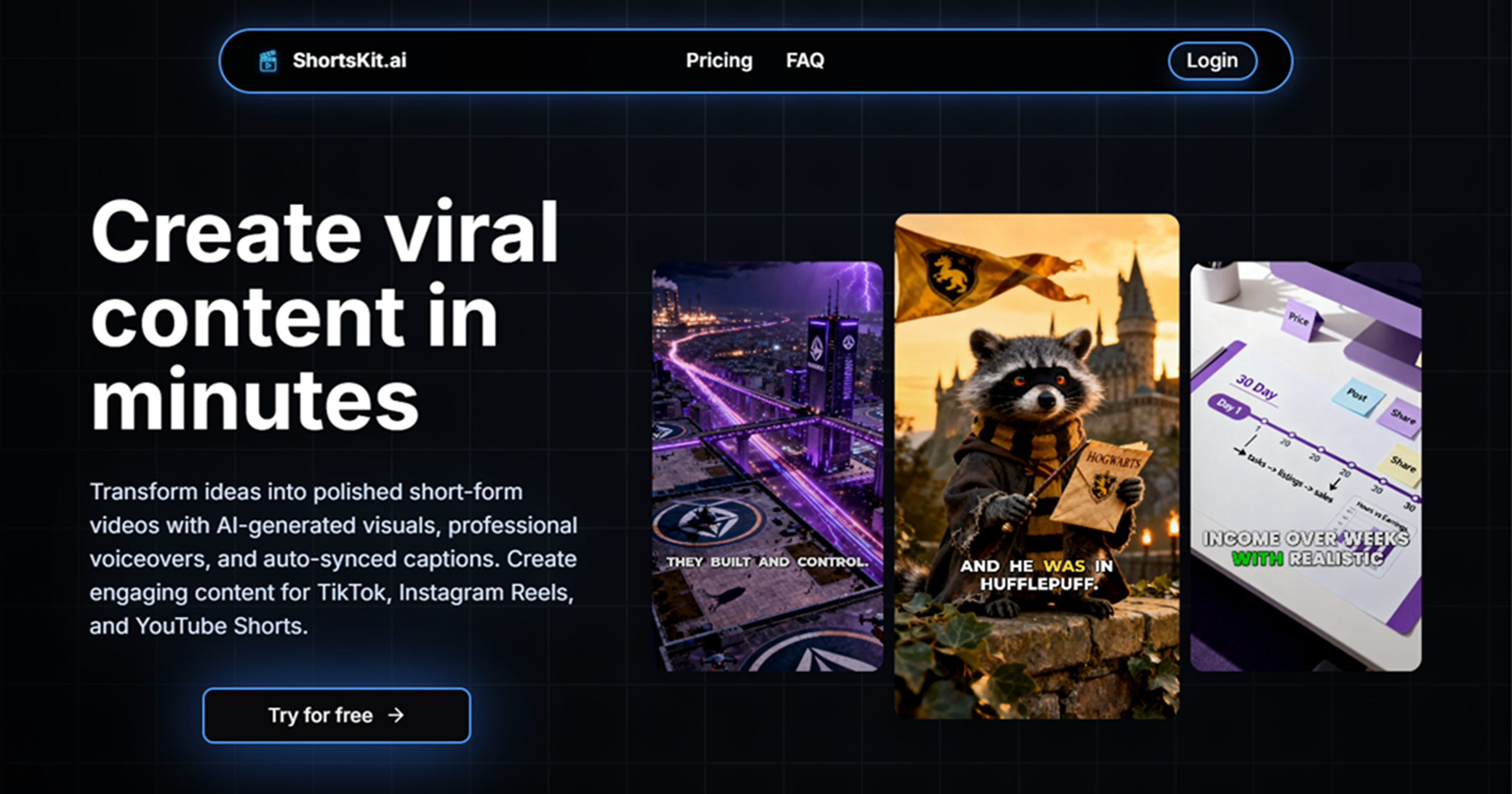



 All bots

 Registration details

 Identified technologies
User reviews (0)