
 Paid content
 Visit website
 Updated: 2026-09-30 01:12
 Language: English (default)
 Access: Normal
 Profile views 7
  Outbound visits 0
 Website Review
What is ColorBliss?
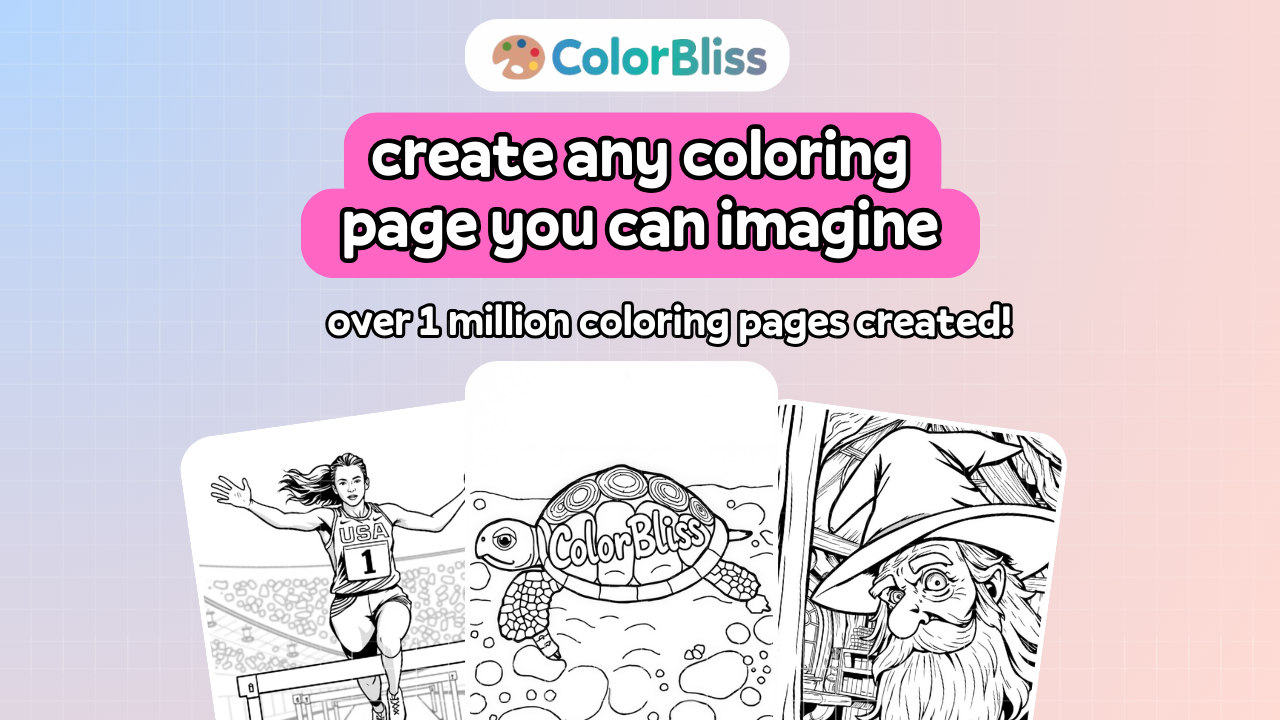
ColorBliss is a free AI coloring page generator at ColorBliss. You type a text prompt or upload a photo, and it produces black-and-white line art you can print. The site says it is free to try, requires no signup for the initial generation, and has been used to create over 1.7 million coloring pages.
Three creation paths
- From a prompt: describe the subject, setting or mood, pick a style and aspect ratio (portrait or square), then generate.
- From a photo: upload a picture — family photos, pets or keepsakes — and have it converted into printable line art.
- From a sketch: start with a rough drawing and let the tool clean it into a finished page.
Who it suits
Parents looking for last-minute activities, teachers preparing classroom handouts, and anyone planning party themes or road-trip entertainment. The no-signup trial is convenient if you just want one page; a free account is what lets you save pages and keep creating.
Practical trade-off
The free demo uses a "Standard" style aimed at clean printable lines, so you get simplicity rather than fine stylistic control. Recent creations stay on your device, so they are not a cloud library unless you create an account.
Next step: try one prompt for a subject you already have in mind, print it, and judge whether the line weight and detail suit your printer before committing to an account.
How do I turn a photo into a printable coloring page?
Upload the photo to ColorBliss, let it convert the image into black-and-white line art, then download and print the result. The site describes this as its "Photo to coloring page converter" — you upload a picture and it "cleans it into a printable coloring page," with family photos, pets, and keepsakes named as good candidates. The free demo needs no signup, and you can create a free account if you want to save pages and make more.
A practical workflow
- Pick a photo with a clear main subject and simple background. Busy scenes turn into cluttered lines that are hard to color.
- Upload it and let the converter produce the line art.
- Check the preview before printing: look for lost detail in faces or fur, and for large solid black areas.
- Download the page, then print on plain paper for a test run before using thicker stock.
What suits a photo-to-page conversion
| Photo type | Likely result |
|---|---|
| Pet portrait, single subject | Strong — clear outline, recognizable |
| Family photo, few people, plain backdrop | Good if faces are large in frame |
| Group shot or crowded scene | Weak — too many overlapping outlines |
| Detailed landscape | Mixed — texture may become noise |
If the photo route gives a muddy result, try the prompt route instead: describe the subject in words ("a golden retriever sitting on a porch") and generate from that. The site lists three creation paths — prompt, photo, and sketch cleanup — so a rough drawing is a third option when you want control over composition.
Next step: run one photo through the converter and one text prompt of the same subject, then compare which gives cleaner printable lines for your printer. For a classroom or party, generate from a prompt first since you can specify the theme directly; save photo conversion for personal keepsakes where the specific image matters.
ColorBliss is at ColorBliss.
Can I use ColorBliss for free without signing up, and what do I get if I create an account?
Yes. ColorBliss lets you generate a printable coloring page from a prompt or photo without signing up, and you can download that page. Creating a free account adds saving and repeat use rather than unlocking the core generation.
Without an account
- Type a prompt or upload a photo and generate line art in seconds.
- Download the page you just made.
- The free demo keeps the style simple, with clean printable lines, and offers portrait or square aspect ratios.
With a free account
- Save pages and come back to them.
- Create more pages over time.
- Start from a free account if you want a printable page made for you, then work from a prompt or photo.
A practical split: use the no-signup route for a one-off—a birthday party sheet, a classroom extra, or a rainy-afternoon request. Sign up if you expect to make several pages or want to keep the ones that worked.
One caveat from the page itself: recent creations are stored on your device, so a page you liked may not follow you to another device unless you have an account. If you are testing whether the output suits your needs, generate one page first and judge the line quality before committing to an account.
What kinds of prompts or ideas work best for generating a coloring page?
The best prompts are specific about subject, action, setting and style, while staying simple enough to read as clean line art. ColorBliss describes three input paths on its page: type a prompt, upload a photo, or clean up a rough sketch. For prompts, the site suggests adding the subject, setting or mood, and choosing a style and aspect ratio before generating.
Prompt patterns that tend to work
- One clear subject, one clear action: "a turtle wearing a party hat riding a skateboard" beats "animals."
- A named setting: "a lighthouse on a rocky coast at sunset" gives the line work structure and background interest.
- Mood or theme words: "cozy," "spooky but friendly," "space adventure," "under the sea."
- Audience cues: "for a 5-year-old," "simple shapes for toddlers," "detailed mandala for adults."
- Style cues: bold outlines, minimal detail, cartoon style, geometric patterns, zentangle-style fill.
- Occasion prompts: birthday party favor, classroom worksheet, road-trip activity, holiday page.
Ideas that often translate well
- Animals, pets and family photos
- Vehicles, dinosaurs, robots and fantasy creatures
- Seasonal and holiday scenes
- Names, initials or simple lettering
- Mandalas, patterns and floral designs
- Story scenes with a character and a background
What to avoid
- Vague prompts with no subject ("something fun")
- Too many unrelated elements ("a dragon, a city, a birthday cake and a race car")
- Fine textures, gradients or photo-realistic shading, which do not suit black-and-white line art
- Long paragraphs of instructions; a single clear sentence usually works better
A practical next step
Write one sentence using this shape: subject + action + setting + style + audience. For example: "A friendly dinosaur baking cookies in a kitchen, simple bold outlines, for a 6-year-old." Then generate, print and adjust one variable at a time — detail level, aspect ratio or style — until the lines suit your printer and the person coloring.
If you prefer not to write prompts, the photo-to-coloring-page path is the alternative: upload a clear, well-lit picture with a single main subject, such as a pet portrait or family photo, and let the tool simplify it. You can try the generator at ColorBliss.
How does ColorBliss compare to buying or downloading pre-made coloring pages for classrooms or parties?
ColorBliss is built for one-off, custom needs: you describe an idea or upload a photo and get printable line art in seconds, rather than searching a library for something close enough. Pre-made pages win when you need volume, a known theme, or zero setup.
Where each option fits
Choose ColorBliss when
- The request is specific: a particular pet, a family photo, a birthday theme, or a lesson topic that no free pack covers.
- You need it now — a last-minute classroom filler or party activity.
- You want the same subject redrawn for different ages or difficulty levels.
- You're making keepsakes from personal photos rather than generic line art.
Choose pre-made pages when
- You need 25–30 identical sheets for a party table and want to print immediately.
- You want a licensed character or a well-known themed set.
- You have no reliable device or internet at the moment of use.
- Cost predictability matters more than customization.
Trade-offs worth knowing
| Factor | Custom generation (ColorBliss) | Pre-made downloads |
|---|---|---|
| Fit to your idea | High — prompt or photo driven | Limited to what exists |
| Time to first page | Seconds, per page | Fast if you already have files |
| Consistency across many pages | Varies; you refine each one | Uniform by design |
| Effort | Writing prompts, re-rolling weak results | Searching and downloading |
| Licensing | Check terms before commercial or school-wide use | Usually stated per pack |
The practical difference is iteration. With a generator, a weak result costs you another prompt, not another purchase — but you should expect to try two or three times before a page prints cleanly. Line weight, background clutter, and small details are the usual problems, especially from photos.
A concrete classroom scenario
A second-grade teacher planning a unit on tide pools finds free packs of generic fish, but nothing matching the specific animals in the lesson. She generates one page per creature from short prompts, prints them at letter size, and gets a matching set. For the class party the same week, she downloads a ready-made 30-sheet activity pack instead, because generating and checking 30 pages isn't worth the time.
Decision criterion
Ask one question: does the value come from this exact subject, or from having enough pages for everyone? Specific subject, generate it. Enough pages, download them.
Start with the free try-it flow on ColorBliss for a single test page before committing to a set, and check the pricing page if you expect to save and reuse many pages.
Can I clean up a rough sketch into a finished coloring page with ColorBliss?
Yes. ColorBliss lists turning a rough sketch into a finished coloring page as one of its three creation paths, alongside starting from a text prompt or uploading a photo. According to the site, you begin with a rough drawing and the tool cleans it up into printable line art.
H3 Practical use This is most useful when you already have the composition but not the polish — a pencil draft for a birthday activity, a classroom worksheet outline, or a doodle a child wants turned into something printable. Instead of redrawing clean outlines by hand, you hand the rough version to the generator and print the result.
H3 What to weigh
- Control versus speed: prompt-based generation gives you a new image from words, while sketch cleanup starts from your own drawing, so the layout stays closer to what you intended.
- Line quality: the goal is clean black-and-white line art suitable for printing, which matters more for coloring than for display.
- Saving and volume: the free demo is described as simple, with an account needed to save pages and make more. If you plan to build a set of pages, that difference matters.
H3 A sensible first test Take one sketch with clear shapes and one with faint or messy lines, run both, and compare how faithfully each keeps your intended outlines. If the messy one loses detail, simplify the sketch before uploading rather than fighting the output.
You can try the sketch route directly at ColorBliss.
 Hosting and Email
 Cloudflare
 Hosting
 Netlify
 Fastmail
 Location
 Pages, Search and Sharing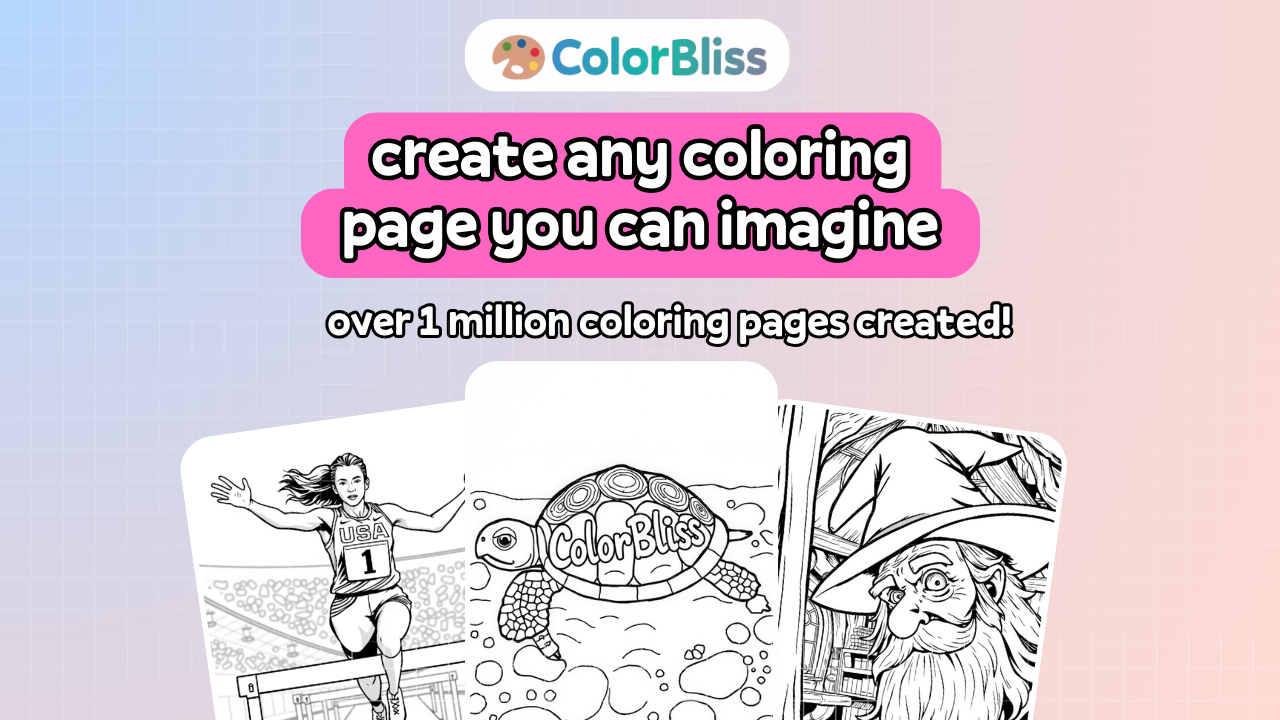



 All bots


 Registration details

 Identified technologies
User reviews (0)