
 late.sh
No paid content found
late.sh
No paid content found
Categories: Development News
A cozy command-line clubhouse for computer people. Chat, music, games, art, coding, and tech news. Connect with any SSH client!
 Visit website
 Updated: 2026-09-26 11:22
 Language: English (default)
 Access: Normal
 Profile views 0
 Outbound visits 0
Related questions
More questions →How to Follow Daily Tech News Without Getting Overwhelmed
The most reliable way to keep up with daily tech news is to build a small, fixed set of sources you trust, scan headlines once or twice a day, and only go deep on stories that actually affect you. Treat news like a filter, not a firehose: pick two or three outlets with clear bylines and correction policies, add one newsletter or podcast for context, and ignore the rest until a story proves it matters. A site like CNET can serve as one part of that system—its news, reviews, and how-to sections each do a different job, so knowing which section to open saves time.
What counts as useful daily tech news
Useful tech news changes a decision, a risk assessment, or your understanding of something you already use. That includes:
- Product and platform changes that affect devices, apps, or accounts you own (pricing shifts, feature removals, security patches).
- Security and privacy incidents with confirmed scope, such as a breached service or a patched vulnerability.
- Regulatory and policy moves that change what companies can do in your region.
- Genuine product launches with shipping dates and prices, not just announcements of future announcements.
Noise looks similar but adds nothing: rewritten press releases, "reportedly" stories with no named source, rumor roundups about products that may never ship, and near-identical coverage of the same event across ten sites. A quick test—can I name one thing I would do differently after reading this?—filters most of it out.
Compare the main formats
| Format | Best for | Main trade-off |
|---|---|---|
| News feeds / homepages | Fast headline scanning, breaking stories | Easy to doomscroll; headlines lack context |
| Newsletters | A curated daily or weekly digest | Arrives on the sender's schedule; can pile up |
| Podcasts | Context, interviews, analysis during commutes | Slower; hard to skim; often days behind |
| Social accounts | Real-time alerts from sources you already trust | Algorithm-driven; rumors spread fast |
| RSS readers | Full control, no algorithm, no ads in the feed | Requires setup; some sites publish partial feeds |
A practical combination: one feed or homepage for scanning, one newsletter for a daily summary, and one podcast or long-read source for depth. That is usually enough to stay informed without spending an hour a day.
How to judge whether a tech outlet is reliable
Reliability is a set of habits you can check, not a brand you assume. Look for:
- Named bylines with a beat. A reporter who consistently covers security or chips is easier to trust than an anonymous aggregation account.
- Primary sourcing. Links to the company blog, filing, court document, or the researcher who found the flaw—not just "a report says."
- Clear labeling of rumor vs. confirmed. Words like "reportedly," "rumor," and "leak" should be visible, not buried.
- Correction practice. A visible corrections policy and updated articles with a note at the bottom are strong signals.
- Separation of news and commerce. Reviews and buying advice should disclose how products were obtained and whether affiliate links exist.
If a site publishes a striking claim with no source, no byline, and no update history, treat it as a lead to verify elsewhere, not a fact.
A simple daily routine
Step 1 — Scan (5 minutes). Open your feed or homepage once in the morning. Read headlines only. Save anything relevant with a bookmark or "read later" tool.
Step 2 — Triage (2 minutes). Sort saved items into three buckets: affects me now (security, account changes, price hikes), useful context (industry shifts, policy), and skip. Delete the third bucket without guilt.
Step 3 — Go deep (10–15 minutes, optional). Read only the first bucket in full. For the second, one solid explainer is usually better than five news briefs.
Step 4 — Weekly catch-up. Once a week, skim a newsletter or listen to a podcast episode to catch anything your daily scan missed.
A simple rule that works for most people: scan daily, read deeply twice a week. Breaking news rarely requires an immediate response unless it involves an account or device you use right now.
Where CNET fits
CNET publishes several distinct content types, and choosing the right one matters more than reading everything:
- News covers launches, policy, and industry events—useful for the daily scan.
- Reviews test specific products and are best consulted when you are actually buying something, not as daily reading.
- How-tos and advice explain settings, fixes, and workflows—read these when you have a concrete problem.
- Deals are time-sensitive and commercial; treat them as shopping leads, not news.
In practice, you might use CNET's news section as one of your two or three scan sources, check reviews only at purchase time, and search how-tos when something breaks. That keeps the site useful without turning it into another feed to clear.
Bottom line
You do not need to read everything. Pick a small set of sources with visible bylines and correction practices, scan headlines on a schedule, and reserve deep reading for stories that touch your devices, accounts, money, or privacy. Formats are tools—feeds for speed, newsletters for curation, podcasts for context—and a source like CNET is most valuable when you match its section to your actual need rather than treating it as one undifferentiated stream.
What Do You Get With NZ Herald Premium Compared to Free NZ Herald News?
Short answer: free NZ Herald access gives you breaking news, headlines and a broad slice of daily reporting, while NZ Herald Premium is the paid layer that unlocks subscriber-only articles — typically opinion, analysis, in-depth explainers and selected business, politics and lifestyle features. If you mainly skim headlines and breaking stories, free access may be enough. If you want to read the full argument, the data behind a story or a columnist's take, Premium is the part you'd be paying for.
How the two tiers generally work
Most large news sites, including nzherald.co.nz, operate on a mixed model: some content is open to everyone, and some sits behind a paywall marked as Premium. The exact mechanics can change, but the practical pattern is consistent.
Free NZ Herald news
- Breaking news and live updates, so you can follow major events as they happen.
- Headlines, summaries and a large amount of general reporting across NZ, sport, business, entertainment and travel.
- Basic browsing of section front pages, which lets you see what's being covered even if you can't open every article.
NZ Herald Premium
- Subscriber-only articles, usually flagged with a "Premium" label before you click.
- Opinion and columns, where writers argue a position rather than just report facts.
- Analysis and explainers that go deeper into politics, business, tax, housing and the economy.
- Selected long-form features, reviews and lifestyle pieces, such as travel and beauty coverage.
A useful way to think about it: free access tells you what happened; Premium is often where you find why it matters and what it means for you.
What kinds of content typically sit behind Premium
Based on how the site labels its own sections, Premium content clusters around a few areas:
| Content type | Usually free | Usually Premium |
|---|---|---|
| Breaking news | Yes | Sometimes, for follow-ups |
| Opinion / columns | Occasionally | Mostly |
| Business & market analysis | Headlines | Deep analysis |
| Politics explainers | Summaries | Full explainers |
| Personal finance & tax | Some | Often |
| Travel, Viva, lifestyle features | Some | Selected |
| Sport | Match reports | Analysis and columns |
This is a general pattern, not a fixed rule — any individual article can fall on either side, so check the label on the story you actually want to read.
How paywalls and metering usually behave
News sites commonly use one of two approaches, or a mix:
- A hard paywall — the article is locked from the first visit, and you see only a preview.
- Metering — you get a set number of free articles per month, then hit a limit.
Either way, the practical steps are the same:
- Look for a "Premium" tag next to the headline before clicking.
- If you hit a wall, note whether it's a per-article lock or a monthly limit.
- Check whether the same story is summarised elsewhere on the free site, which sometimes happens with breaking news.
Deciding whether Premium is worth it for you
Rather than asking "is it good?", match it to your habits.
Free access is probably enough if you:
- Check headlines a few times a day and rarely read past the first few paragraphs.
- Follow breaking news and sport results more than analysis.
- Only occasionally want a columnist's opinion.
Premium is more likely to earn its cost if you:
- Read opinion and analysis regularly, not just news.
- Follow politics, business, tax or housing policy closely.
- Want explainers that put a story in context rather than just reporting it.
- Value long-form features, reviews or travel and lifestyle writing.
A simple test: over one week, count how many times you click an article and find it locked. If that number is high and the locked pieces are the ones you actually wanted, Premium is doing real work for you.
What to check before subscribing
Before you commit, confirm these details on the site itself, since terms and prices change:
- Trial conditions — length, whether a card is required, and when billing starts.
- Price and billing cycle — weekly, monthly or annual, and whether it renews automatically.
- Cancellation terms — how to cancel and whether you keep access until the end of the period.
- Device and account access — whether one subscription covers phone, tablet and desktop, and how many people can use it.
- What's included — whether Premium covers all sections or only some, and whether any bundled products (such as a magazine or newsletter) come with it.
Because pricing and offers are set by the publisher and can change, treat any figure you see as current only at the moment you check it.
A quick decision template
Fill this in honestly:
- How many days a week do I read NZ news? ___
- How often do I want opinion or analysis, not just headlines? ___
- How many Premium articles did I try to open last month? ___
- Would I rather pay for depth, or stay with free headlines? ___
If your answers lean toward frequent reading and a real appetite for analysis, Premium is the tier built for you. If you're mostly a headline scanner, the free experience covers most of what you need — and you can always subscribe later when a specific story makes the case for you.
How Does the Iroquois Indian Museum Use Art to Share Iroquois Culture?
The Iroquois Indian Museum in Howes Cave, New York, is an educational institution whose stated purpose is to foster understanding of Iroquois culture by using Iroquois art as a window into that culture. In practice, that means a visit is organized around original work by Iroquois artists—both traditional and contemporary—rather than around a conventional timeline of historical objects. The approach suits anyone who wants to encounter Haudenosaunee (Iroquois) culture as something living and currently being made, not only as history.
The mission, stated plainly
The museum describes itself as "an educational institution dedicated to fostering understanding of Iroquois culture using Iroquois art as a window to that culture." Two things follow from that sentence:
- Art is the method, not just the subject. The exhibits are built to teach culture through the work, so the art carries the interpretation.
- The frame is Iroquois-specific. This is not a general Native American collection; the focus is the Iroquois (Haudenosaunee) peoples and their artists.
What "art as a window" actually means
Using art as the interpretive lens changes what you look at and how you look at it. A painting, basket, carving, or piece of beadwork can carry:
- Continuity — designs, materials, and techniques passed down across generations.
- Change — how artists respond to new materials, markets, and ideas over time.
- Voice — the artist's own perspective on identity, community, and history, in their own words rather than only through a curator's label.
Because the museum's collection spans both traditional and contemporary Iroquois work, the two are shown as connected rather than as "past" versus "present." A contemporary piece and an older one can be read as part of the same ongoing practice.
What a visitor can expect
Based on the museum's own description of its purpose, plan for:
- Original Iroquois art across media and periods, including work by living artists.
- Cultural context connecting the art to Haudenosaunee history, values, and present-day communities.
- An educational framing — the institution positions itself as educational first, so expect interpretive material rather than a purely aesthetic gallery experience.
The museum is located in Howes Cave, NY, in the Schoharie County area of upstate New York — Iroquois homelands region — which gives the visit a geographic as well as cultural context.
Why art instead of only historical objects
Art does something a case of artifacts often cannot: it shows a culture thinking and making decisions now. A historical object answers "what was made?" An artwork by a named Iroquois artist can answer "what is this artist saying, and to whom?" That shift keeps the culture from being frozen at a single moment and puts Iroquois people in the position of authors of their own representation.
Practical notes before you go
- Check current hours, admission, and exhibition schedule directly with the museum, since these change seasonally and are not fixed in the source material here.
- Payment: the site lists PayPal among its payment platforms; confirm accepted methods for admission when you book or arrive.
- Plan around the art. If you want the most from the visit, read the artist labels and interpretive text — that is where the "window" framing does its work.
If your interest is specifically in how a museum can teach a living culture through contemporary creative practice, this is the model to look at. If you want a broad survey of Native American nations across the continent, note that this museum's scope is deliberately narrower: the Iroquois, seen through their art.
How to Listen to Free Music, Radio, and Podcasts on iHeart
iHeart is a free streaming platform that combines live radio stations, customizable artist stations, playlists, and podcasts in one place. You can start listening without paying by opening iheart.com in a browser or using the iHeart app, then searching for a station, artist, song, or podcast. A subscription is only relevant for certain premium features; the core listening experience described on iHeart's site is available for free.
What you can listen to on iHeart
iHeart organizes its content into a few main types, and knowing the difference helps you find what you want faster.
| Content type | What it is | Best for |
|---|---|---|
| Live radio stations | Thousands of real-time broadcast stations | Hearing a scheduled show, local station, or live event |
| Artist stations | Stations built around a specific artist | Continuous music in the style of an artist you like |
| Playlists | Curated or self-made collections of songs | A defined set of tracks for a mood or activity |
| Podcasts | On-demand episodic shows | Talk, news, storytelling, and interviews |
| Music and trending news | Updates on artists, songs, and bands | Discovering what's new |
The key distinction is live versus on-demand. Live radio plays whatever is broadcasting right now, so you can't skip tracks. Artist stations and playlists behave more like on-demand listening, where you control the starting point.
How to start listening for free
You can begin on either the web or the app. The steps are similar.
- Open the platform. Go to iheart.com in a browser, or install the iHeart app on your phone or tablet.
- Search or browse. Use the search function to enter a station name, artist, song, or podcast. Alternatively, browse categories to see what's available.
- Select what you want to hear. Choosing a live station starts playback immediately. Choosing an artist creates or opens a station built around that artist.
- Press play and adjust. Use the player controls to pause, change volume, or move between stations. On live radio, expect no track skipping; on artist stations, you have more control over what plays next.
- Save what you like. Favoriting a station or artist makes it easier to return to later without searching again.
Expected result: audio begins playing shortly after you select content, and your favorites appear in your account for quick access next time.
Creating your own stations and playlists
- Artist stations: Start from an artist you like, and the station plays music in that style. This is the fastest way to get continuous music without building a list yourself.
- Playlists: Add individual songs to a playlist when you want a specific set of tracks rather than a continuous stream. This suits workouts, commutes, or a fixed party set.
- Tip: Use artist stations for discovery and playlists for control. If a station drifts away from what you want, switch to a playlist instead of fighting the stream.
What's free versus what needs a subscription
iHeart's own description states that its music, podcasts, and radio stations are available for free, and that you can listen to thousands of live stations or create your own artist stations and playlists. The site also references a subscription, which indicates that some features sit behind a paid tier.
Because the exact free-versus-paid split isn't fully detailed in the available information, treat it this way:
- Assume free: live radio stations, artist stations, playlists, podcasts, and general music/news browsing, based on iHeart's stated offering.
- Check before assuming: any feature labeled as premium, ad-free, or subscription-only. If a paywall appears, that specific feature requires payment.
- Don't assume: that a subscription is required to listen at all, or that everything is free. Verify at the point where you're asked to sign up or pay.
Common snags and how to handle them
- A station won't play. Live stations can be unavailable due to regional restrictions or temporary outages. Try another station to confirm whether the issue is the station or your connection.
- You can't skip a track. That's expected on live radio. Switch to an artist station or playlist if you want control.
- Search returns too many results. Add the type of content to your search, such as the artist name plus "station," or search podcasts separately from music.
- You lose your favorites. Sign in to an account so saved stations and playlists persist across sessions and devices.
Quick decision guide
- Want background music with no effort? Open an artist station.
- Want a specific set of songs? Build a playlist.
- Want a live show or local broadcast? Pick a live radio station.
- Want talk or storytelling? Go to podcasts.
- Want to avoid paying? Stick to the free listening options above and check any prompt before entering payment details.
Website Overview
The available information shows a mix of normal operation and configuration gaps. Depending on how the website is used, these gaps may affect secure access or the consistency of its public presentation.
Domain and Registration
The domain was registered less than a year ago and has limited historical evidence to assess. Transfer-protection status is present, helping reduce the risk of unauthorized domain transfers. The registrar is Cloudflare, Inc, a widely used domain service provider. The domain uses the common .sh extension, which is not an independent safety signal.
DNS and Email
Nameservers are provided by Cloudflare, indicating managed DNS hosting. No CNAME was found; the observed records resolve directly to addresses. No MX record was found. A conventional explicit inbound-mail route is not configured. DNSSEC signatures were not detected, so this additional DNS authenticity protection is not confirmed. The lowest observed DNS TTL is 300 seconds.
TLS and Certificates
The certificate uses an RSA 2048-bit public key, offering broad client compatibility. The server supplied a complete certificate chain. No organization name is present in the certificate; the available fields are consistent with domain validation. The certificate was issued by Let's Encrypt, commonly associated with automated certificate services. The certificate's total validity is about 89 days, consistent with a short renewal cycle.
HTTP and Browser Security
The response lacks these common security headers: CSP, X-Content-Type-Options, Referrer-Policy, Permissions-Policy, clickjacking protection. No X-Powered-By header was found, reducing one common source of backend fingerprinting information. No obvious internal addresses or debug information were found in the headers. No explicit CDN or WAF marker was found in the response headers. No CORS permission header was found, so browsers normally restrict cross-origin script access.
Technology Stack Analysis
The public page identifies Alpine.js without precise versions, leaving fewer clues for version-specific scanning.
Search and Social Sharing
No homepage canonical URL was detected. If duplicate URLs exist, consolidation may be less explicit. Twitter Card metadata is configured. The title has 7 characters, within a common display range. A meta description is present, with 127 characters. The observed directives allow indexing and link following.
 Hosting and Email
 Cloudflare
 Hosting
 Hetzner Online GmbH
 Location
 Helsinki, Uusimaa, Finland
 Pages, Search and Sharing
| Meta description | A cozy command-line clubhouse for computer people. Chat, music, games, art, coding, and tech news. Connect with any SSH client! |
|---|---|
| Canonical URL | Not detected |
| Language | English (default) |
| Twitter Card | summary_large_image |
Social Sharing Preview
14 fields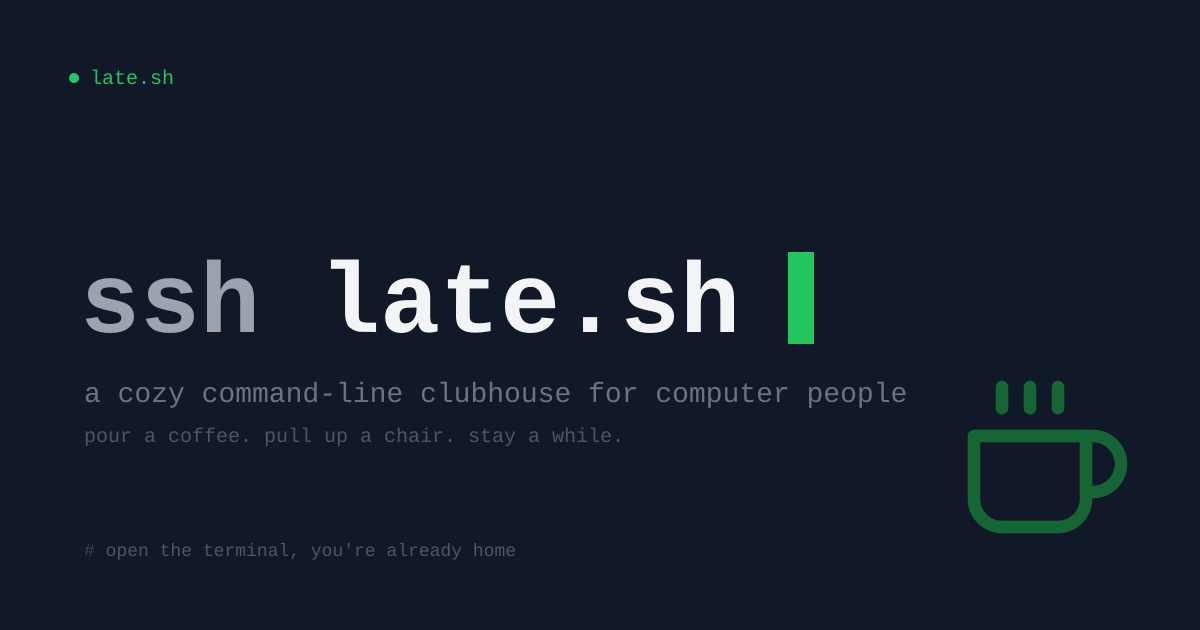

Sharing metadata
| og:url | https://late.sh/ |
|---|---|
| og:type | website |
| og:image | https://late.sh/static/og-image.png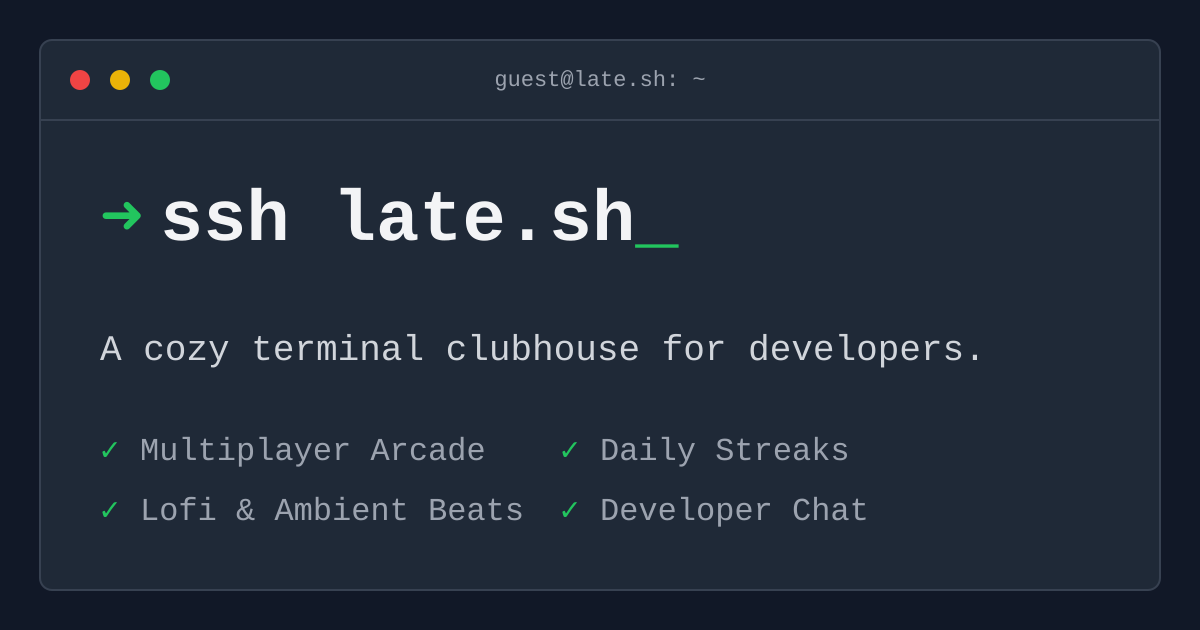 |
| og:title | late.sh |
| og:image:alt | late.sh terminal clubhouse preview |
| og:description | A cozy command-line clubhouse for computer people. Chat, music, games, art, coding, and tech news. Connect with any SSH client! |
| og:image:width | 1200 |
| og:image:height | 630 |
| twitter:url | https://late.sh/ |
| twitter:card | summary_large_image |
| twitter:image | https://late.sh/static/og-image.png |
| twitter:title | late.sh |
| twitter:image:alt | late.sh terminal clubhouse preview |
| twitter:description | A cozy command-line clubhouse for computer people. Chat, music, games, art, coding, and tech news. Connect with any SSH client! |
robots.txt (opens in a new tab)
HTTP 200Unknown
Sitemaps
0No sitemaps found
 Registration details RDAP / WHOIS
| Registrar | Cloudflare, Inc |
|---|---|
| Registered | 2025-12-27 |
| Expires | 2026-12-27 |
| Domain status | clientTransferProhibited https://icann.org/epp#clientTransferProhibited |
| Nameservers | pam.ns.cloudflare.com、reese.ns.cloudflare.com |
| DNSSEC | unsigned |
 DNS records
 TLS and certificates
| Assessment | Normal configuration |
|---|---|
| Supported protocols | TLSv1.2 |
| Negotiated protocol | TLSv1.2 |
| Certificate subject | late.sh |
| Issuer | Let's Encrypt |
| Valid until | 2026-11-25T17:02 · Remaining when checked: 60 days |
| Verification details | Certificate trust: Passed · Hostname match: Passed |
 HTTP response headers
| Header | Value |
|---|---|
| content-type | text/html; charset=utf-8 |
| strict-transport-security | max-age=31536000; includeSubDomains |
 Identified technologies
User reviews (0)