
 简体中文
简体中文 English
Website review
This review may include AI-generated content and is not individually verified. Domain, certificate and other facts come from the observed data on this page.
What is Mutiny?
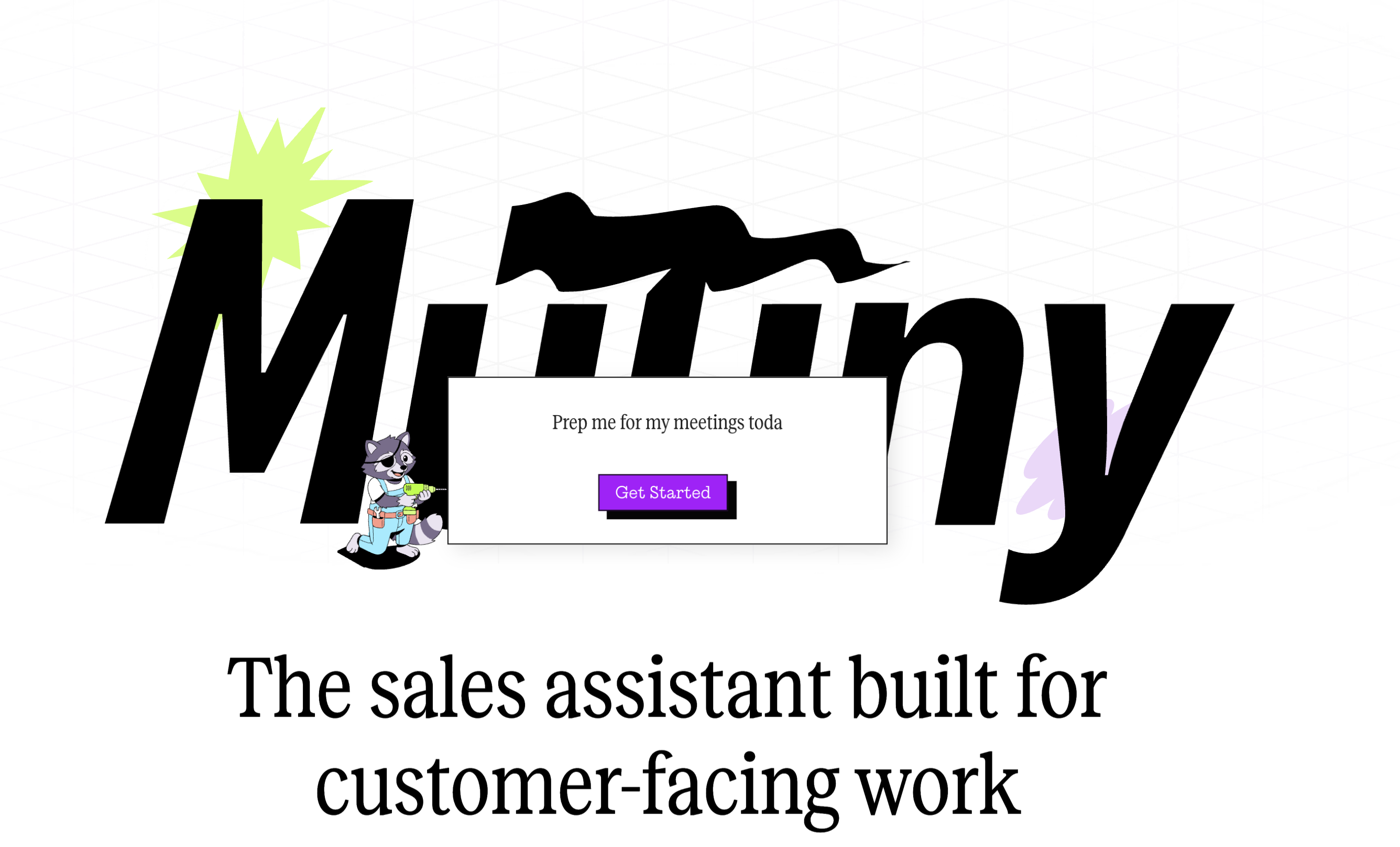
Mutiny is a sales assistant designed for customer-facing work. It helps enterprise sales teams create personalized, on-brand assets like decks, landing pages and deal rooms, and it also handles behind-the-scenes tasks such as account research, follow-ups and forecast reviews. The pitch is straightforward: spend less time on manual prep and more time with buyers.
What it actually does
- Buyer-facing content: Build personalized decks, interactive landing pages and deal rooms that update with the deal, and see who viewed them.
- Agentic admin work: Offload research, follow-ups and pipeline tasks by connecting the assistant to your existing tools.
- Ready-made playbooks: Start with pre-loaded go-to-market plays and templates rather than building workflows from scratch.
- Team collaboration: Work with the assistant in Slack, organize around accounts and projects, and share templates, skills and routines across the team.
Who it's for
Mutiny is aimed at enterprise sales organizations, with distinct use cases for account executives and sales leaders. AEs get help with meeting prep, follow-ups, multithreading and deal rooms; leaders get pipeline review, executive reporting, coaching and competitive enablement. Marketing-adjacent plays like 1:1 ABM pages, case studies and event invites suggest it also suits teams that support reps with personalized content.
A practical way to evaluate it
If you're considering Mutiny, pick one recurring workflow — say, post-call follow-ups or weekly pipeline review — and test whether the assistant produces something you'd actually send or act on without heavy editing. The main trade-off is breadth versus depth: a single assistant covering content, research and forecasting is convenient, but you'll want to confirm it handles your specific tools and sales motion well enough to replace the point solutions it overlaps with. You can see the product direction at Mutiny.
How does Mutiny help sales teams personalize outreach at scale?
Mutiny is positioned as a sales assistant for customer-facing work, and its answer to personalization at scale is to combine reusable templates with an agent that plugs into your existing tools and does the repetitive research and follow-up work.
What the product actually does
According to the page, Mutiny lets reps create on-brand assets — personalized decks, interactive landing pages and deal rooms that update with the deal — and see who viewed them. The agent connects to your tools and learns how you like things done, covering account research, follow-ups and forecast reviews. It also works alongside the team in Slack, organizing work around accounts and projects and letting people share templates, skills and routines.
Where the scale comes from
Personalization at scale usually fails at one of two points: the research takes too long, or the output looks generic. Mutiny addresses both by starting from pre-loaded go-to-market playbooks and winning templates, so a rep isn't building each asset from scratch. The listed plays show the pattern clearly:
- 1:1 ABM — a personalized page for every target account, without waiting on design.
- Case study — turn a customer win into an on-brand story while it's fresh.
- Landing pages — stretch one asset into a multi-channel campaign in minutes.
- Event invite — personalized invites and follow-ups.
- Meeting prep and follow-ups — arrive briefed and send a tailored follow-up minutes after the call, with engagement visibility.
- Multithreading — reach the full buying committee rather than stalling on one contact.
- Deal rooms — a deal-ready proposal and pricing pulled from CRM context.
Who benefits most, and the trade-off
Teams with repeatable motions and a defined ICP get the most leverage, because a shared template library and playbook set compounds across reps. Sales leaders get pipeline review, executive reporting, coaching and competitive enablement from the same shared intelligence. The trade-off is real: template-driven personalization can drift toward sameness if reps don't adapt the substance, and the value depends on how well the agent is connected to your CRM and tools. Teams with highly bespoke, low-volume enterprise deals may find less benefit than high-velocity teams running many similar accounts.
A practical next step
Pick one motion you repeat weekly — post-call follow-ups or 1:1 ABM pages are good candidates. Run it through Mutiny's templates for a handful of accounts, then compare reply and engagement rates against your current manual approach before rolling it out team-wide. You can see the play categories at Mutiny and check plan fit at Mutiny Pricing.
Can Mutiny integrate with my CRM and other sales tools?
Yes. Mutiny is built to plug into the tools your sales team already uses, so it can pull context from your CRM and work alongside you in Slack. The site describes the agent as connecting to your tools and learning how you like things done, covering account research, follow-ups and forecast reviews. It also lists a deal room play that produces a proposal and pricing "from your CRM context," which implies CRM data flows into the assets it generates.
What integration looks like in practice
- CRM as the source of deal context: deal rooms and pipeline reviews draw on CRM records rather than requiring manual re-entry.
- Slack as a working surface: the agent collaborates with your team there, organizing work around accounts and projects.
- Shared team assets: templates, skills and routines can be shared across the team, so plays stay consistent.
What to check before you commit
The site does not name specific CRM vendors or list a full integration catalogue, so confirm the exact connectors you need. A practical test: pick one CRM and one workflow — say, generating a follow-up after a call — and ask whether it works end to end, including which fields sync and which direction data flows.
For a sales leader evaluating this, the trade-off is speed versus control. Pre-loaded playbooks and templates mean less setup time, but you will want to verify that the CRM fields and permissions your team relies on are respected. If you are comparing options, it also helps to look at how a dedicated revenue platform handles the same CRM connection, such as Salesforce, though Mutiny's focus is the assistant layer on top rather than the system of record.
Next step: request a demo using your own CRM instance and one real account, and ask them to show the follow-up and deal-room plays running against your data.
What pre-built playbooks and templates does Mutiny offer for different sales roles?
Mutiny's own page groups its ready-to-use plays by role rather than listing a single generic template library. Based on that page, the split looks like this:
- Account Executives get plays aimed at direct deal work: meeting prep, follow-ups, multithreading across the buying committee, deal rooms with proposals and pricing pulled from CRM context, and pipeline review.
- Sales Leaders get plays aimed at running and improving the team: pipeline review turned into a forecast story, executive reporting, upskilling reps by packaging top plays into routines, coaching with call-by-call feedback, and competitive enablement.
- Marketing support for every rep covers 1:1 ABM pages, case studies, field trends, landing pages, and event invites.
The page also describes the broader mechanics around these plays: pre-loaded GTM playbooks and templates, an agent that plugs into existing tools, assets like personalized decks, interactive landing pages and deal rooms that update with the deal, and Slack-based collaboration where templates, skills and routines can be shared across a team.
How to choose between them
The distinction is mostly about who the output serves:
| If your problem is... | Start with... |
|---|---|
| Reps spending too long on prep and follow-up | AE plays: meeting prep, follow-ups |
| Deals stalling on a single contact | AE plays: multithreading, deal rooms |
| Forecasts that are stale or hard to defend | Leader plays: pipeline review, executive reporting |
| Uneven rep performance | Leader plays: upskilling, coaching, competitive enablement |
| Reps needing design or campaign support | Marketing plays: 1:1 ABM, case studies, landing pages, event invites |
A practical next step: pick the one recurring task your team already does manually every week — say, post-call follow-ups or Friday forecast prep — and pilot the matching play there first. That gives you a concrete quality benchmark before rolling plays out more widely.
How does Mutiny support team collaboration and knowledge sharing?
Mutiny supports collaboration mainly by organizing work around shared accounts and projects, then letting teams reuse the same templates, skills, and routines. Its page describes the agent working alongside your team in Slack, so the collaboration happens in a tool reps already use rather than in a separate workspace. It also describes sharing templates, skills and routines across the team, which is the knowledge-sharing mechanism: instead of each rep rebuilding a deck, follow-up or account plan, they start from a teammate's version.
What gets shared
- Templates for decks, follow-ups, landing pages and deal rooms, so quality isn't dependent on one strong rep.
- Skills and routines that encode how the team does account research, follow-ups and pipeline review.
- Work organized by account and project, which keeps context attached to the deal rather than buried in individual chats.
How different roles use it
| Role | Collaboration and knowledge-sharing use |
|---|---|
| Account Executives | Meeting prep, follow-ups, multithreading and deal rooms drawn from shared plays, so a rep inherits the team's approach instead of improvising. |
| Sales Leaders | Pipeline review, executive reporting, upskilling reps, coaching and competitive enablement — packaging the team's best plays into a routine everyone runs. |
A practical scenario: a rep finishes a call and sends a tailored follow-up within minutes. That follow-up pattern, once it works, becomes a shared routine; a new hire runs the same routine in week one instead of learning it over months. The trade-off is that shared routines only help if the team actually maintains them — stale templates spread as fast as good ones, so someone needs to own review and retirement of plays.
Next step: list the three tasks your team repeats most often (for example, meeting prep, follow-up, pipeline review), then check whether Mutiny's pre-loaded plays cover them by reviewing Mutiny and its pricing page before committing.
What pricing plans are available for Mutiny?
Mutiny's website shows a Pricing page, but the supplied page evidence does not list specific plan names, tiers, or dollar amounts. So the honest answer is: the exact plans are not described here, and you should check the Pricing page directly for current tiers and costs.
What the page does make clear is the packaging logic, which is useful for predicting how plans are likely structured:
- Seat-based or team-based tiers. The product is positioned for "customer-facing work" across roles like Account Executives and Sales Leaders, so pricing is likely tied to how many reps or teams use it.
- Feature gating by workflow. The site separates capabilities into plays (meeting prep, follow-ups, multithreading, deal rooms, pipeline review, 1:1 ABM, case studies, landing pages, coaching). Expect higher tiers to unlock more plays, templates, or team-wide sharing.
- Usage or volume limits. Personalized assets, landing pages, and deal rooms that "update with the deal" and show viewer activity suggest possible limits on assets, views, or accounts per plan.
How to decide without published prices
- Go to the official Pricing page and look for a free tier or trial — the site repeatedly offers "Start for free," which is the lowest-risk way to test fit.
- Match the plan to your primary use case. If you mainly need follow-ups and meeting prep for individual reps, a lighter tier may suffice. If you need shared playbooks, coaching, and executive reporting across a team, you are likely looking at a higher team or enterprise tier.
- Ask about limits that matter operationally: number of seats, number of personalized pages or deal rooms, CRM and Slack integration depth, and whether templates and skills can be shared team-wide.
For the current official plans and any free or paid tiers, check Mutiny directly, since pricing changes and the supplied page evidence does not include the actual plan details.
 Amazon Route 53
 Google Workspace
 Amsterdam, North Holland, The Netherlands

User reviews (0)