
 简体中文
简体中文 English
Website review
This review may include AI-generated content and is not individually verified. Domain, certificate and other facts come from the observed data on this page.
What is Poedit?
Poedit is a desktop translation editor built around the gettext PO format, with support for XLIFF, JSON, Qt and Flutter files. It is aimed at translators and developers who work on software and website localization rather than at people translating general documents.
Its core strength is handling the gettext workflow that underpins many PHP, Python and Linux projects. Poedit parses source files, tracks string changes, and runs safety checks on placeholders and formatting, which reduces the risk of breaking code during translation. The interface is deliberately minimal so the file management and editing tasks stay out of the way.
The Pro edition adds machine translation and AI-driven pre-translation, plus WordPress-specific handling for themes and plugins. Poedit also connects to cloud localization platforms, so teams using Crowdin or Localazy can translate directly in the app instead of switching between browser and editor.
Who it suits
- Developers maintaining
.pofiles for WordPress, Drupal, Django or similar projects - Translators who receive PO or XLIFF files and need validation before delivery
- Teams coordinating through a cloud localization platform
Who should look elsewhere
- Anyone translating Office documents, subtitles or marketing copy without a codebase
- Teams that only need a browser-based CAT tool
A practical next step
If you already have a .po file, download the free version and open it. Check whether Poedit correctly detects placeholders such as %s or {count} — that validation is the main reason to use it over a plain text editor. If you need machine translation or WordPress-aware scanning, compare that experience against the Pro feature list at Poedit before deciding.
How do I translate a WordPress theme or plugin using Poedit?
Poedit is built around gettext, the same translation system WordPress uses for themes and plugins, so it can scan a theme or plugin for translatable strings and produce a .po file you edit and then compile into the .mo file WordPress reads at runtime. The page evidence specifically notes that Poedit "understands WordPress, its themes and plugins," and that it can work with files stored locally or remotely. The general workflow below is standard gettext practice; treat the exact menu names as guidance rather than a guarantee of every label in your version.
The basic workflow
- Get the source code locally. Download the theme or plugin folder so you have access to its PHP files and any existing
languagesfolder. - Create a catalog from source. In Poedit, choose the option to create a new translation from source code and point it at the theme or plugin folder. Poedit extracts strings wrapped in WordPress translation functions such as
__(),_e(),_x(), and_n(). - Set the target language and locale. WordPress matches translations by locale (for example
de_DEorfr_FR), so name the file accordingly. - Translate. Work through the string list. Poedit shows source references, flags fuzzy or changed entries, and runs safety checks that warn about placeholder mismatches or formatting problems before they reach your site.
- Save and compile. Saving the
.pofile produces the matching.mofile, which is what WordPress actually loads. - Place the files correctly. Put both files in the theme's or plugin's
languagesfolder, or wherever the developer expects them, using the locale in the filename.
A practical example
Suppose you are translating a plugin with the text domain my-plugin into German. You would create my-plugin-de_DE.po from the plugin's source, translate it, and save it so that my-plugin-de_DE.mo sits beside it. If the plugin loads translations from wp-content/languages/plugins/, that is where the pair belongs instead — check the developer's documentation, since the expected location varies.
Where Poedit's specific features fit
- Pre-translation and suggestions. The Pro tier is described as offering machine translation and AI-powered pre-translation, which can fill in a first pass you then review. Useful for large string counts, but always review machine output for tone and WordPress-specific terminology.
- Cloud platform integration. Poedit's page evidence states built-in support for Crowdin and Localazy, letting you open and translate those projects directly in the app — relevant if your theme is translated by a distributed team rather than one person.
- WordPress awareness. Beyond generic gettext, the page highlights WordPress-specific handling for local and remote themes and plugins, which reduces the manual file shuffling described above.
Choosing your approach
| Situation | Reasonable choice |
|---|---|
| One small theme, one language, occasional updates | Free Poedit and a manual .po/.mo workflow |
| Large plugin, many strings, tight deadline | Poedit Pro with pre-translation, then human review |
| Team spread across contributors | Poedit's Crowdin or Localazy integration, or translate on the platform and sync back |
| Strings change frequently with development | Keep the catalog under version control and re-scan after each release |
For WordPress-specific translation conventions, the official handbook at Make WordPress documents text domains, locale codes, and where language files should live. If your project is hosted on GitHub, GitHub is where you will usually find the theme or plugin source to download before scanning it.
Can I collaborate on translation projects with my team using Poedit?
Yes. Poedit is built for solo translating first, but it includes collaboration features aimed at teams: built-in support for cloud localization platforms lets you access your Crowdin or Localazy projects and translate directly from the app, so multiple contributors can work on the same shared project rather than passing files around.
How team collaboration typically works
- Shared cloud project: You connect Poedit to a Crowdin or Localazy project, pull the strings, translate in the Poedit editor, and sync back. Your teammates do the same from their own machines.
- File-based handoff: For ordinary PO/XLIFF/JSON/Qt/Flutter files, you can still share the files through your own version control or file storage; Poedit handles the editing, safety checks and template/file management.
- WordPress projects: Poedit understands WordPress themes and plugins, local or remote, which helps when several people translate the same site.
Practical trade-offs
| Approach | Best for | Watch out for |
|---|---|---|
| Crowdin / Localazy sync | Distributed teams, many languages, ongoing projects | Requires an account on those platforms; workflow depends on their setup |
| Shared files in Git | Developers already using version control | Merge conflicts on PO files; needs discipline |
| Emailed/exported files | One-off jobs, two-person teams | Easy to lose track of who changed what |
A concrete scenario: a three-person team translating a Django app into four languages. Each translator connects Poedit to the same Crowdin project, filters to their language, translates, and syncs. The developer only pulls the finished PO files. No one emails attachments, and the source strings stay in one place.
Next step: decide whether your team already uses a cloud localization platform. If yes, connect Poedit to that project and invite teammates there. If not, agree on a shared repository for your PO/XLIFF files before you start, so everyone edits the same source.
For the collaboration details and current plan options, see Poedit and Crowdin or Localazy if you need the platform side.
What file formats does Poedit support for translation?
Poedit supports these translation file formats:
- PO / gettext — its core format, with full gettext support; used by PHP projects like Drupal and WordPress, Python/Django projects, and much else on Linux.
- XLIFF — for XML-based localization exchange workflows.
- JSON — for apps and sites that store strings in JSON.
- Qt — for Qt application translations.
- Flutter — for Flutter app localization.
The practical split: if your project uses gettext, Poedit is built around that workflow, including managing files and templates along with safety checks on your translations. If you work across web apps, desktop apps and mobile apps, the extra formats mean one editor rather than a separate tool per stack. It also connects to cloud localization platforms, so you can open Crowdin or Localazy projects and translate from inside the app.
A sensible next step is to check which format your build pipeline actually produces — for example, a WordPress theme or plugin will give you PO files, while a Flutter app will not. Confirm that before choosing an editor, since format support is the deciding factor here rather than interface preference. More detail is on Poedit.
How does Poedit's machine translation and pre-translation feature work?
Poedit's machine translation and pre-translation features are built into the Pro edition, where they fill in suggested translations for untranslated strings so you can review and accept them instead of typing every entry from scratch. The page describes this as "pre-translation and intelligent suggestions, powered by the best machine translation and AI engines," and it is positioned as a workflow accelerator rather than a replacement for human review.
How it fits a real workflow
A typical use: you open a PO file for a WordPress theme, and Poedit pre-fills the empty strings with machine-generated candidates. You then work through the list, correcting tone, terminology and placeholders. The page's own framing — "lets you focus on what matters most: getting the work done" — matches this review-first pattern, and the quoted user Egill Erlendsson (Automattic) reports translating 40,000+ strings for WordPress projects, which is the scale where pre-translation pays off most.
Trade-offs to weigh
- Speed versus accuracy: pre-translation is fastest on large, repetitive string sets and short UI labels; it is weakest on marketing copy, legal text and anything with brand voice.
- Format coverage: the page lists PO, XLIFF, JSON, Qt and Flutter, with full gettext support for PHP (Drupal, WordPress), Python (Django) and Linux projects.
- Collaboration: built-in connections to Crowdin and Localazy let teams pull projects into the app, so machine suggestions and human edits stay in one place.
Next step
If you mainly translate gettext-based projects and want suggestions to start from, compare the free download against the Pro feature set at Poedit and test pre-translation on one real file before committing — check how well it handles your placeholders and plural forms, since those are where machine output most often needs fixing.
Is Poedit Pro worth it compared to the free version?
Poedit Pro is worth it if you regularly translate the same project types and want machine translation, pre-translation and WordPress-aware handling inside the editor. The free version is enough if you only occasionally edit PO/XLIFF/JSON files by hand and don't need automation or cloud platform integration.
The free download is a real translation editor, not a trial: it handles gettext (PO), XLIFF, JSON, Qt and Flutter files, with safety checks, file/template management and the same minimal interface. Pro is where the workflow accelerators live — pre-translation and intelligent suggestions powered by machine translation and AI engines, plus WordPress-specific handling for local or remote themes and plugins.
H3 When the upgrade pays off
- You translate large volumes. Pro's pre-translation fills in suggested translations so you edit rather than type from scratch. A translator quoted on the site reports using Poedit for 40,000+ strings in WordPress projects, which is the kind of scale where pre-translation changes the economics.
- Your work sits in a localization platform. Poedit connects to Crowdin and Localazy projects, so you can translate directly in the app instead of round-tripping through exports.
- You work on WordPress. Pro understands themes and plugins whether they're stored remotely or on your drive; the free editor still opens the files, but you lose that context-aware handling.
- You value change tracking. A developer quoted on the site says Poedit "scans your code and tracks changes in translations" — useful when source strings shift under you.
H3 When the free version is the better call
- Occasional one-off PO or XLIFF edits, or reviewing someone else's translation memory.
- You already pay for a full CAT tool and only need a lightweight viewer/editor.
- You prefer to run your own machine translation outside the editor.
H3 Trade-offs to weigh Pro's value is concentrated in speed and integration, not in output quality — machine translation suggestions still need review, especially for UI strings where length and tone matter. The free version keeps you fully in control but makes you do the typing. If your bottleneck is typing volume or platform sync, Pro removes real friction; if your bottleneck is terminology or review, Pro won't fix that.
H3 A practical next step Take one active project — ideally a WordPress theme or a Crowdin/Localazy project — and translate a representative batch in the free editor. Time yourself. Then estimate what pre-translation would have saved on that batch and multiply across your monthly volume. If the saved hours exceed the subscription cost you'd accept, Pro is the straightforward choice; if not, stay free and revisit when your volume grows.
For format coverage and feature details, see Poedit.
 NS1
NS1 Netlify
 Fastmail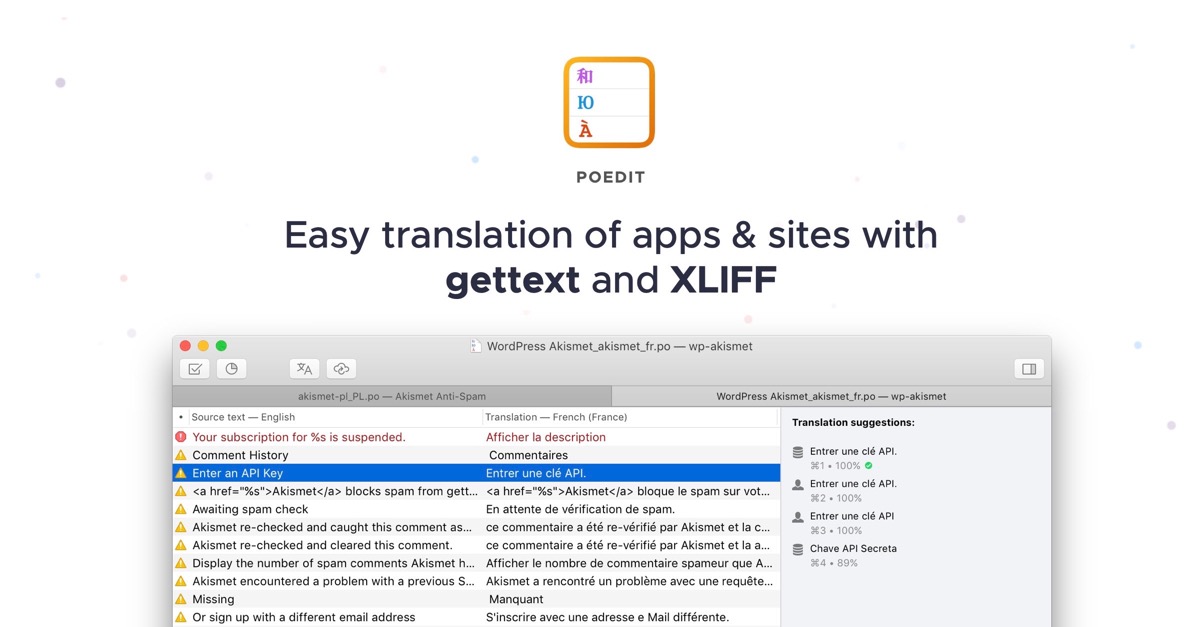

User reviews (0)